

How invoice groups appear in Upflow
The group
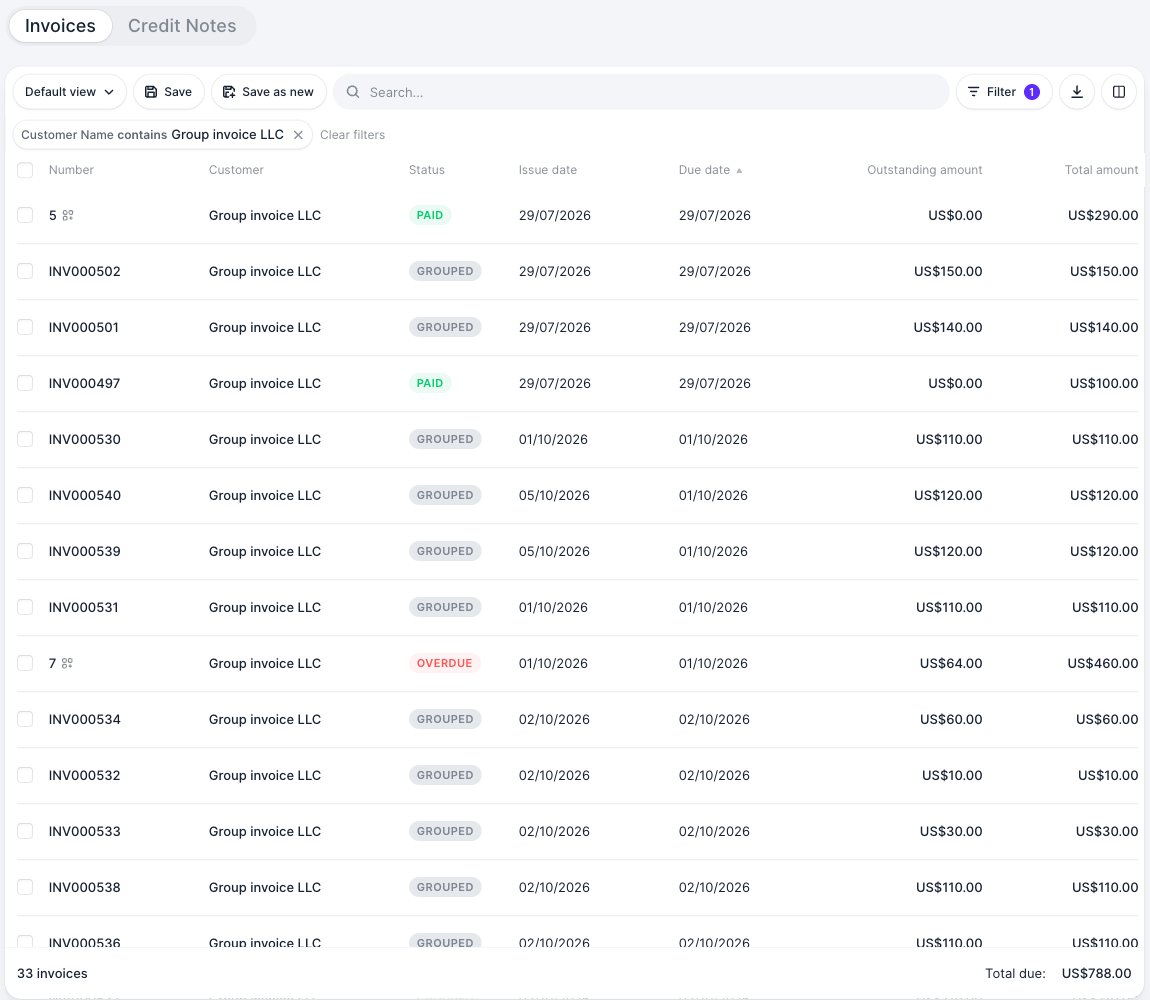
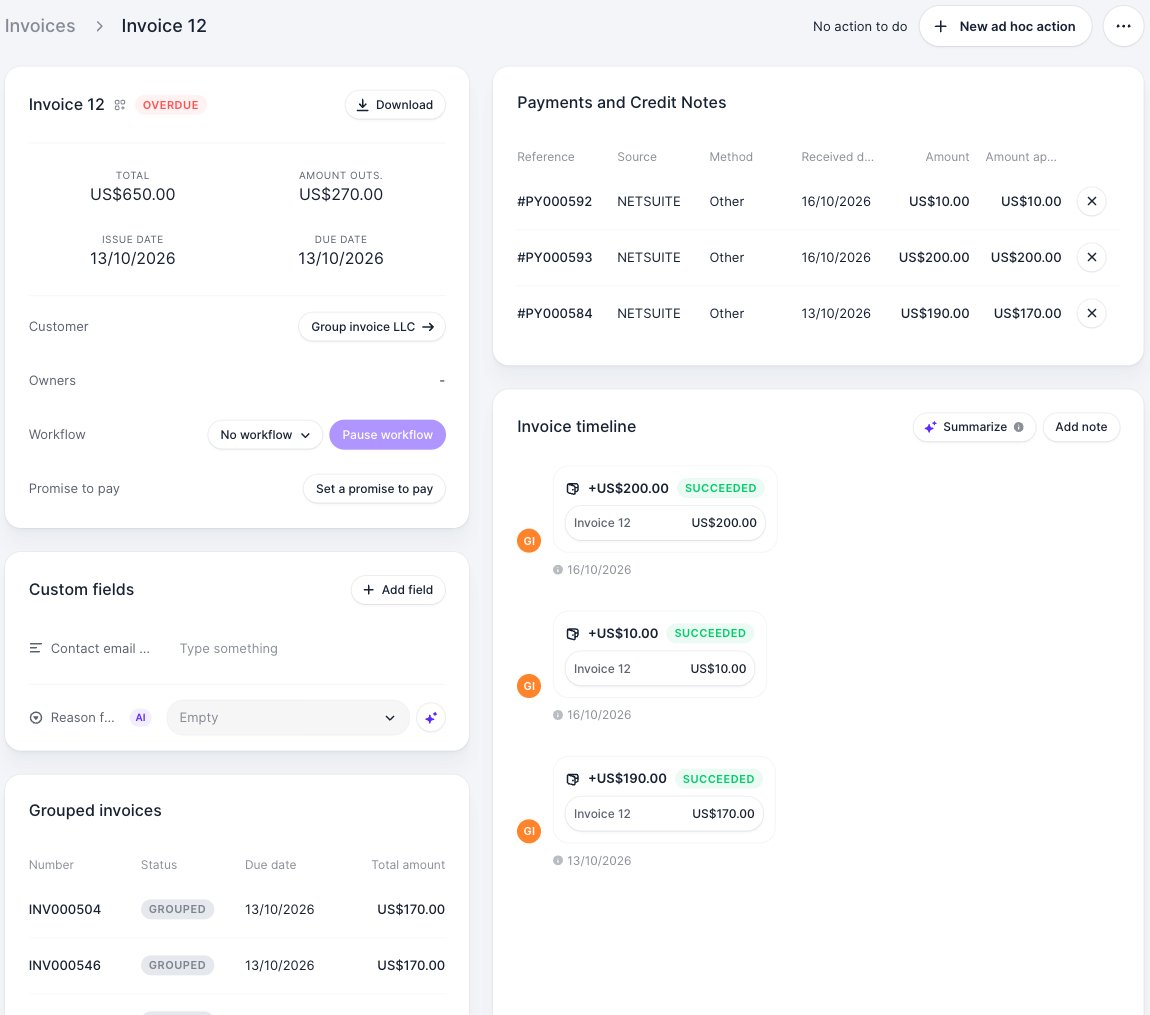
Each NetSuite invoice group is imported as an invoice in Upflow, with:- the group number
- the total, paid and outstanding amounts
- the issue date and due date
- the status (Due, Overdue, Paid)
- the PDF, fetched from NetSuite each time you or your customer download it
The grouped invoices
The invoices inside a group are imported with the Grouped status. On each one, a banner links to its group and explains that it is collected and paid through the group.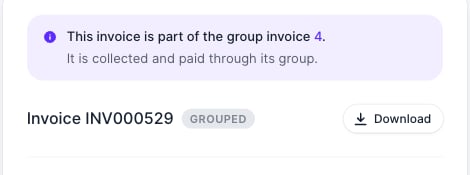
- They don’t count in your customers’ balances, your dashboard or your analytics. Only the group does, so amounts are never counted twice.
- You can’t assign a workflow to them, and no automatic reminder is sent for them.
- They don’t appear in your customer portal.
Collect on a group
A group behaves like any other invoice in Upflow:- Workflows: groups receive your default invoice workflow when they are imported. You can change it like on any invoice.
- Reminders: reminders that include invoice attachments attach the group’s PDF.
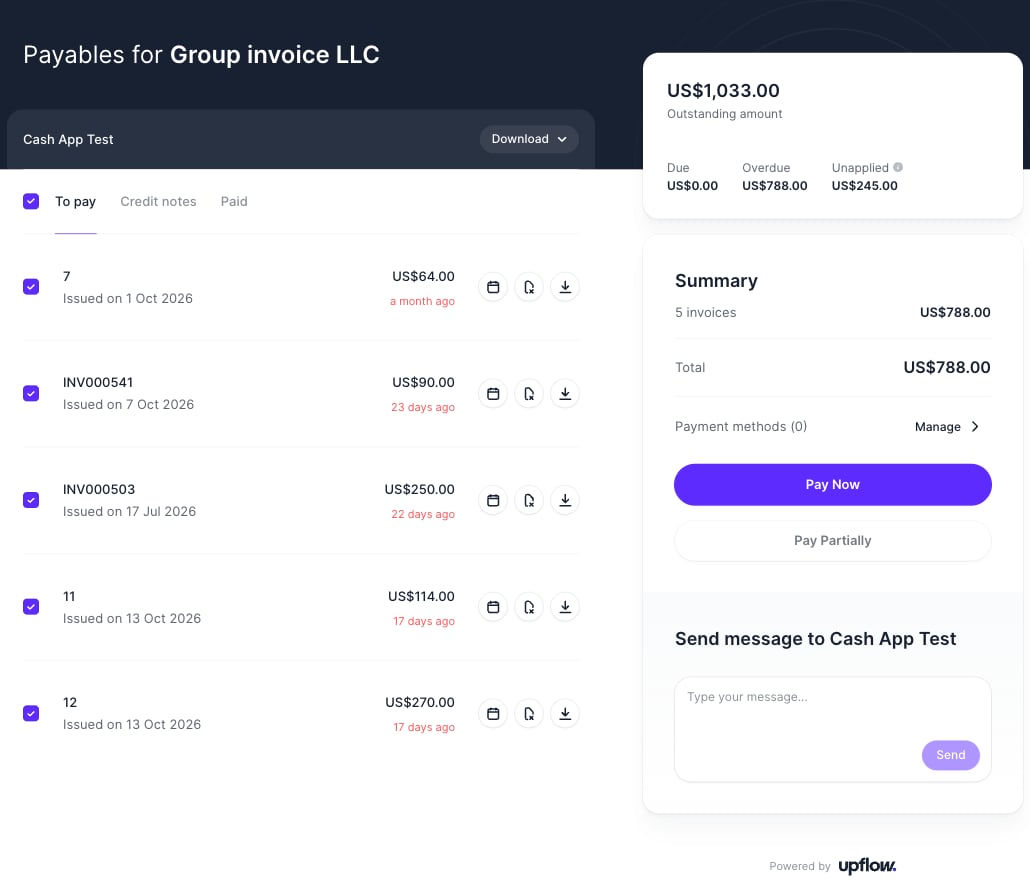
- Customer portal: your customers see their groups in To pay and Paid, download the group PDF and pay a group in full or partially. Grouped invoices are never listed.
- Disputes, notes and promises to pay apply to the group.
Payments and credit memos
In NetSuite, payments and credit memos are applied to the invoices inside a group, not to the group itself. Upflow re-applies them to the group:- A payment or credit memo applied to a grouped invoice in NetSuite appears in Upflow as applied to its group.
- If it is applied to invoices of several groups, Upflow spreads it across those groups.
Invoices waiting to be grouped
An invoice can be marked for grouping in NetSuite before it is added to a group. NetSuite doesn’t accept payments on it until it is grouped or unmarked. Upflow imports these invoices as Due or Overdue and hides them automatically:- They don’t appear in your customer portal, so your customers can’t pay them.
- No action is triggered for them, and they aren’t used for payments.
- A banner on the invoice page explains that it is waiting to be grouped in your accounting software.
Hidden invoices aren’t included in your customer’s outstanding amount in Upflow, while NetSuite includes them in the customer balance. Until the invoices are grouped, the two balances can differ by their amount.
Good to know
- NetSuite doesn’t support attachments on invoice groups. If attachments to invoices are enabled, only invoices outside a group include their attachments.
- The group PDF uses the NetSuite form of the invoice group. To show line items instead of a summary, set up a detailed form for invoice groups in NetSuite.
- Invoice group custom fields aren’t imported.