

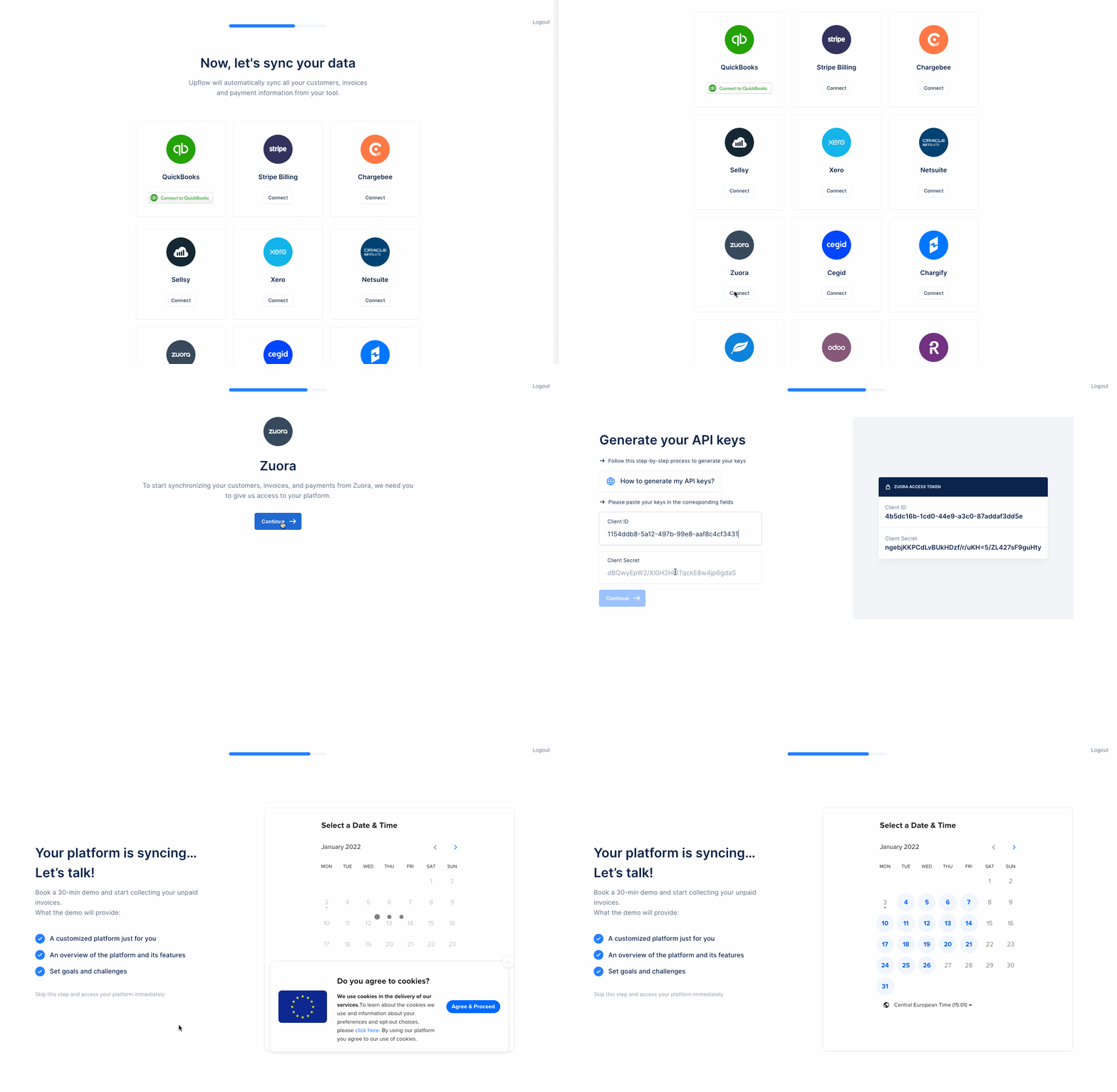
Step 1: Create a New user with API access rights
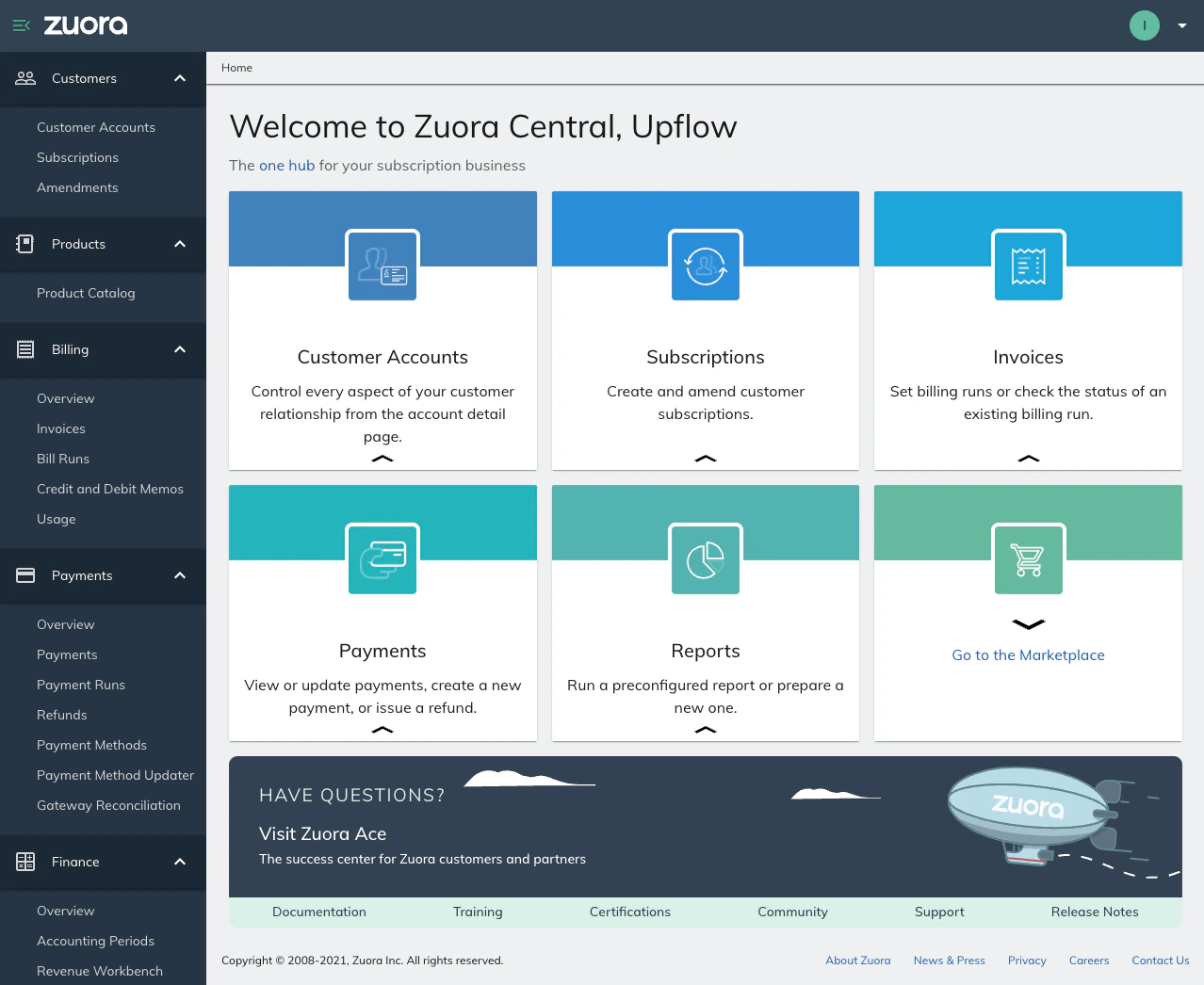
1. Go to your Zuora Platform logged as an Admin.
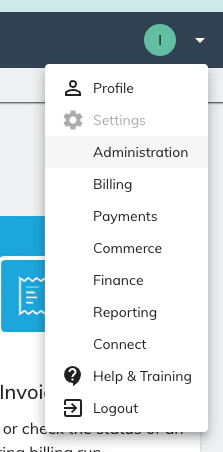
2. Go to your Administration section
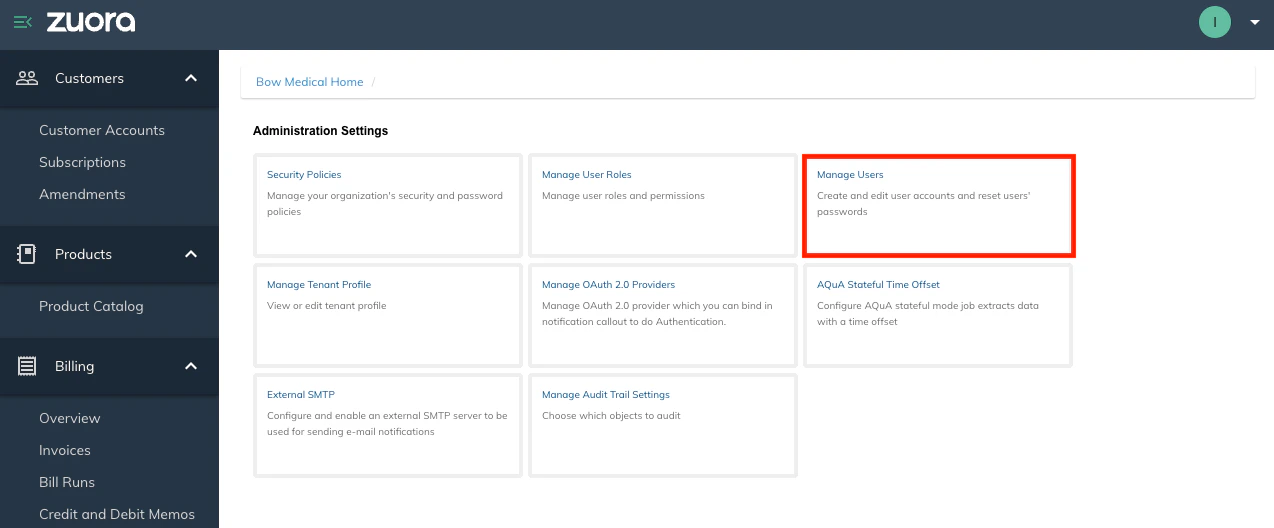
3. Click on Manage users then on add single user

4. Create a new user with that information:
- First Name: Upflow
- Last Name: Integration
- Work Email: your own work email (This is important as you will get a verification email to activate the user) - If you already are using this email you can add “+Upflow” in your email as such: “name+upflow@domain.com” instead of your name@domain.com this will create an alias and you will be able to receive the email on your name@domain.com inbox.
- Login Name: Same as your work email
- Zuora Platform Role: Set as API User (This is important)
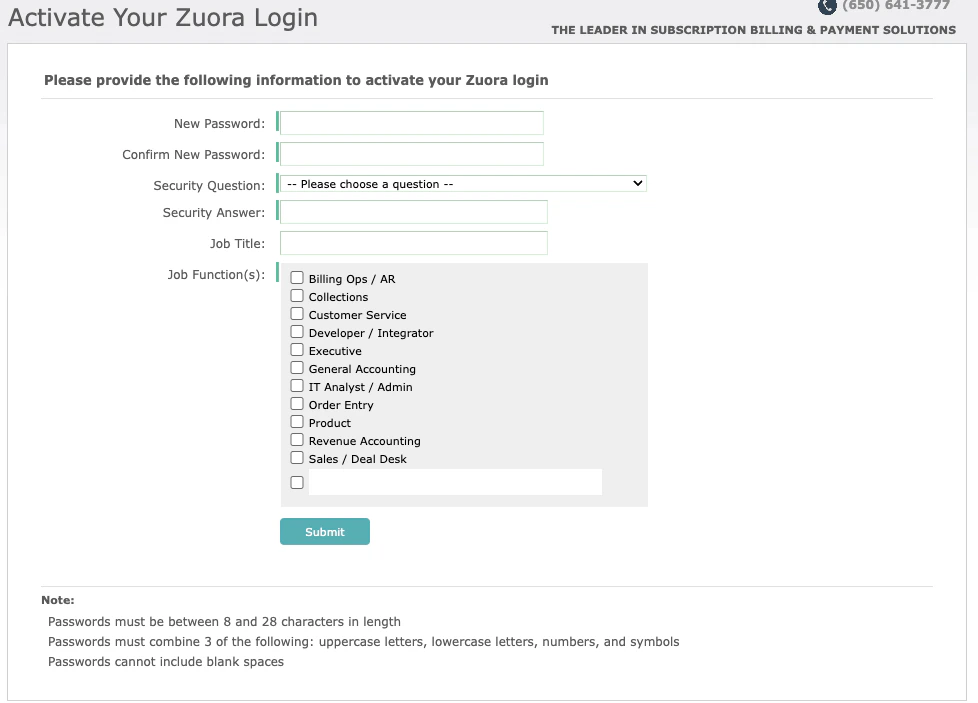
5. You will get an activation email from Zuora in your inbox, click on the link, and finish activating your Zuora login by filling up the information
Step 2: Create an OAuth client
1. With Your Admin account go back to the Manage Users tab
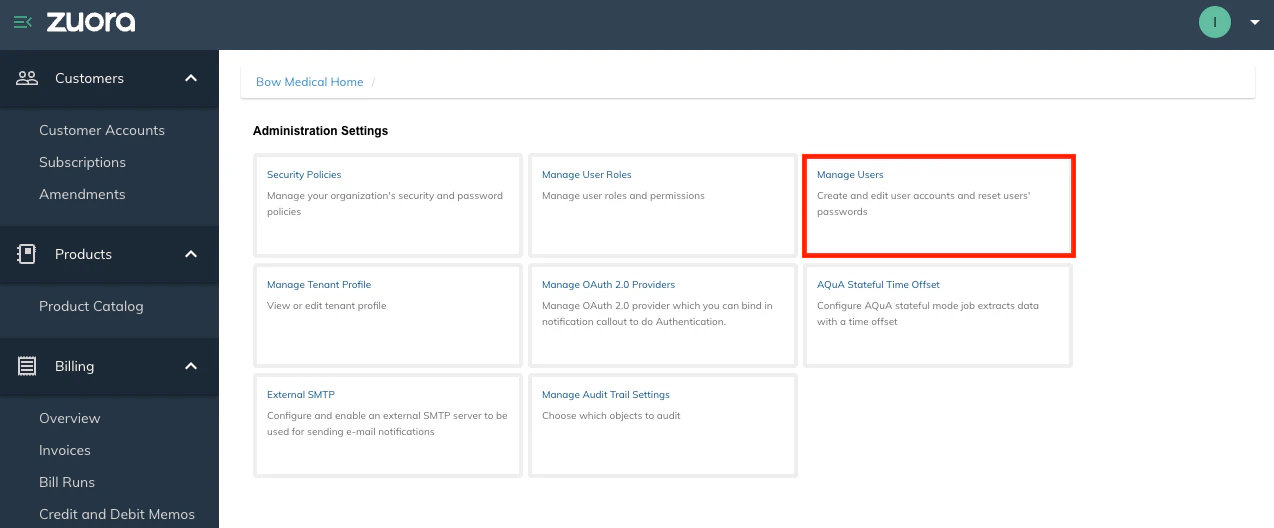
2. Click on the New User you just created. The following screen should appear :
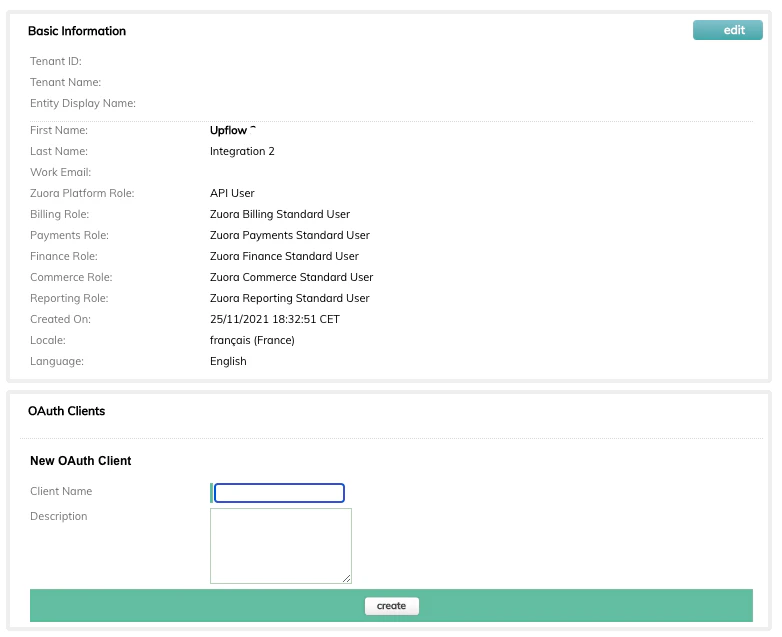
3. In the section OAuth Clients create a New OAuth Client named “Upflow” and click on create. A window with 2 keys will appear :

Step 3: Share the client ID and client secret with Upflow
- Input the Client ID and Client Secret in Upflow