

Multi-subsidiary customers
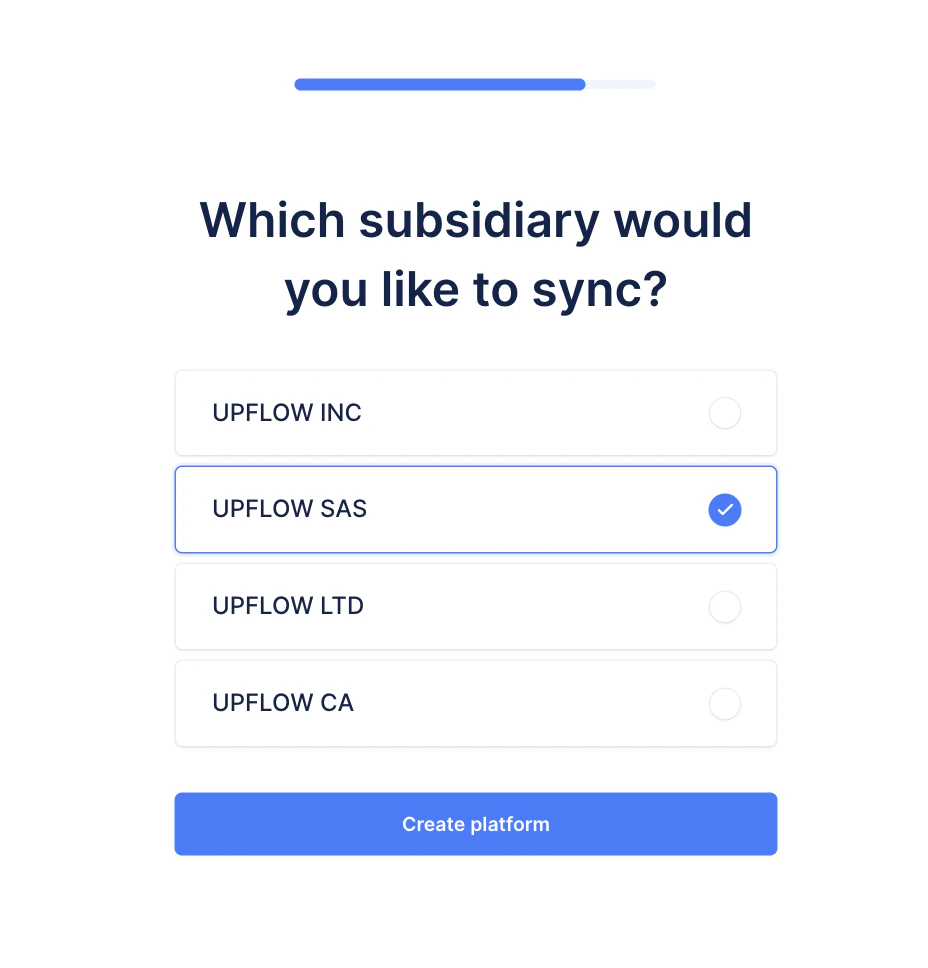
If you use NetSuite’s “multi-subsidiary customer feature,” allowing a single customer to be linked to multiple subsidiaries concurrently, your customers and invoices will be reflected in Upflow as follows:- A customer is imported in Upflow if it is linked to at least one of the NetSuite subsidiaries selected during the initial integration setup.
- If a customer is linked to both selected and unselected subsidiaries, Upflow imports only the customer invoices that are linked to the selected subsidiaries. As a result, only a subset of the invoices linked to this customer in NetSuite are imported.
- The customer balance shown in Upflow reflects the money they owe you on the selected subsidiaries. It does not include money owed to unselected subsidiaries.