

Invoices
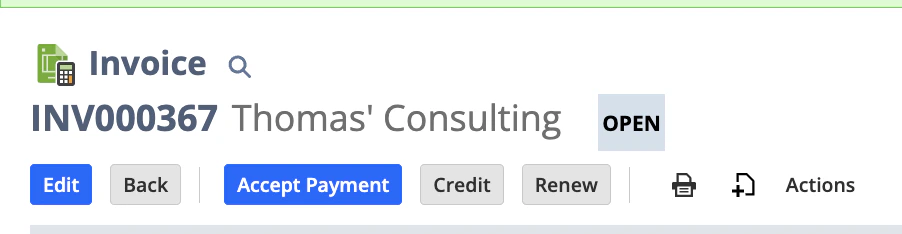
When an invoice is created in NetSuite, the same invoice will be available in Upflow if its status is open: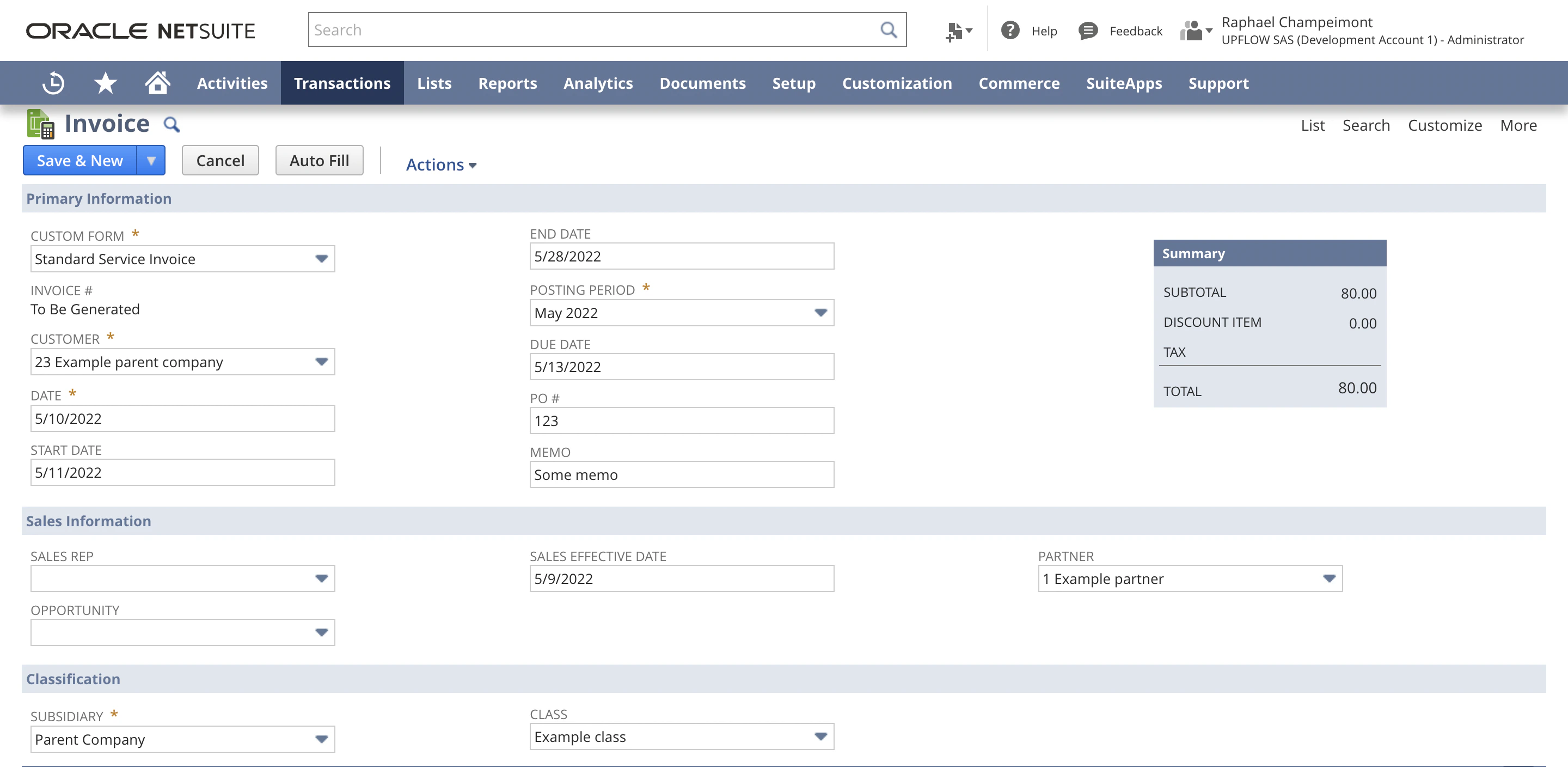
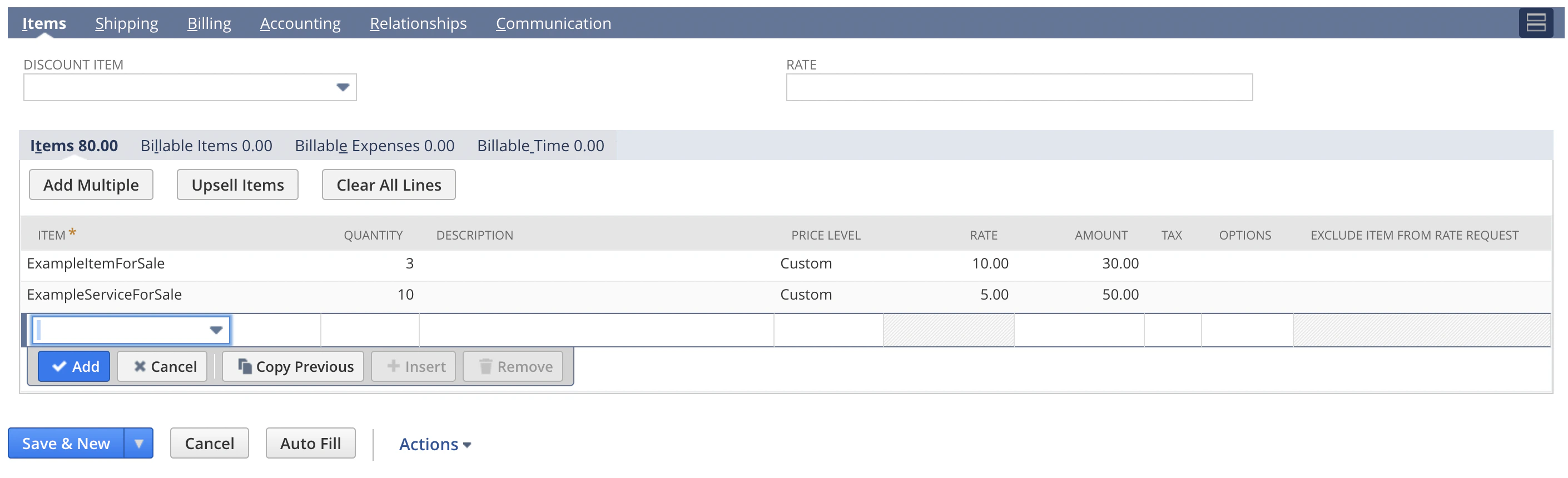
- invoice number
- issue date (shown only in the invoice list view in Upflow)
- due date
- total
- PO # (Purchase Order) → loaded as the invoice title in Upflow
Invoice custom fields
Upflow supports the import of invoice level custom fields from NetSuite. For the invoice custom field to apply to customers it must be within the “classification” section. Learn how to create a custom field in NetSuite in the instructions outlined here.Draft invoices
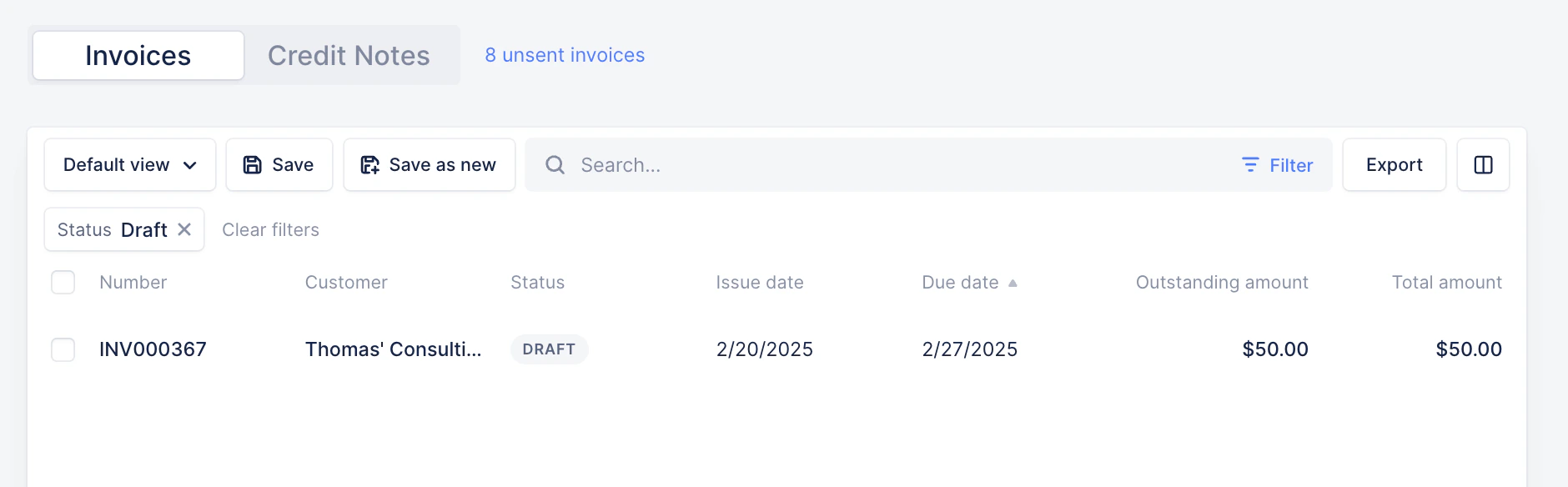
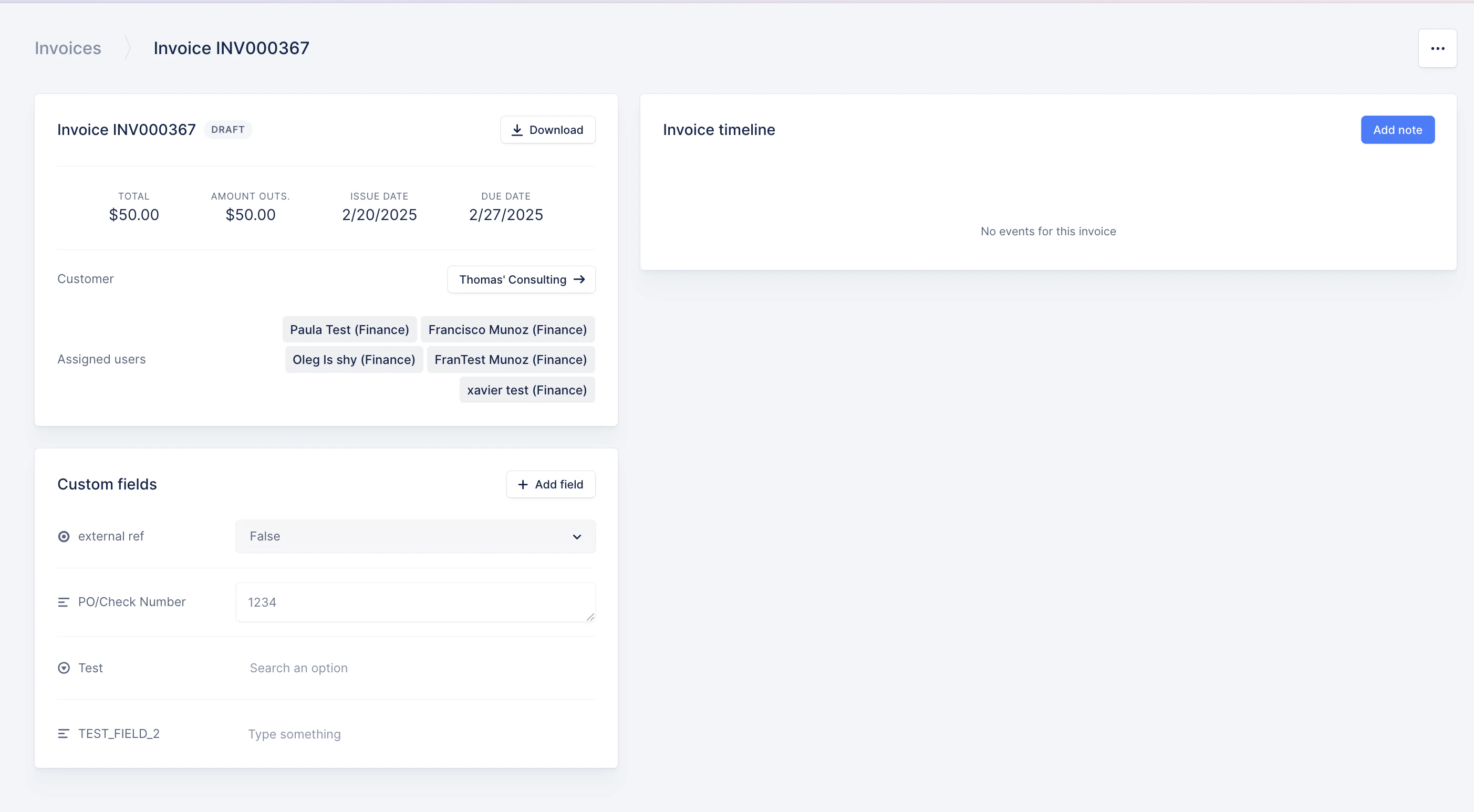
Upflow imports Draft invoices from NetSuite to allow collaboration in Upflow before the invoices are actually issued in NetSuite. When you use the Invoice Approval Workflow State in NetSuite, invoices that are “pending approval” will be imported as Draft. Here is how to set up this approval workflow in NetSuite.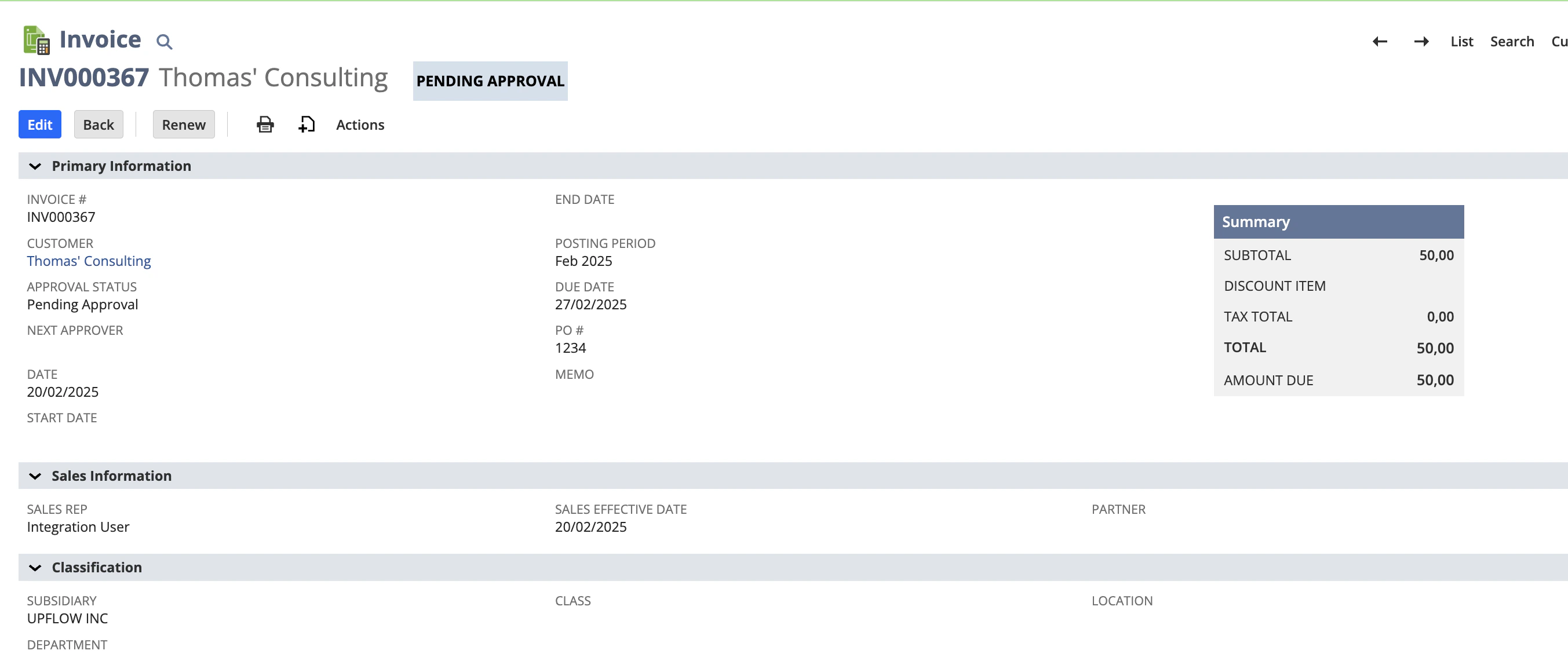
Attachments to invoices
Upflow can include files attached to your NetSuite invoices when your customers (or your team) download invoice documents from Upflow.Enable the option
-
In Upflow, go to Settings → Integrations
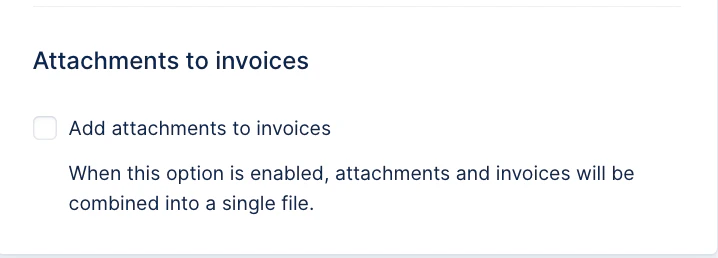
- Under Attachments to invoices, toggle Add attachments to invoices
What happens when enabled
- Upflow will retrieve the invoice PDF from NetSuite and include the invoice’s attached files.
- In the customer portal: the invoice PDF + attachments will be combined into a single downloaded file (so your customers receive everything at once).
- In email reminders: each PDF will be sent as individual files/attachments
What’s included
- Only files actually attached to the invoice in NetSuite are included.
- Stored documents under custom fields (instead of attaching them to the invoice record), can’t be synced.
Good to know
- Large files or a high number of attachments may fail to download (NetSuite/API size limits).
- If attachments are missing, first confirm they are visible from the invoice in NetSuite (and not only available via a custom print button / external storage).
Invoice and credit notes PDFs
Upflow will fetch the invoice or credit notes PDF from NetSuite every time you need it. As such, the PDFs will always be up to date, even after modifications in NetSuite.Credit Memos
Credit memos created in NetSuite will be synced into Upflow as “Credit notes”, and visible:- In your Credit notes list view
- In the customer’s page
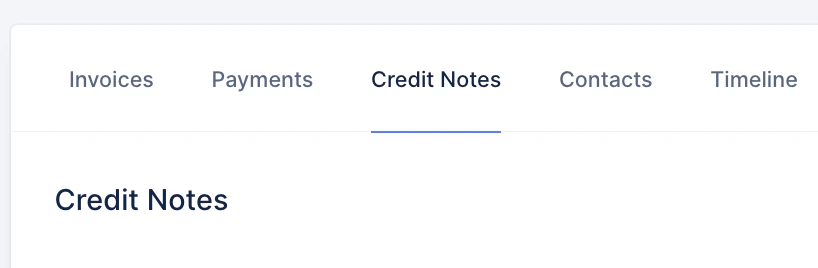
- Linked to the corresponding invoice
Invoice Group
Upflow imports individual invoices from NetSuite, but does not sync the NetSuite Invoice Group object itself. This means that in Upflow, you will see your customers’ individual invoices, as they will in their portal, whether they’re part of an invoice group or not. It isn’t possible in Upflow to send only the grouped invoice and never the individual invoices using the Invoice Groups feature. A solution could be to create a custom invoice-level (for invoice level collection) or customer-level (for customer level collection) field in NetSuite (e.g.Invoice Group Flag or UF Group ID) and add that custom invoice field into Upflow (here) to use it for filtering and/or workflow assignment.