

- Customer name: If the NetSuite customer :
→ Is a Company, with a company name defined, we reflect the company name in Upflow
→ Is a person, the name reflected in Upflow is computed from the customer First + Last names
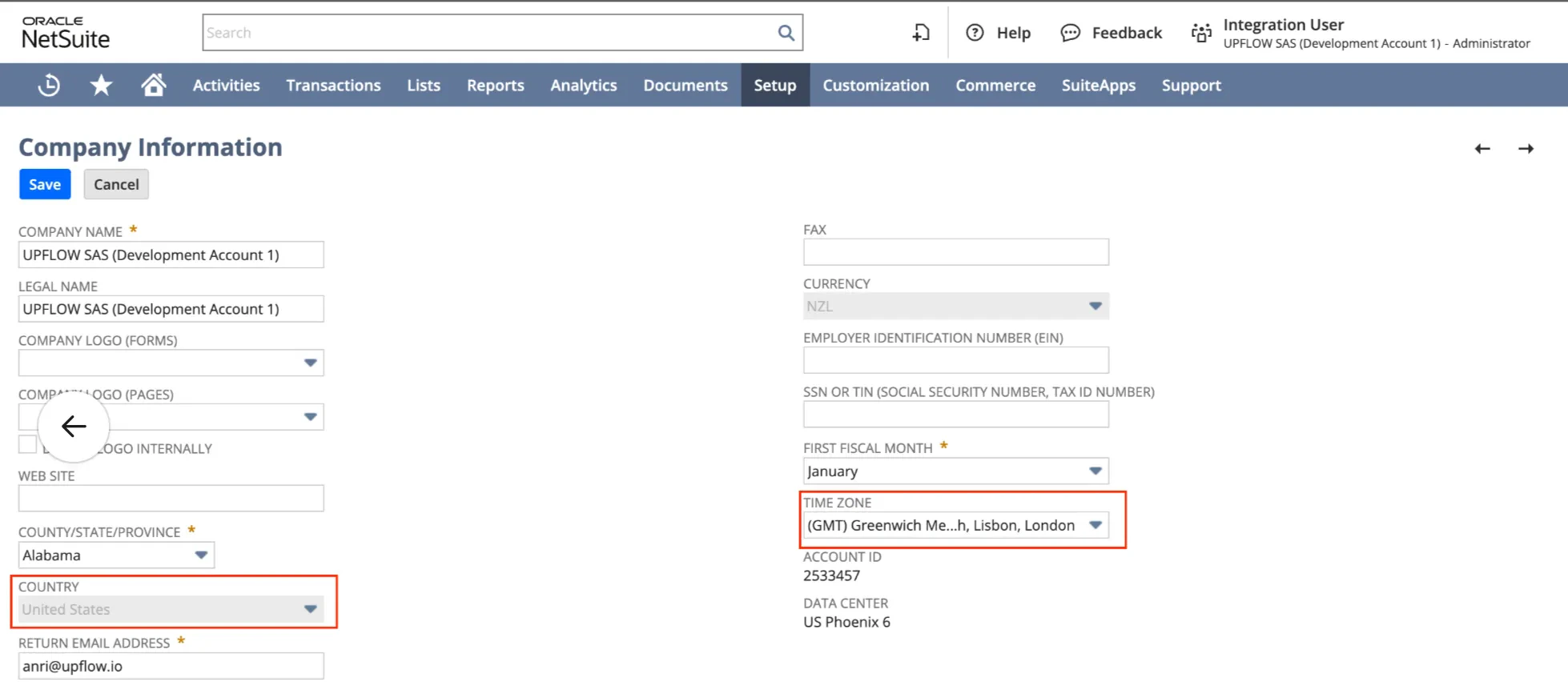
→ If none of the above, we use the entity id - Country: Upflow uses the fields located in the Company Information page.
Customer hierarchy
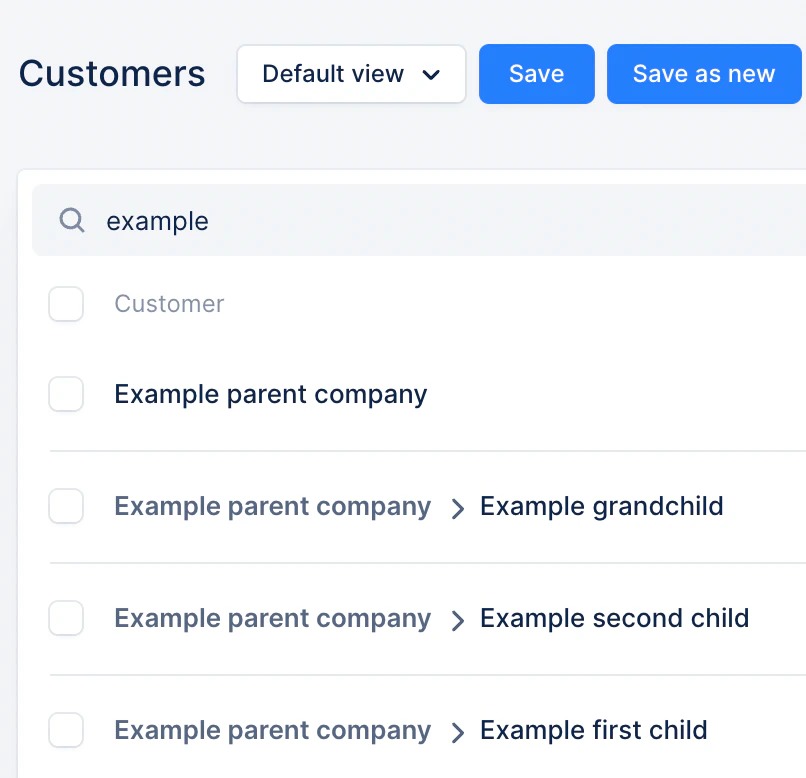
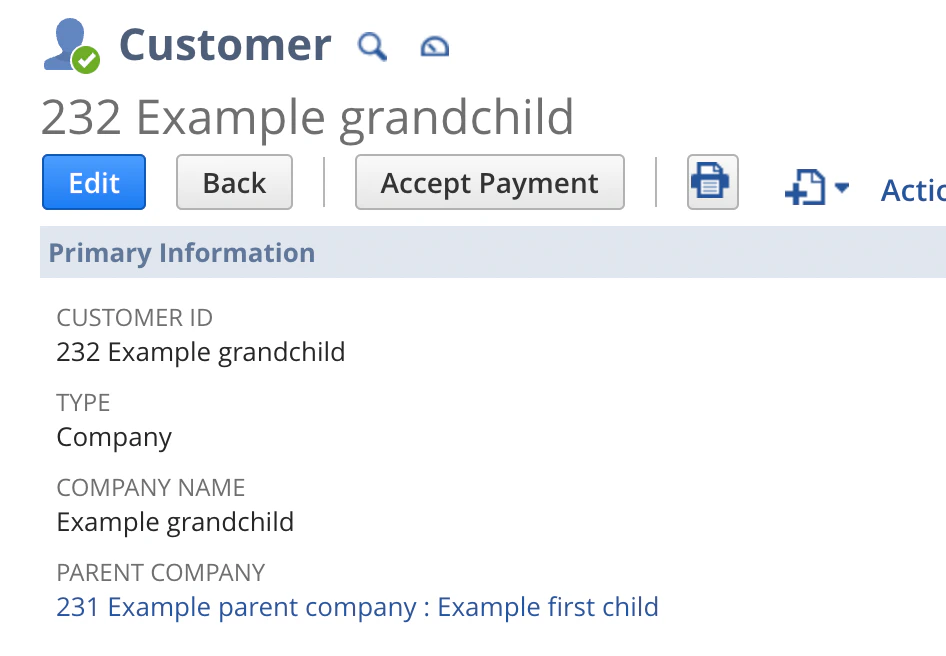
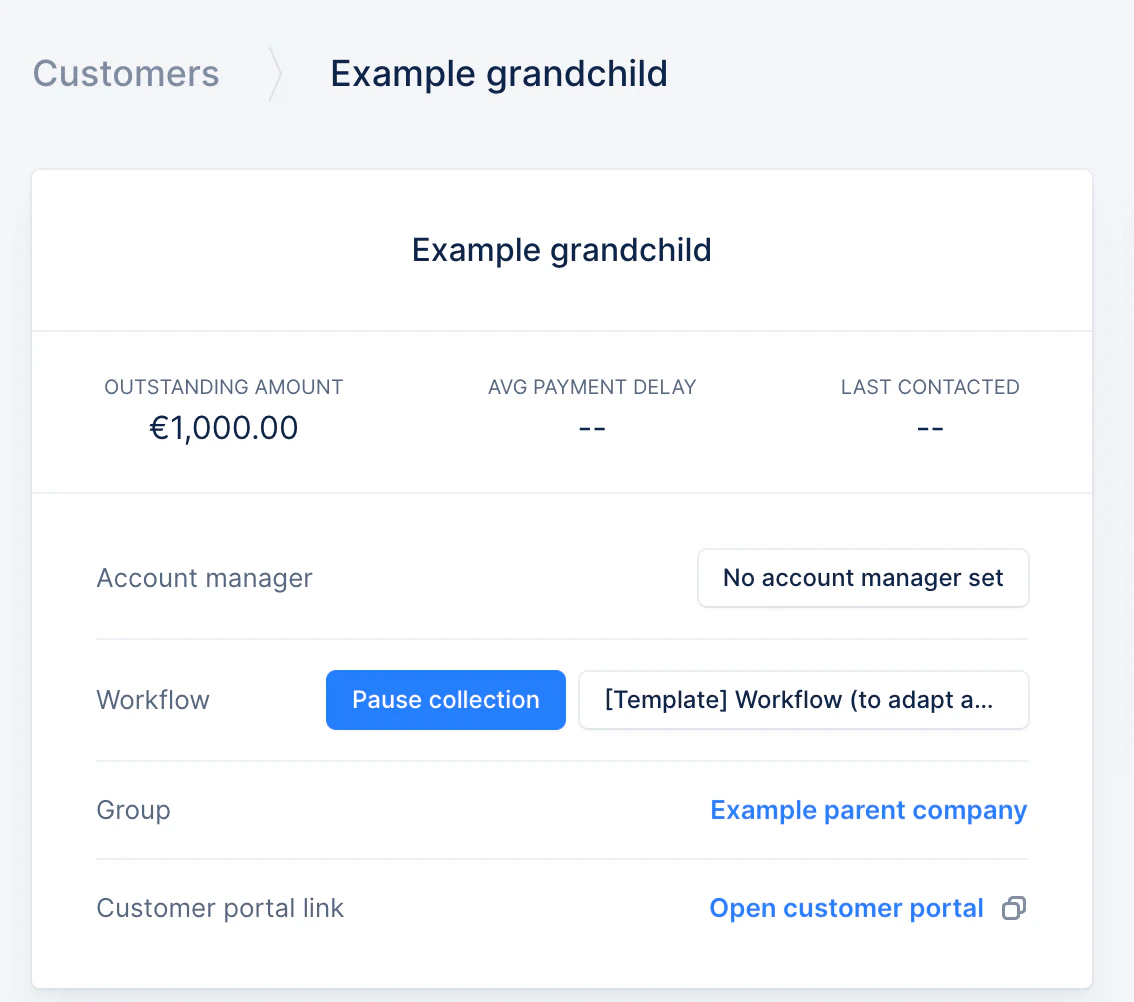
In NetSuite, the parent/child customer relationship allows for hierarchical organization of customers. This relationship is imported into Upflow with some exceptions. If you would like to perform the collection at the parent level, only for the parent’s invoices, we can disable the hierarchy synchronization. Please contact us at support@upflow.io to do so. ⚠️ Note: Upflow only supports 2 levels of customer hierarchy (i.e. parent-child). Any “grandchildren,” therefore, will appear as though they are directly linked to the top-level parent. Here “Example parent company” has two children: “Example first child” and “Example second child”. “Example first child” itself has a child: “Example grandchild.”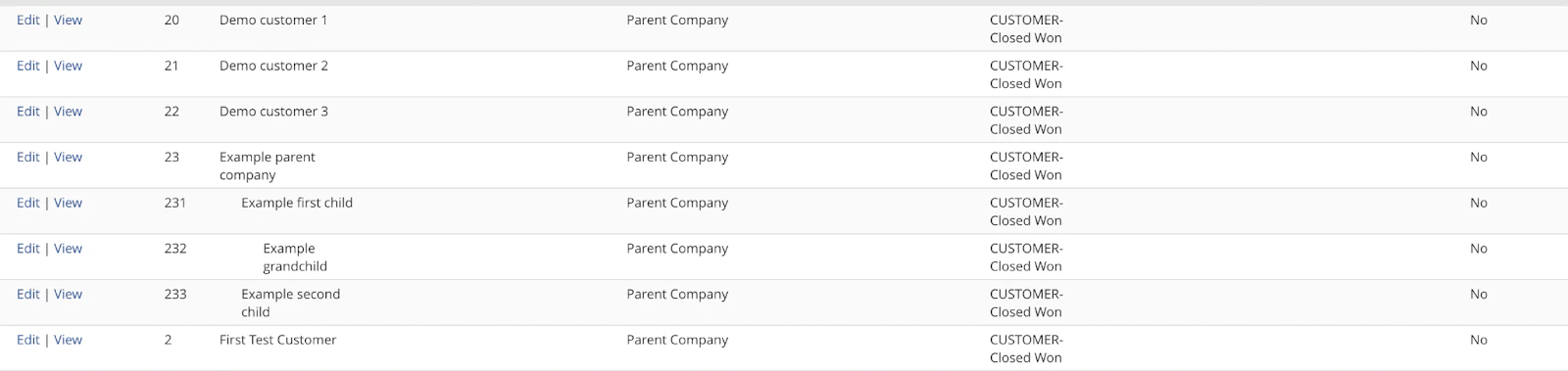
Inactive Customers
If your customers are marked as Inactive in NetSuite, they will be excluded from the initial synchronization with Upflow. If a customer is marked Active later, they will then be synced into Upflow.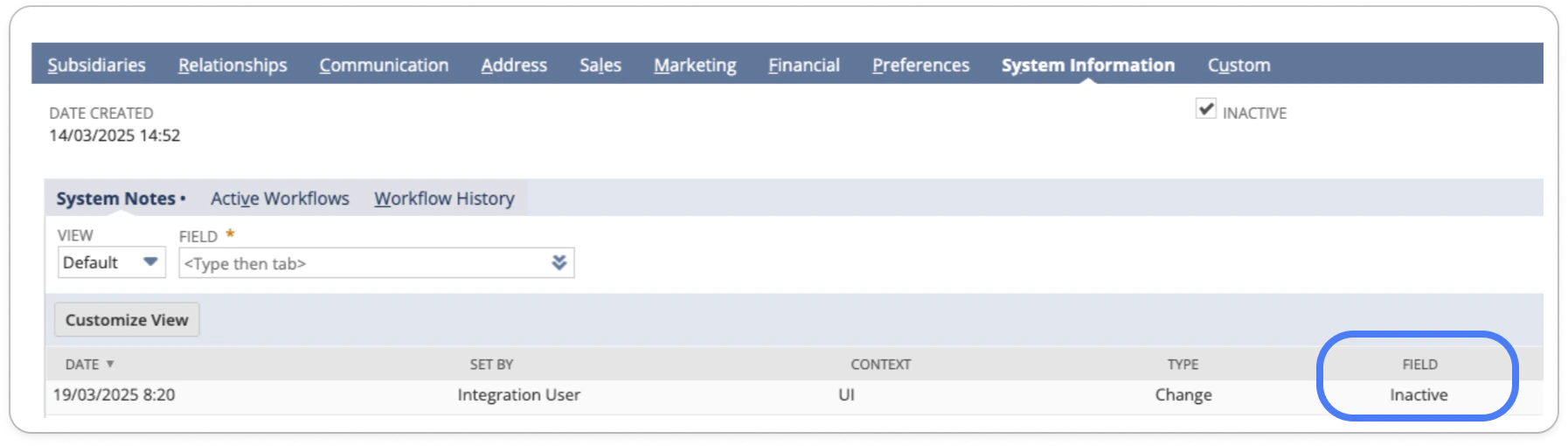
Excluding customers from Upflow - Initial sync
Customer exclusion means the customer itself and its meta-data (name, etc.) will be in Upflow (but invisible) but none of its associated data (invoices, transactions, etc.). With Upflow, you can exclude customers natively as part of your NetSuite integration or directly from your Upflow’s settings.Specific customers
To exclude customers natively from your NetSuite sync , Upflow filters them based on a specific value in the standard “category” field. Please submit a support request with a file listing all customers to exclude (Name/External ID/Upflow ID).- This is only compatible with the standard NetSuite customer category field.
- This method is ideal for large datasets (10,000+ customers).
- Using this exclusion method speeds up the initial sync , as excluded customers’ data is never imported into Upflow.
- However, the incremental sync performance is not affected. The integration reads all changes to the NetSuite instance and then decides which information to discard, after it’s been pulled from NetSuite.
Inactive customers
If your customers are marked as Inactive in NetSuite, they will be excluded from the initial synchronization with Upflow. If a customer is marked Active later, they will then be synced into Upflow.Exclude customers - NetSuite synced to Upflow
If your NetSuite subsidiary is already synced to Upflow, you have three options to exclude customers:- From your Upflow settings > Integrations, where individual customers can be selected (max 25).
- Using smart rules and the “Exclude from Upflow” action type.
- Prepare a CSV file, containing the customers names + external IDs + Upflow IDs. Share this file with our Support through this form.
Customer contacts
Upflow imports the following information from NetSuite for customer contacts:- the “email” field of the customer
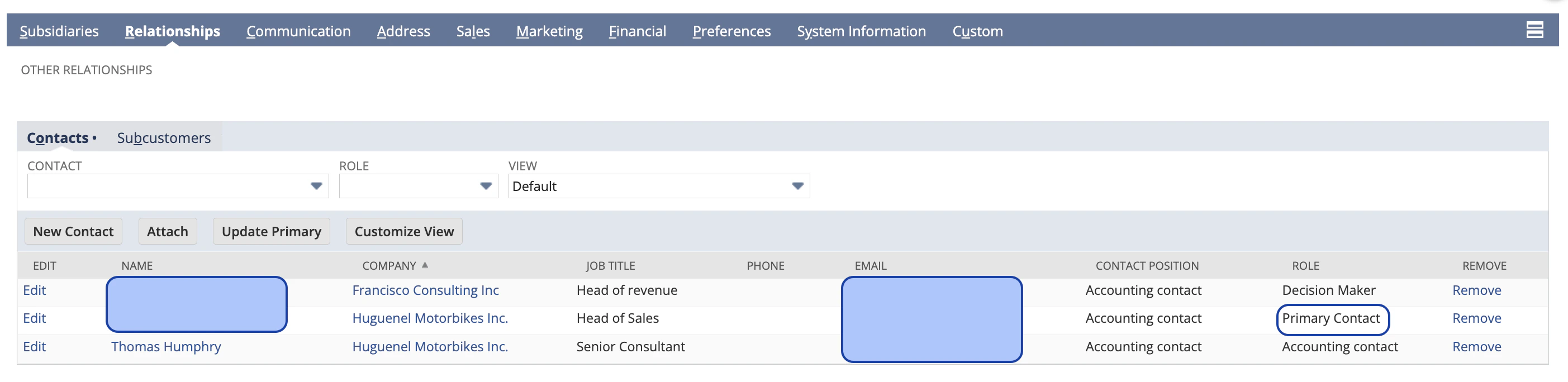
- the contacts declared in the “Relationships” tab of the customer when their company is the same as the customer
Main contact
The main contact is set for contacts with the NetSuite role “Primary Contact ,” or by using the email field of the customer otherwise.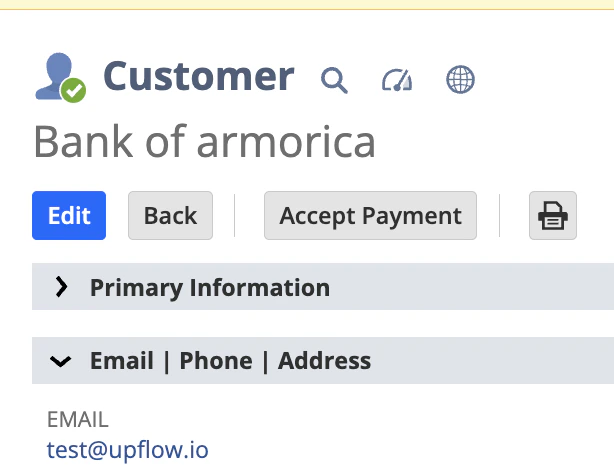
Notes:
- Upflow excludes inter-company customers from the import from NetSuite when they are defined as those with representingSubsidiary value.
- Upflow can import customer custom fields from NetSuite. If a field holds an email address — for example “Client billing email address” — you can use the field itself as an email recipient, without creating a contact for it (learn more: Send emails to a custom field address).
- If you integrate with Salesforce as well as NetSuite, the Salesforce contacts and account owners will override those from NetSuite.