

Functional overview
Basic flow
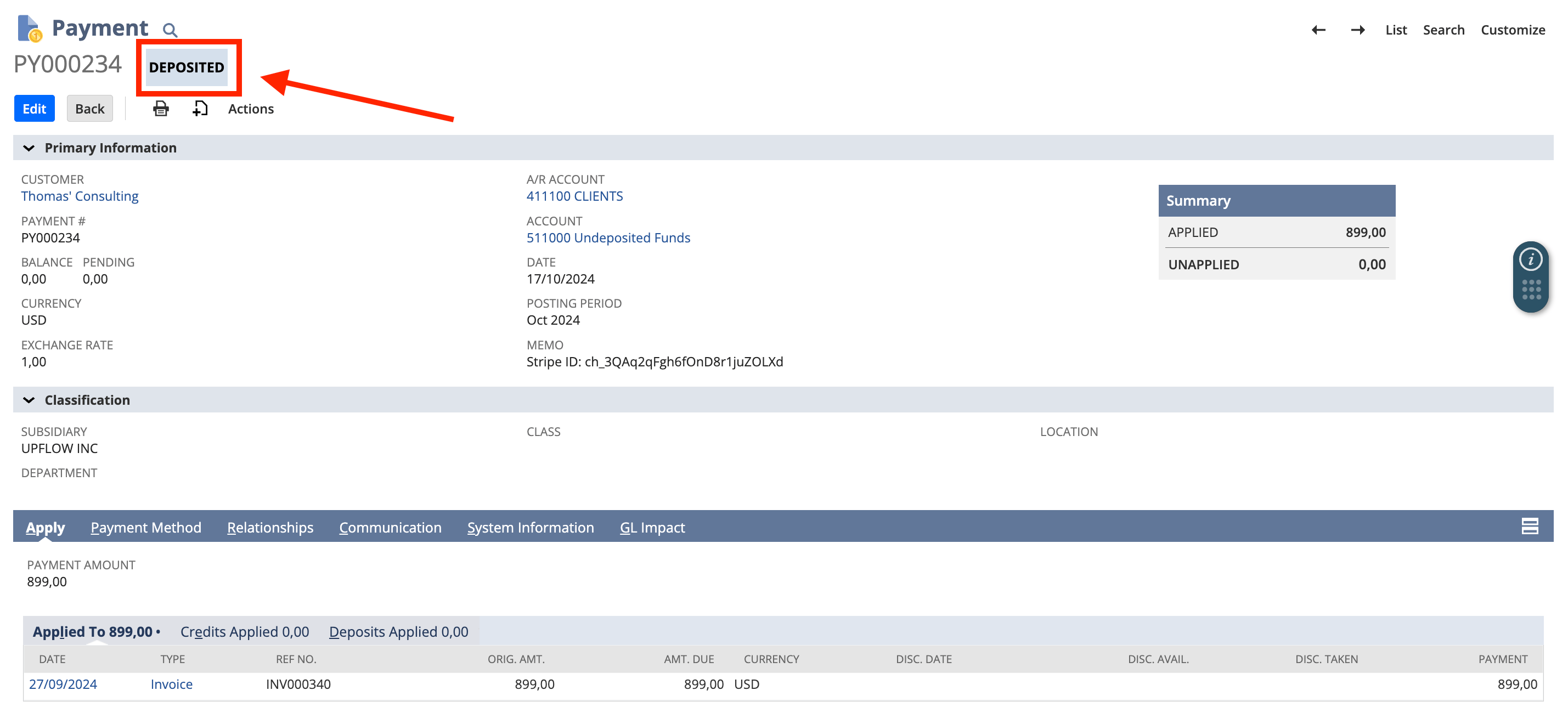
Our online payments sync for NetSuite works in parallel of the underlying physical money flow (from your customer’s bank account to yours) in 2 simple steps: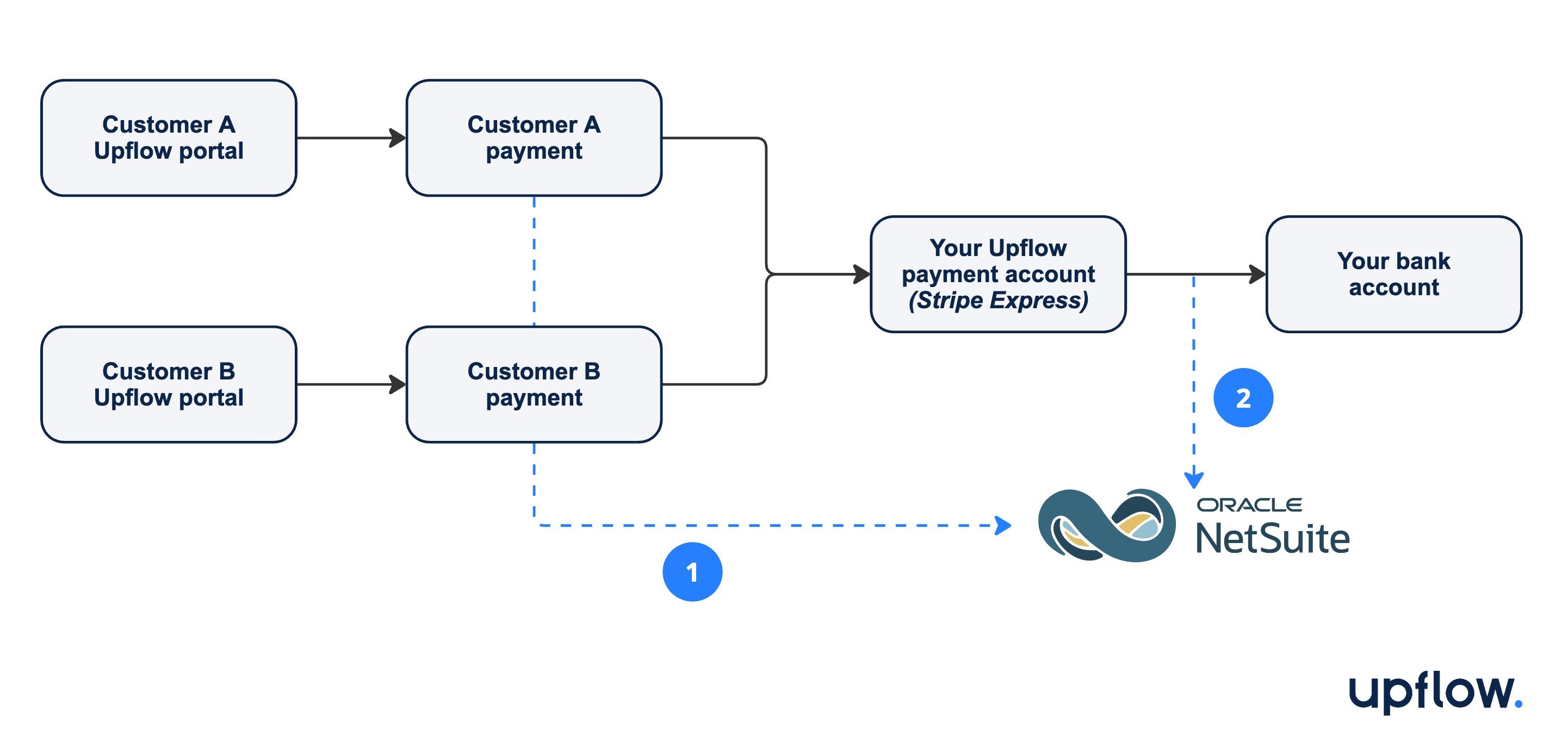
NetSuite GL accounts & analytics
To ensure money movements and associated operations are properly reflected in your NetSuite instance/accounting, you can configure which General Ledger accounts and header-level classifications should be used for each component from your “Payment sync” section here. Where applicable, you also have the option to specify the corresponding Department, Class & Location to seamlessly integrate with your analytical accounting workflows in NetSuite.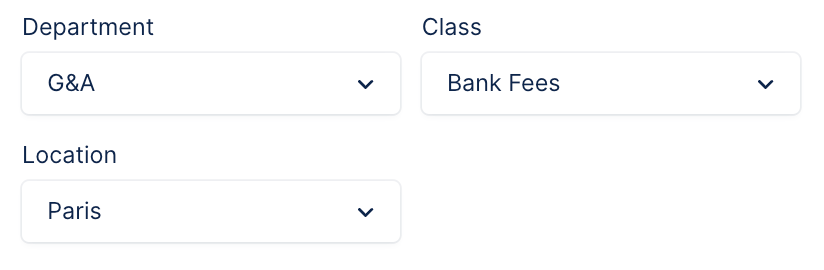
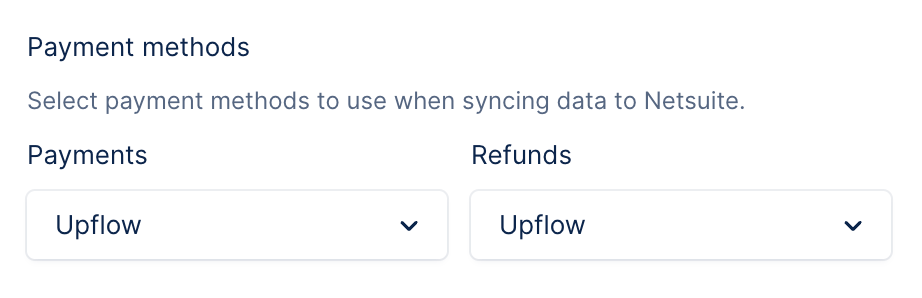
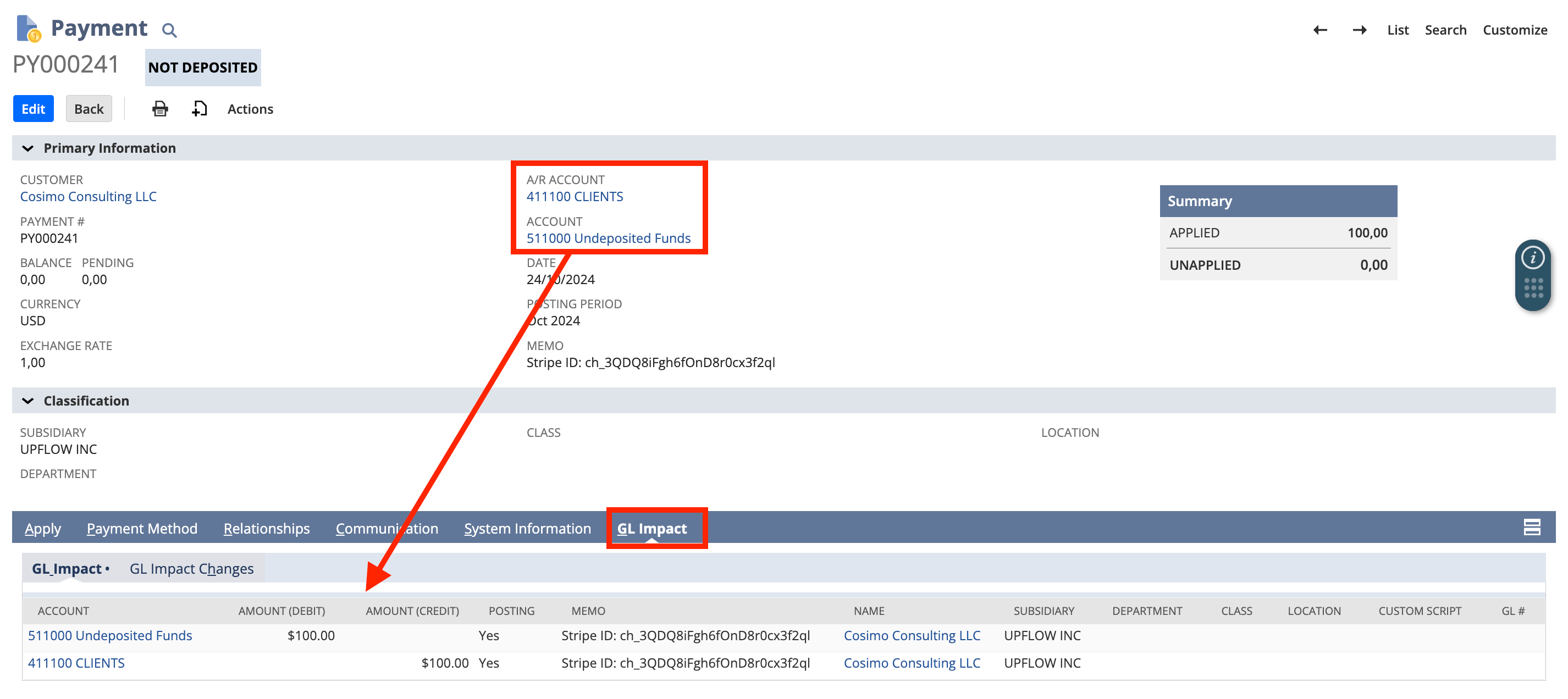
Payments
GL account: Undeposited Funds. You cannot modify this.
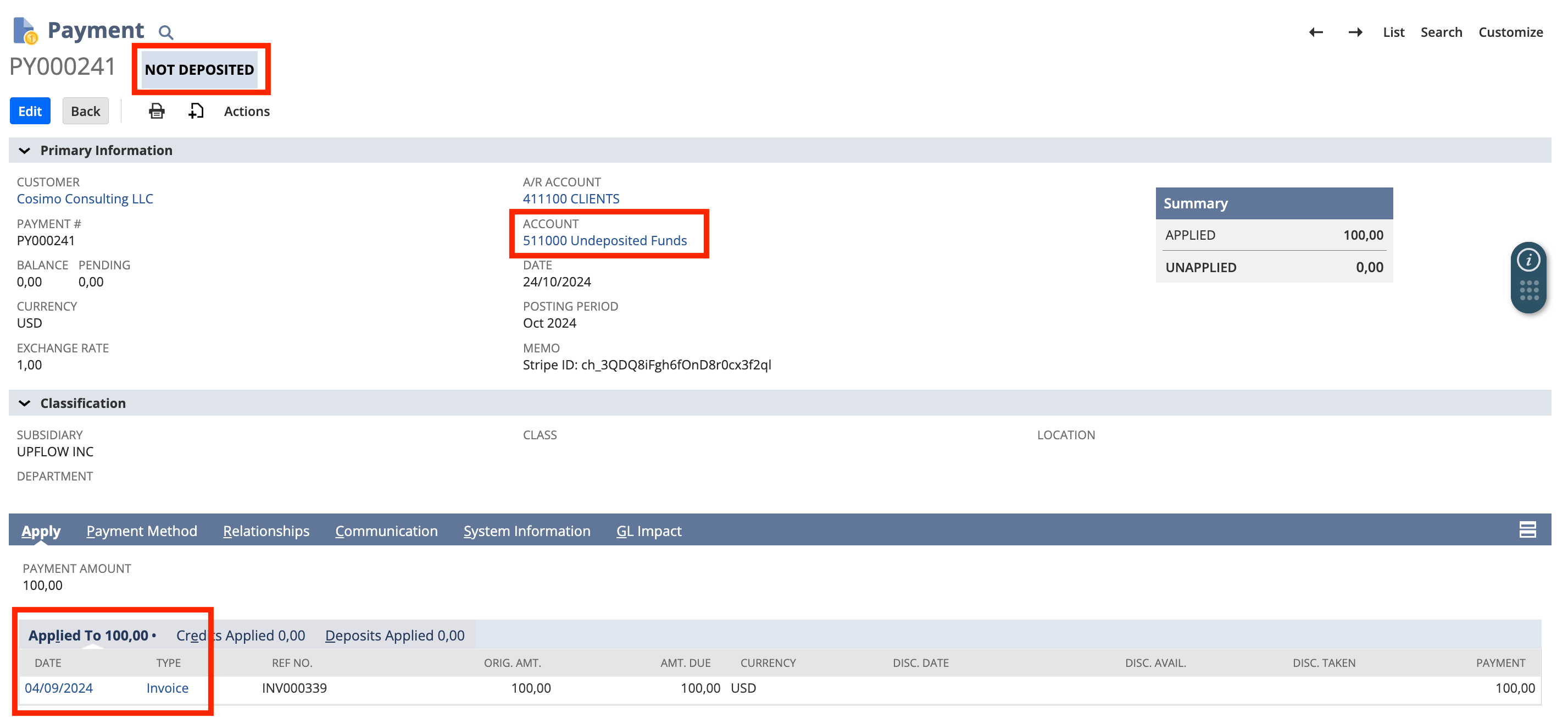
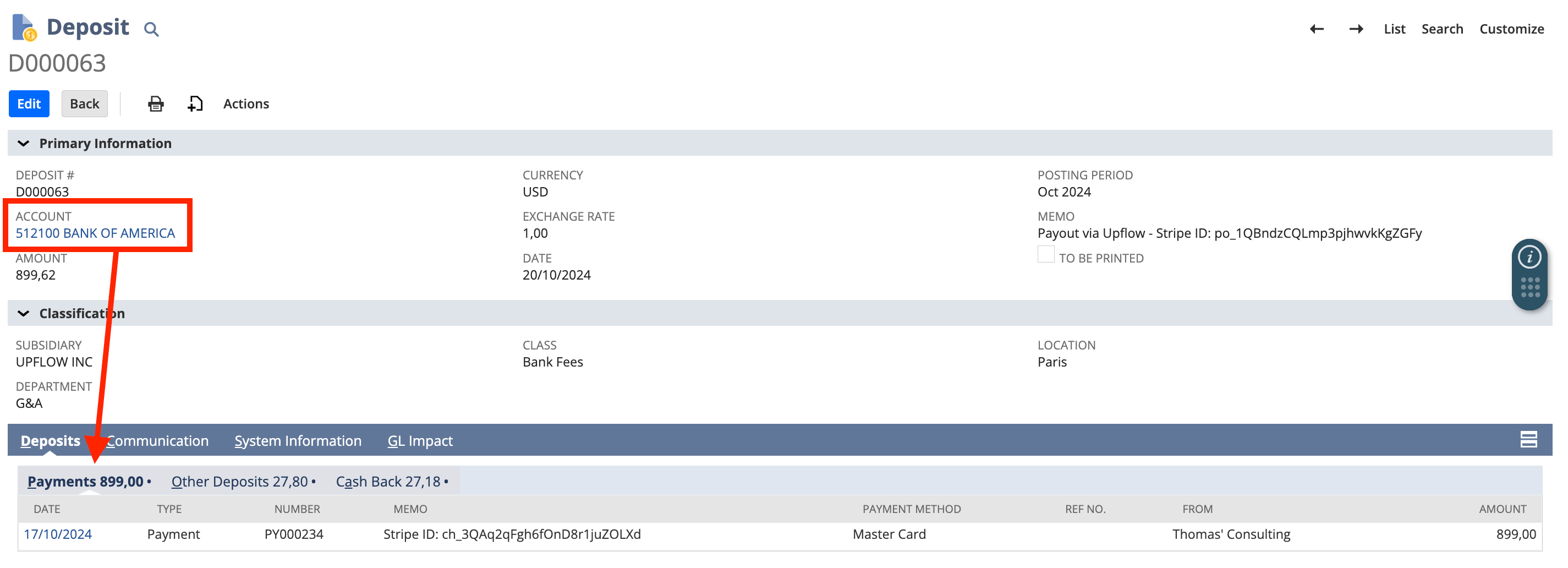
Deposits
GL accounts: specified by you. Must be an account of type “Bank”. Select the GL account corresponding to the bank account where you receive payouts from your Upflow payment account, which you set up through Stripe Express. You can add up to one bank account for each currency if multi-currency is supported for your organization: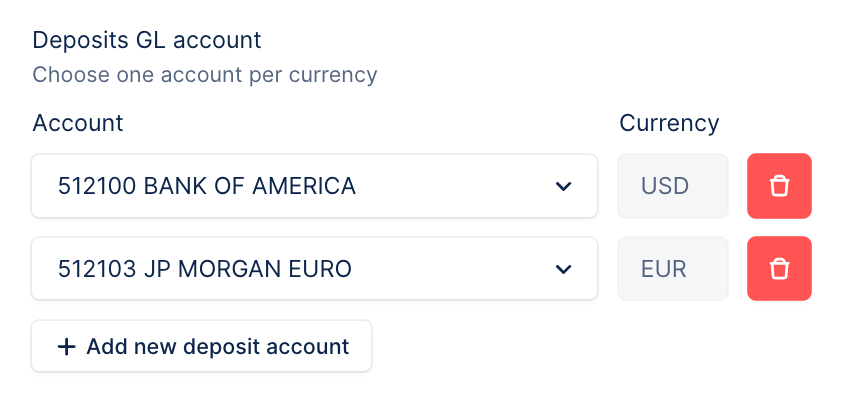
Processing & surcharges
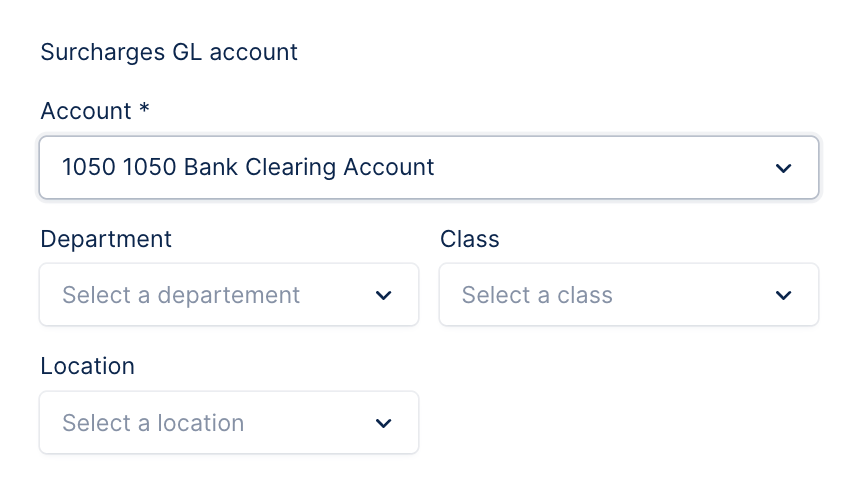
GL accounts: specified by you. Select the GL account to record the payment processing fees charged by Upflow (typically, an expense account), and if applicable the one for the card fees you pass on to customers when they pay: Processing (“gateway”) fees GL account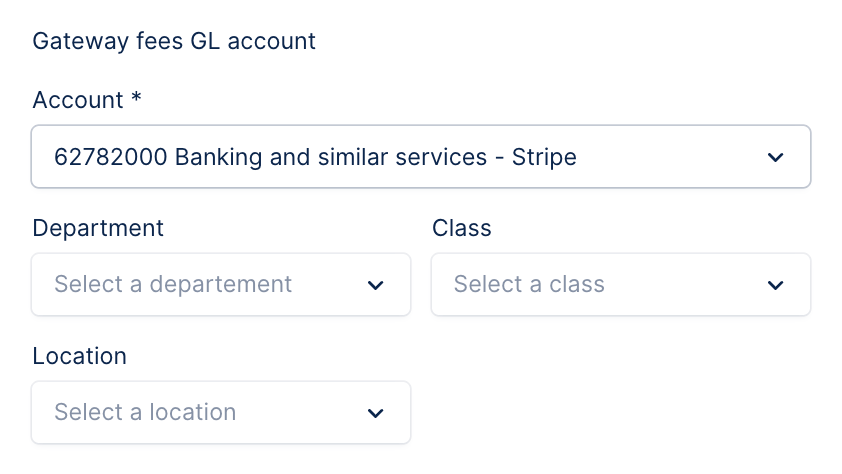
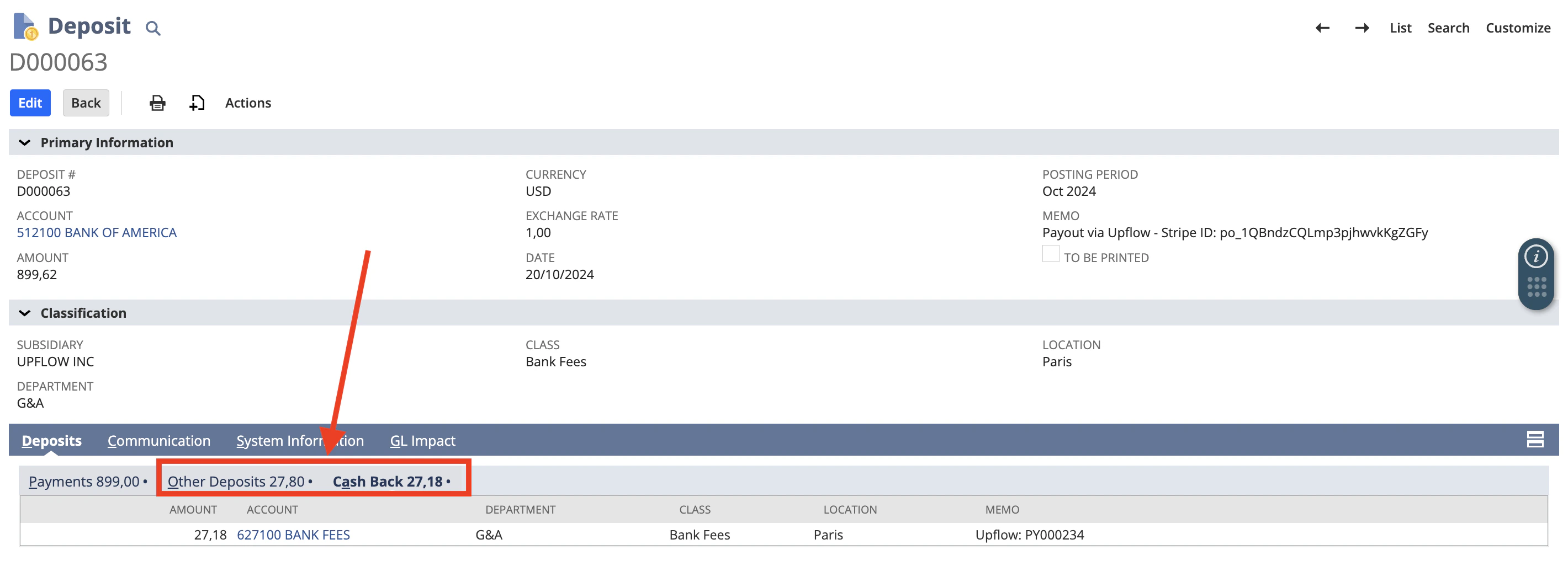
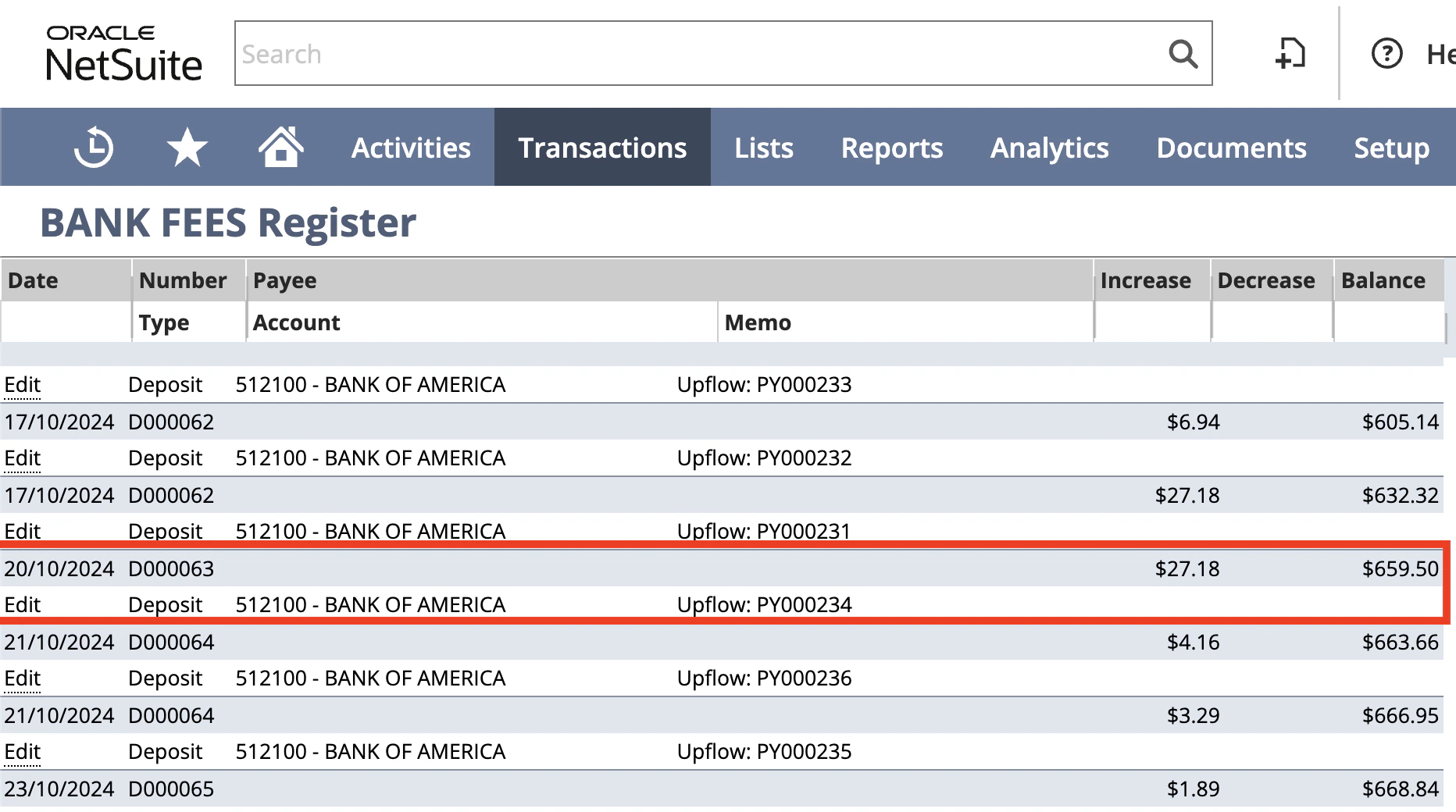
| Processing fees recorded under the “Cash Back” tab | Impact of processing fees in the specified GL account register |
|---|---|
 |  |