Excluded customers
As mentioned at the top, Customer exclusion means the customer itself and its metadata (name, etc.) will remain in Upflow (but invisible), but none of its associated data (invoices, transactions, etc). Those will be deleted. You will be able to see any excluded customers from your Upflow Settings (only accessible by Admin users).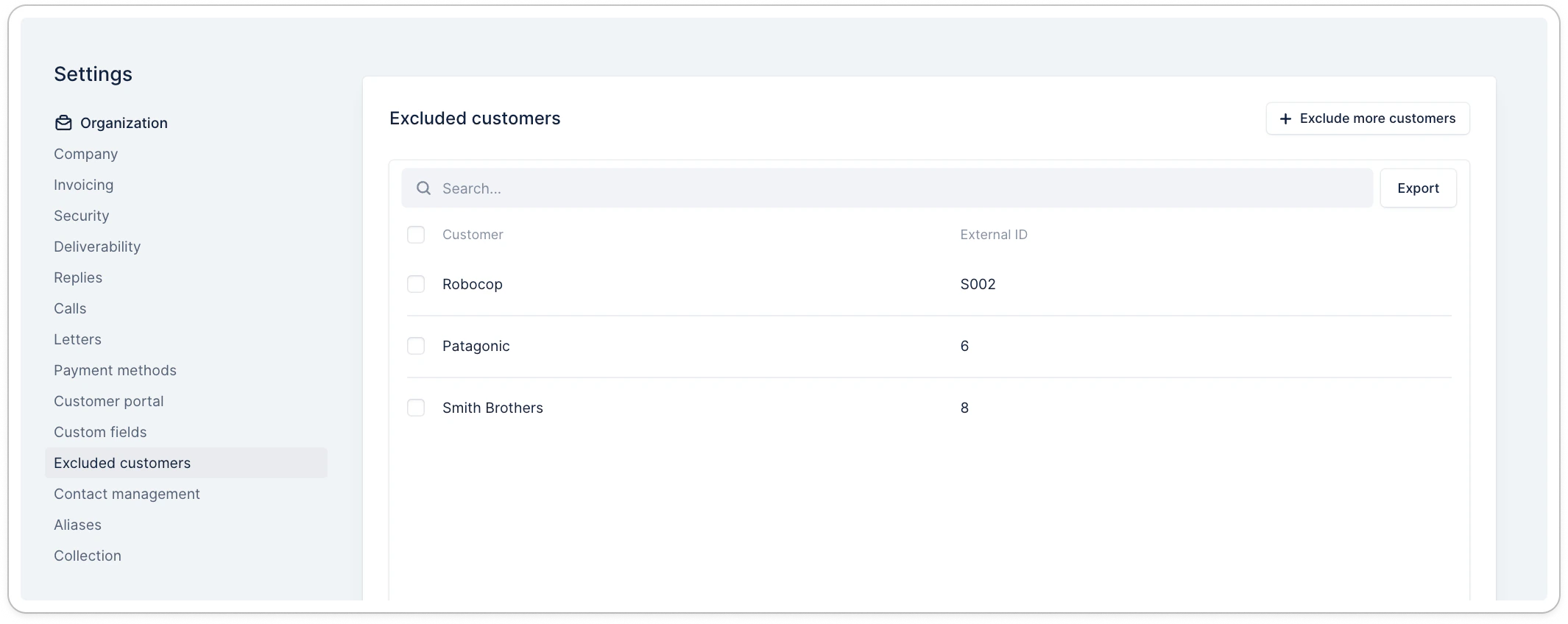
Exclude customers from the settings
By clicking on Exclude more customers, you can search and exclude specific ones: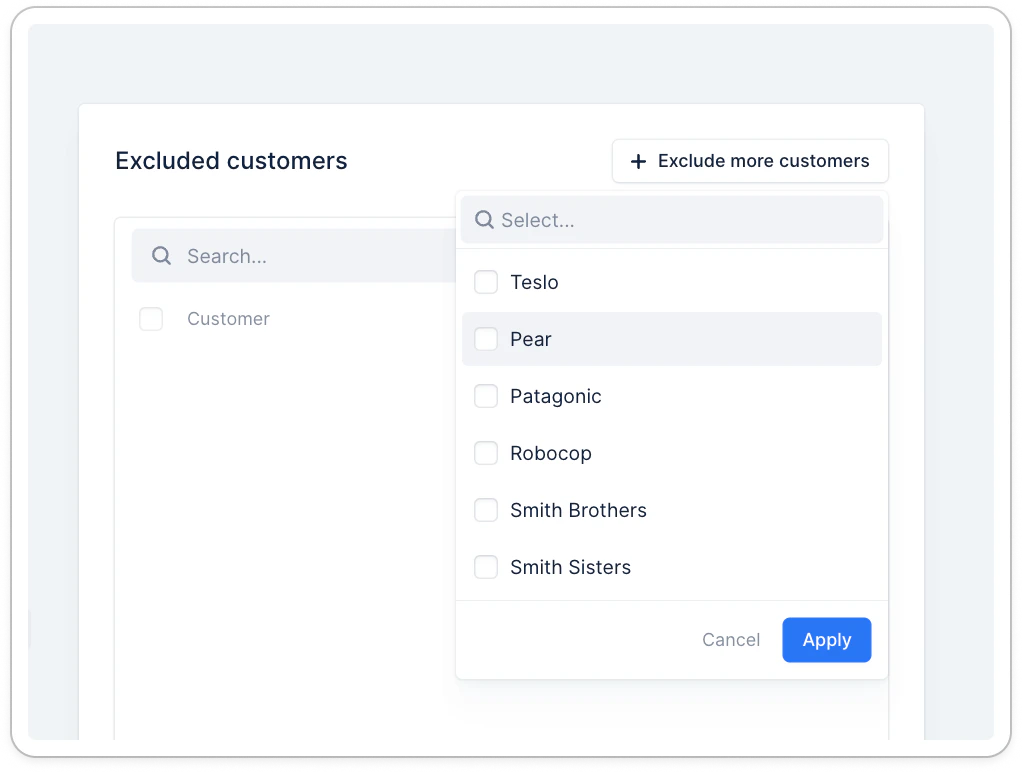
Exclude a customer individually
From the customer details page, click the three dots at the top right, then the option: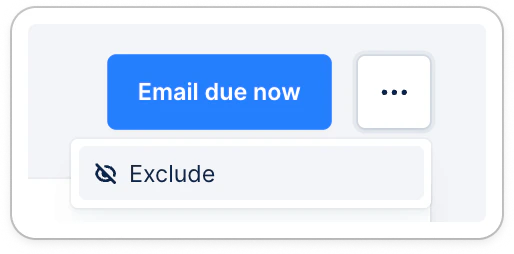
Excluding customers in bulk
From the Customer list view, you can also decide to exclude several customers.
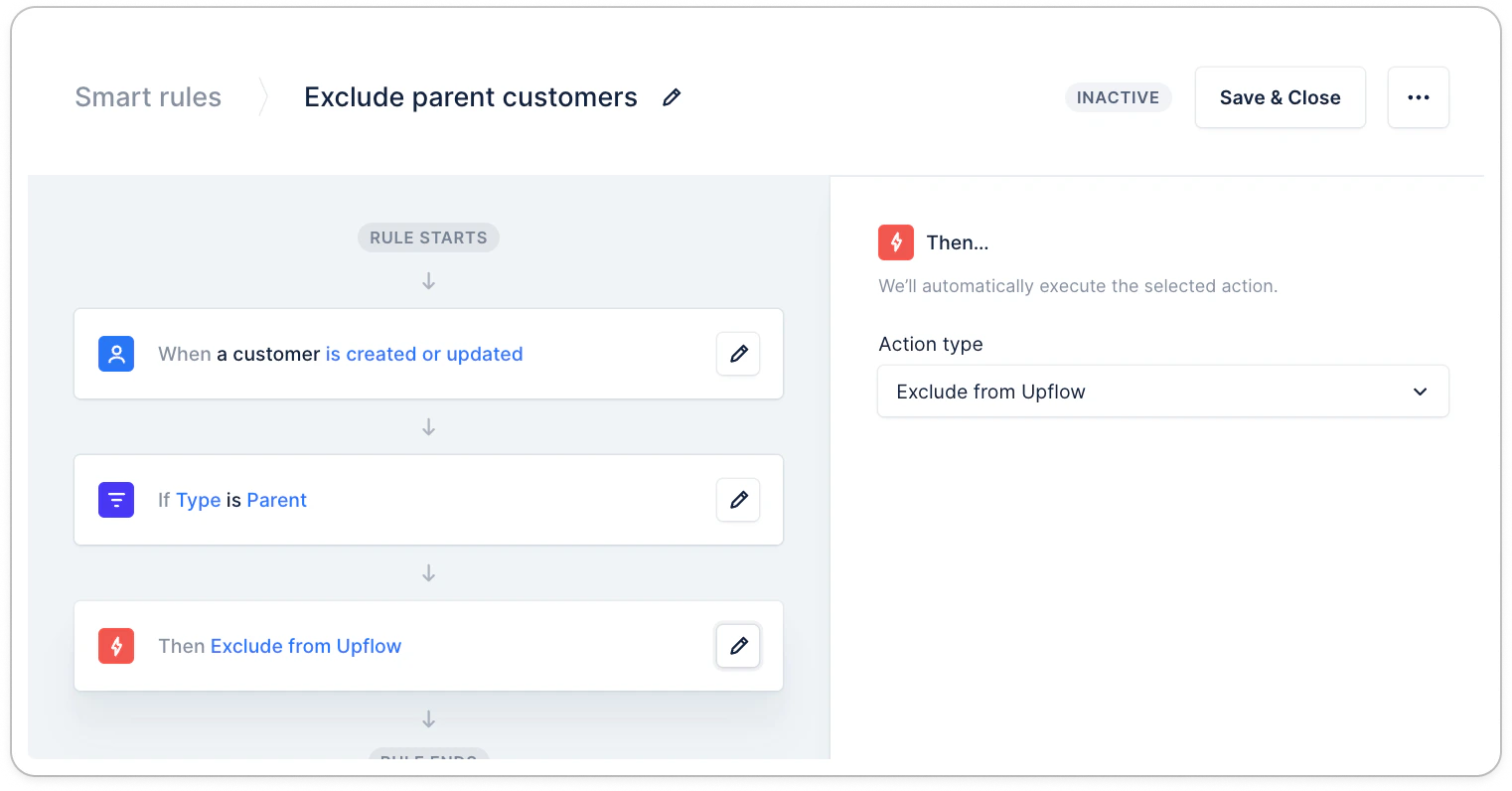
Excluding customers automatically
To ensure that a certain type of customers is never available on Upflow, set up a dedicated smart rule.- Note that when setting up this rule, you will need to perform a mass manual exclusion, using the option above, for existing customers.
Re-include customers
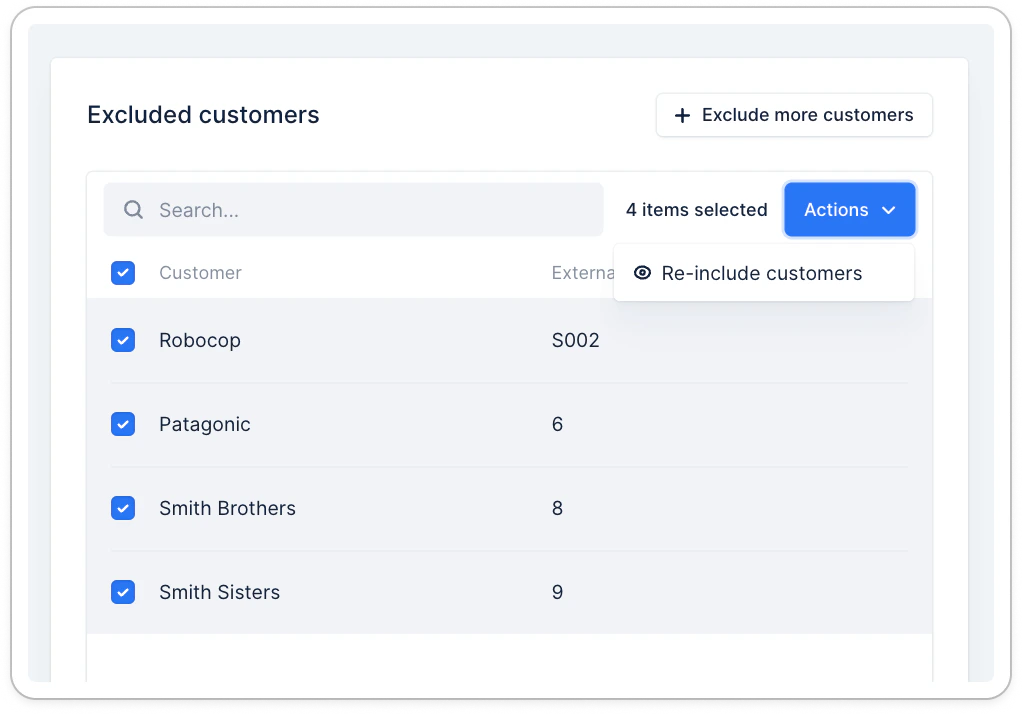
To re-include customers, head over to the list of excluded ones. Search for and select excluded customers you wish to import back into Upflow. Then click Actions > Re-include customers.