
Documentation Index

Fetch the complete documentation index at: https://docs.upflow.io/llms.txt

Use this file to discover all available pages before exploring further.

If you are already using Mailgun internally, this option is for you. This will allow you to send emails via your domain and use email tracking. In that case, you will be using billing.mycompany.com instead of mycompany.com to send emails. The process is similar to the main domain process, with the added step of adding email routing to your regular email addresses.

Configure your DNS

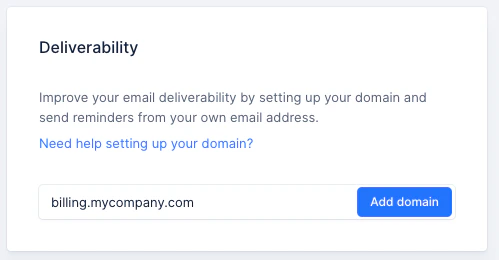
Once you have decided which subdomain you want to use (e.g. billing.mycompany.com) follow the steps described in this article to verify the subdomain ownership.
Set up email routing to your regular email addresses

To receive customer replies at your usual email address, you will need to (1) add the subdomain to your email account. And (2) assign the subdomain addresses as a new alias for the users.