
Documentation Index

Fetch the complete documentation index at: https://docs.upflow.io/llms.txt

Use this file to discover all available pages before exploring further.

You can send emails by using your own SMTP server. This is convenient if you can’t use your domain and subdomain with Mailgun. However, the emails won’t be tracked by Upflow.

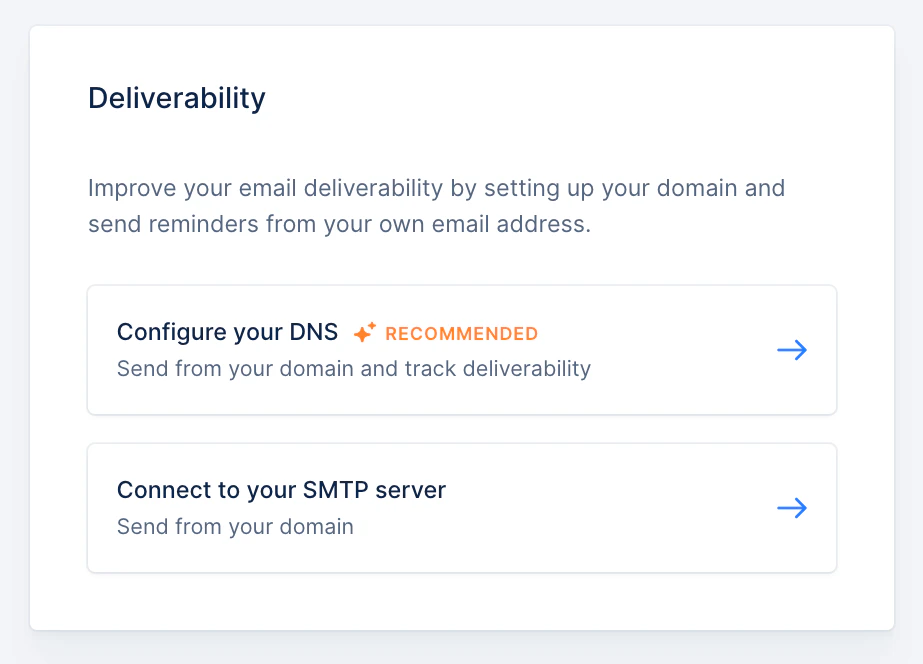
Choose “Connect to your SMTP server”

In the Deliverability section of your Settings, click on “Connect to your SMTP server”
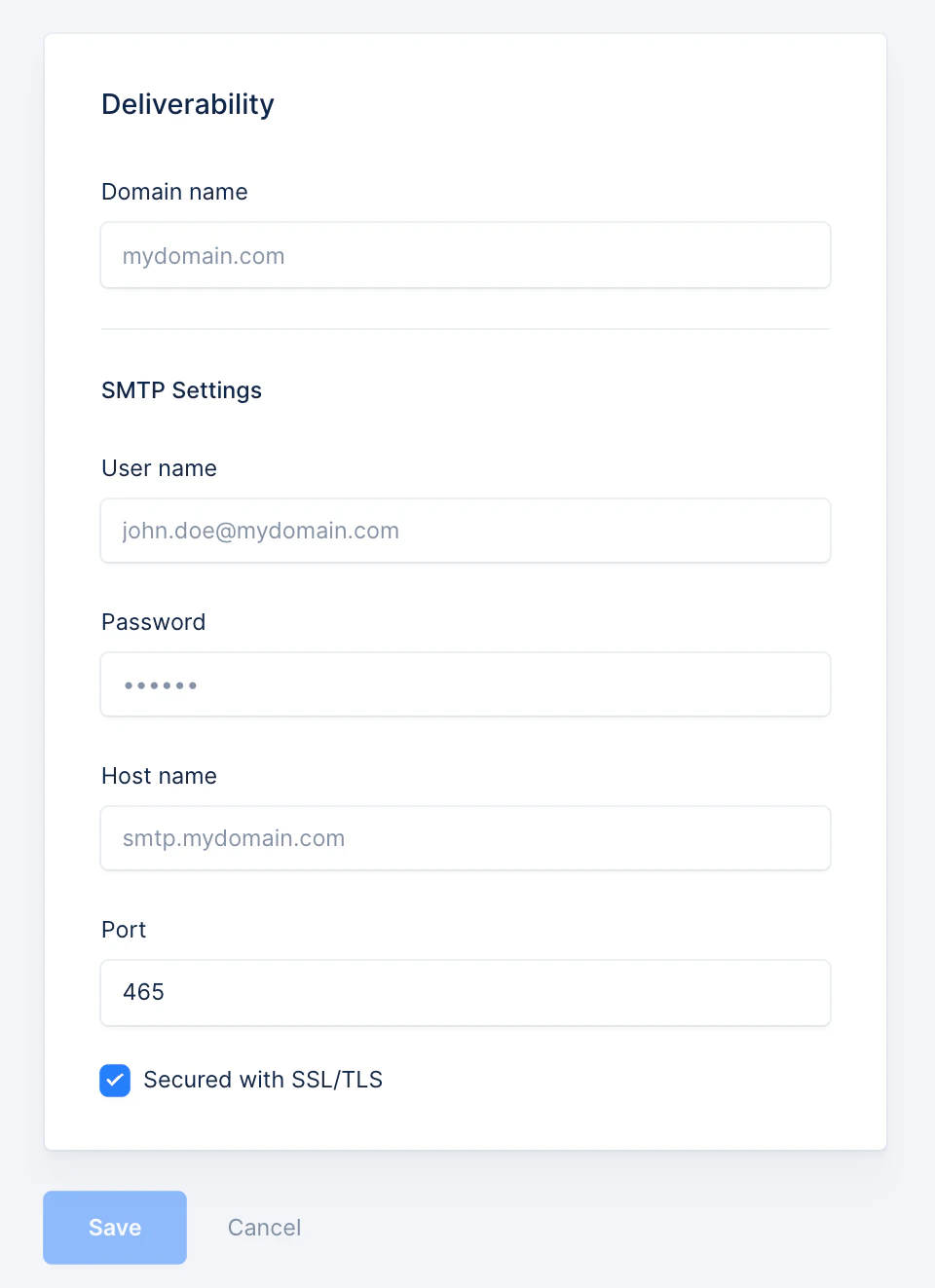
Authenticate with your SMTP server

Complete the required fields to set up the SMTP server.
Last step

Then you simply need to save those fields. While saving, we will make sure we can properly access your server. Once the records are saved, all the emails will be sent from your own email address.