

How does it work
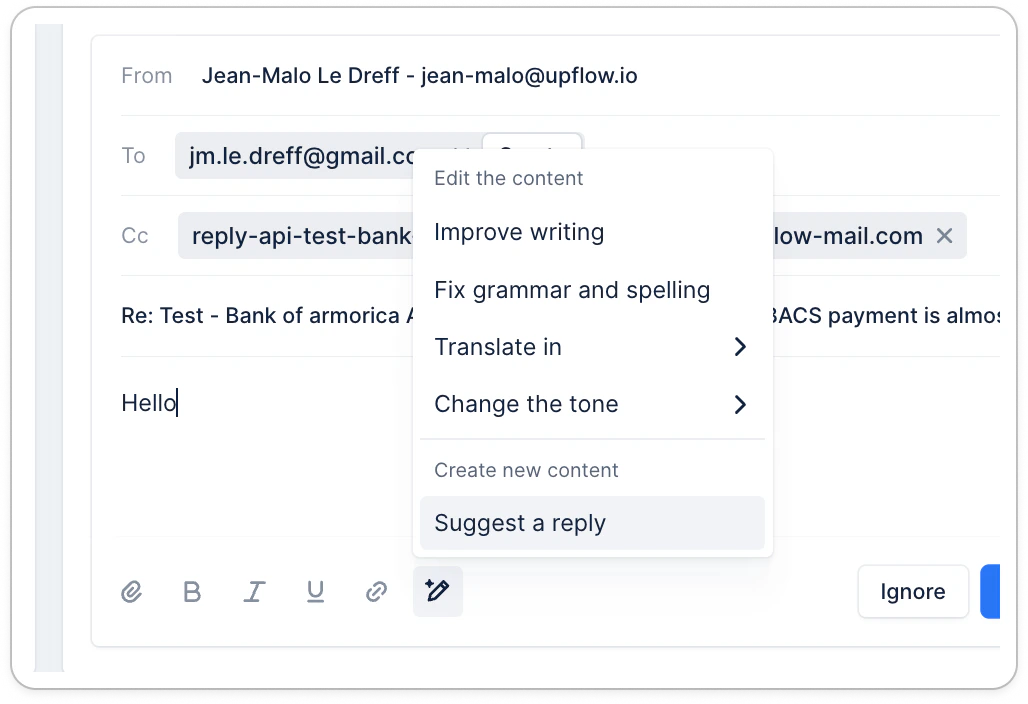
- Open a customer reply in your Actions list view > To do.
- Click the “AI editor” button
- Upflow generates a suggested response based on: 👉 Your customer’s message 👉 Their invoice(s) and collection status 👉 Their Upflow portal link
- Review, click Insert to use the reply, and edit if needed.
What can be included in the draft
- Personalized greeting
- Context-aware response
- Invoice number (if relevant)
- Payment portal link (if relevant)
- Polite closing line
Why use AI replies
Try it now
Simply reply to any customer email and click “Help me write”. 📌 You must manage your replies in Upflow, using one of these options (or both):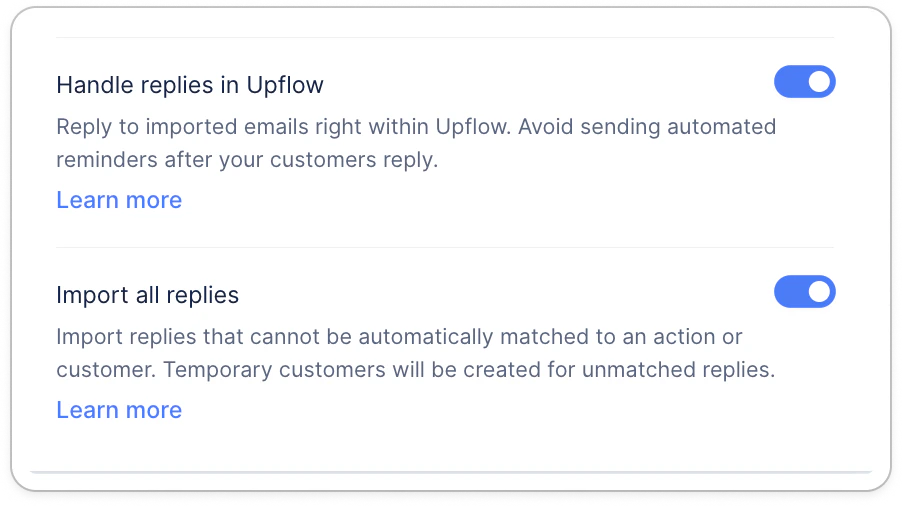
Good to know
- You’re always in control. AI replies are suggestions. You can edit or discard them.
- Drafts won’t send until you confirm.
- Suggestions improve as more customer interactions are handled via Upflow.