Documentation Index

Fetch the complete documentation index at: https://docs.upflow.io/llms.txt

Use this file to discover all available pages before exploring further.

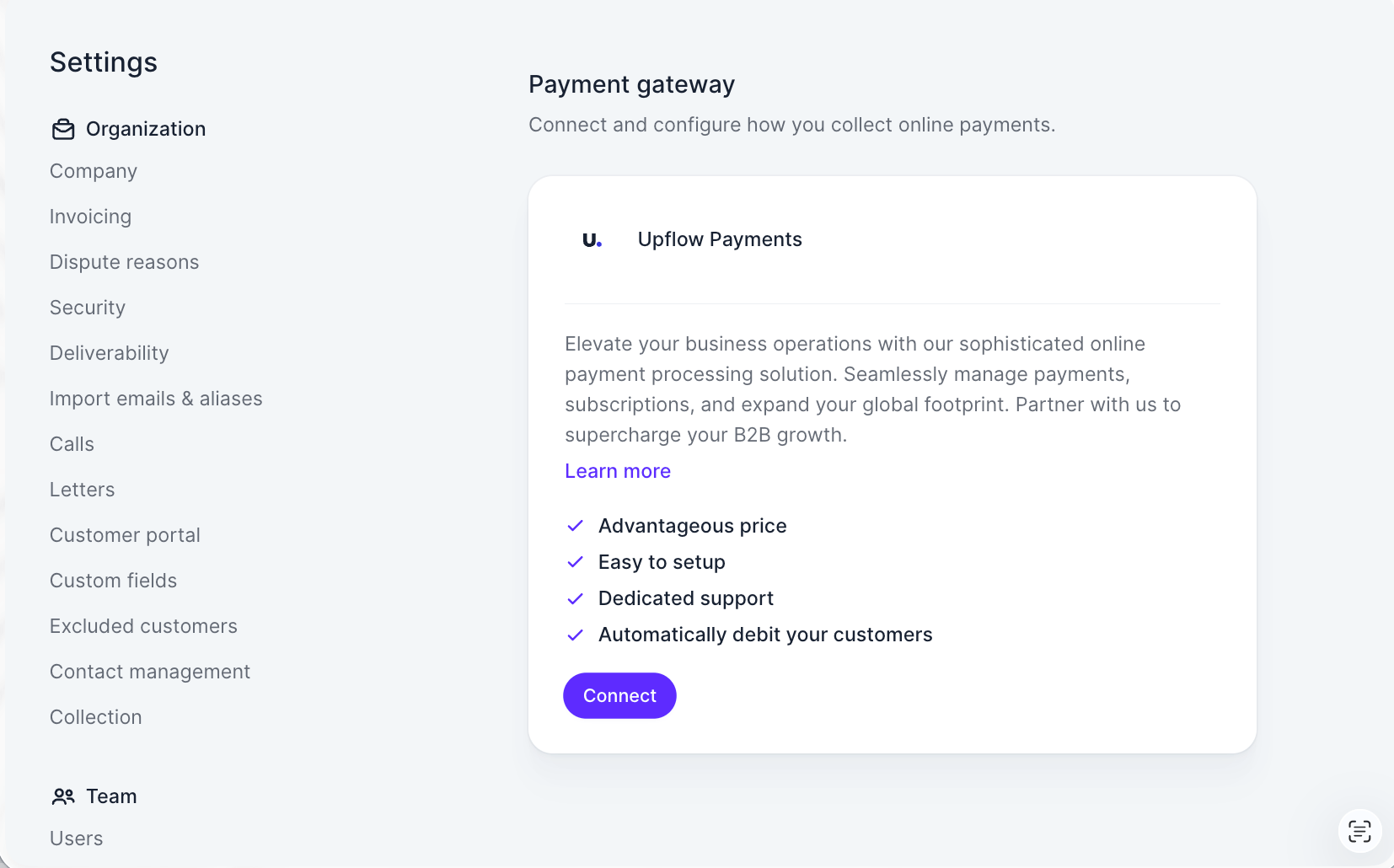
Before being able to process online payments through your Upflow customer portals, you need to complete a short KYC (“Know Your Customer”) procedure as a regulatory requirement. Submitting the KYC takes less than 5 minutes, and it is usually validated for most companies under 24 hours. You can start the process from your “Settings” section > Payments by Upflow and selecting the region where your legal entity (who will receive the funds) is located, then click Connect: This will take you into a secure signup flow managed by our partner Stripe where you will submit:
  • standard information about your company.
  • the bank account which should receive the money you collected via Upflow portals.
If at any step you are unsure, need to verify information internally or think you have made a mistake don’t worry! You will be able to resume the process anytime from your Upflow interface and/or update information at the end.
💡 Useful information to have on hand:
  • your company registration number / Employer Identification Number (EIN)
  • personal information of the person creating the account, including SSN
  • personal information of business owners (> 25% of company ownership), including SSN

Step 1 - Sign up & business information

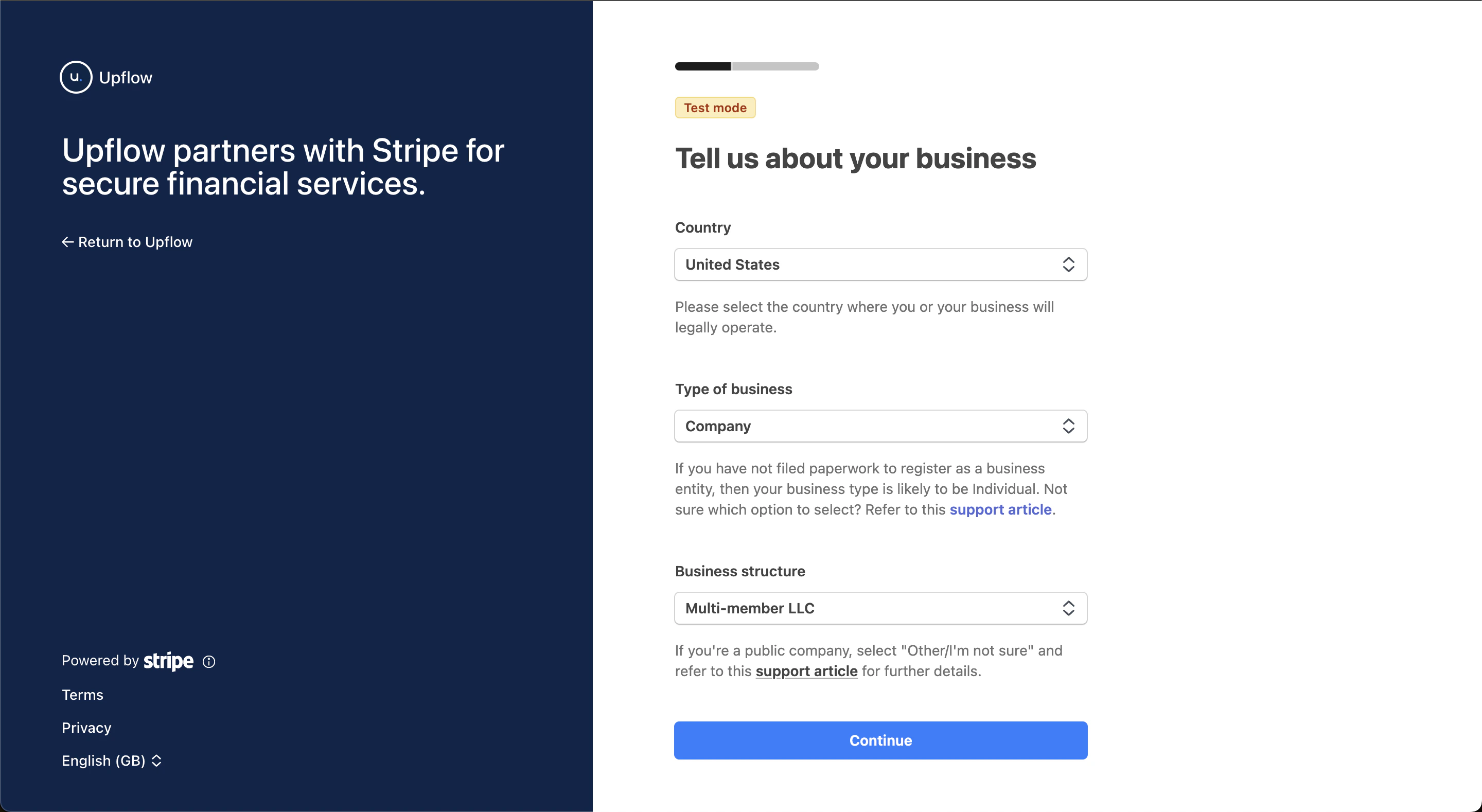
After signup, you will be prompted for general business information, where you can specify the country & corporate structure of your company: As well as a few standard information about your company, such as its legal business name, address, or website. For the “industry” field, you can choose what is closest to what your customers buy from you if you are unsure.
Step 2 - Personal details & business owners

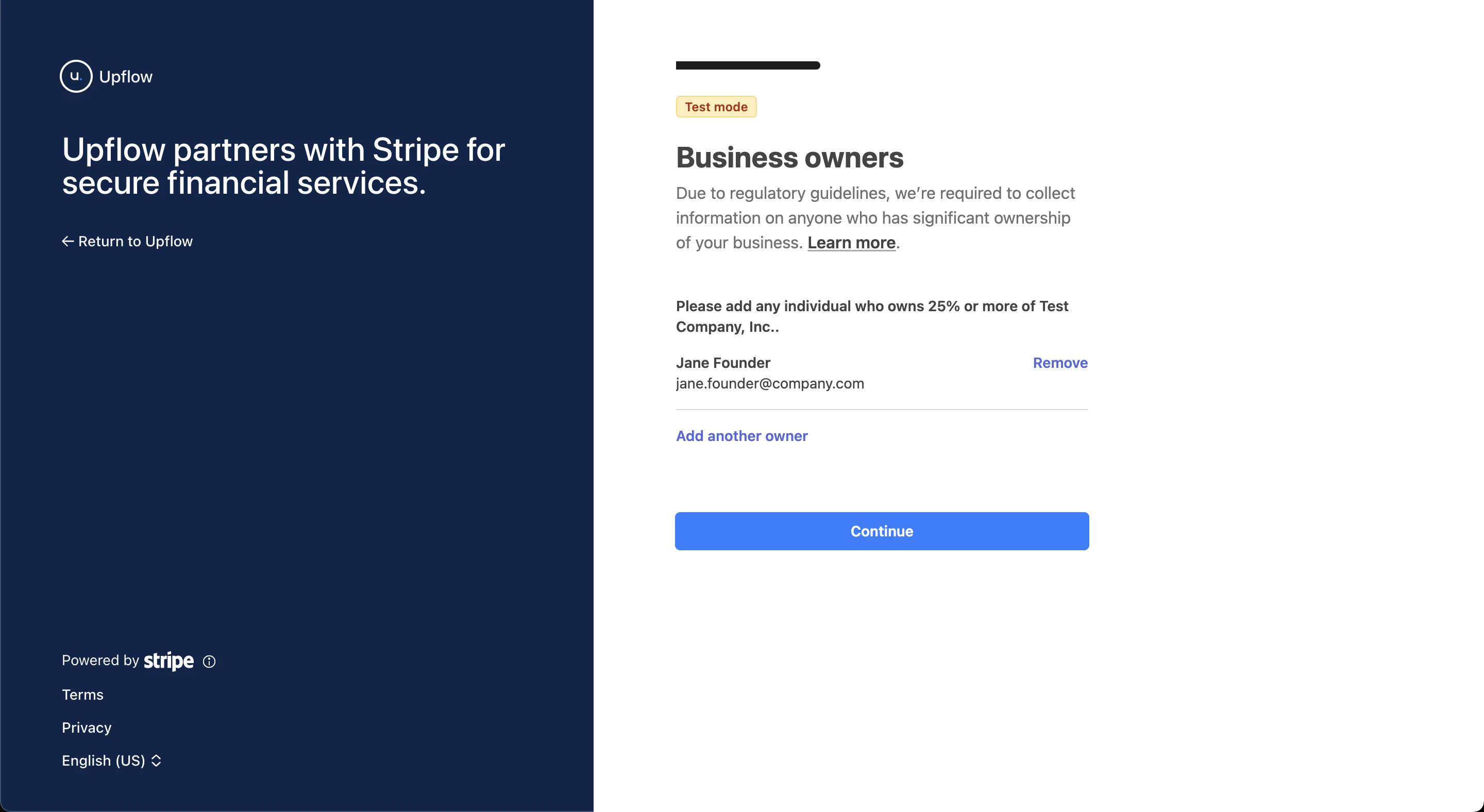
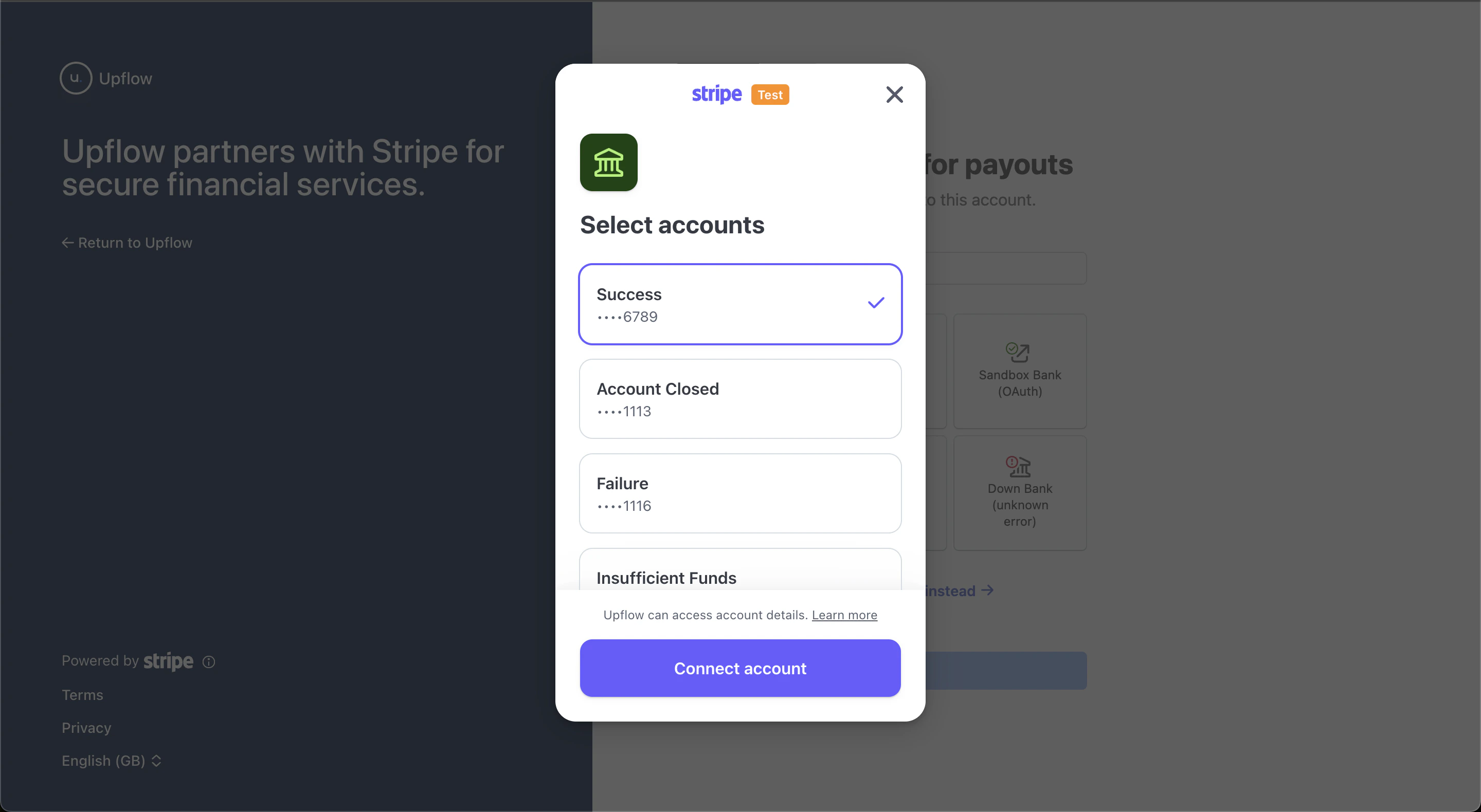
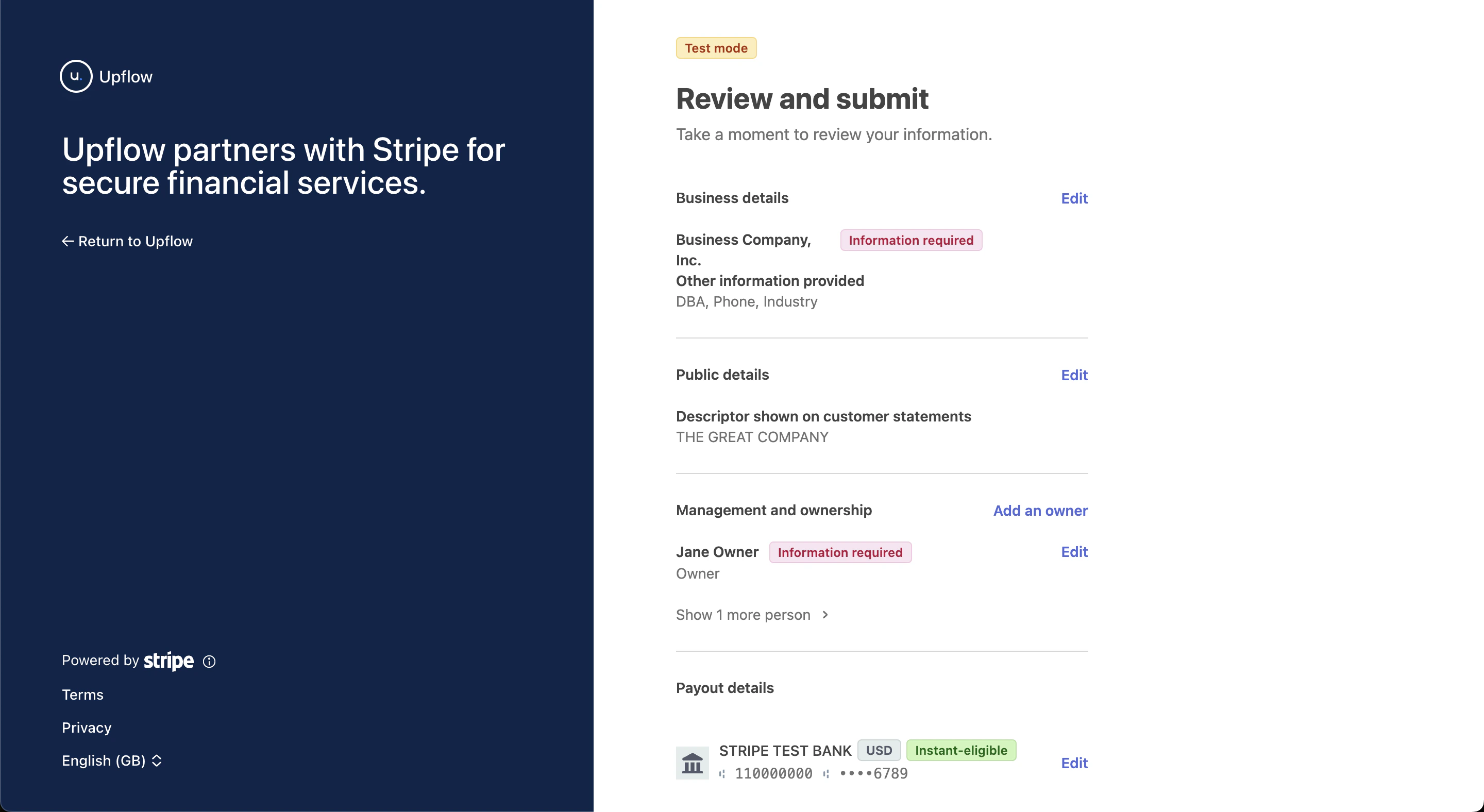
The person creating the payment account on behalf of the company will be asked for a few standard personal details, including the last 4 digits of their social security number or equivalent government-issued ID number. Then, you may be asked for the list of the “business owners” of your company, which are individuals who ultimately own 25% or more of its capital, whether directly or indirectly: You will register a bank account where you want funds collected through your Upflow portals to be paid out. If available, you can select your bank and log in to their interface to link the appropriate account: If you don’t have the option to select your bank or are experiencing issues with the bank interface login, you have the option to alternatively enter your account details manually at the bottom of the page. You’re now ready to submit your KYC form! If any essential information is missing, you will be able to easily update it: …before submitting it for validation by our partner Stripe. Once you receive confirmation that your KYC is validated, you can immediately start collecting online payments via Upflow 👏