

❗This feature is only available for NetSuite.
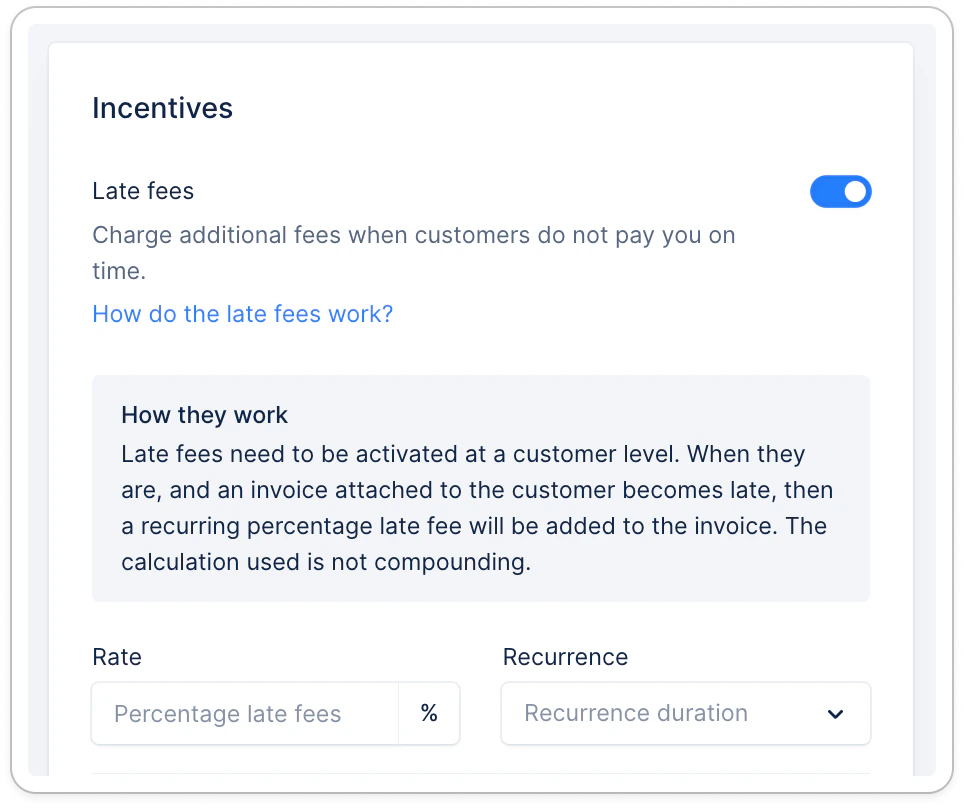
Reduce recovery costs and incentivize late payers by applying fees on each of their overdue invoices. Define a rate of its value to be added to its outstanding amount every time your preferred delay has elapsed.
Configuration
Start setting up the feature from the Integrations section of your Upflow Settings by selecting the line item you want fees to be applied to.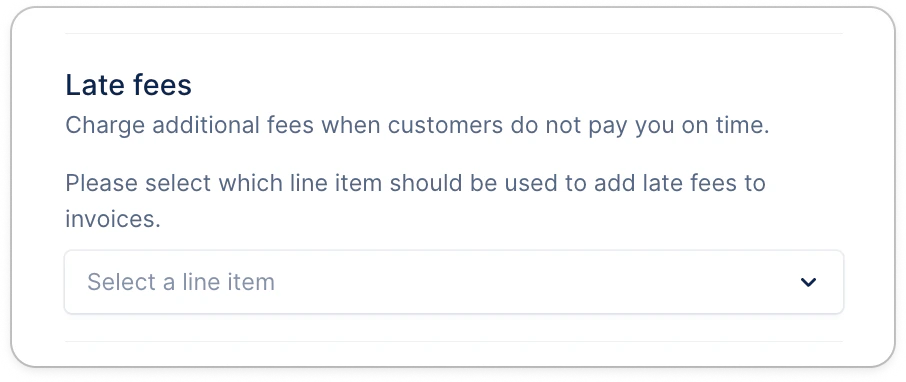
Calculation
Each invoice’s late payment fees are calculated based on this information per the following formula.
💡 Dates and recurrence are measured in days.
- (Current date - Due date) equals the number of days an invoice has been due
- A weekly recurrence always equals 7 days
- A monthly recurrence always equals 31 days
Imagine the setup illustrating this article (3% rate, monthly recurrence) applied to a $10000 invoice, due on August, 14th. Your customer pays it on November 3rd. They now owe you $10600. There are 81 days between the due and the payment dates, meaning two 31-day recurrences have passed. $10000 x (1 + 3% * (81 / 31)) = $10000 x (1 + 3% * 2.61) → the fees are applied at the end of every recurrence, not before = $10000 x (1 + 3% * 2) = $10600 Two additional invoices are now linked to this customer, labeled Late Fees (Type column). They were generated after each recurrence (31 days, and 62).
In-app
As soon as you activate the feature for a customer, the configured fees are applied to all their existing overdue invoices meeting your criteria. They appear as additional invoices (one generated after each recurrence). They also appear in the To pay table of your Customers’ portals as manageable invoices.Managing your setup
- If you disable the feature, Upflow will stop triggering late fees, but existing ones will not be deleted.
- New rules are not retroactive. They will apply from the moment you update your setup.
- The late fees are not applicable at the customer level. To cancel/waive the fees for a customer, we invite you to create a credit note and apply it to the late fee invoice in NetSuite.