

Before you start
Upflow starts in Test Mode. Test Mode is a safe onboarding state that prevents anything from being sent to your customers while you’re still setting everything up. Manual actions are blocked, automation can’t be enabled, and a banner stays visible so it’s always clear you’re in a safe state. You’ll exit Test Mode in Step 6 when you’re ready to go live.
Actions
- Sign up and connect your integration
- Validate that your data has synced correctly
- (Optional) Connect your CRM (Salesforce or HubSpot)
- (Optional) Connect your bank account for Cash Application
Connect your integration
Head to the sign up page and select your integration. Follow the setup guide for your system: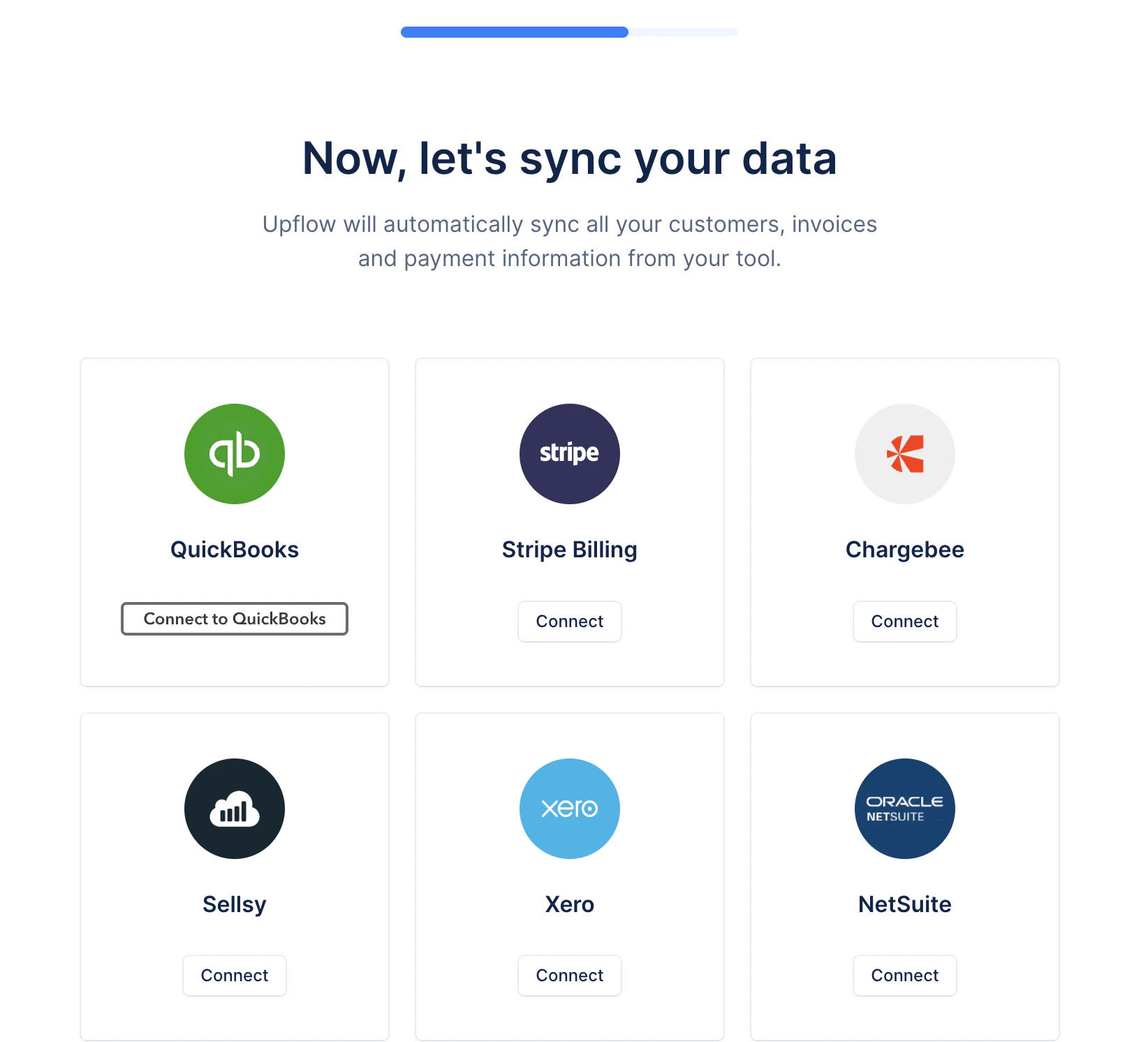
Connect your CRM (Optional)
Upflow connects to Salesforce or HubSpot to both import data into Upflow (contacts, account owners, custom fields) and export collections data back to your CRM for wider team visibility.- Salesforce — see the full setup guide: Connecting Salesforce to Upflow
- HubSpot — see the full setup guide: Connecting HubSpot to Upflow
Connect your bank account for Cash Application (Optional)
Cash Application matches incoming bank transactions to your open invoices, so payments are reconciled without manual work. To do this, Upflow needs regular access to your bank transactions — the recommended way is a bank feed, which imports them automatically every day through Plaid.- Go to Settings > Cash Application, click Add bank or account, and authenticate through your bank’s secure login.
- Transactions import at least once per day, and duplicates are filtered out automatically.
- Plaid supports over 12,000 institutions. If yours isn’t listed, you can import transactions from a CSV file instead.
Validation — Required to continue
Once your integration is connected, confirm the following before moving on:- Customers, invoices, and contacts are visible in Upflow
- Data is syncing correctly
- No major gaps or inconsistencies in amounts, due dates, or contact details
- (Optional) If you connected a bank account, transactions are importing and appear in Cash Application