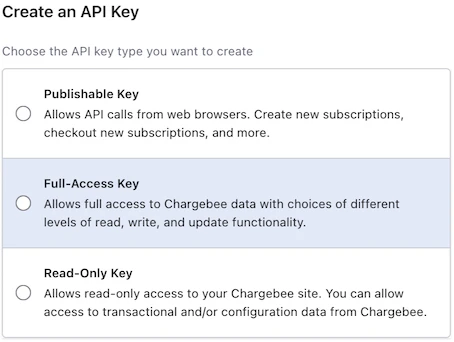
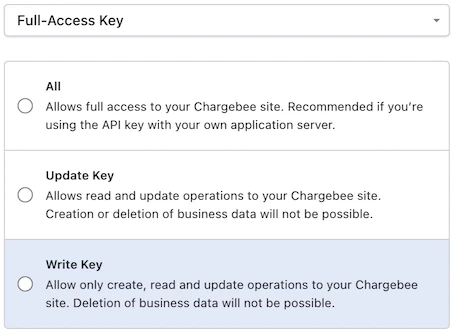
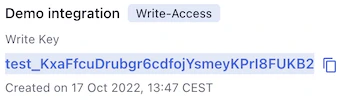
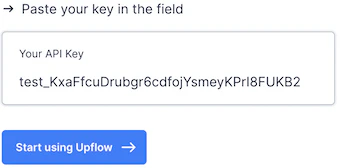
Create your Upflow organization from our Sign Up page, name it, select your timezone (same as in Chargebee). Then, in the following step, click Connect under Chargebee, and on Continue from the page you’ll be redirected to. Pick your currency, and fill in your Namespace - you will find it in your Chargebee account URL, right before .chargebee.comDocumentation Index
Fetch the complete documentation index at: https://docs.upflow.io/llms.txt
Use this file to discover all available pages before exploring further.

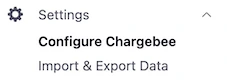
👉 You will always be able to access it later from the Configure Chargebee page of your Chargebee settings (under Api Keys).