Main information
When accessing your customer details page, you will see different sections. On the left of your screen, you’ll see their main information, such as their outstanding balance, which is obtained from their: due + overdue amounts - unapplied amounts (if any).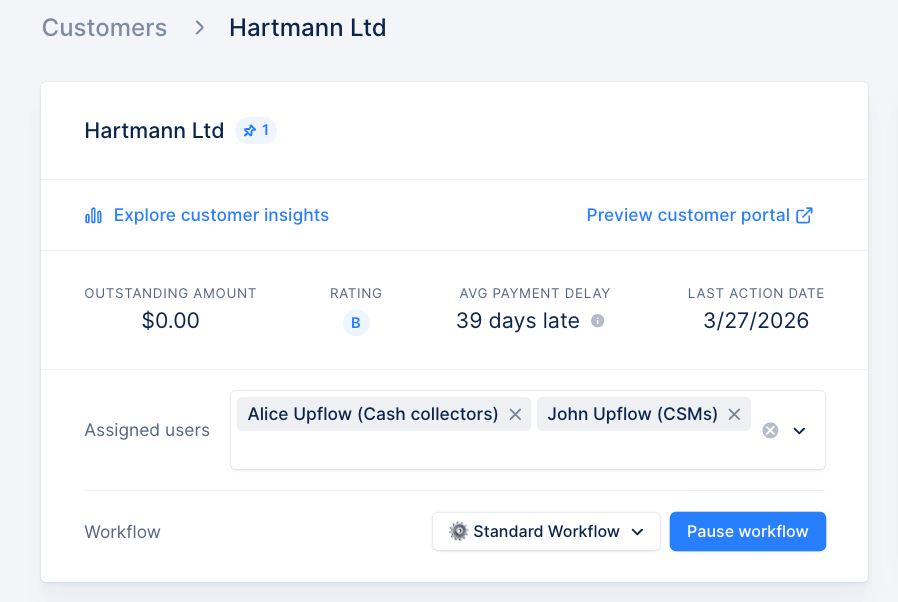
Last action date
You can identify the “Last action date” on the customer details page, as well as in a dedicated column in the Customers list view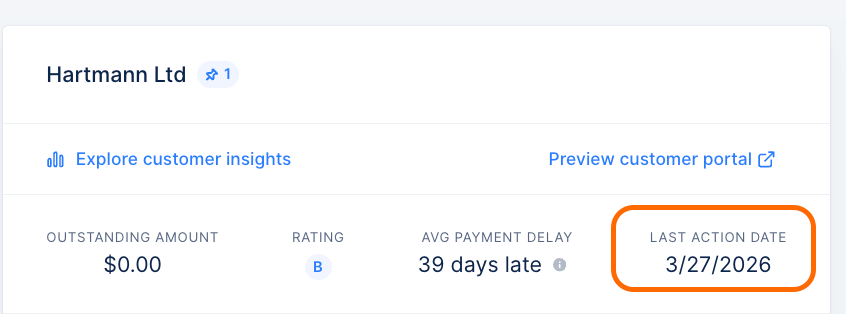
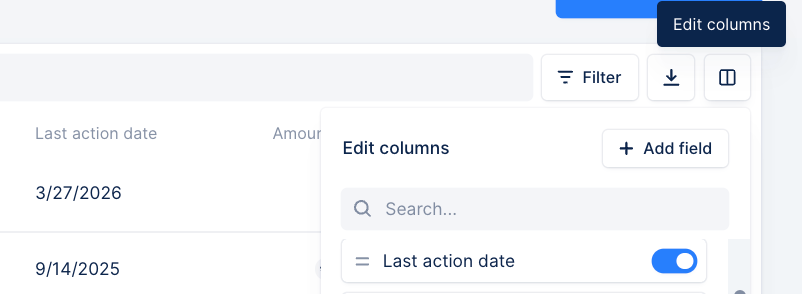
This date takes into account any contact made from Upflow: workflow/ad hoc/reply actions.
Ratings and average payment delay
This summary is completed with a rating reflecting their payment performance and their latest reminder’s execution date, excluding unsent actions (tasks…).
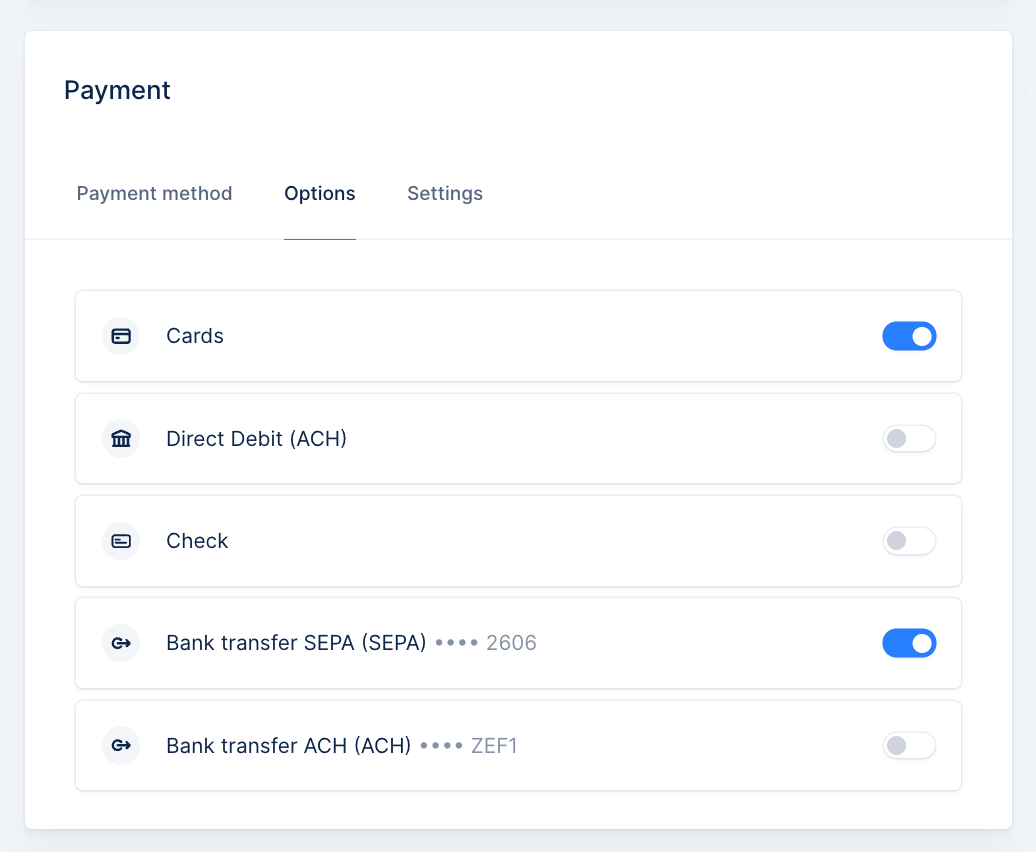
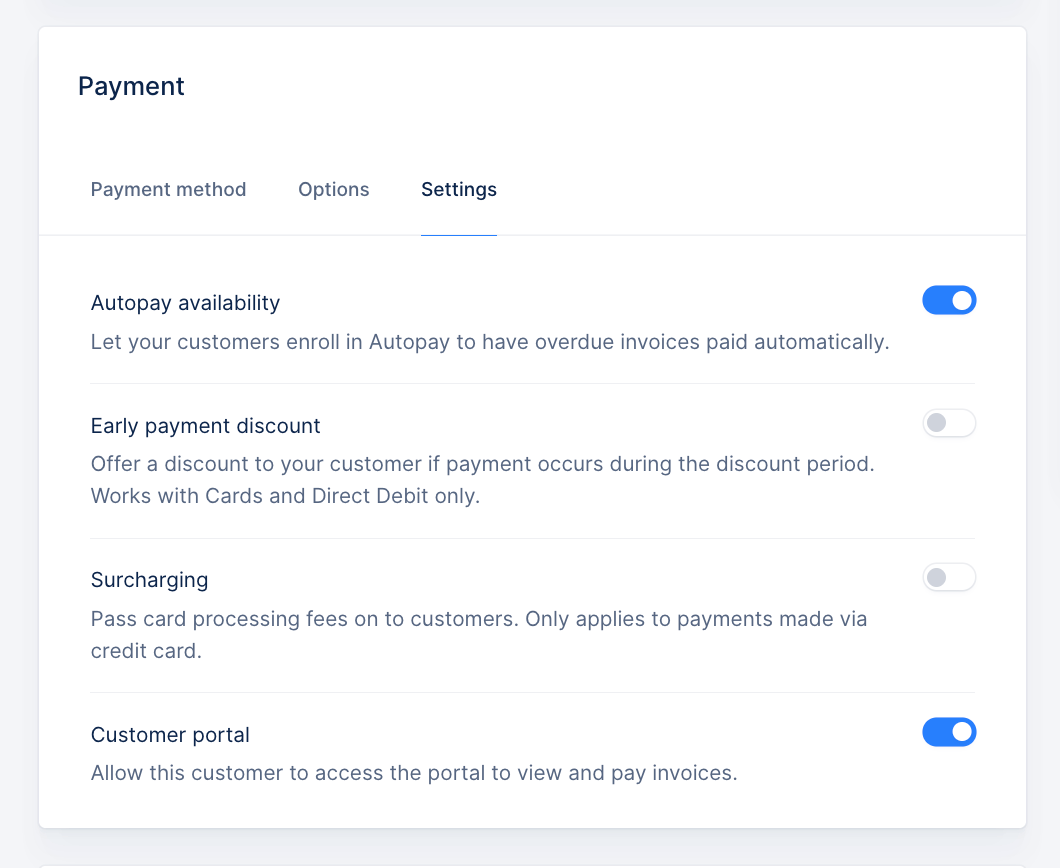
Payment methods and options
Below the main information, you will see this customer’s saved payment methods and payment options. You can enable or disable the payment method options available to them (cards, direct debit) from this page at any time. See all the payment methods they currently have on file — including which one is used for Autopay, and any that became inactive after a failed Autopay attempt: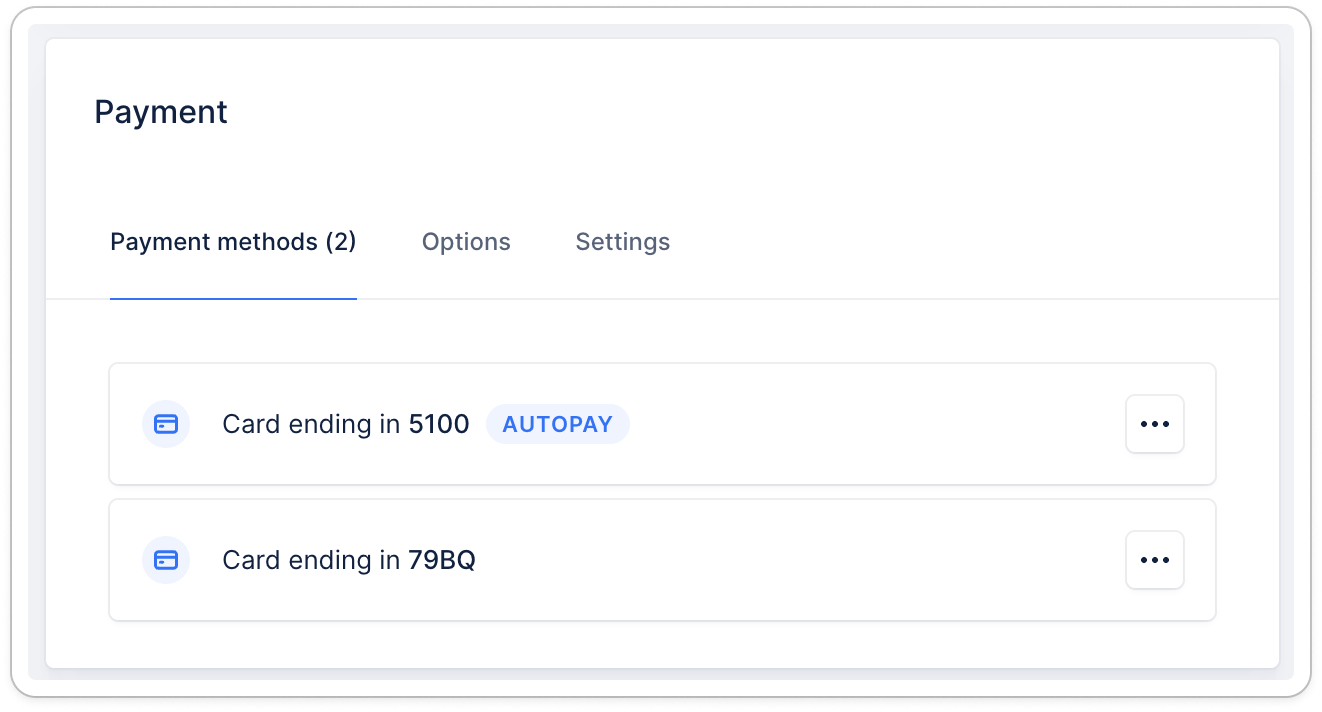
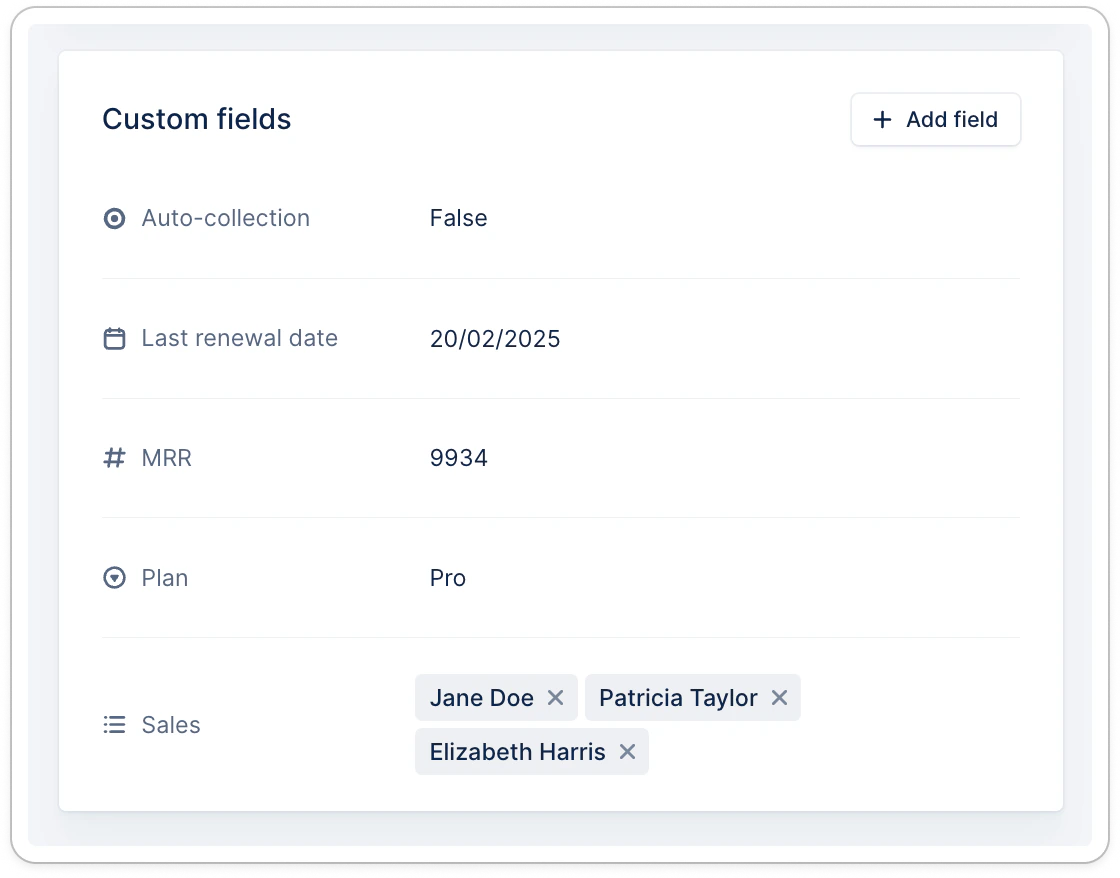
Custom fields
Account management
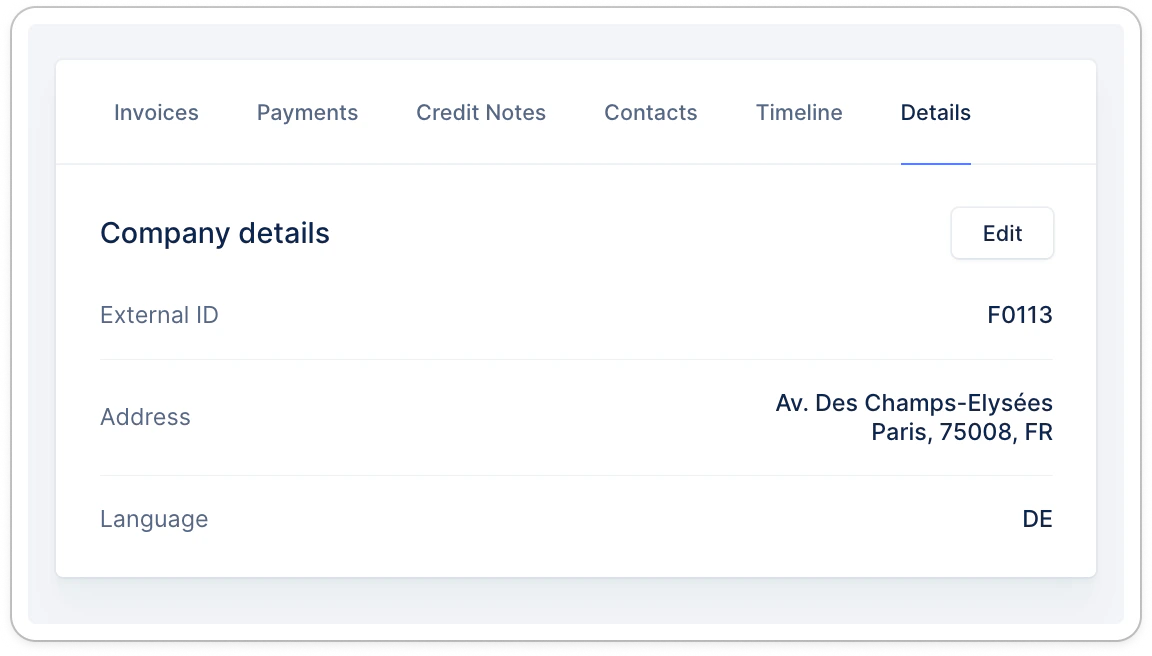
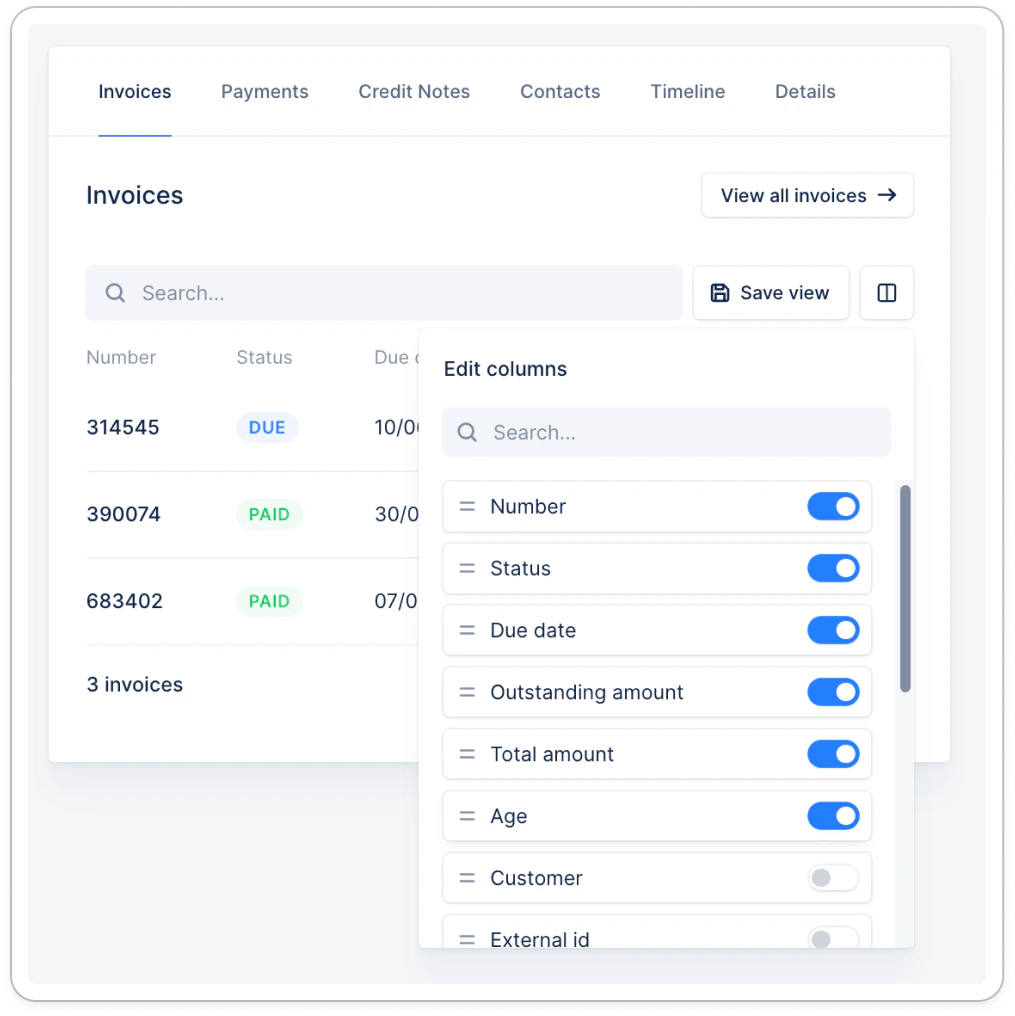
On the right side of your screen, browse your customer’s invoices, verify their contacts, or review and build on their collection history. Each section offers a simplified version of the dedicated tab, showing essential information for this customer. Click any to be redirected to its details, view all for a drill down to their list, or rearrange the columns and save this new view!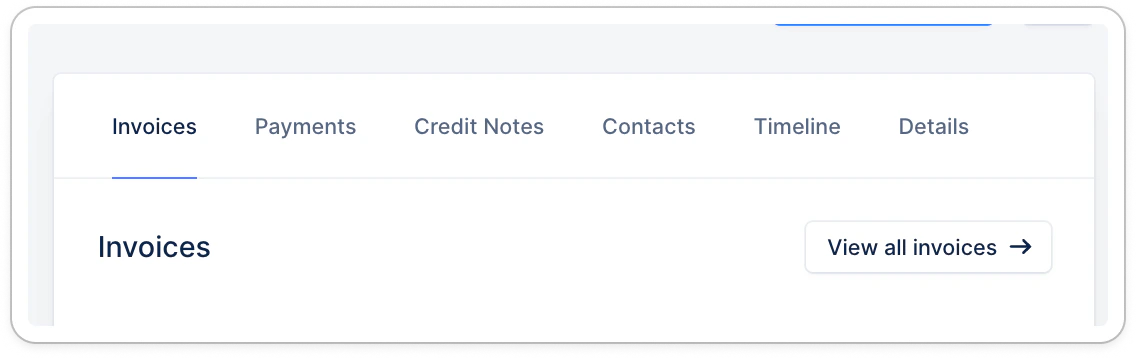
- designate a main contact
- update their position
- validate their email address if the contact was identified as invalid