

From the Actions To do list
In the Actions list view, To do section, click on the “Pause” button and indicate the date at which you would like to have it planned. This will pause the customer’s collection entirely (or the invoice if the collection is at the invoice level) until the selected date.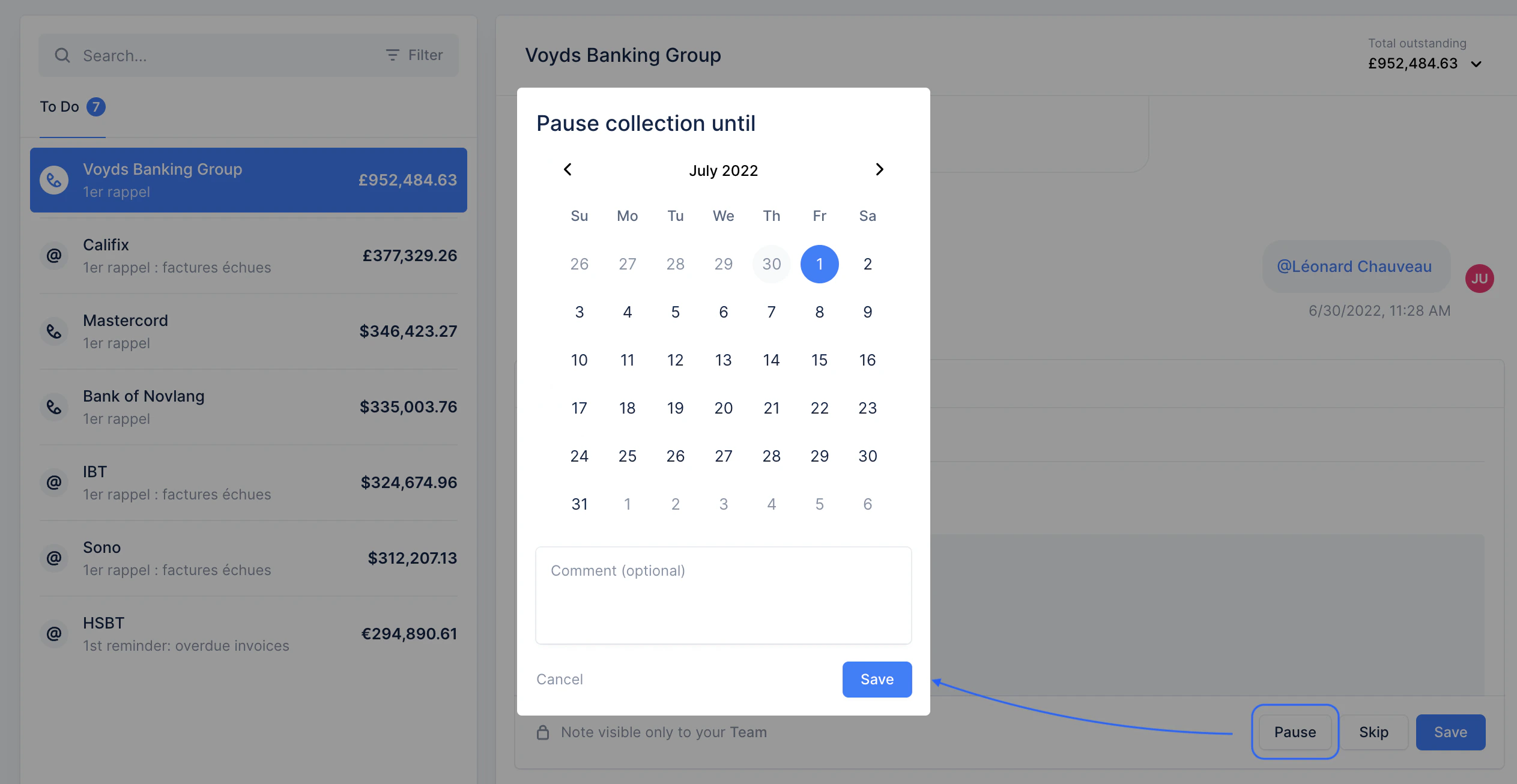
From the customer detail page
Whether the customer has a pending action or one to come soon, you can pause their collection from their detail page. Click “Pause collection”.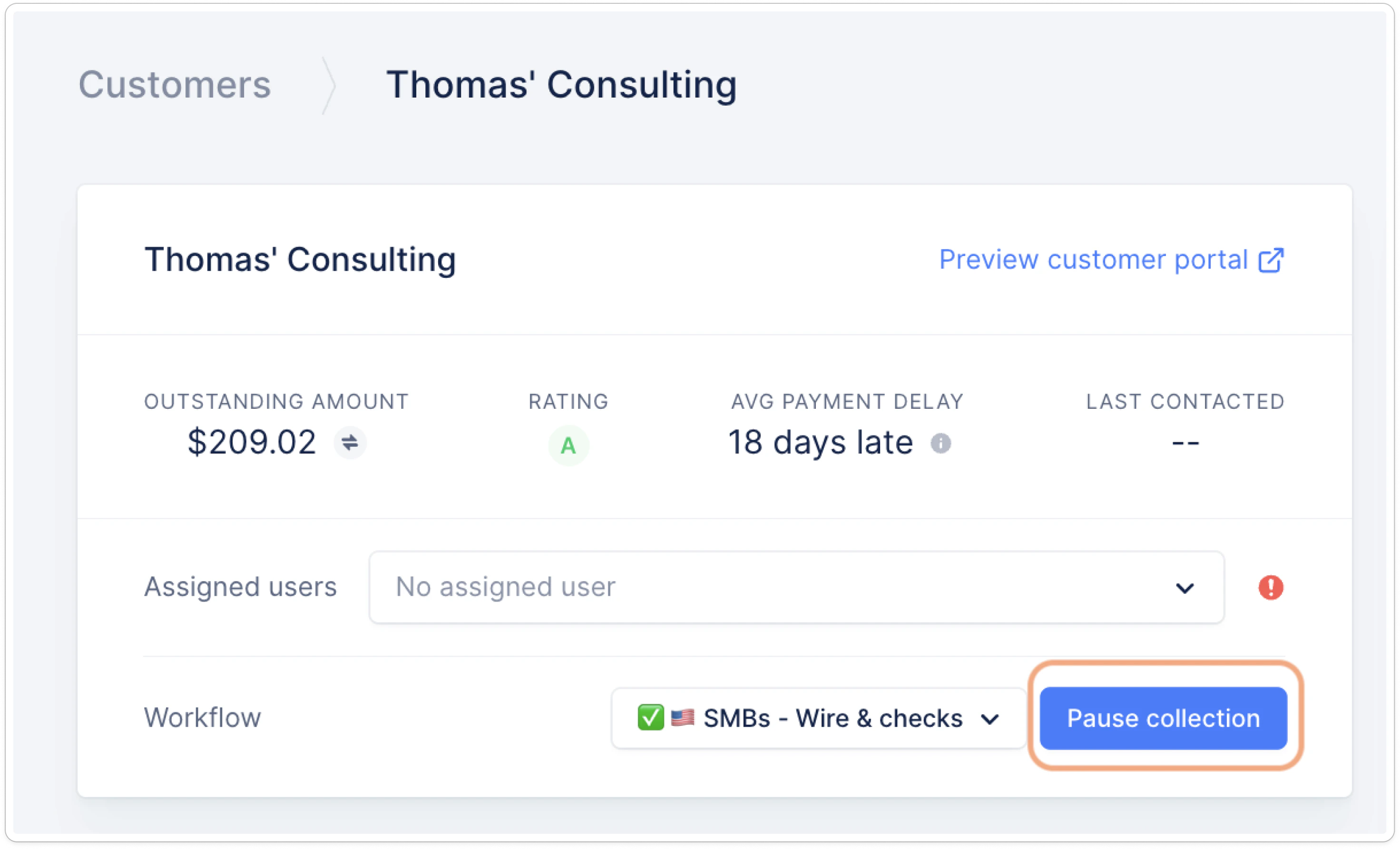
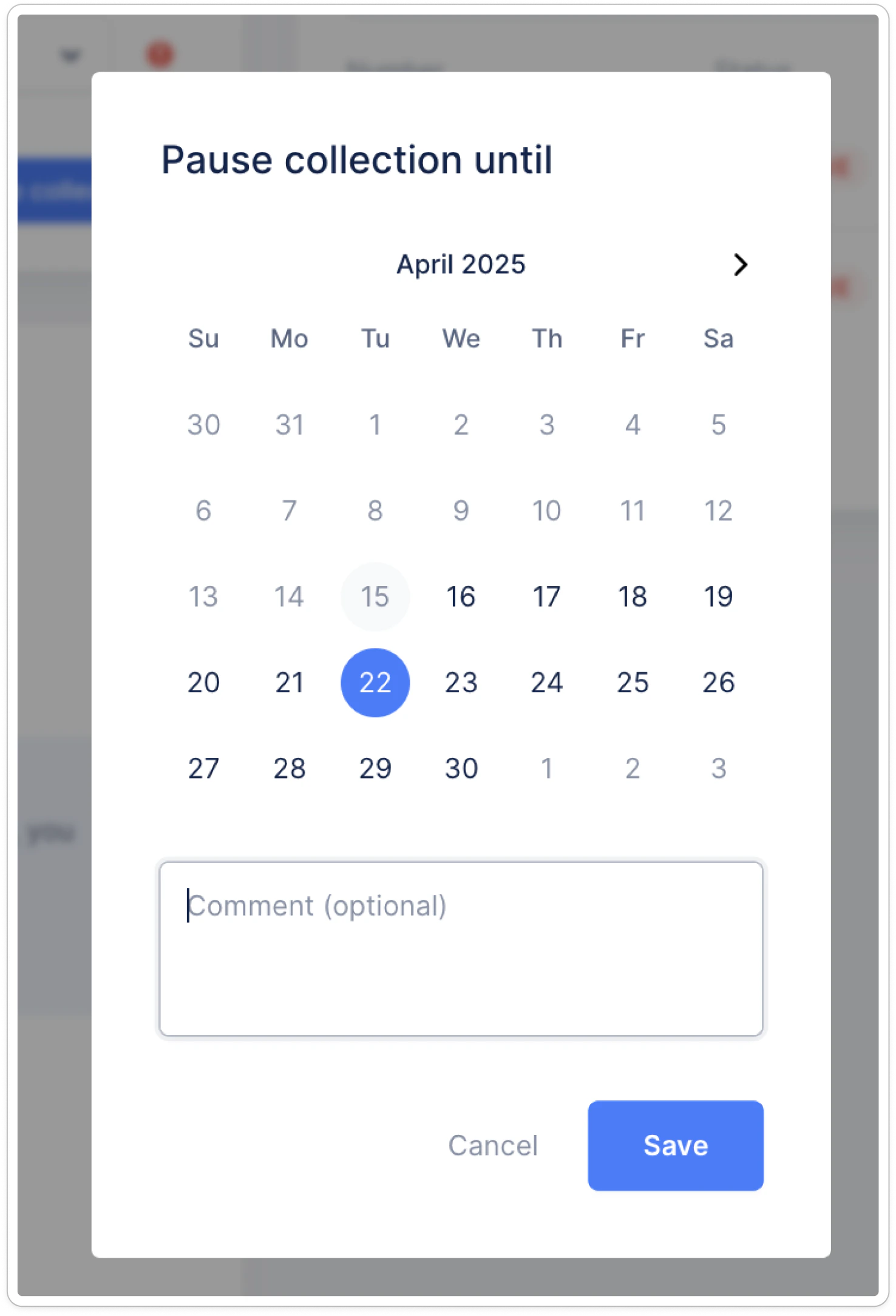
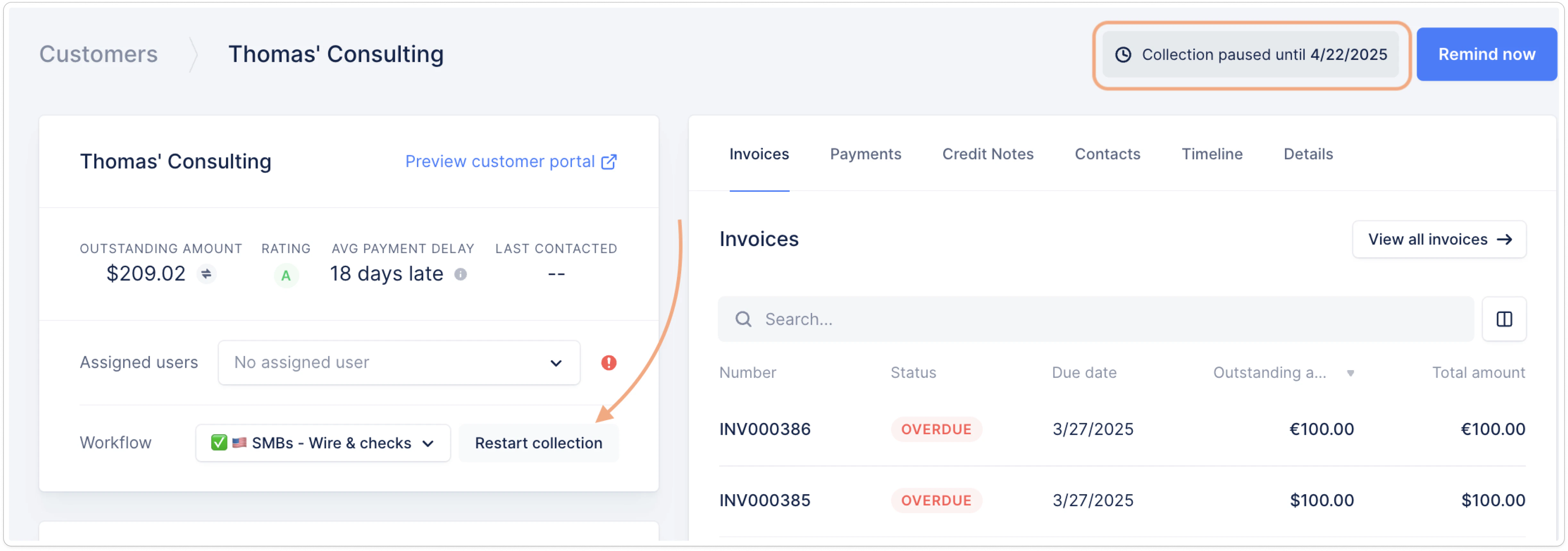
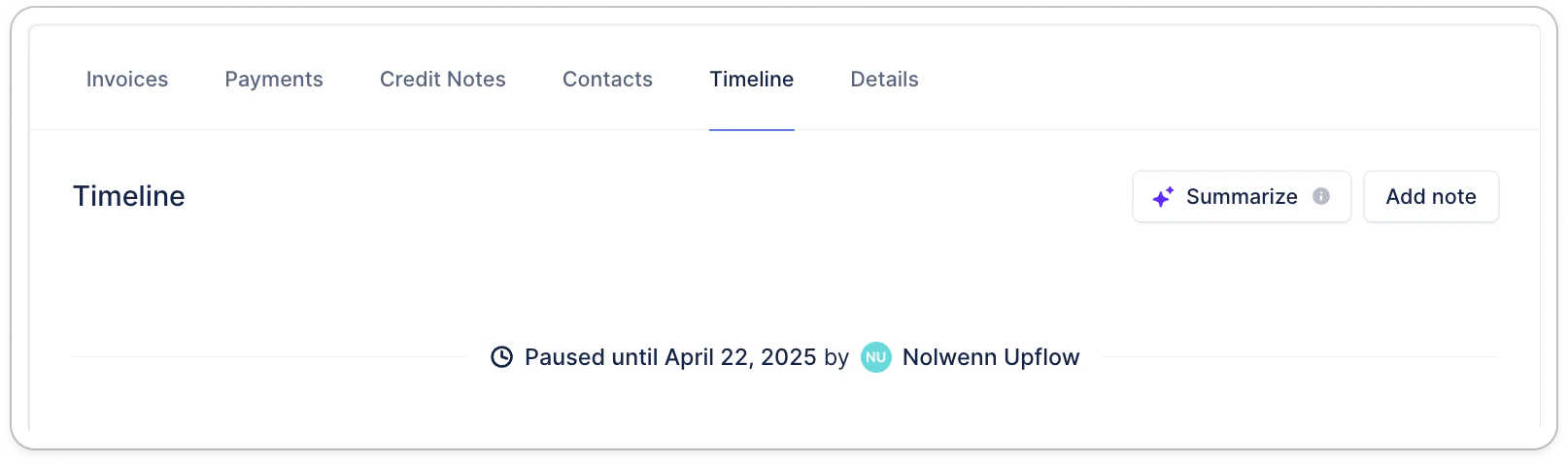
Identify paused customers
From the Customers list view, filter on “Collection status is Paused”: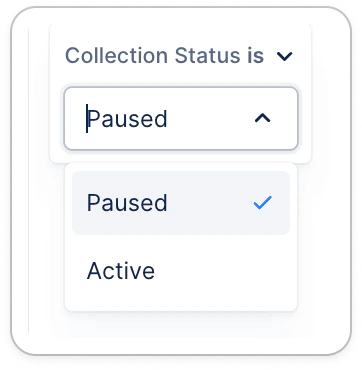
Good to know
📍 Upflow pauses the collection at the beginning of the day UTC. In the platform, if the collection is paused until 1st of July, we guarantee that no actions will be sent for that customer before the 30th of June included. But collection would resume on 1st of July. Please, take the timezone you specified in your Settings into consideration. If the collection is supposed to restart on a Friday, we advise you to push it till the following Monday. When the pause ends, if the next action is due, it will:- Appear in the action’s assignees to do lists if manual.
- Be triggered on the next business day if automated and passed your scheduling time.