Documentation Index

Fetch the complete documentation index at: https://docs.upflow.io/llms.txt

Use this file to discover all available pages before exploring further.

Whether you’re just getting started or need to adjust your collection setup, you can manage when and how your customers are contacted. Note that the following features are not yet enabled by default. If you do not see them, but would like to benefit from them, please submit a Support request and let us know how this will help you. 😊

Manage your collection settings

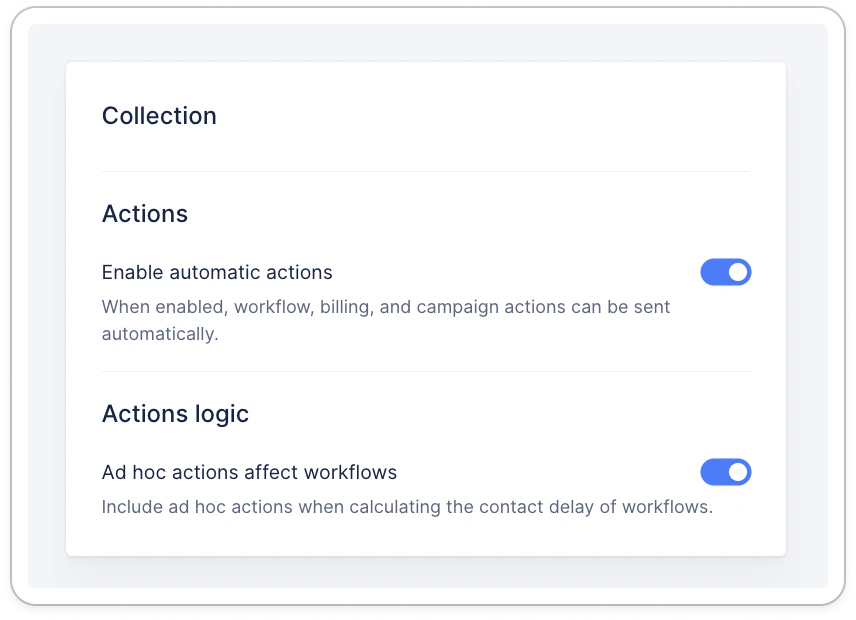
If you’re optimizing your organization, before going live or reviewing your process, you can enable or disable automatic actions from your Settings: If Enable automatic actions is untoggled, you will see the following blue banner at the top of your screen:

Enable/disable collection

From your Settings > Collection section, you can independently enable or disable Automatic Actions. By disabling them, no collection emails or reminders will be sent without your control, allowing you to safely:
  • Complete your setup without triggering outreach.
  • Review or update your workflows.
  • Temporarily pause collection activity for internal processes.
💡 Once automatic actions are enabled, your organization is considered fully live, and emails will be sent and recorded in customer timelines. Once enabled, the corresponding actions will be sent and recorded.

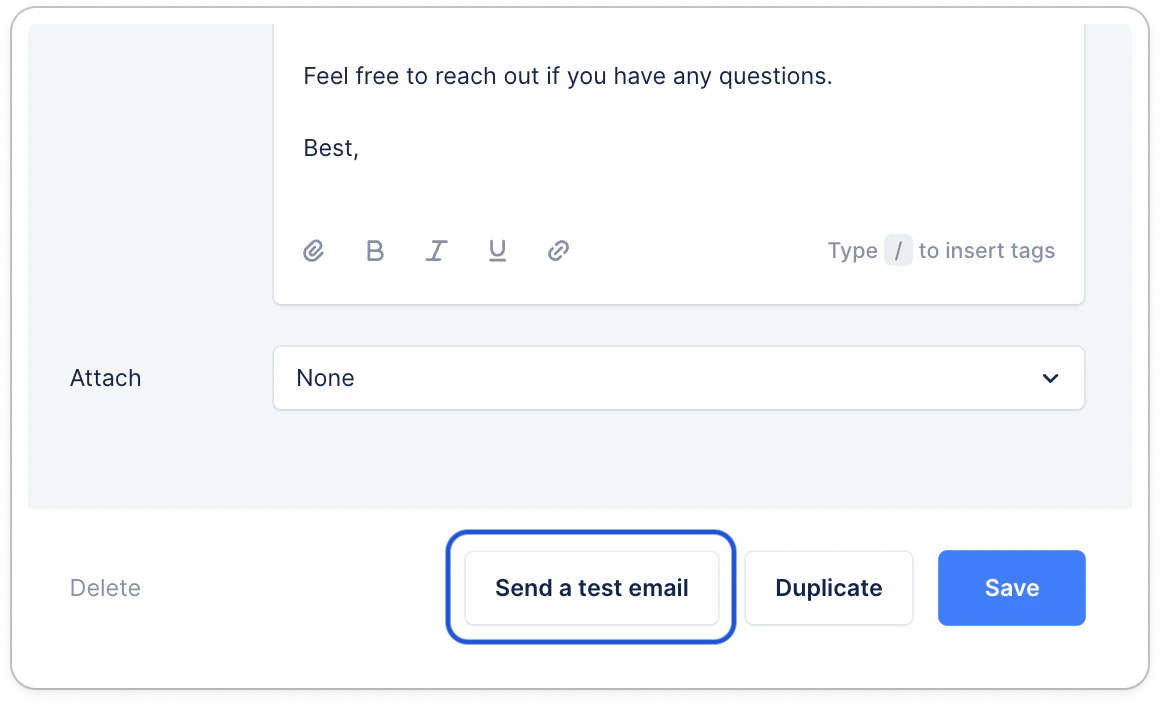
Test your email reminders safely

You can preview and send test emails directly from each workflow template. This ensures your content and logic are as expected, without affecting your live collection or chase your customers. ➡️ How to send a test email from a workflow. Any questions or feedback? Submit a Support request!