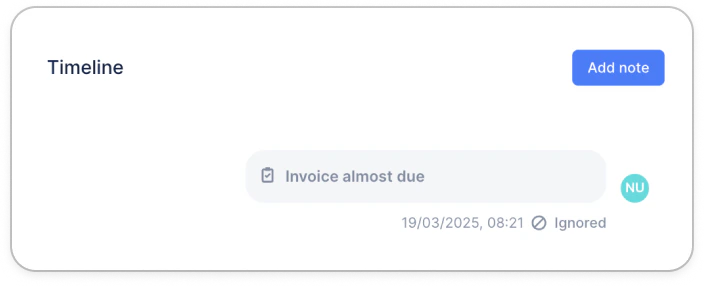
Ignore a pending manual action
From your Actions To do section, click on the reminder you’d like to ignore, and click on the Ignore button at the bottom of the action: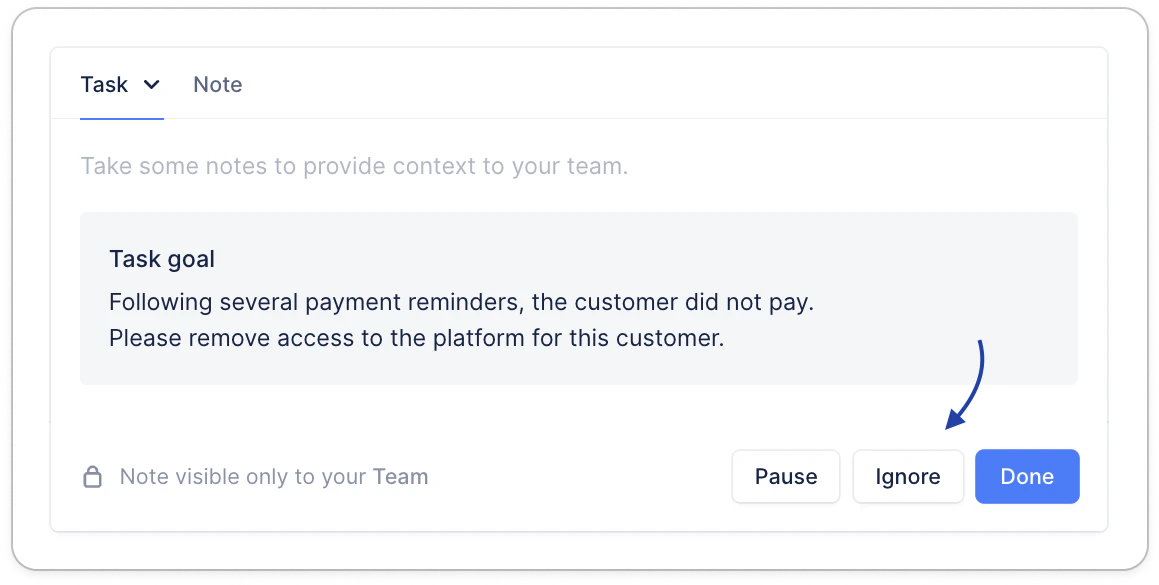
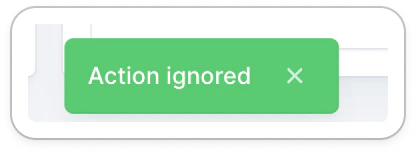
Bulk ignore actions
Still from your Actions list view, “All” section, search for or filter your actions (on a specific customer, the action due date, etc.), select them, click Actions > Ignore.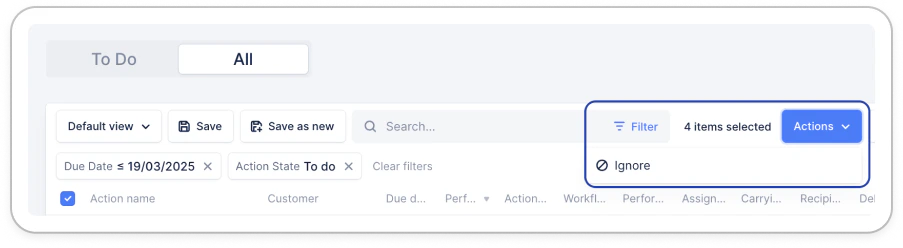
Identify an ignored action
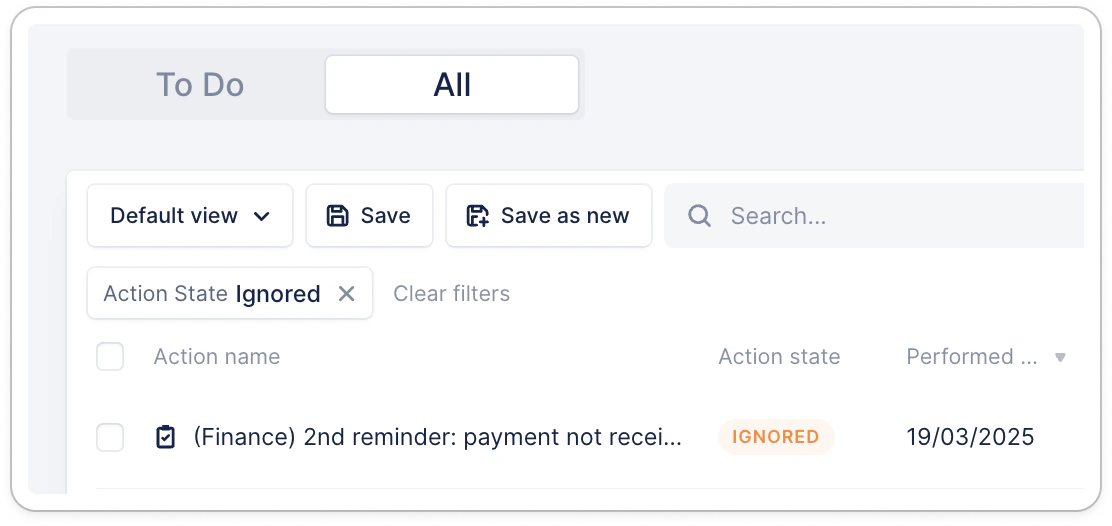
From the same list view, you can filter actions on the “Ignored” status, and narrow your search on the filters “Due date” or “Performed date”.