Documentation Index

Fetch the complete documentation index at: https://docs.upflow.io/llms.txt

Use this file to discover all available pages before exploring further.

While configuring or optimizing your collection process, send yourself a test email to see how emails sent via Upflow look. Use it to refine the content and formatting of your emails.

Test an email template

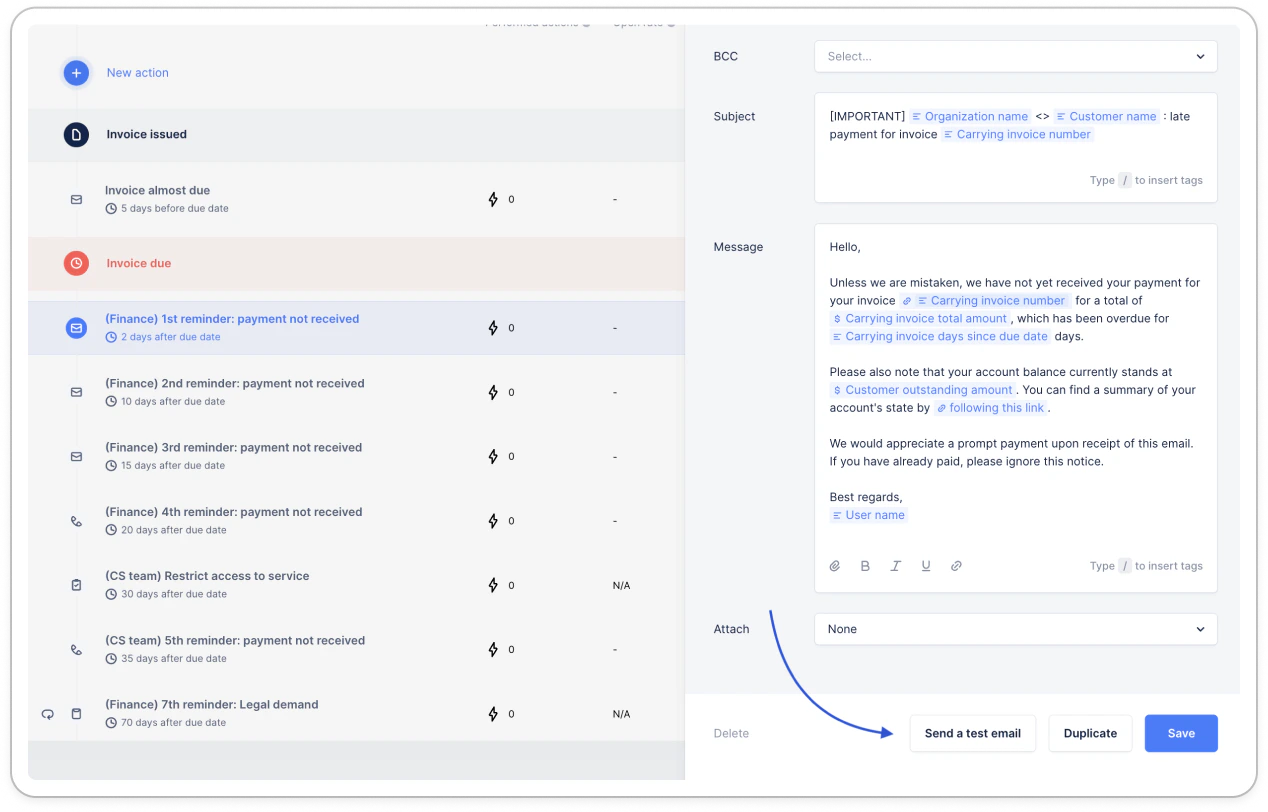
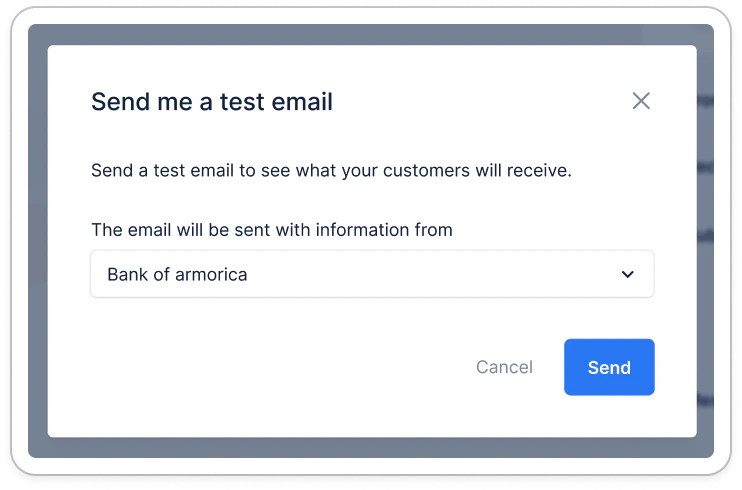
In the workflow section, hit the Send a test email button from any email action template. Select which customer you would like to use to fill in the tags. The email will use the Main contact information to fill in contact-related tags. It will not include Cc or Bcc. You will then receive the corresponding email in your inbox, regardless of the template set up sender (alias, for example). This email doesn’t impact your workflows, nor can it be seen in the timeline or the actions performed.
Test an email campaign

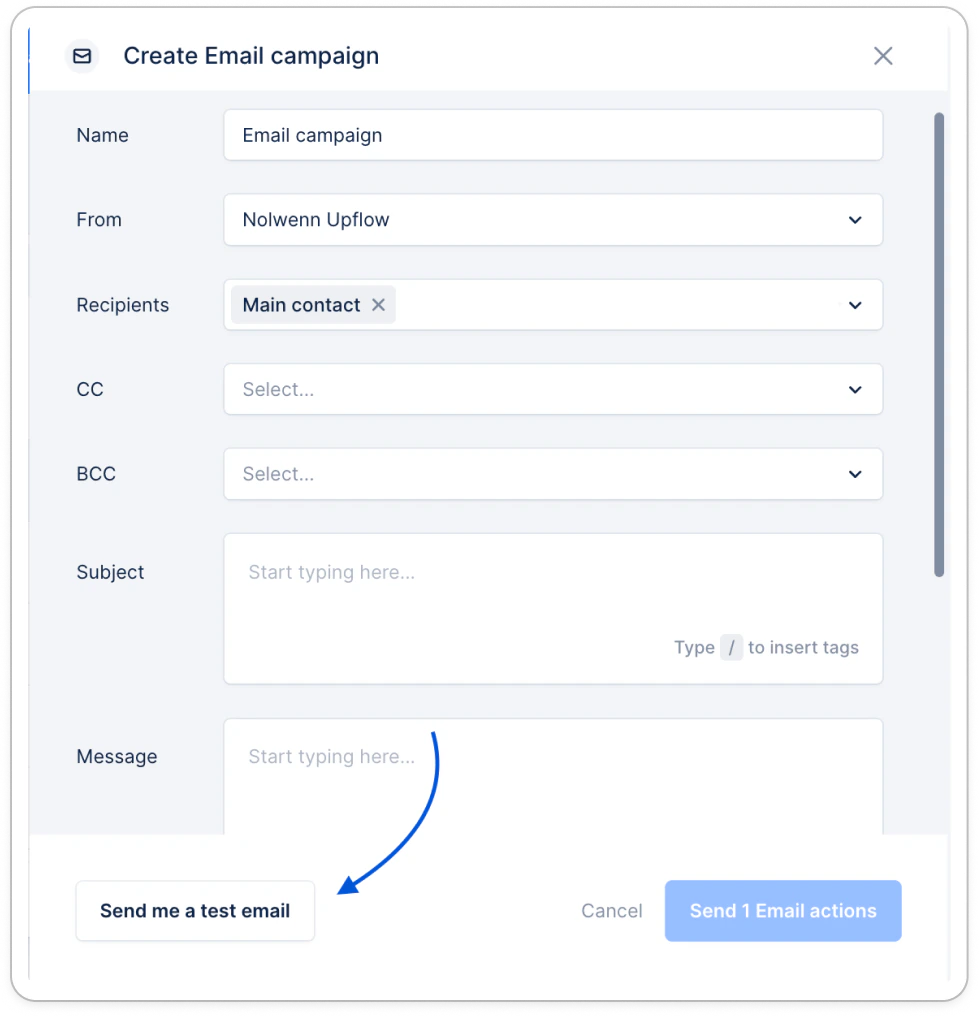
You need to send an email campaign to one or multiple customers and see how it’ll look on the receiving end? Once you configured your email campaign, click Send test email to see how it’ll look like, before sending the campaign to your customers. It needs a bit more customization? Update it! It looks good? Send you email actions!