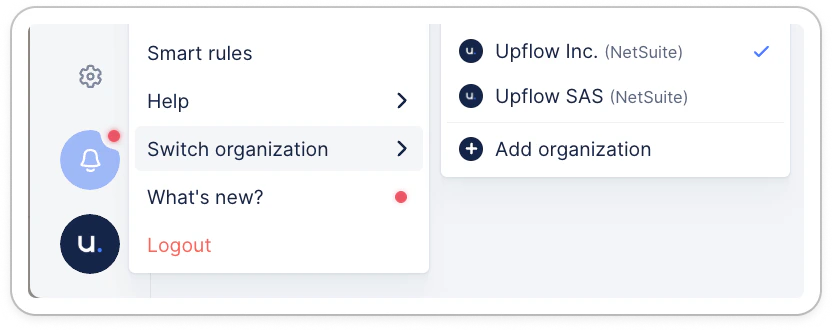
Create a new organization
Click on your logo at the bottom of your navigation panel, and hover your mouse over Switch organization to display (and click on) + Add organization.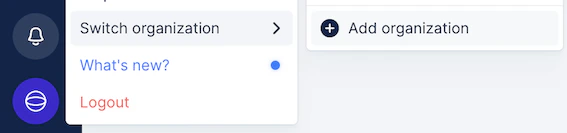
❗Please note your teammates’ accounts are not duplicated, and you’ll need to re-invite those you want to access your new entity!
Change organization
When your company has multiple organizations in Upflow, if you’re a user in multiple orgs with the same email address , you will be able to easily switch from one to the other. Click on your logo at the bottom of your navigation panel, and hover your mouse over Switch organization to display the list of organization you have access to. Then click the one you wish to access. Note: a little blue checkmark will remind you of the organization you’re currently on.