Invoice PDFs aren’t included in the export.
Export customer data along with the invoice data
- Go to the Invoices list view.
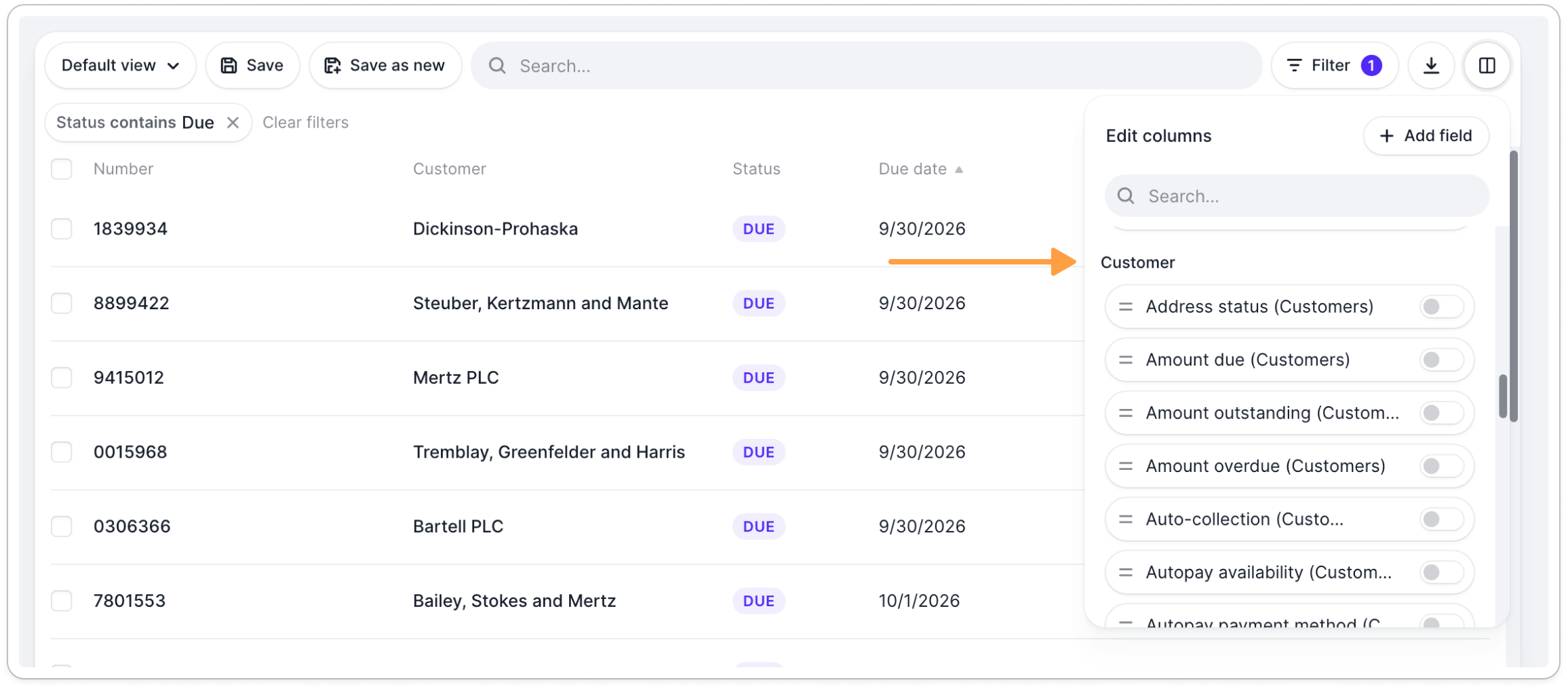
- Click the Edit columns button, next to the Export button
- Scroll to the Customer section.
- Toggle the columns you want to display, and drag them to reorder.
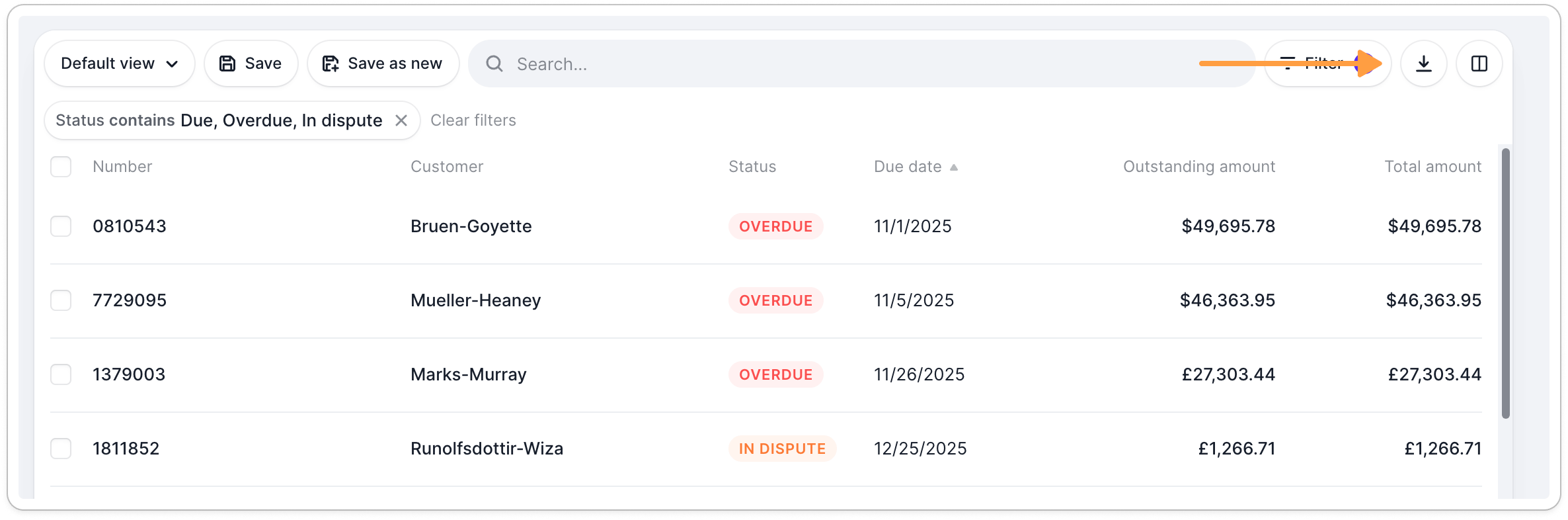
- Click Export in the top right corner and choose CSV or XLSX.