This flow is API-driven. It’s typically triggered from your CRM (for example Salesforce) or your own application. For a general overview of the API, see Integrating with the Upflow API.
How it works
- Your CRM or application creates a customer through the Upflow API.
-
Upflow synchronously creates that customer in your accounting system (Sage Intacct or NetSuite) and returns its ID (
externalId) in the API response. - You generate a customer portal link for that customer through the API and send it to them.
- Your customer saves a payment method on their portal, which Upflow verifies with Stripe.
- You poll the customer through the API to check whether a payment method has been saved. Once it has, any invoice your accounting system later raises for that customer can be collected — manually or with Autopay.
Prerequisites
- A native accounting integration: Sage Intacct or NetSuite. This flow is only available on native integrations, because Upflow creates the customer directly in your accounting system.
- Online payment methods enabled, so your customers can save a card or direct debit — see Managing online payment methods.
- Your API key and secret, available under Settings → API (see Integrating with the Upflow API).
Creating the customer
Create the customer with the Import Customer endpoint, the same endpoint used elsewhere in the API.- A name and an email are required. Both Sage Intacct and NetSuite need contact information to create a customer, so provide at least the customer’s name and email, plus any other fields your accounting system requires.
- New customers are created with a customer status (not prospect).
- Subsidiary: the customer is created in the subsidiary that corresponds to the organization you call the API on.
Capturing the payment method
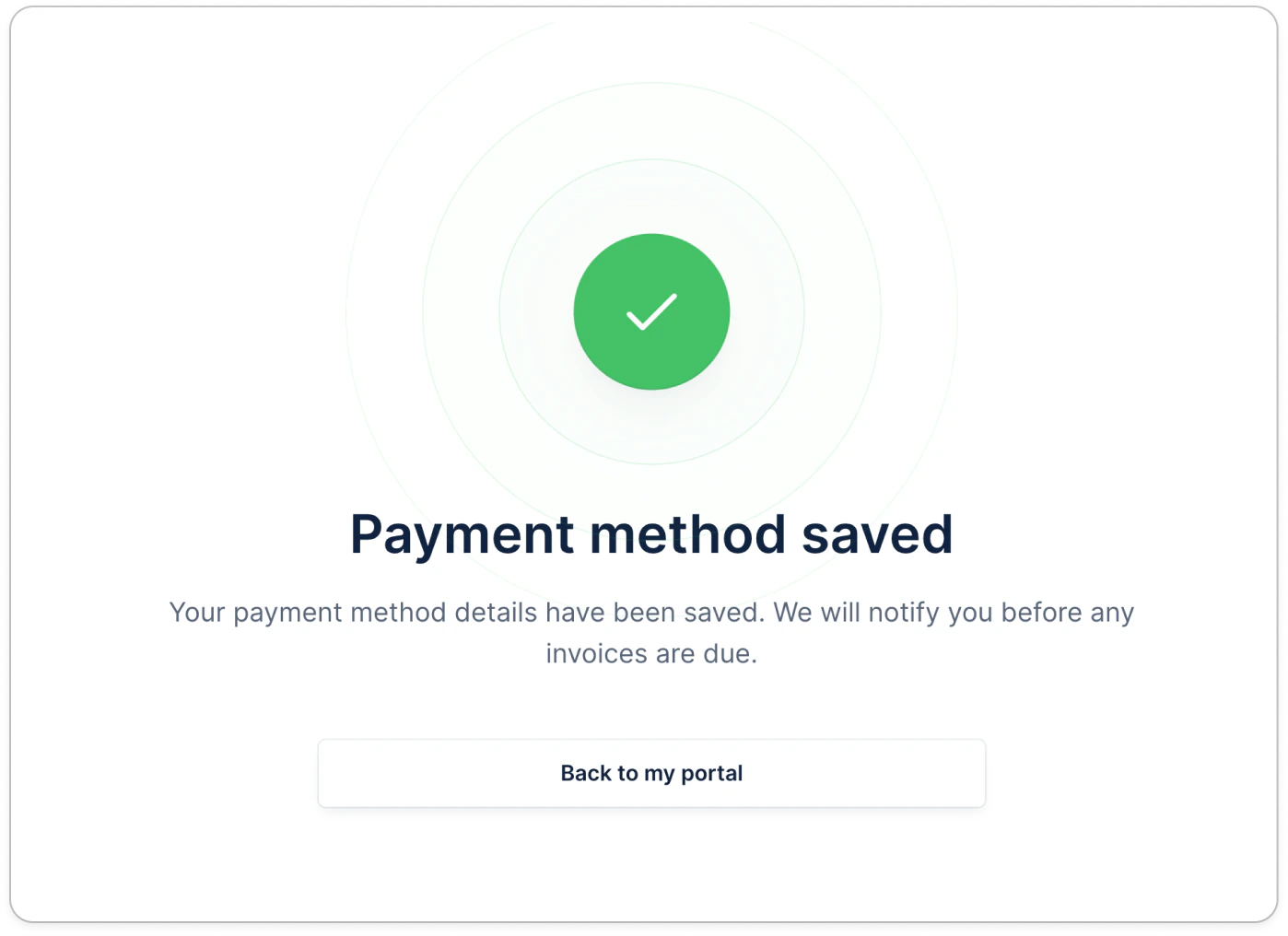
Once the customer exists, generate a portal link for them with the Create customer portal endpoint, then send it to your customer. See Generate a portal URL via the API for the full details. Your customer opens the portal and saves a card or direct debit, exactly as described in Capturing payment methods without outstanding invoices. Upflow verifies the method with Stripe, and the customer sees a confirmation screen once it’s saved.