

Configuration
Start with designating the line item from your connected solution you want the fees to be applied to from the Integrations menu of your Settings. From there, jump to the Incentives menu and toggle the Early payment discount option. You can now set up the discount rate (in percent) you want to apply on invoices paid within a delay of your choosing (in days). Don’t forget to save! Manage the feature from the same menu. Edit its details or disable it. Last but not least, the feature is not enabled by default across all your customers. Activate it for the accounts of your choice. It can be done at the customers’ level from the Payment section of their details.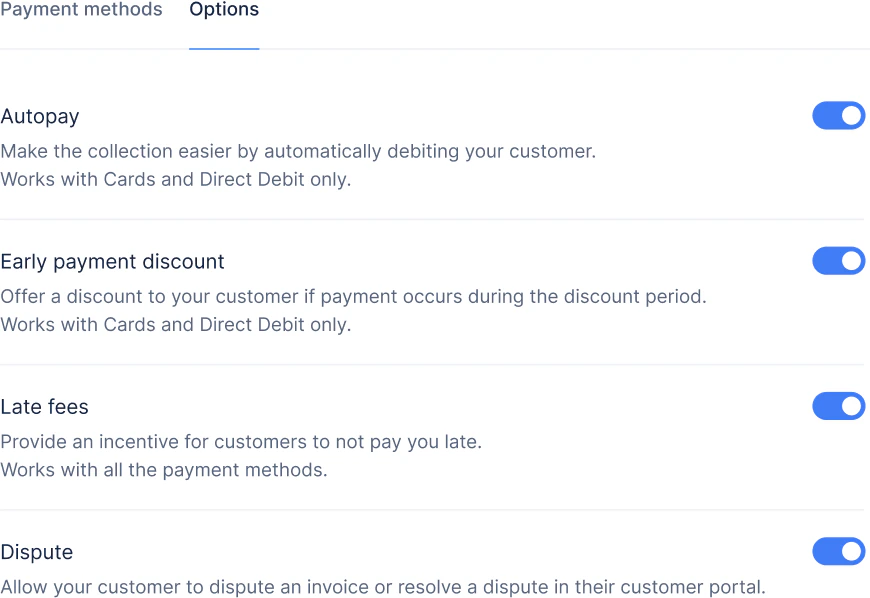
Calculation
Your clients will benefit from the discount on each of their invoice paid- from their Upflow Portal
- with an online payment method (by card or direct debit via Stripe)
- within the defined delay after its issue date
Example
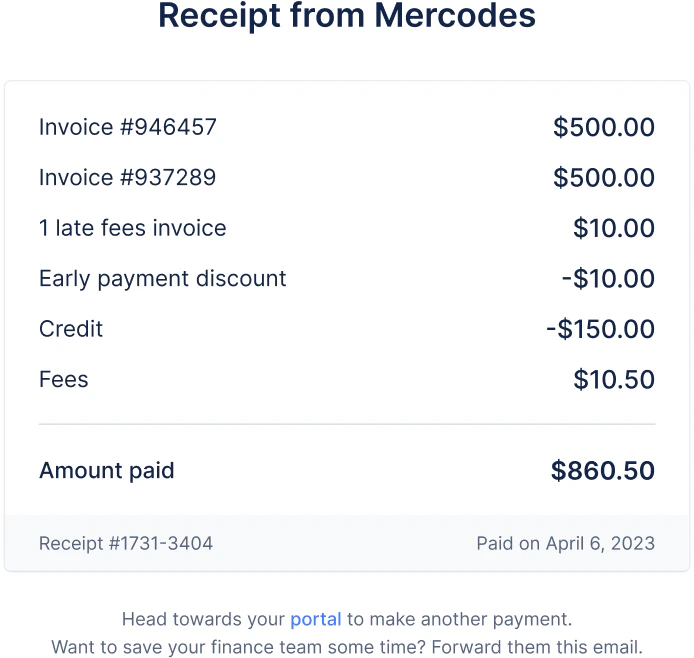
Imagine a 3% discount rate on a $10,000 invoice paid within the delay you defined. Your customers will end up paying $9,700. (1 - 3%) * 10,000 = 0.97 * 10,000 = 9,700In practice
Settings updates’ impact
- When you disable the option, discounts applied on open invoices disappear. Those already triggered will remain untouched.
- New rules (new % or delay) are not retroactive. They apply from the moment you update your setup.