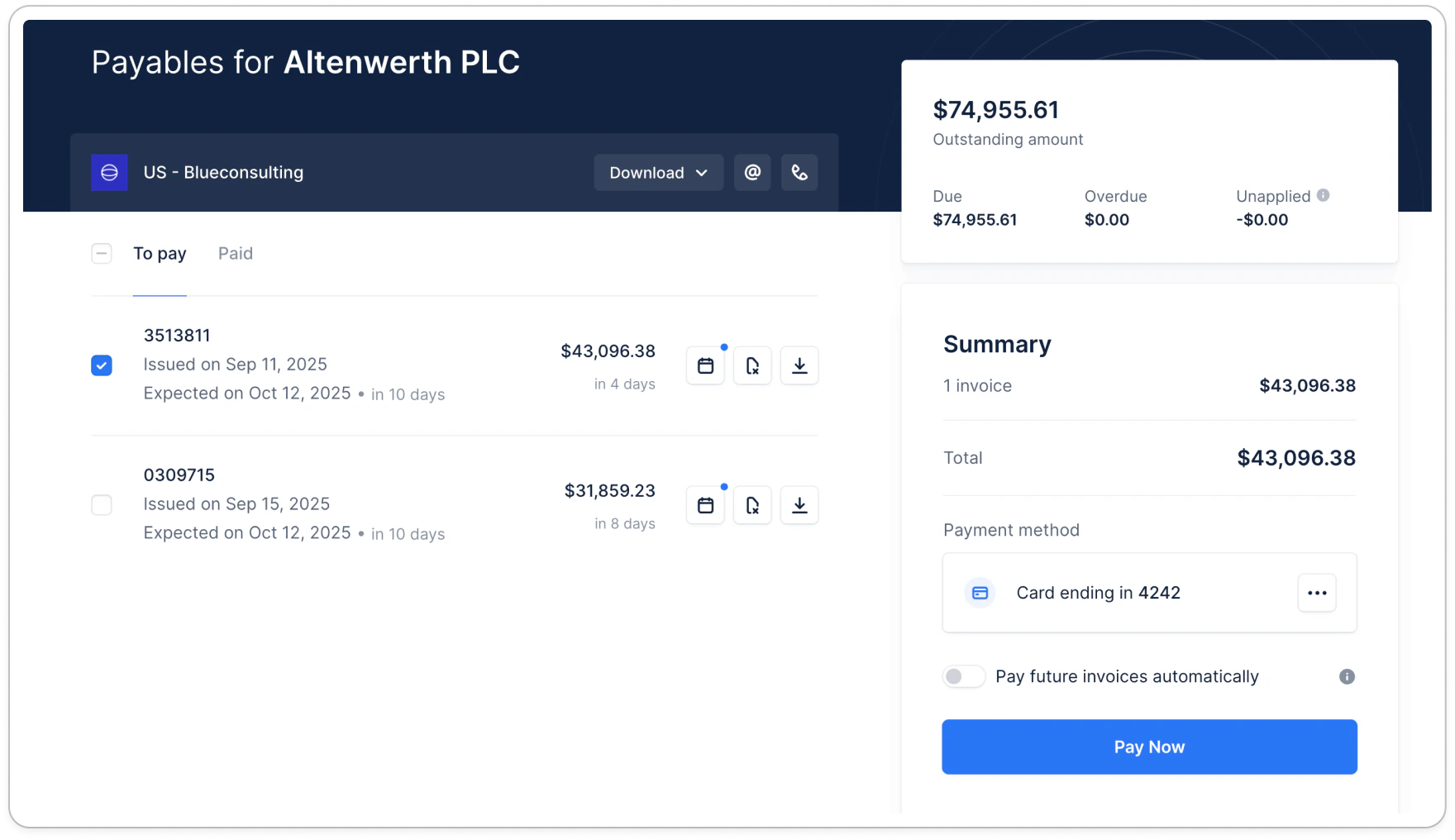
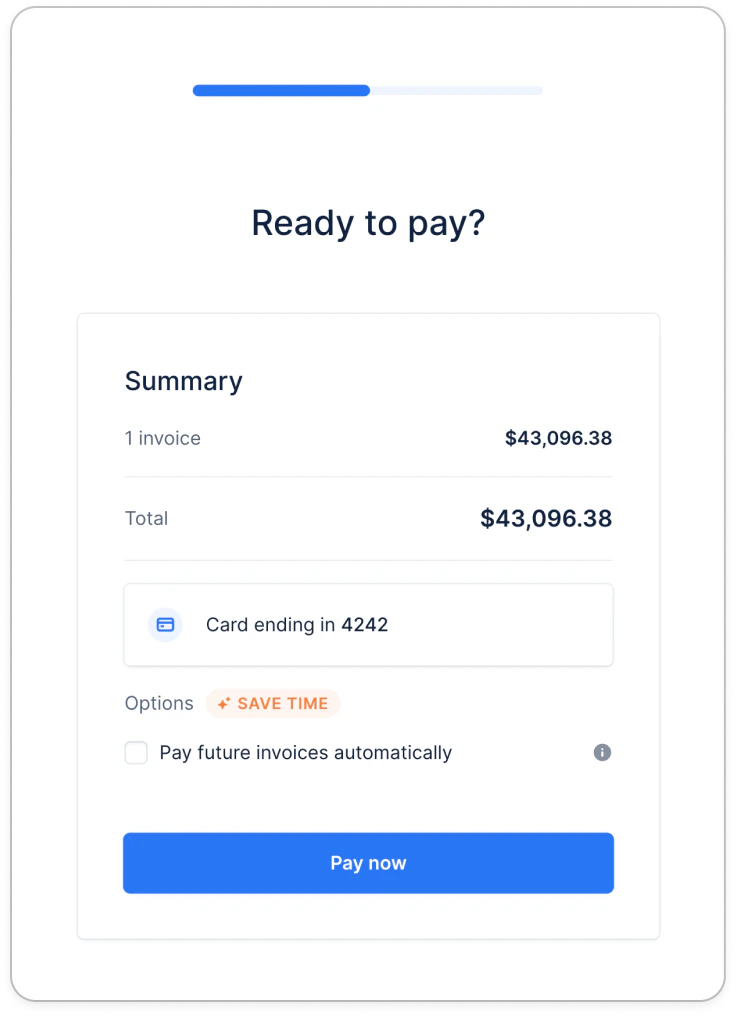
- Save multiple cards or direct debits — and add a new one at any time, even with no invoice to pay
- Choose which saved method is used for Autopay, and change it whenever they need to
- Pay any invoice with any of their saved methods
- Delete a method, or reactivate one that was paused after a failed Autopay attempt
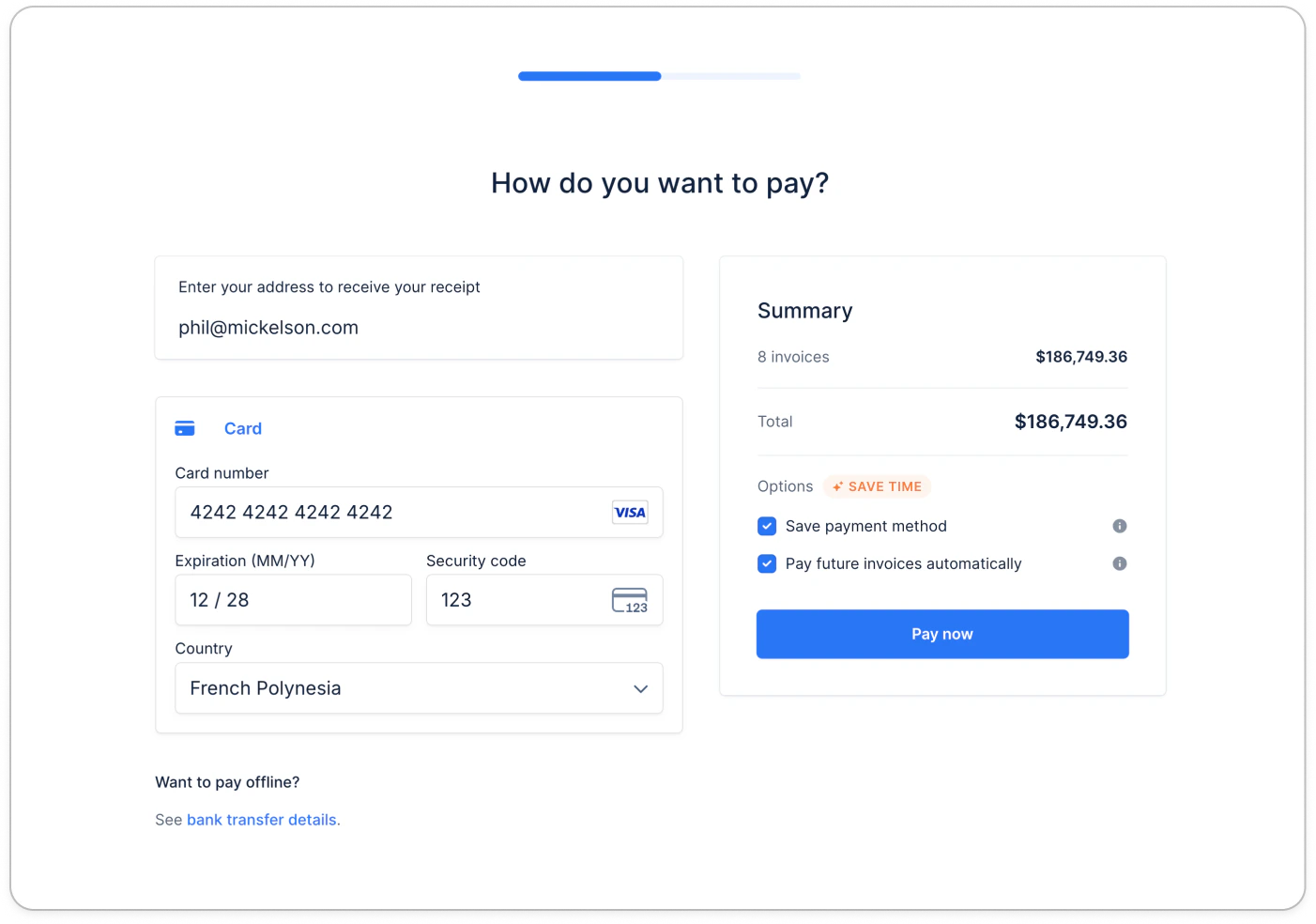
Enabling your customers to enroll into autopay
To enable your customers to enroll into Autopay, simply navigate to your payment settings and toggle the option on. You can have it on by default for all new customers as well.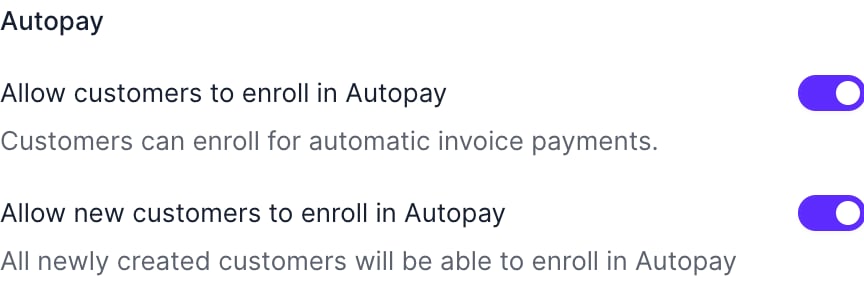
Saving payment methods on the portal
Your customers can save more than one payment method on their portal — for example a card and a direct debit, or methods in different currencies. They can add a new one at any time, including when they have no invoice to pay (see Capturing payment methods without outstanding invoices). When saving a method, they choose whether to use it for Autopay. All of their saved methods are visible on their portal, and you can see the full list on the customer’s details page.Choosing which method is used for Autopay
The Autopay method is the saved method Upflow uses to automatically collect a customer’s future invoices. Customers decide whether to use a method for Autopay when they save it, and can change which method is used at any time from the saved payment methods section of their portal.Deleting the method currently used for Autopay stops Autopay for that customer. To keep collecting their invoices automatically, they’ll need to set another saved method for Autopay.
Paying manually an invoice with a saved payment method
If they don’t enroll in autopay, this is what their portal will look like: