Activating partial payments
To activate partial payments, head over to your settings and toggle partial payments on. Once activated, this option becomes available to all your customers.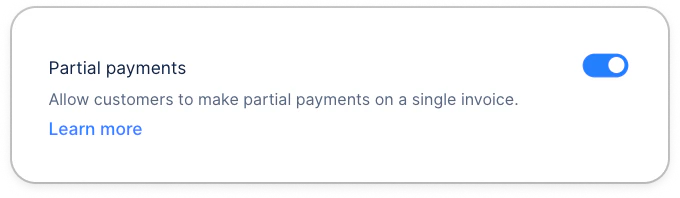
Paying an invoice partially
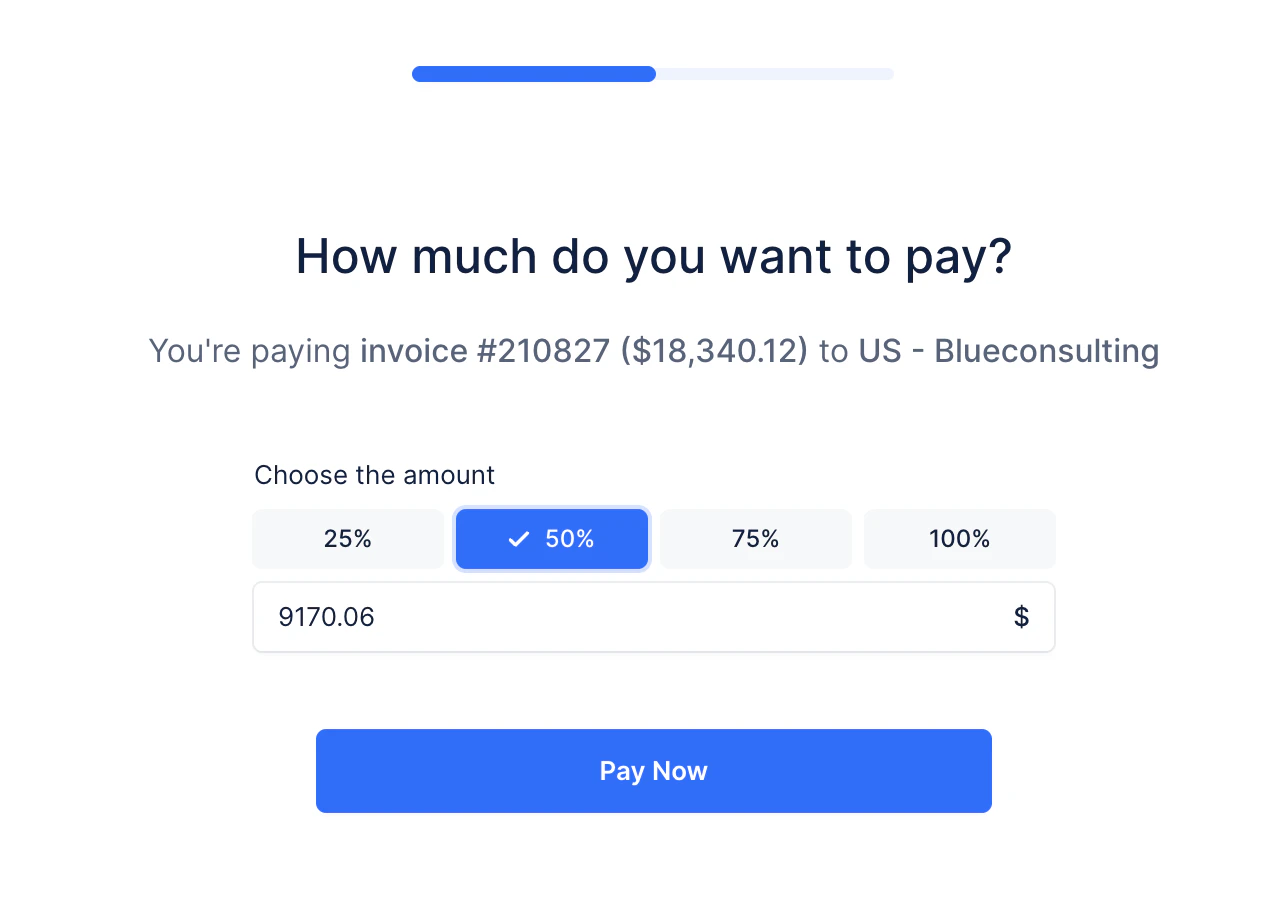
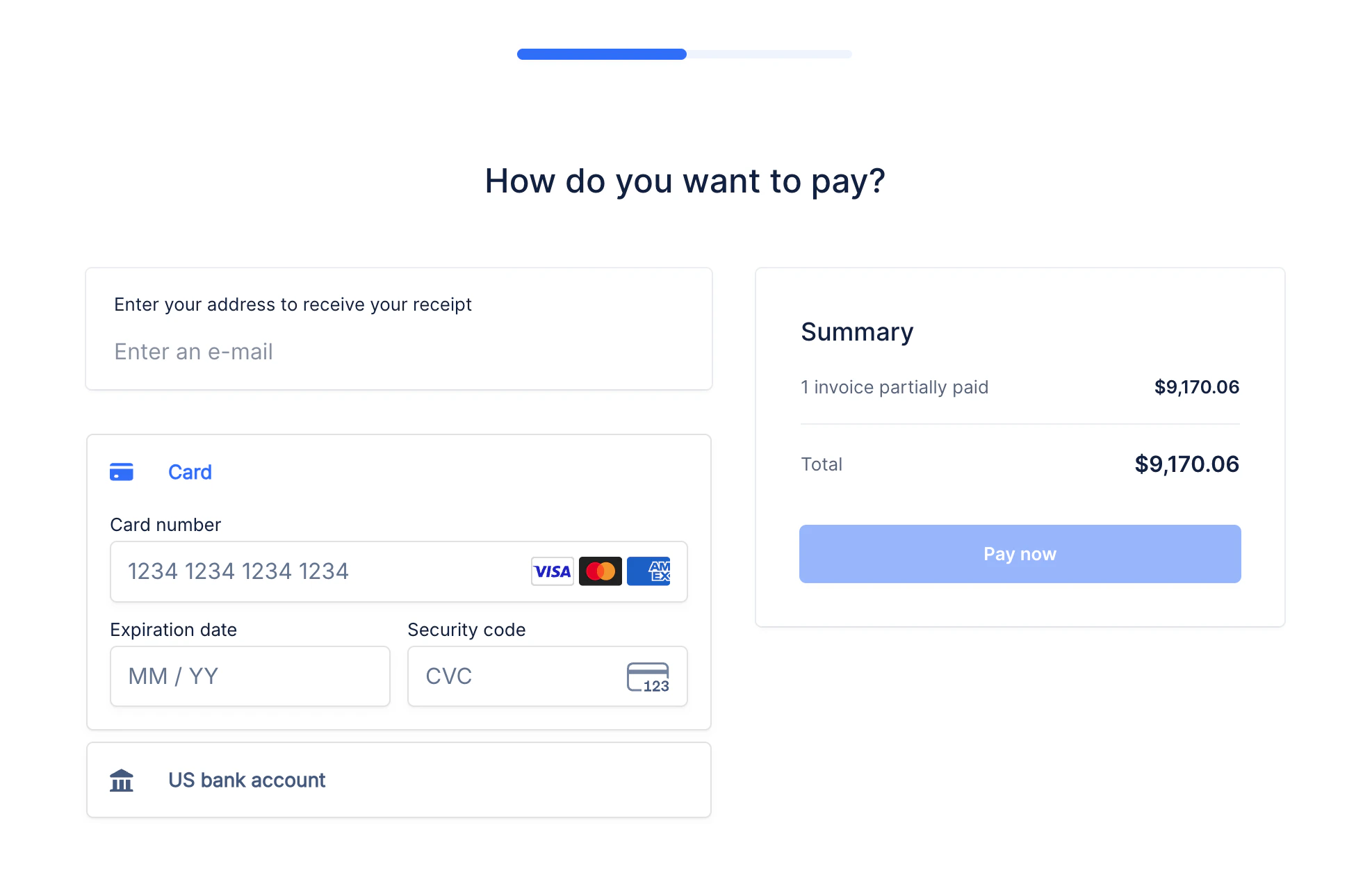
From the portal your customers will have the option to pay one invoice partially. The option is only displayed when your customer has at least one online payment method enabled (e.g. Cards or ACH Debit).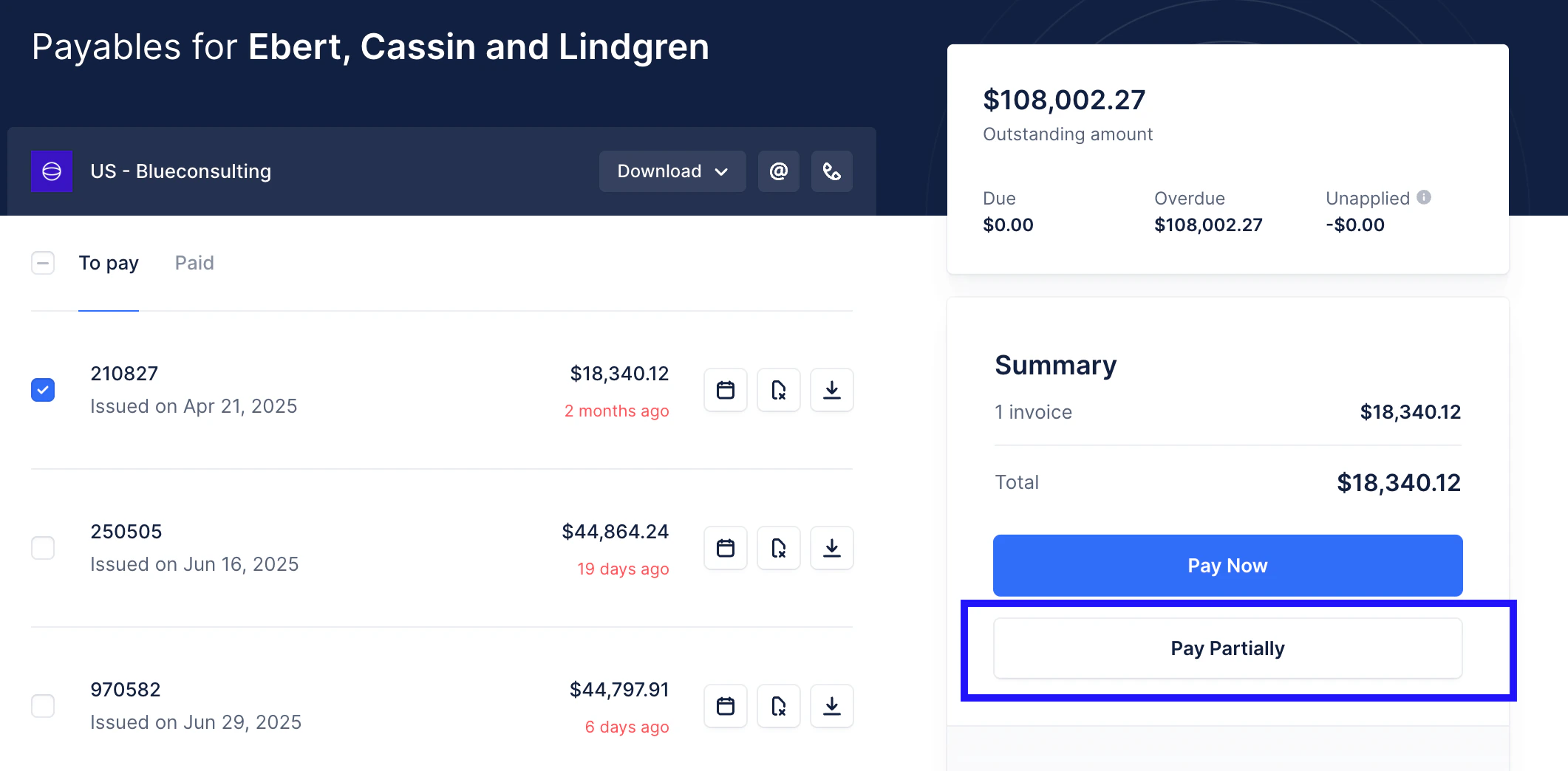
Paying multiple invoices partially
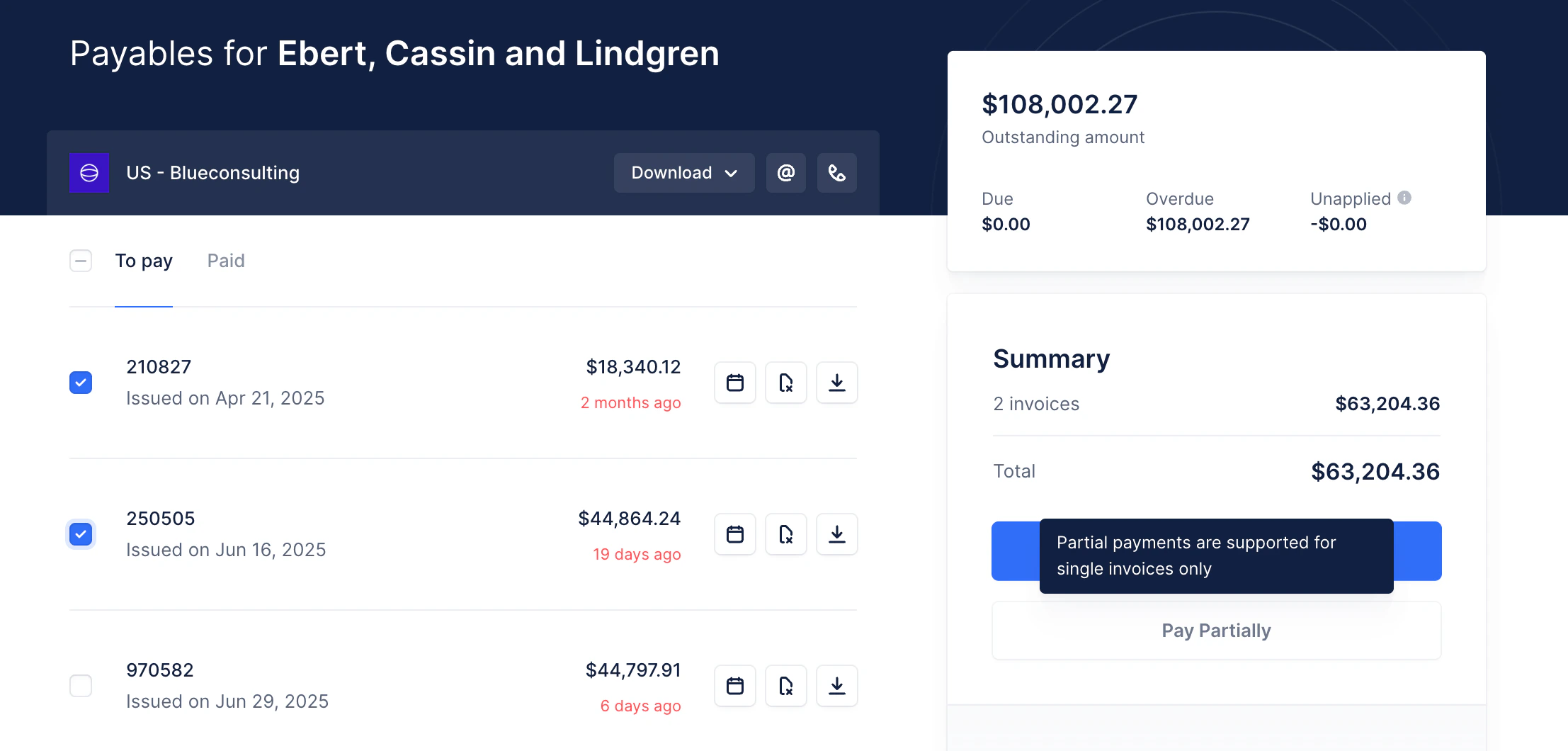
Partial payments are currently supported for single invoices only. To pay multiple invoices partially, your customer should process each of those as separate partial payments by selecting one invoice at a time on their portal: