What is ACH direct debit?
ACH (“Automated Clearing House”) is a US payment network overseen by Nacha that enables bank-to-bank payments. It features two main modes for transferring the funds (more details here):- ACH Credit: your customer instructs their bank to send the money to yours. This is functionally similar to a wire transfer, customers “push” money to you.
- ACH Debit: you instruct your bank to debit the customer’s bank account after obtaining their authorization. You “pull” the funds into your own bank account.
Collecting payments via ACH direct debit
First, follow this short guide to make ACH Direct Debit available as a payment method for your customers in a few clicks. Triggering a direct debit over the ACH network involves 3 main steps:- your customer verifies their bank account.
- your customer authorizes the debit by setting up a Direct Debit mandate.
- the debit order is issued over the ACH network.
Step 1 - Choose a verification method
Customer is presented with two options on the portal:- Instant verification via bank login (recommended)
- Manual verification via micro-deposits — a 1–2 business day fallback your customer can use if their bank doesn’t support bank login.
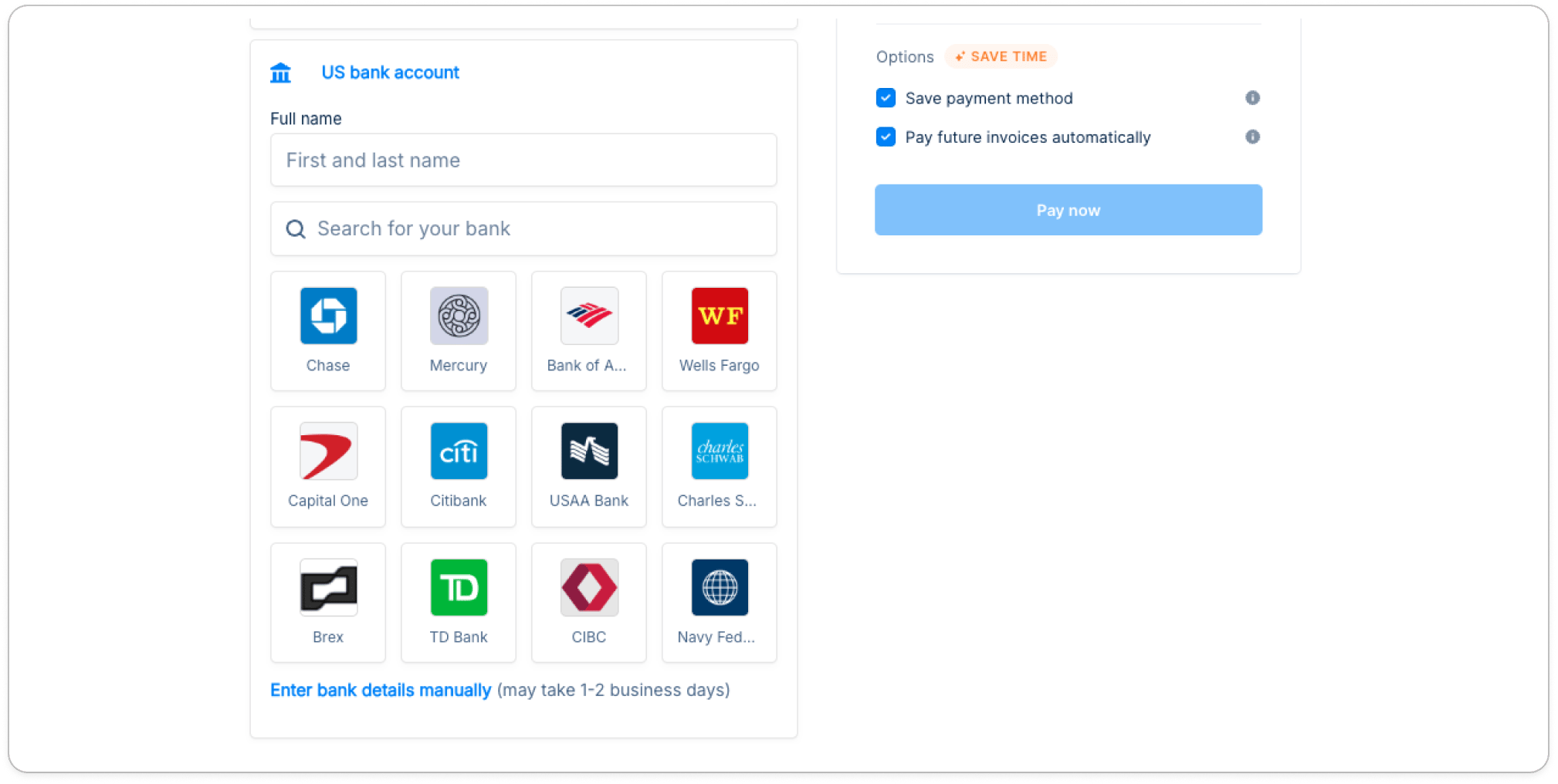
Step 2 - Complete mandate setup
Path A: Instant verification (bank login)
Customer signs into their bank, selects the account to debit, then sees and confirms the mandate. Account is verified immediately.Path B: Manual verification (micro-deposits)
- Customer enters routing & account number and start the mandate setup:
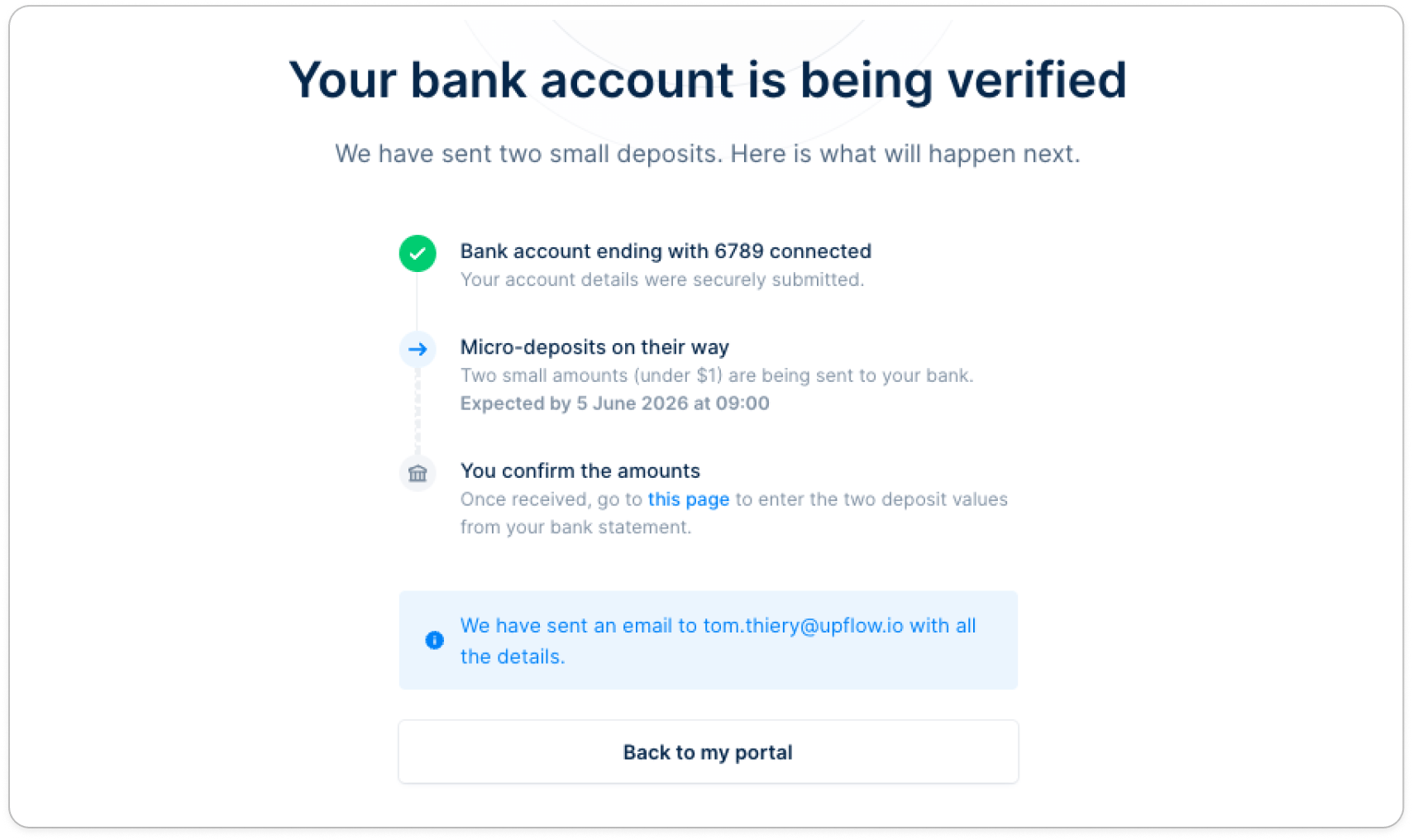
- Stripe issues a small direct deposit (under $1) to the bank account (1–2 business days to land).
- Upflow sends a verification email titled “ACH bank verification initiated” to the email address the customer entered when adding their ACH Payment method.
This email address is captured when the payment method is added in the checkout flow and may differ from the customer’s main contact email — make sure the customer enters the address of the person who will complete the verification.
- Customer clicks the link in the email and enters the two micro-deposit amounts to confirm account ownership. They have up to 10 calendar days.
- Customer sees a callout on their portal homepage with the amount, linked invoices, verification link, and a cancel option.
- The invoices tied to that in-progress payment are removed from the pre-selected list (no duplicate payments).
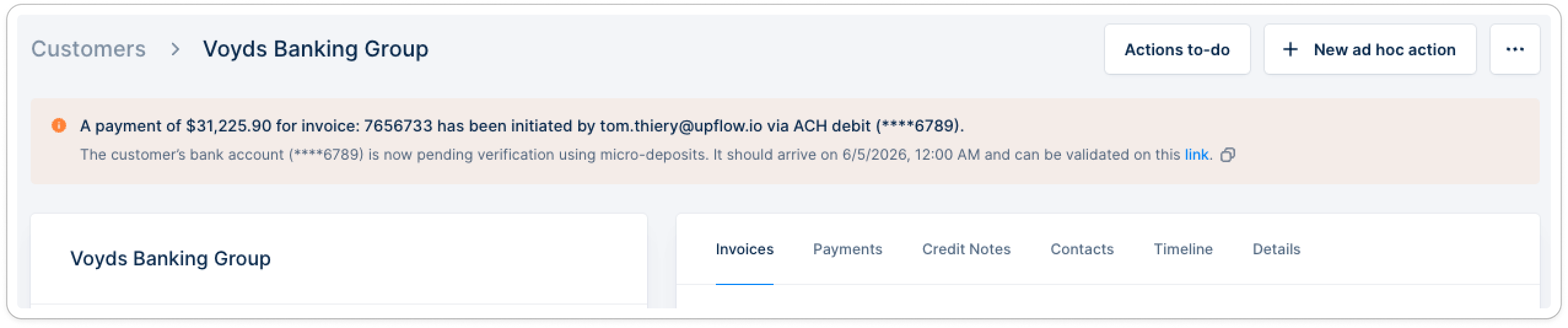
- You see a payment-in-progress callout on the customer’s details page.