

Setup
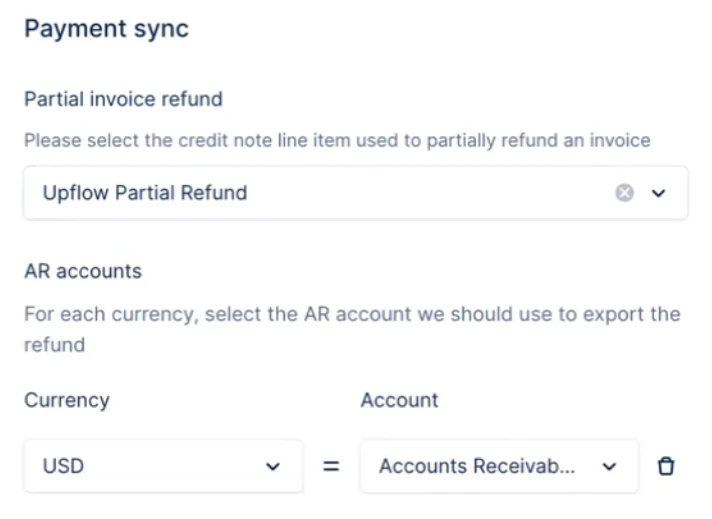
Before refunds can be exported, make sure your QuickBooks integration settings are complete. From the Integrations settings page, configure:- Accounts Receivable (AR) account — the account the refund Expense will post to. If you work in multiple currencies, you can set a different AR account for each currency.
- Partial invoice refund line item — the QuickBooks line item Upflow uses to represent the refunded amount when a refund does not fully cover the original payment.
Refund of a payment not applied to an invoice
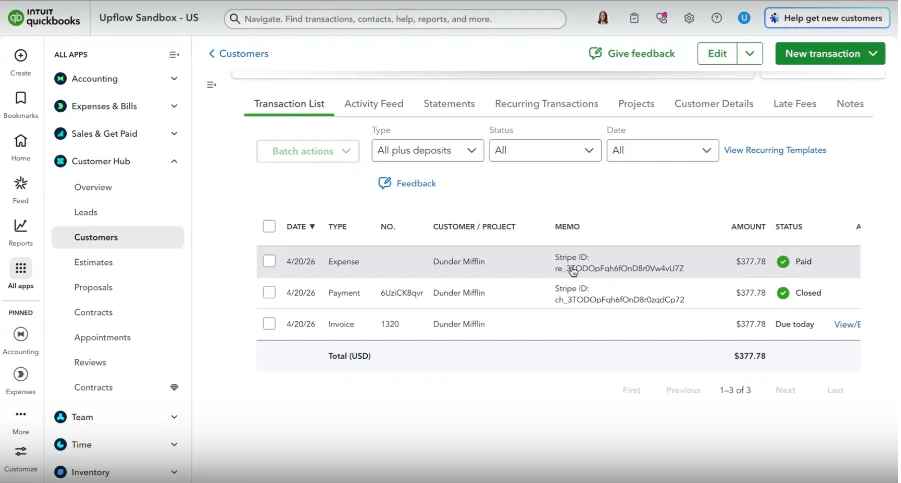
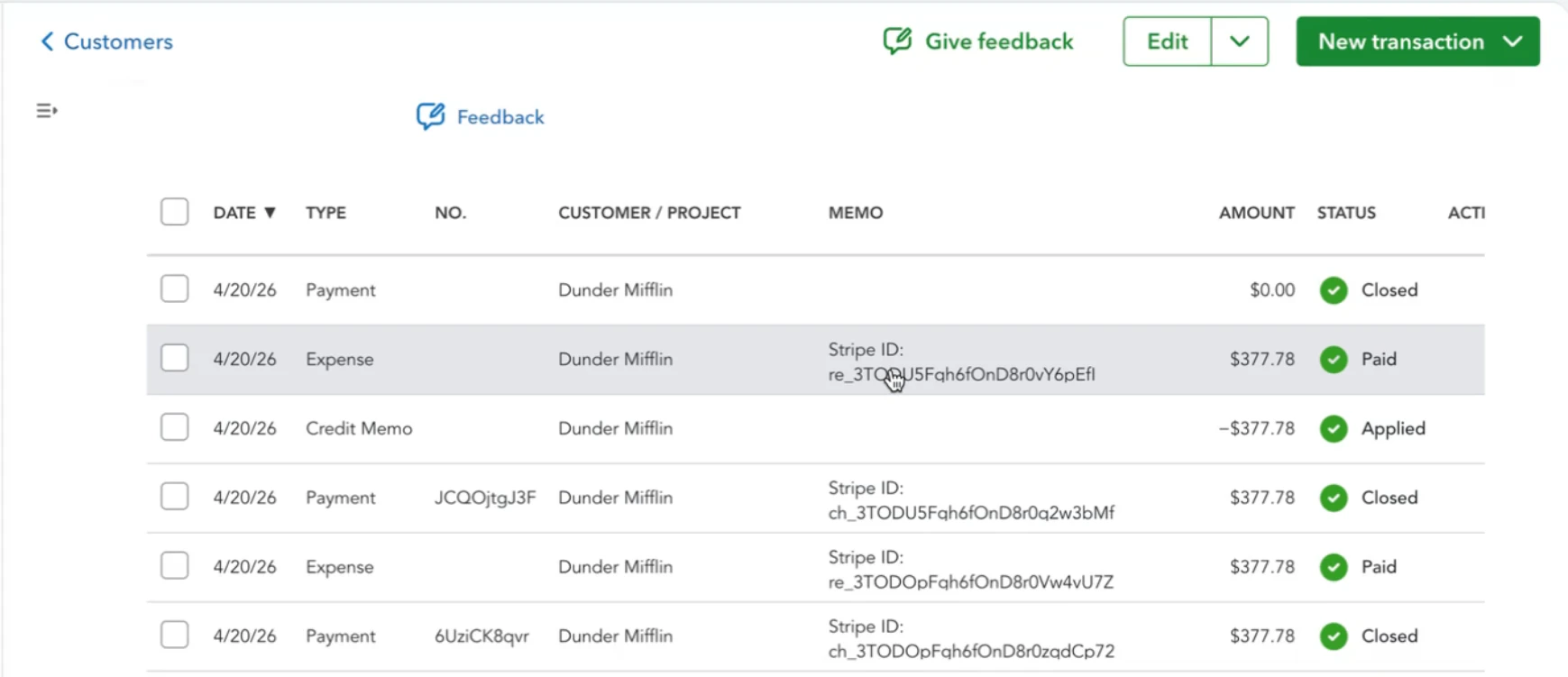
When the original payment is not applied to any invoice in Upflow, we generate the refund in QuickBooks as an Expense and apply it directly to the original payment.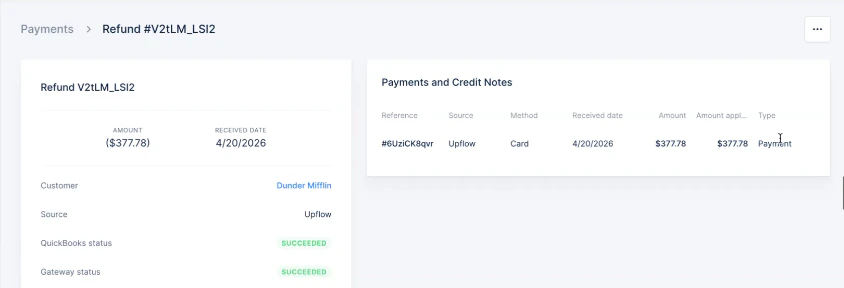
Refund of a payment applied to an invoice
When the original payment was applied to an invoice, Upflow leaves the payment applied to the invoice and creates a Credit Note in QuickBooks. The refund is then exported as an Expense, and the Credit Note is applied to that Expense.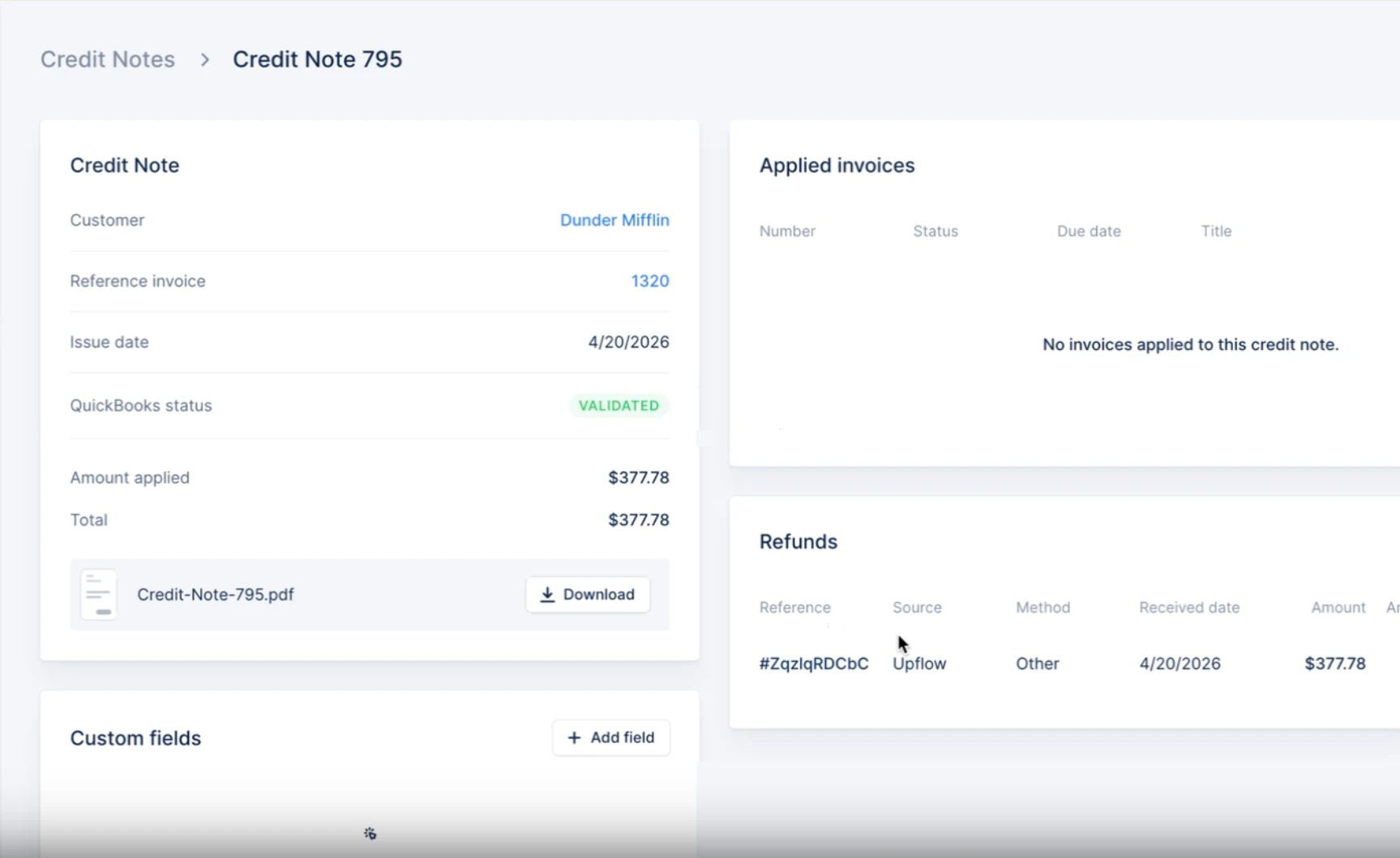
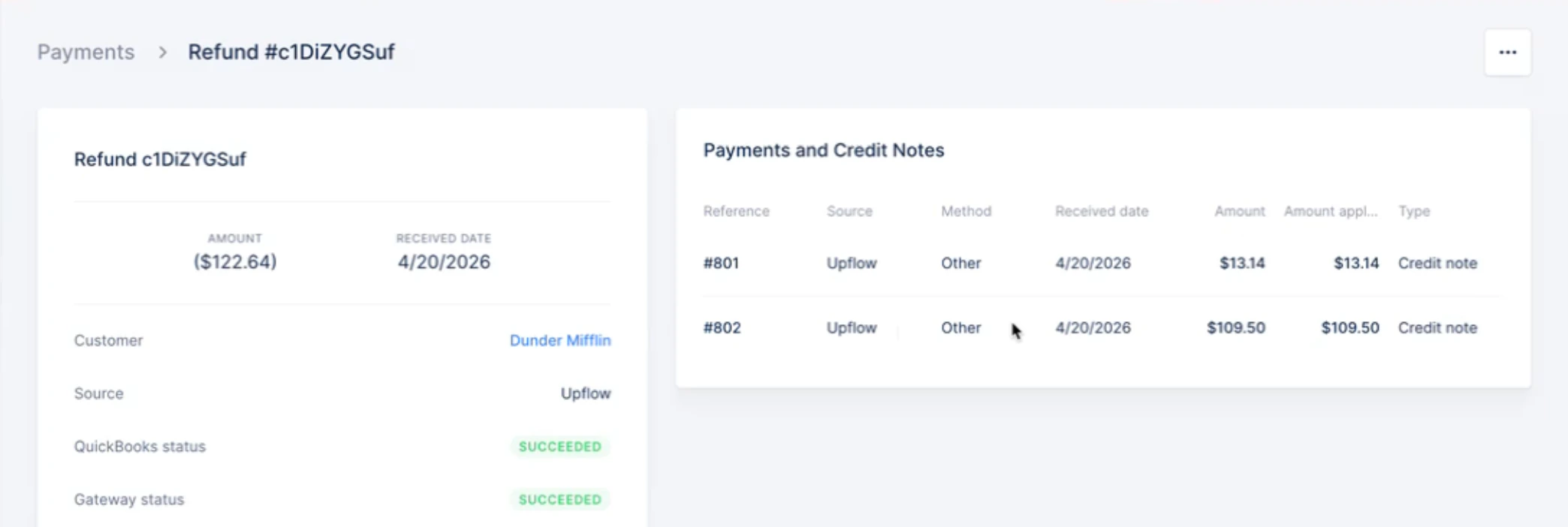
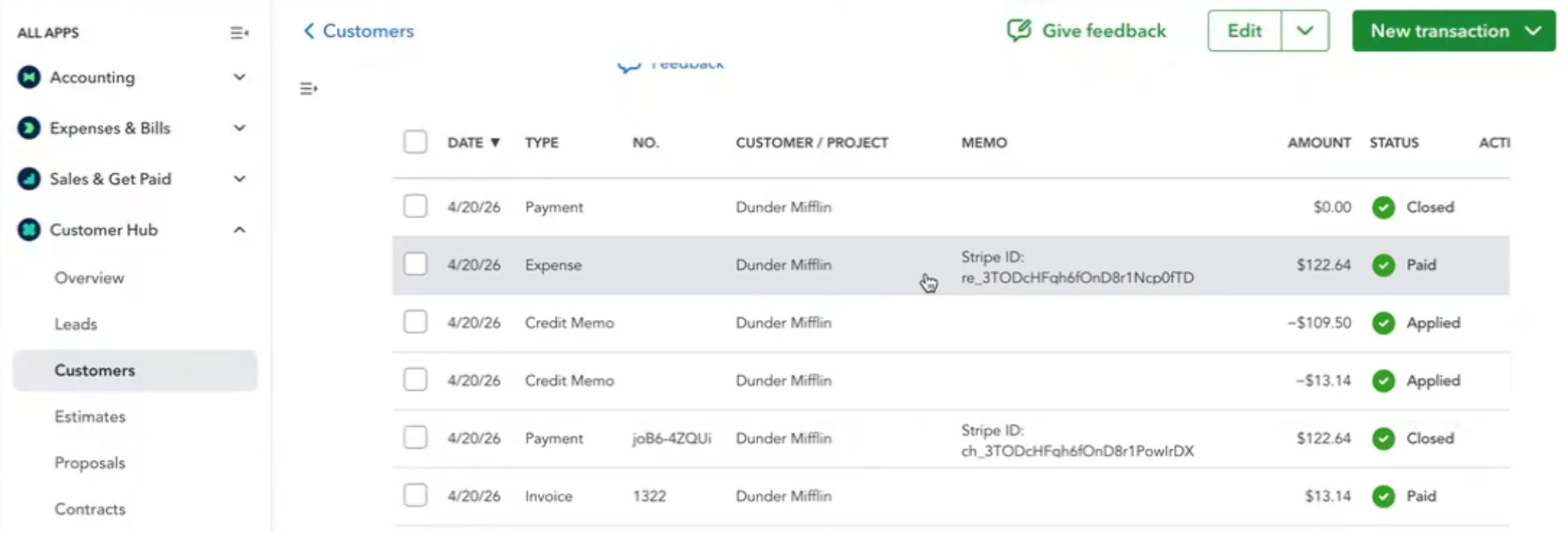
Partial refund
When a refund covers only part of the original payment, Upflow doesn’t know which invoice line items it corresponds to. The refund Expense uses the partial invoice refund line item configured in your QuickBooks integration settings to represent the refunded amount. The remaining balance stays applied to the original invoice.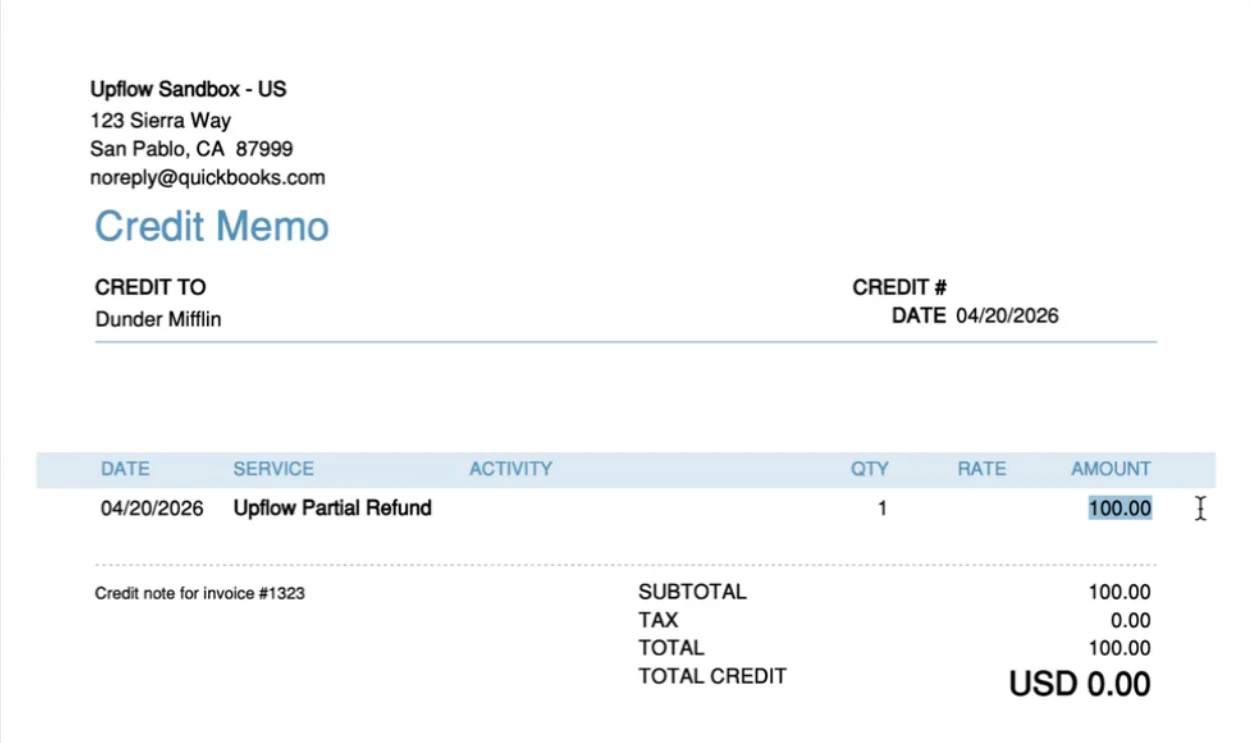
Troubleshooting
If a refund fails to export, check the error message on the refund from the Payments list. The most common causes are a missing setting in your Integrations settings:- Refund could not be exported. Please make sure you have selected the AR account in the integration settings. → select the AR account for the refund’s currency and retry the export.
- Credit note could not be exported. Please make sure you have selected the partial invoice refund item in the integration settings. → select a partial invoice refund line item and retry the export.