

In Chargebee
In Chargebee as an Administrator, you can go to Settings > Configure Chargebee > Custom Fields. This step will create and/or import your custom fields from Chargebee and make them available in Upflow.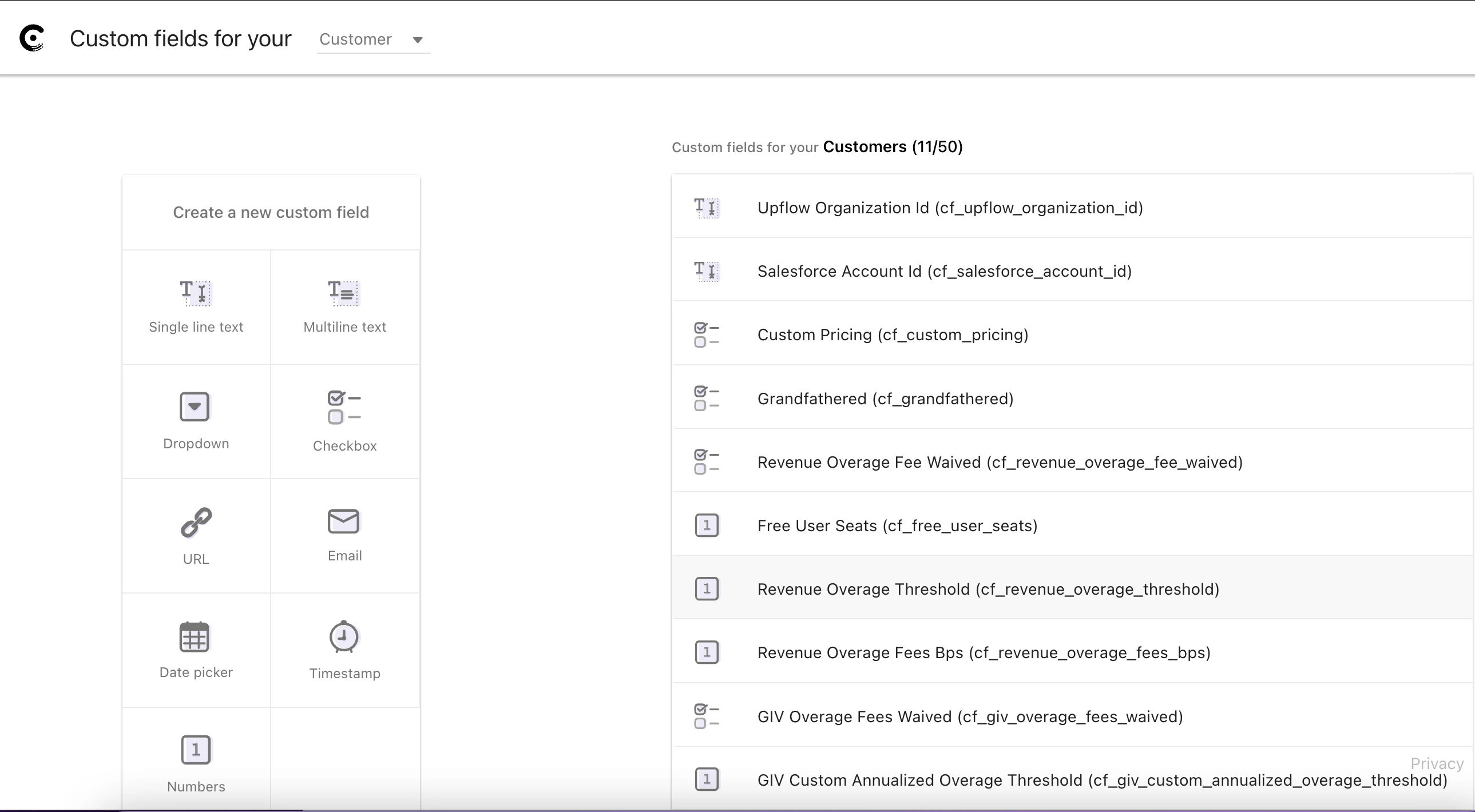
In your Upflow settings
If you want to add your Chargebee custom fields, Upflow got you covered. Head to your Settings > Custom fields section, and click Add field, then select your field from the list: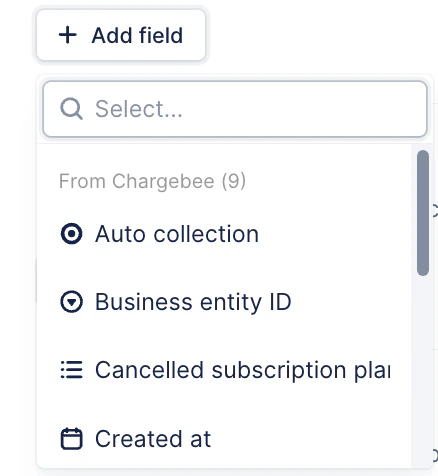
I can’t find my field in the list
If your field is not available in the list, you can scroll down the list and click Add custom field. Then, select the option Yes, in Chargebee : The field you create in Upflow must be exactly as the one from Chargebee:
- The field type must match the one used in Chargebee
- The name in Upflow must match the field API Name in Chargebee.
The supported custom field types on Chargebee are:
More fields - Subscriptions
Additionally, you can import subscription names as customer custom fields. As a customer can have several subscriptions, you will be able to import the subscription name based on the subscription status. The following statuses are available: Active, Cancelled, Future, In-trial, Non renewing, Paused, Transferred.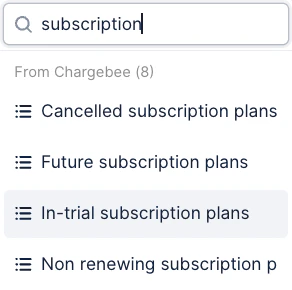
Only customer custom fields are supported with Chargebee. No invoice, payment, or contact custom field can be synced.Any questions? Submit a Support request at the top of this article.