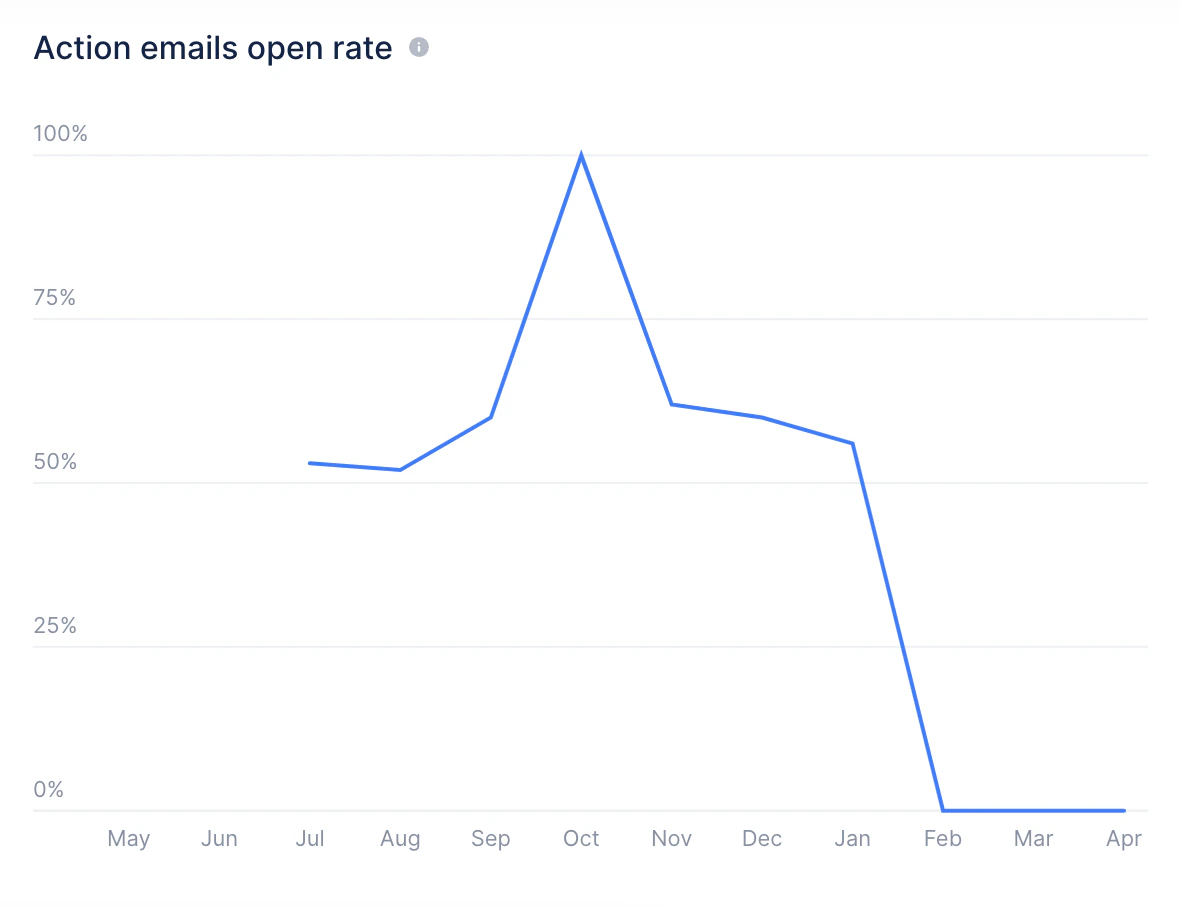
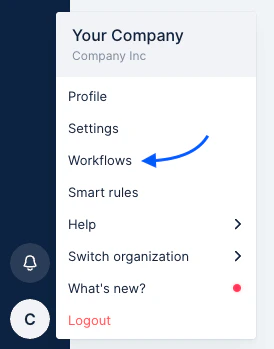
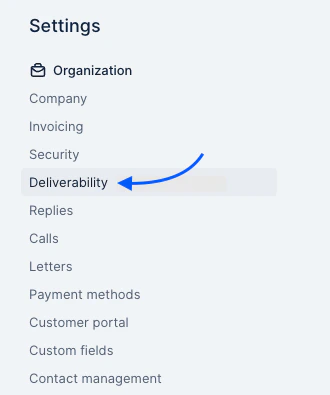
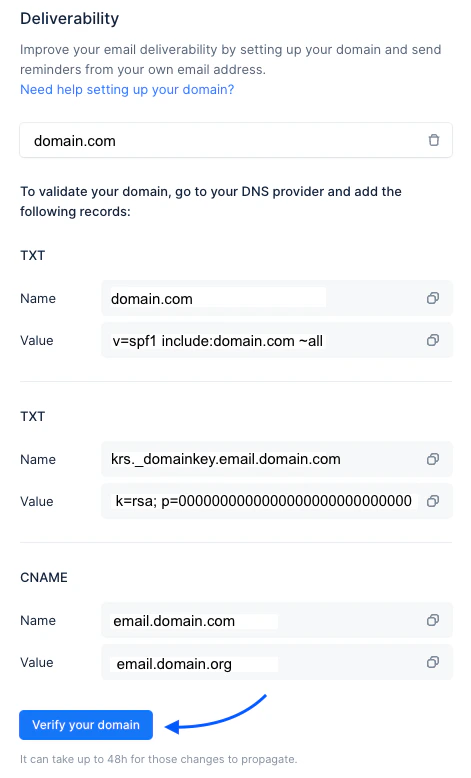
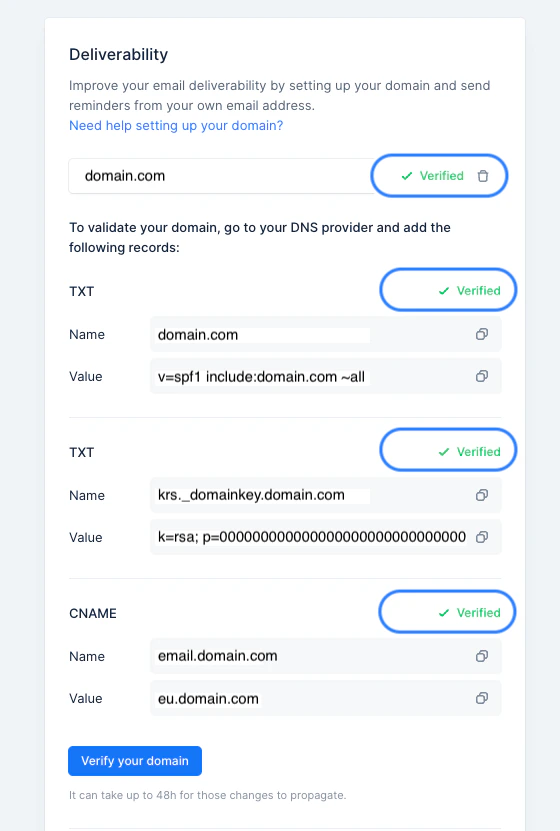
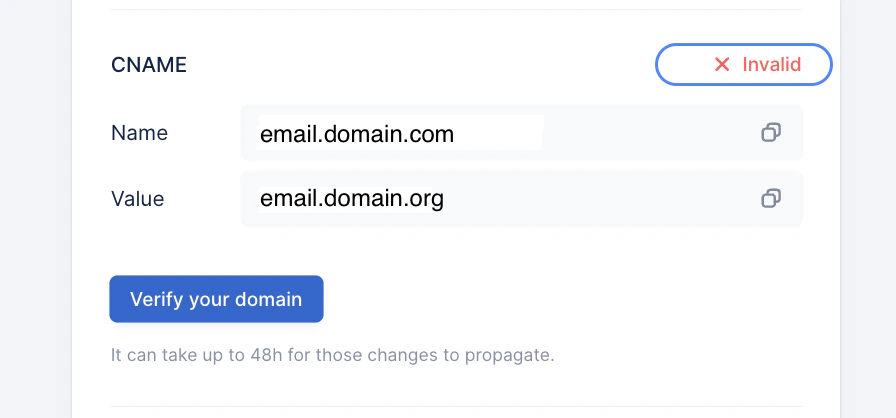
A steep and sudden drop in the email open rate usually suggests an issue with your DNS configuration and tracking, although this may not be evident automatically. If you see this occurs, go to your Account Settings > click on Deliverability : Then click on Verify your domain : All records should display a green checkmark / Verified status. If Invalid, this would in fact confirm an issue with the DNS setup resulting in the email open rate drop:

Open tracking is disabled

If the Action emails open rate widget shows Email open tracking is disabled instead of a chart, your organization has turned off email open tracking. Upflow no longer measures the open rate in that case.
  • If you are an admin, click Go to email tracking settings and turn on Track email opens.
  • If you are not an admin, ask an administrator to turn on open tracking.
See Email tracking settings for details. If you need any additional assistance from our Support team, please don’t hesitate to contact us.