

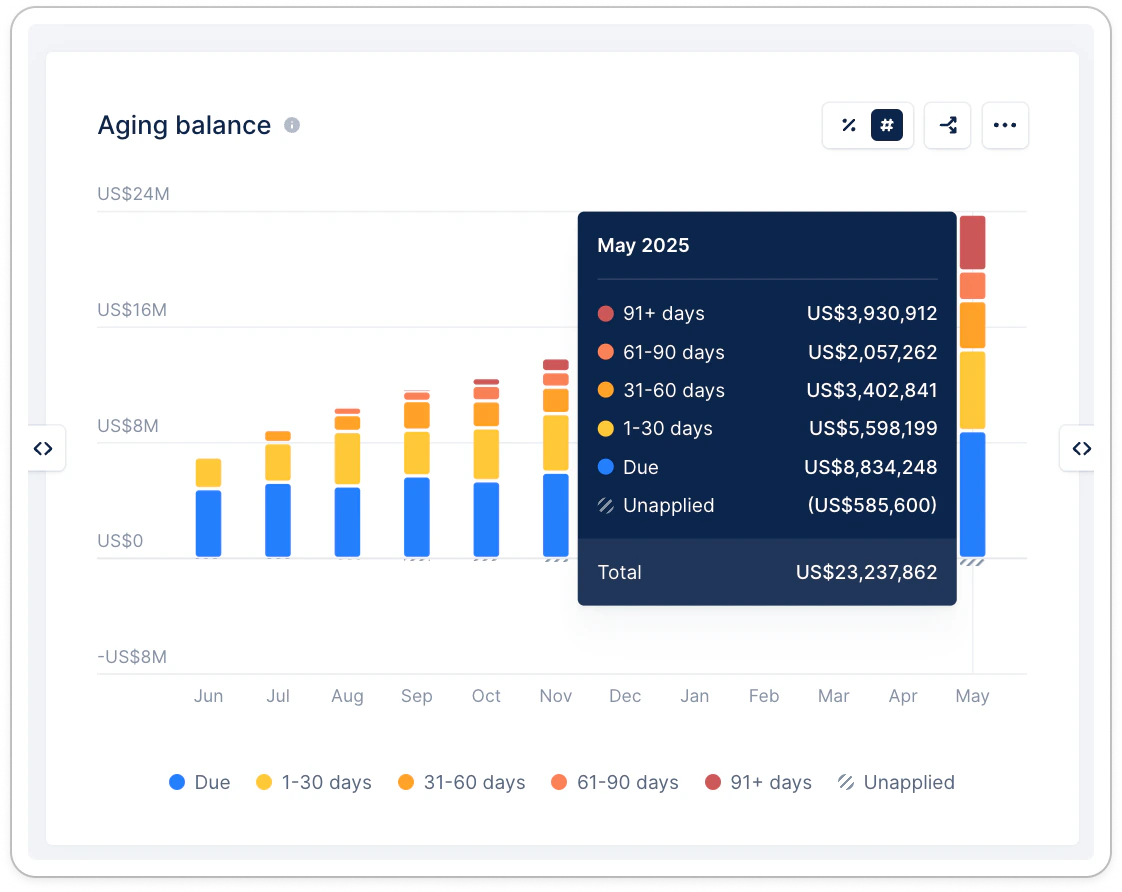
When does an invoice become overdue? An invoice is counted as Due on its due date, and moves to Overdue starting the day after — that is, once it is at least 1 calendar day past its due date. An invoice whose due date is today still sits in the Due bucket.
Aging balance calculation
- For each period, the amounts are calculated for the end of the period, i.e. the end of the last day.
- For an ongoing/current period, it is calculated as of now (today).
- Future issued invoices are excluded from all analytics.
- When you apply filters to your Analytics report/dashboard, it will be calculated accordingly. The last period will correspond to the end date of the filter, which could be in the past. This is the best way to obtain the aging balance as of a date in the past.
Use the aging balance widget
Main dashboard
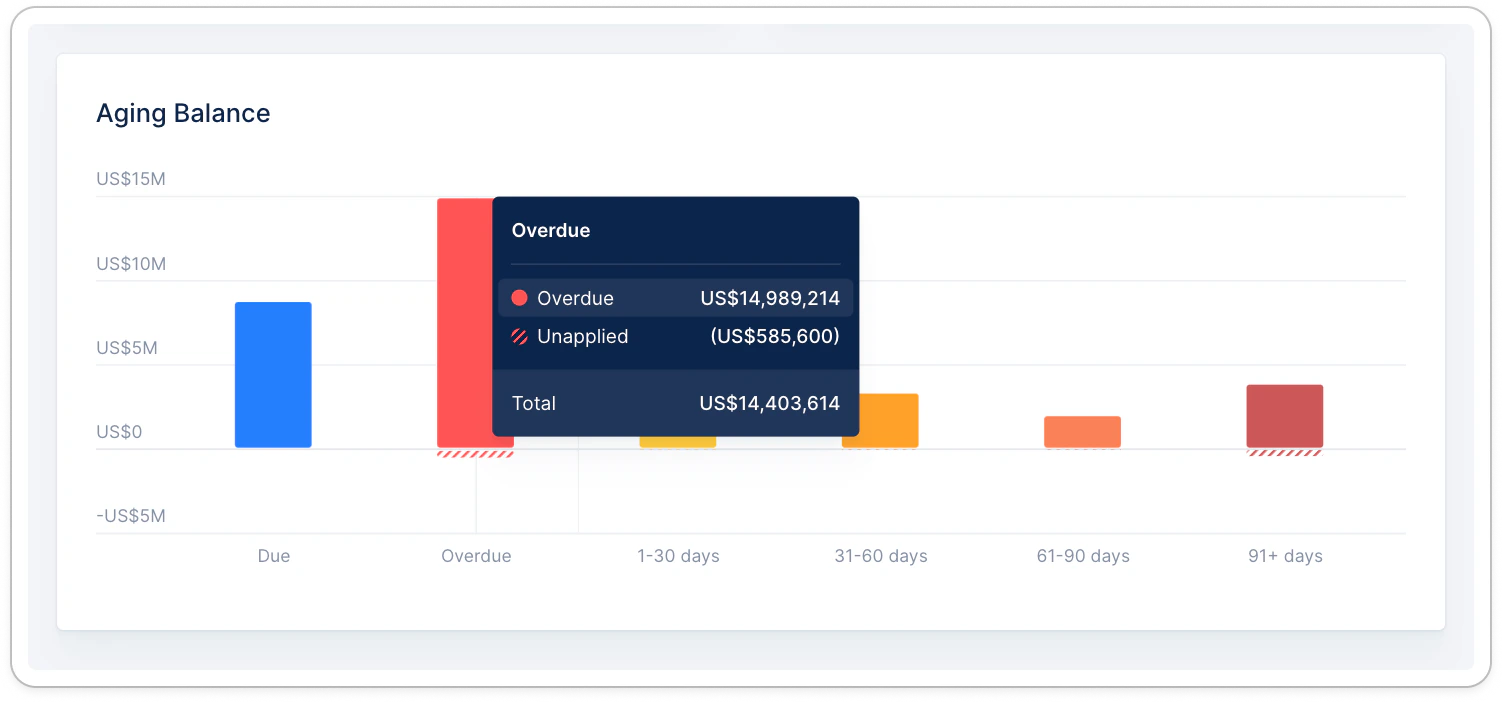
Analytics view
Filter your data from the dashboard’s filter button to focus on your interest (Date range, Country, Owners, Workflows, Custom fields…). Hover your mouse over the widget to display the actions menu allowing you to export the widget’s (filtered) data.| Action | Screenshot |
|---|---|
| Display from absolute numbers to relative values. |  |
| Break down the data per customer/invoice fields. | 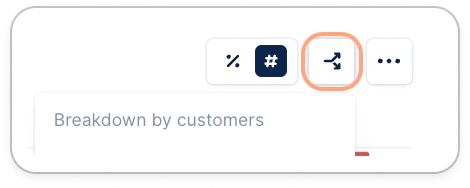 |
| Remove one of the buckets by clicking its name in the legend. |  |
| Move the widget around, expand or reduce its size. |   |
| Remove, duplicate, export the widget, or copy the link to share it with a teammate. | 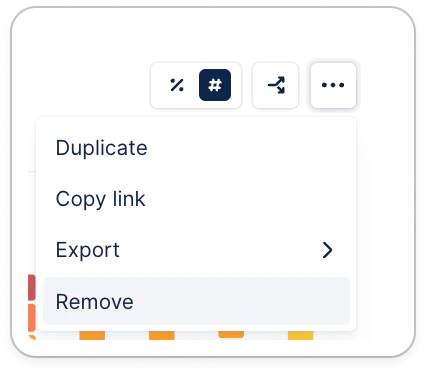 |