Delete a user’s profile
From your Upflow Settings > Users section, click the three dots at the user level, then “Remove”: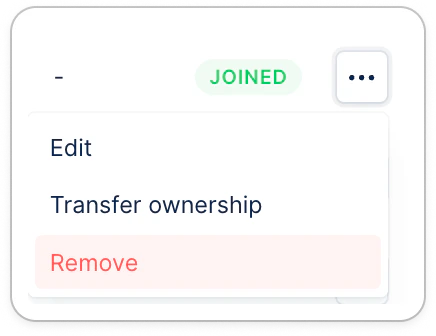
I can’t delete the user
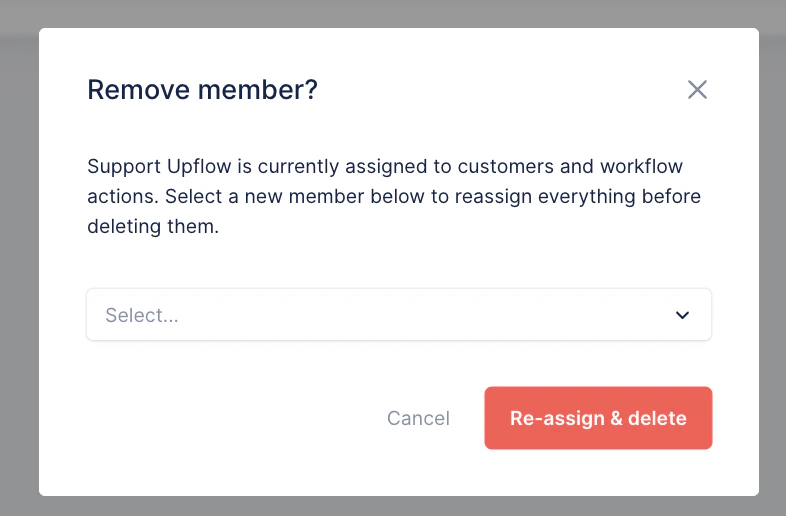
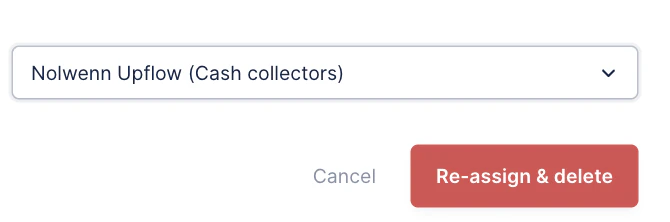
When trying to delete a user, you might experience diverse errors. If the user you’re trying to delete is still assigned to customers, and/or set in workflow actions, smart rules, the following message will appear, for you to replace them with another user: