Documentation Index

Fetch the complete documentation index at: https://docs.upflow.io/llms.txt

Use this file to discover all available pages before exploring further.

To discover and understand our smart rules logic and behavior, we invite you to read Smart rules first. Invoice smart rules apply to any invoice on Upflow.

Triggers

TriggerDescription
Invoice is createdTriggered when an invoice is created
Invoice is created or updatedTriggered when an invoice is created or updated

Filters

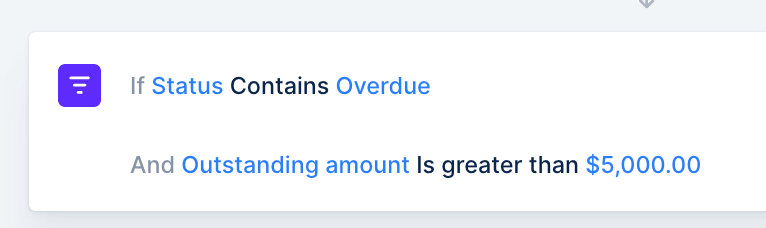
You can then add the specific filters/conditions this rule should follow to be applied. You can add as many conditions as you want, and those conditions will be additive (Condition 1 AND Condition 2).
  • If Plan is Basic And Amount due is above 100.00 Then…
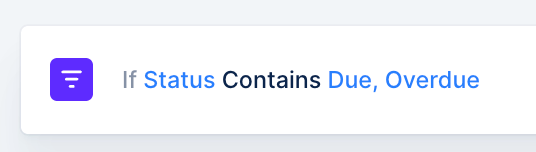
Within the same field, multiple values will not be complementary*, but independent from each other:
  • If Plan is Basic Or Premium, then…

Available filters

  • Customer
  • Status
  • Due date
  • Outstanding amount
  • Paid amount
  • Total amount
  • Aging bucket
  • Currency
  • Issue date
  • Payment date
  • Workflow name
  • Invoice visibility
  • Custom fields
→ Filters related to the promise to pay status are not supported.

Actions

ActionDescriptionExample scenario
Assign a workflowAssign a workflow to the corresponding invoice.Assign workflows automatically depending on invoice due date.
Send a notificationSend a notification to the person of your choice via the channel of your choice and with personalized content.Send a notification to the customer’s CSM when the invoice is created.
Hide / Show invoiceHide / Show the invoice from your customersHide invoices that are disputed from your customers while you resolve the dispute.

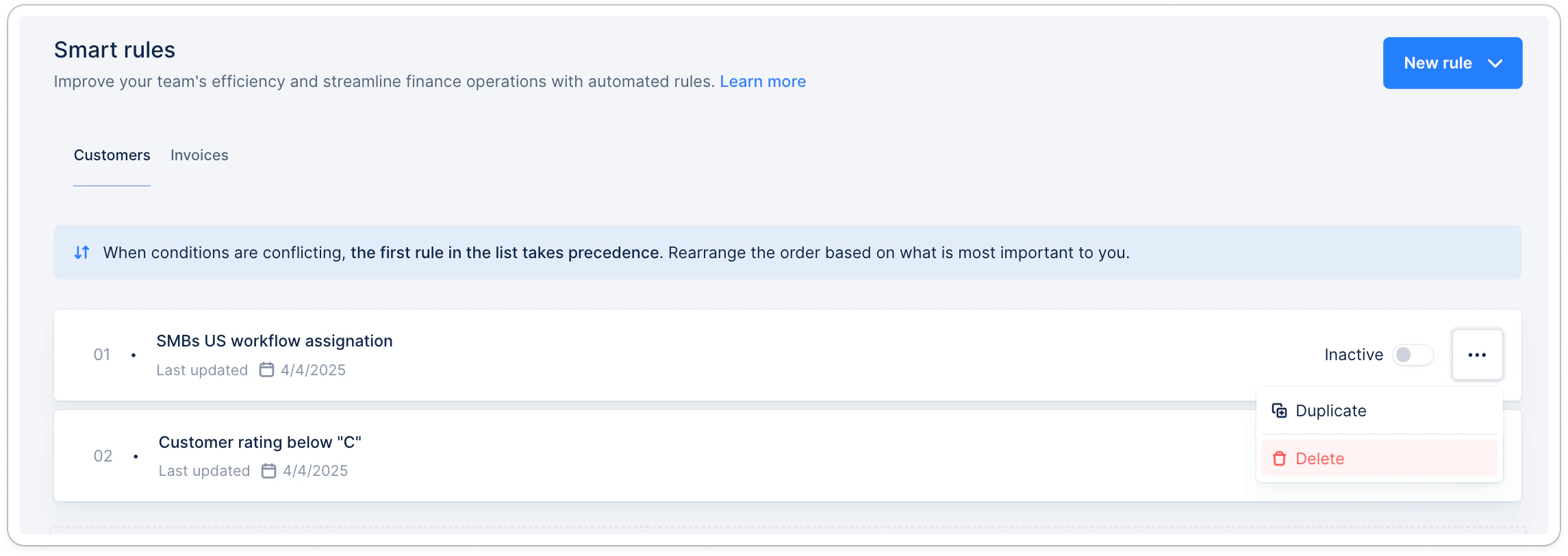
Delete or Deactivate a rule

Apply the rule to existing invoices

The rule you created will only apply to invoices matching the rule’s trigger as detailed above. For existing invoices, you must ensure to use the option “Apply to all existing objects matching the rule’s conditions” when activating or reactivating the rule. For more detailed examples, check Smart Rules - Assignment Best Practice.