

Filtering Analytics
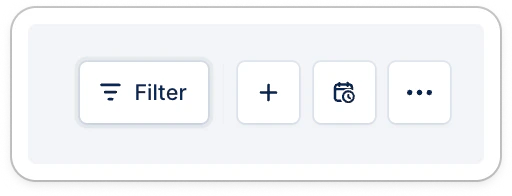
- A date range, up to 24 months
- Owners
- Workflow names
- Countries
- Languages
- Customer ratings
- Saved payment methods
- Saved payment methods status
- Customer Custom fields
- Text fields are not supported as Analytics filters
- Invoice custom fields are not yet available as Analytics filters
👉 The filters are cumulative. Have a try; apply several at once!
Create new reports
Once filters are applied, or widgets are edited, save this customization as a new report to find it easily next time!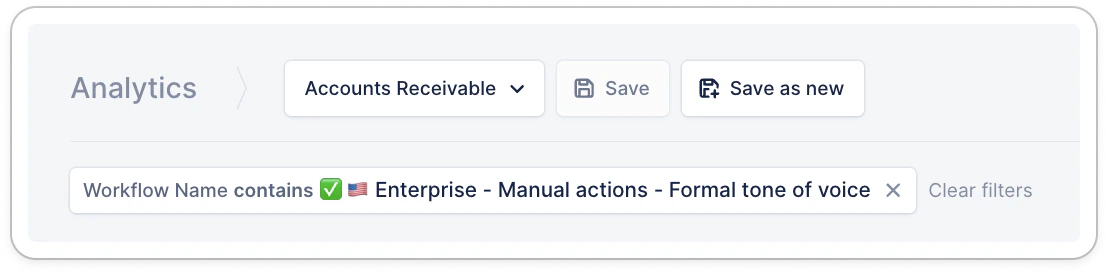
Exporting Analytics
Download the data you want to look into in two clicks.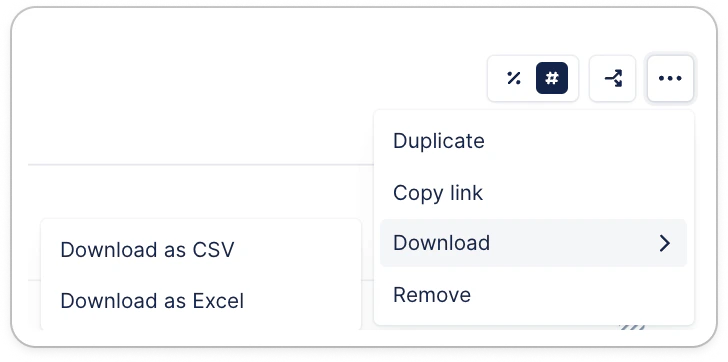
👉 The applied filters will be reflected in the exported data.