

Access my profile
To access your profile, click your organization logo in the bottom-left corner of the screen and select Profile.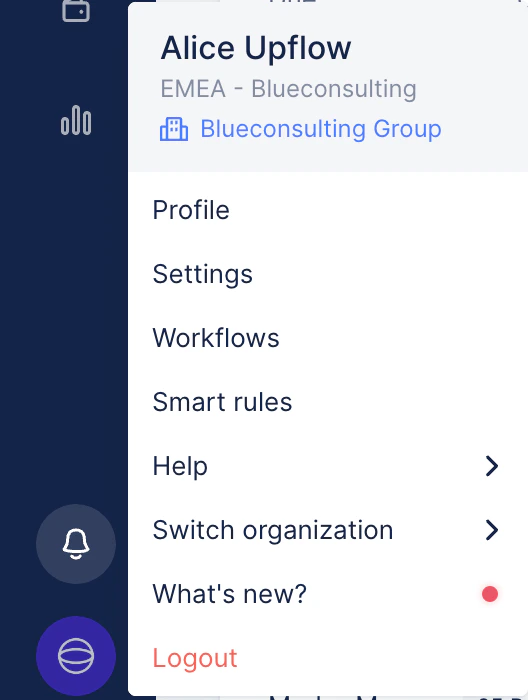

Manage your profile settings
Update your information
Within your profile settings, you can:- Add a signature: Personalize your communication with a custom email signature. This will be included in your collection email reminders (manual and automated).
- Set your preferred language: Choose the default language for your profile to ensure smooth navigation and communications. You can update it at any time from one language to the other.
- Update your name: You can also create an alias for the collection process.
Update your user’s email address
If you need to update your profile’s email address, without creating a new/separated profile, contact our Support team here, with:- Current user email address + New email address
Change your password
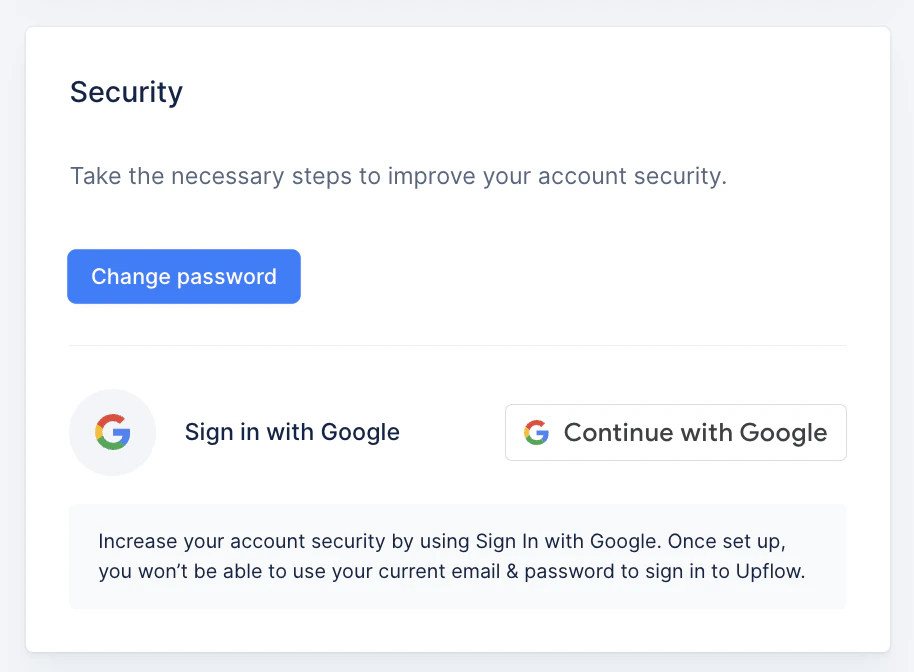
For security purposes, you can update your password directly from your Profile:- Scroll down to the Password section.
- Enter your current password, followed by your new password.
- Confirm the changes by clicking Save.
Set up your notification preferences
Learn more here: Customize my Profile Notifications.Important
The user profile is unique to the user, and not to the organization they belong to. If you’re part of multiple Upflow organizations/accounts, your profile customization will be reflected across all your accounts:- Your user name
- Your user signature
- Your notification preferences
- Your language preference