Investigate failed online payments in Upflow using gateway messages, decline codes, and timeline events to diagnose insufficient funds or invalid mandates.
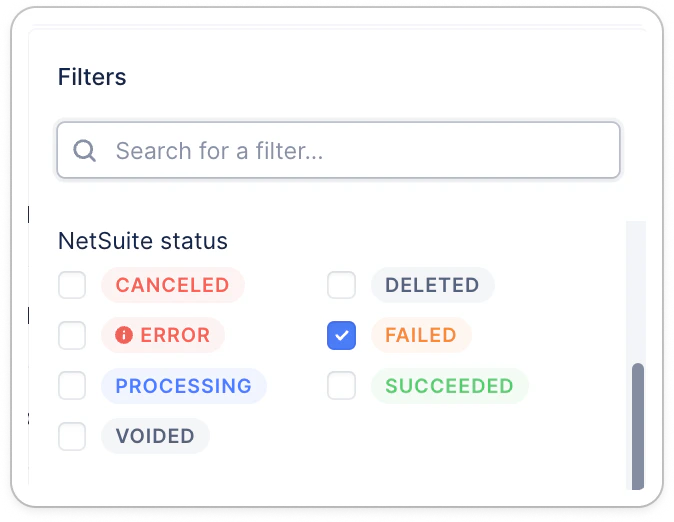
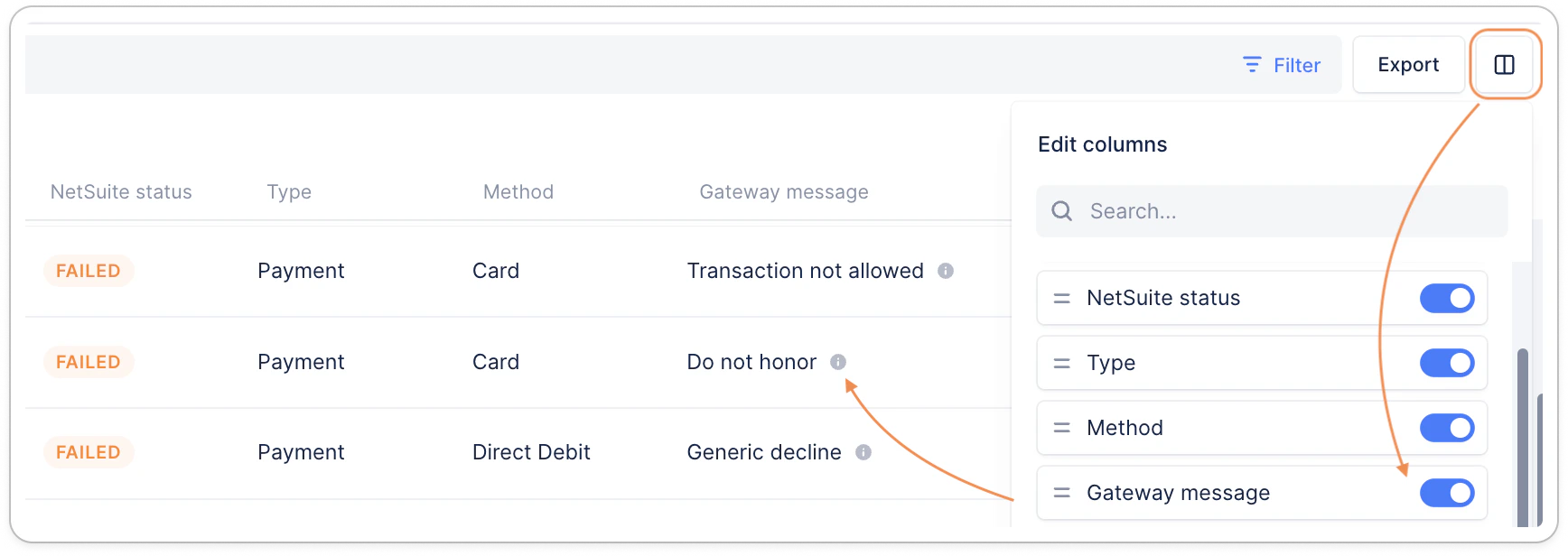
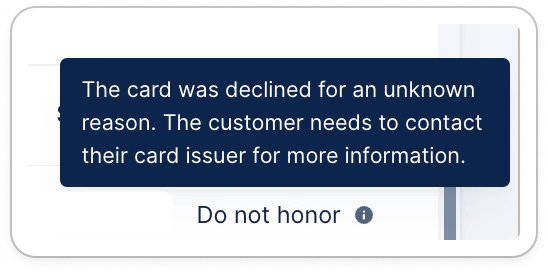
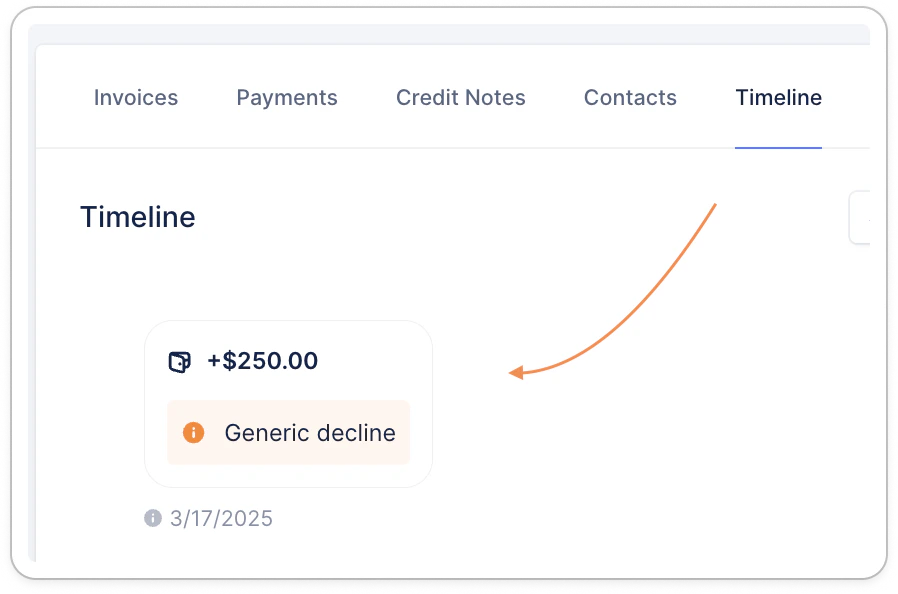
Sometimes, a payment capture may fail. This can be due to several reasons from insufficient funds on the payment method, or an invalidated direct debit mandate, to more generic decline codes emitted by your customer’s payment service provider or bank.You can see and filter failed payments from your Payments list view:Add the Gateway message column, and reorder your columns to your liking:Hover your mouse over the message icon for more information:The same reasons are available in your customer’s timeline:Failed payments writeback behavior differs for each ERP and accounting software.👉 To find out how those are handled by your platform, head over to the appropriate section for your integration here.
Assistant
Responses are generated using AI and may contain mistakes.