

Credit notes list view
Find all your credit notes (credit memos) under the Invoices list view > Credit Notes tab: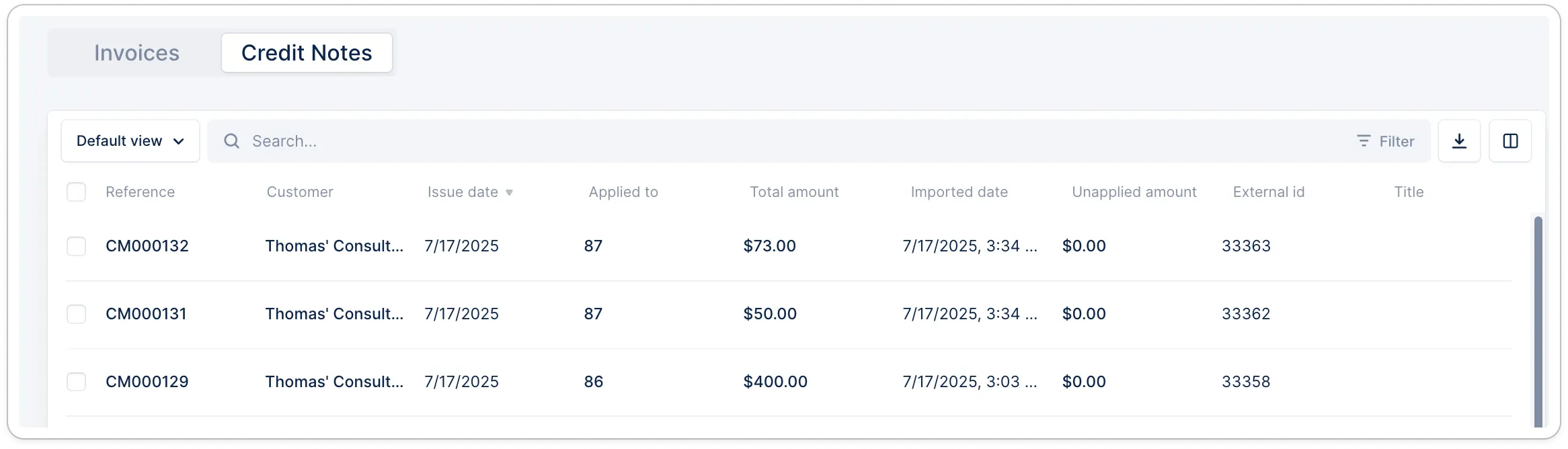
- Add, remove, reorder columns* to your needs and save the view to find this format later.
- Export the (filtered) list.
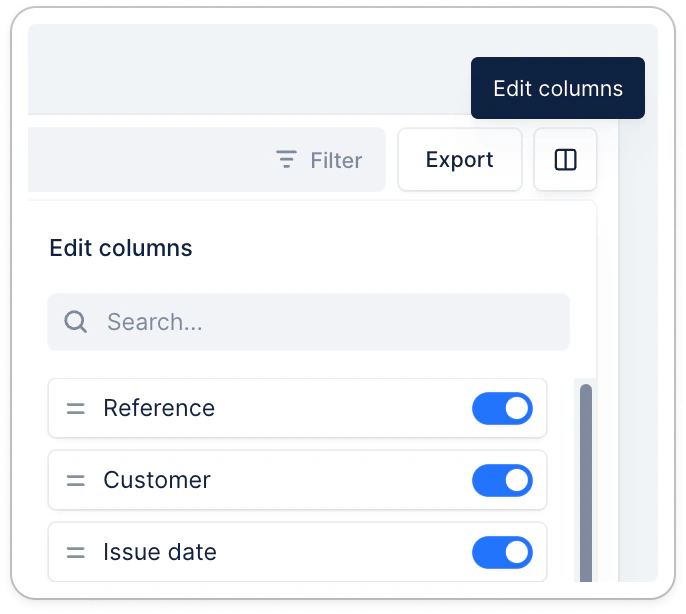
*Available credit note fields
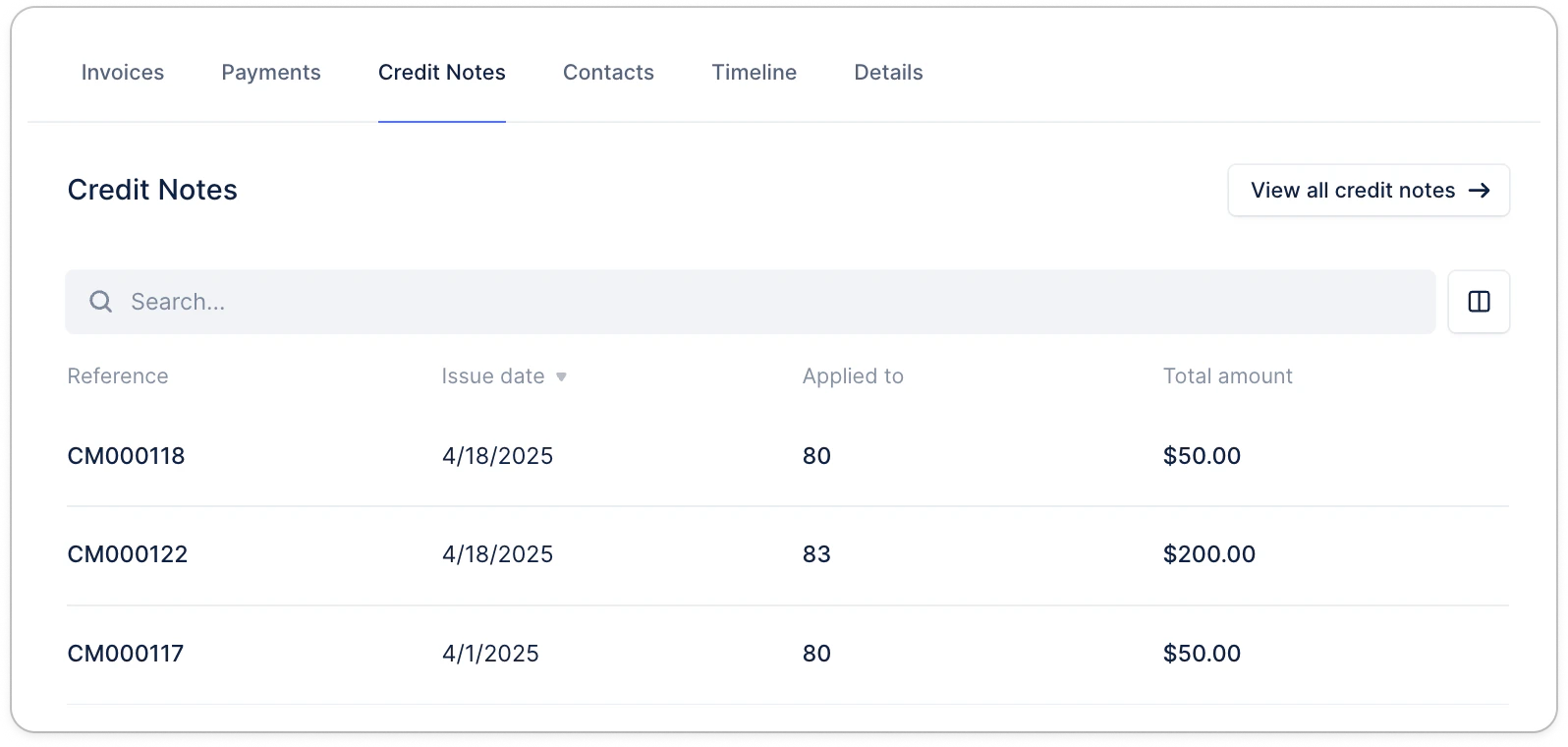
Credit notes - Customer page
Credit notes - Customer portal
In your customer portals, credit notes are currently available based on their application. Applied credit notes PDFs are by default merged with the related invoice(s) PDFs when downloaded from the portal. They’re not yet visible in a dedicated section. Unapplied (or not fully applied) credit notes, are visible in a dedicated section for information, but can’t be applied from the portal. They must be applied from your source of truth.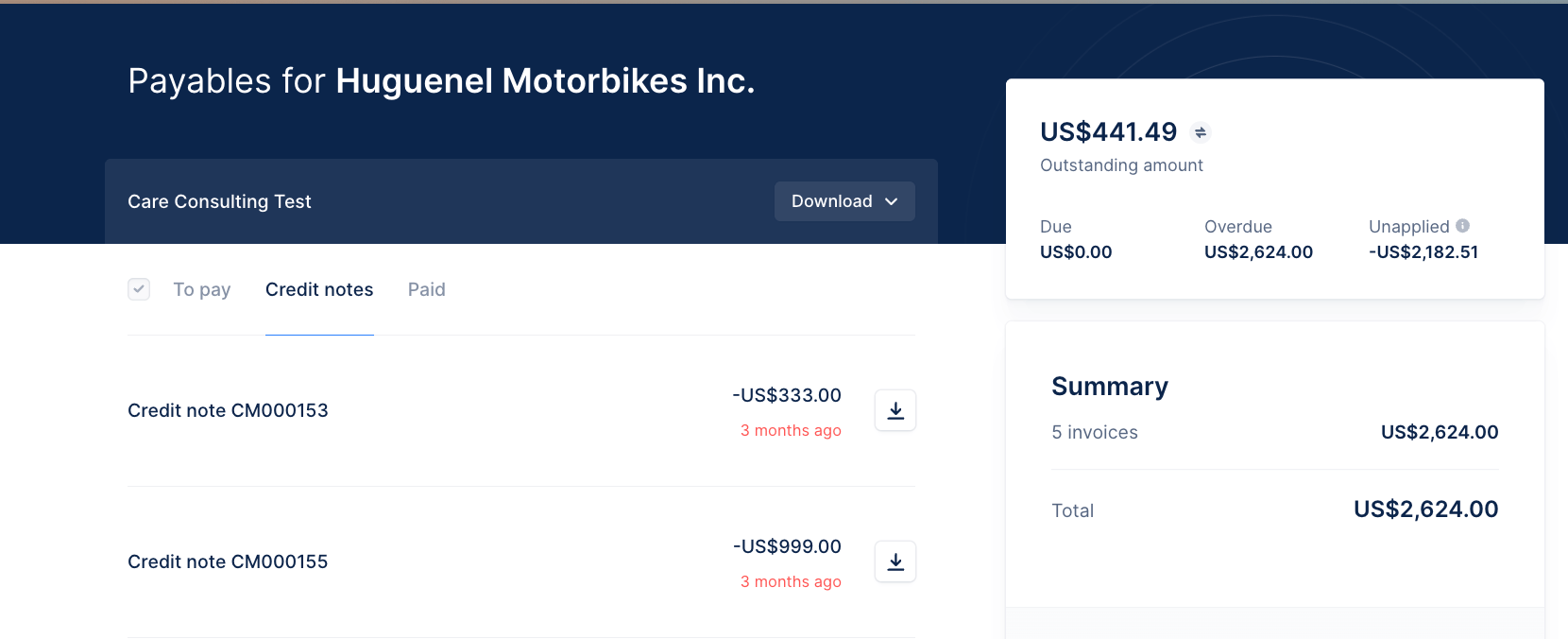
Troubleshooting
You can identify unapplied credit notes from: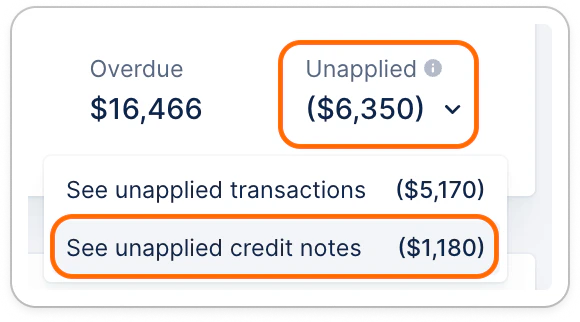
Your main Dashboard - Click See unapplied credit notes for more details. It’ll redirect you to ⤵️
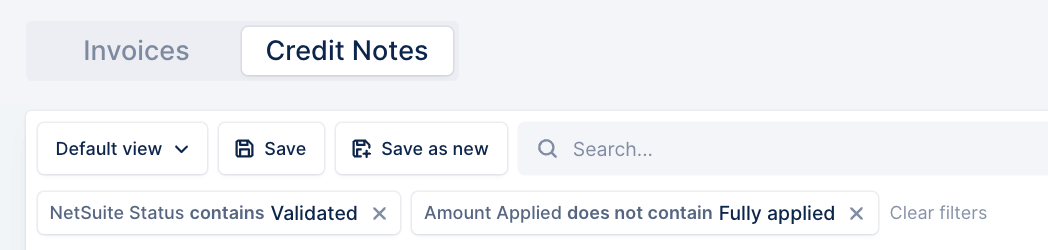
The Credit notes list view, filtered on “Amount fully applied = False”
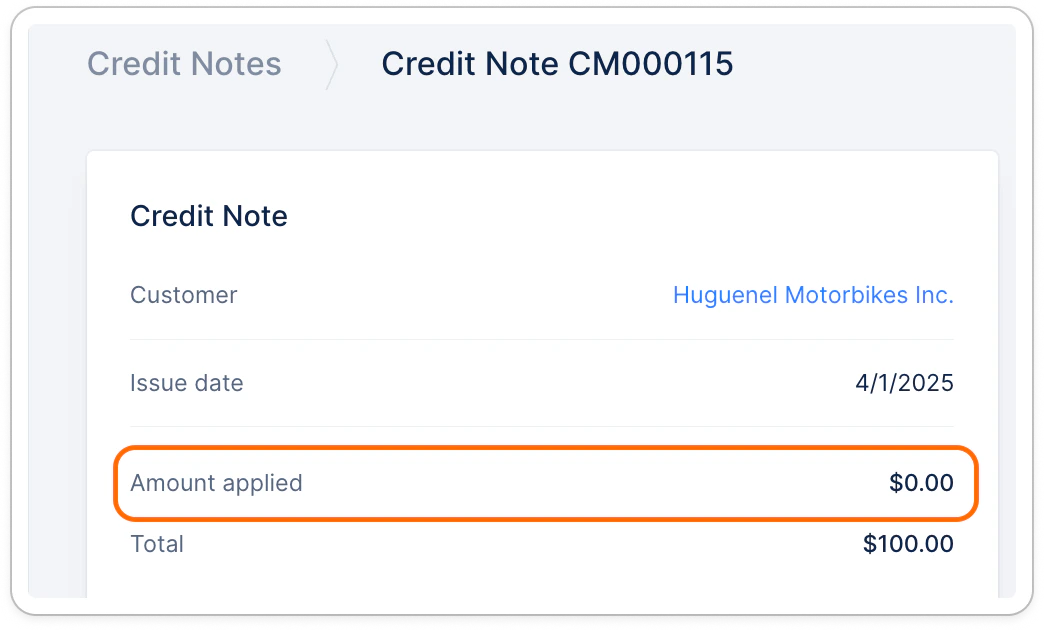
Or from the credit note page
A credit note is missing or unexpectedly unapplied?
Head to your billing tool, check its information and submit a Support request at the top with:- The context + identified issue
- The reference (number)
- Its external ID (+ Upflow URL if present in Upflow)
- The invoice(s) it should be linked to and the linked amount
- Any additional information you’d believe relevant here. :)