Introduction
By default, SMS reminders sent from Upflow appear from “Upflow”. Because your customers may not recognize that name, they might ignore the message or report it as spam — reducing the impact of your SMS reminders. To make your reminders instantly recognizable, you can replace the default sender with your own company name.Set your sender name
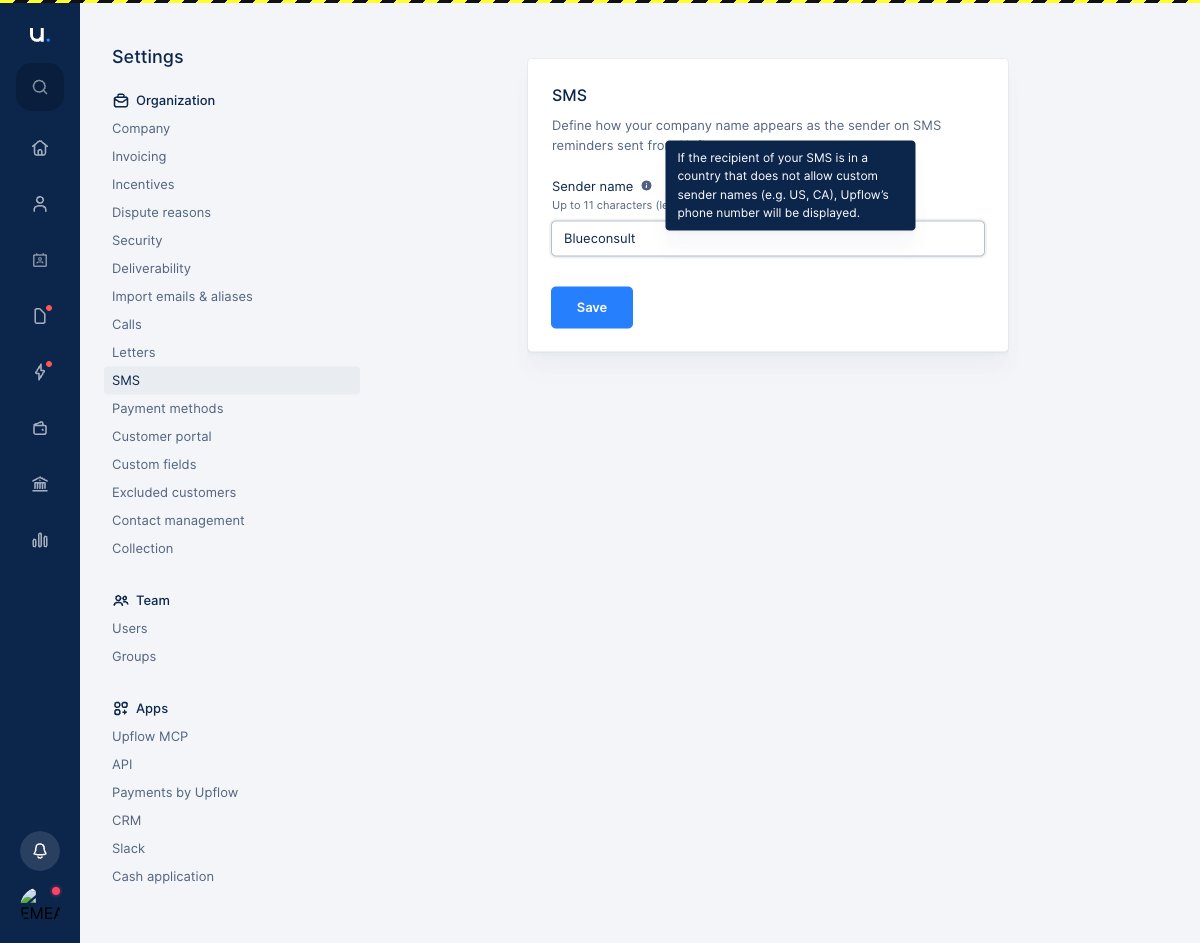
- Go to Settings → SMS.
-
In the Sender name field, enter the name you want your customers to see.
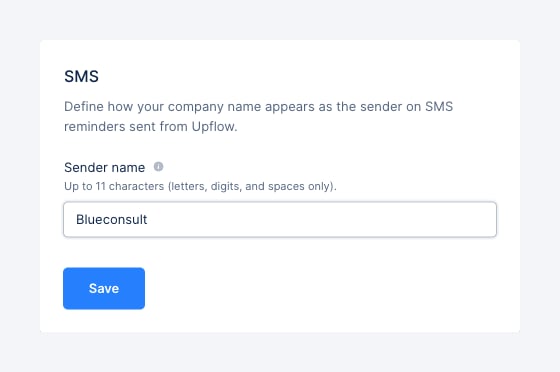
- Click Save.
Naming rules
Sender names follow constraints set by mobile carriers. Your sender name must be:- Up to 11 characters long
- Made up of letters (A–Z, a–z), digits (0–9), and spaces only — no accents, punctuation, or other special characters
Countries that don’t support custom sender names
Some countries — for example the US and Canada — don’t allow custom sender names. When your SMS recipient is in one of these countries, your reminder is sent from an Upflow phone number instead of your company name.