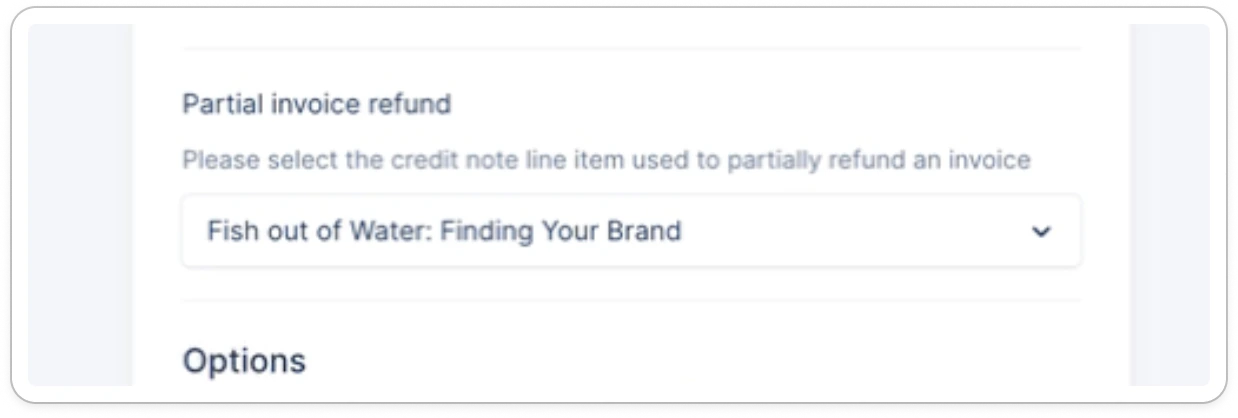
Payment write-back configuration
With Xero, we will push the payments to the bank accounts that you configure, depending on the currency. If an invoice is paid in a currency that is not mapped in your settings, then the write-back will fail. To fix it, add the new currency and the corresponding accounts in your Xero settings (contact us if you can’t see this option in your Settings).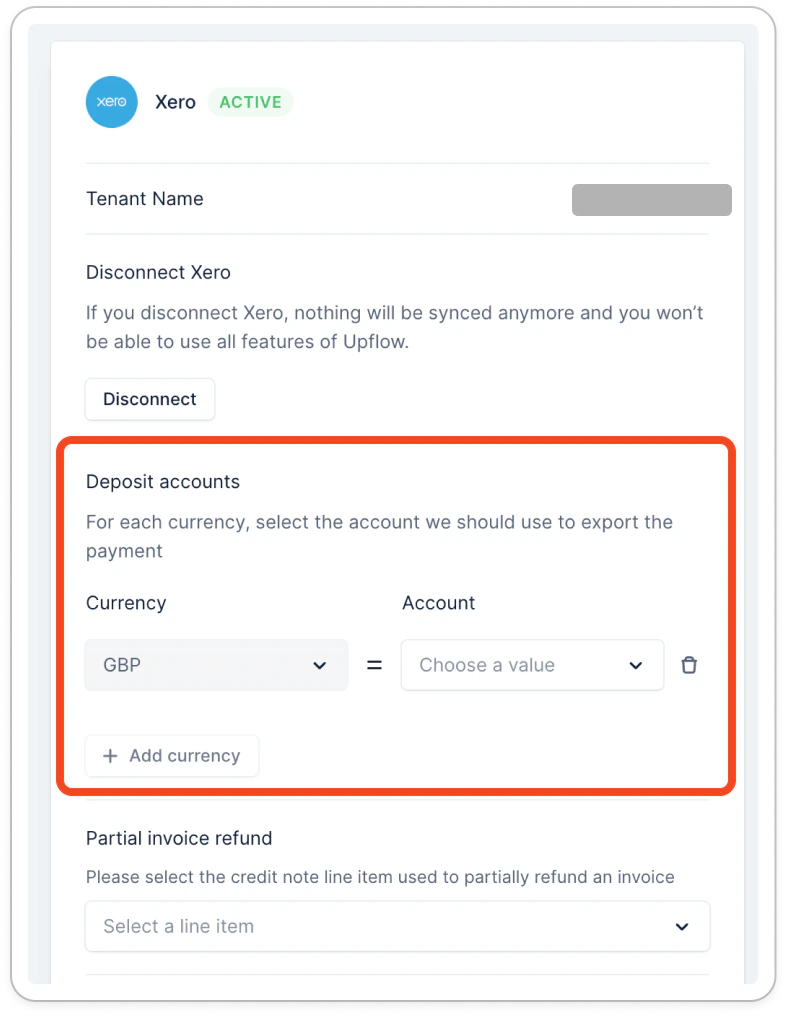
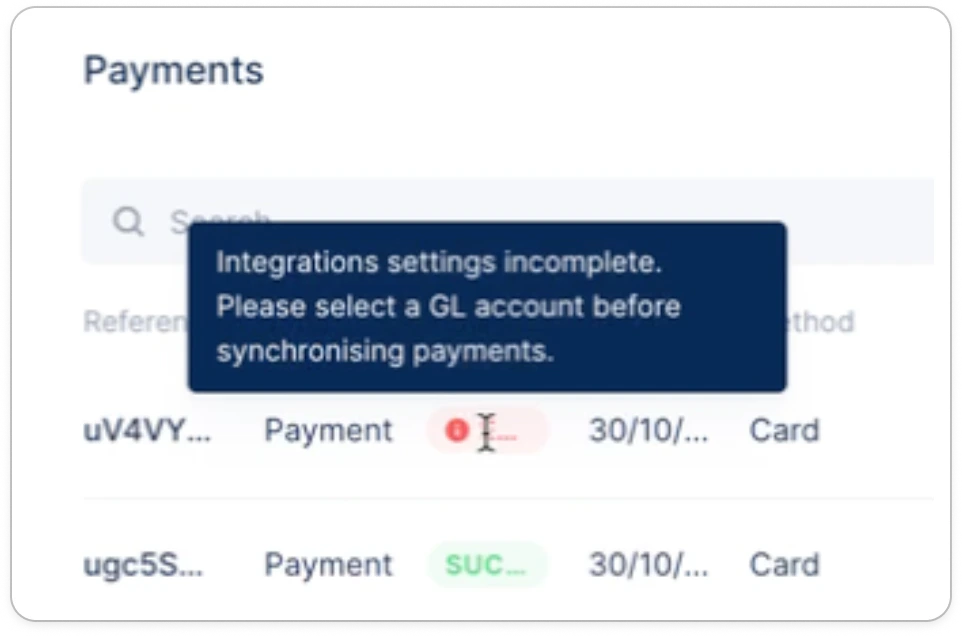
Payments
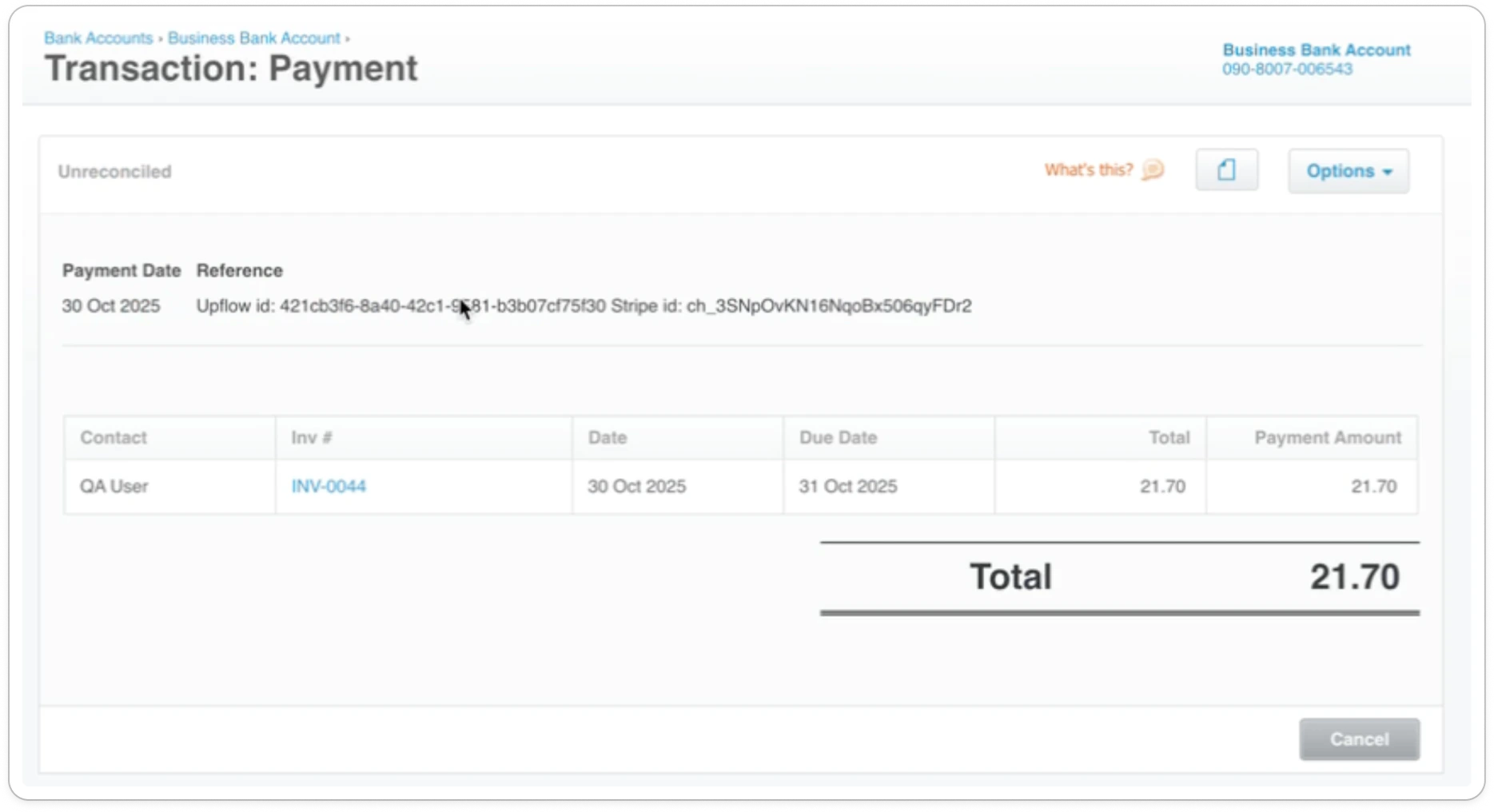
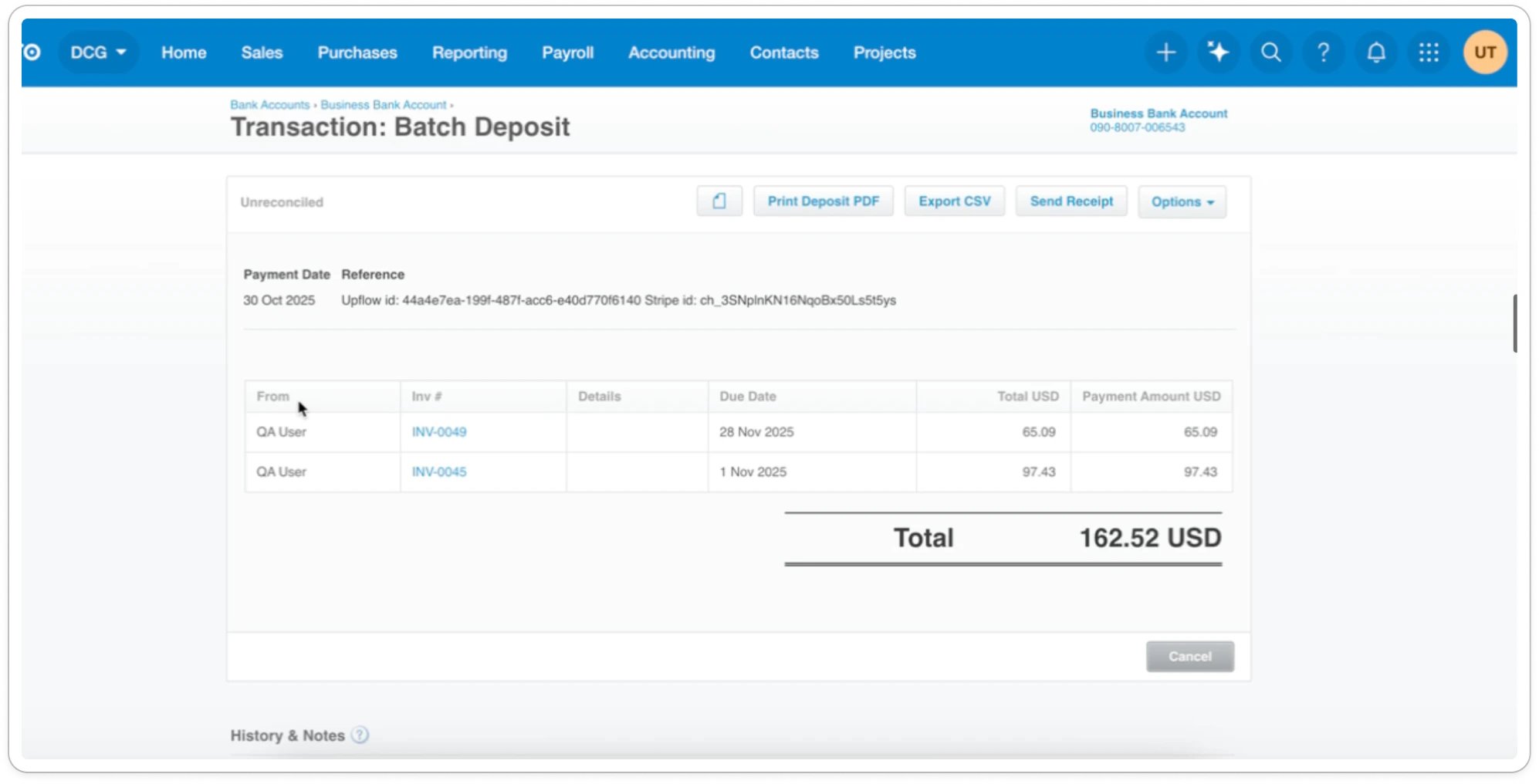
Once the payment is successful in Upflow, we will automatically push the payment to Xero on the corresponding account. In the transaction reference, we will include the upflow identifier so you can easily cross-reference it.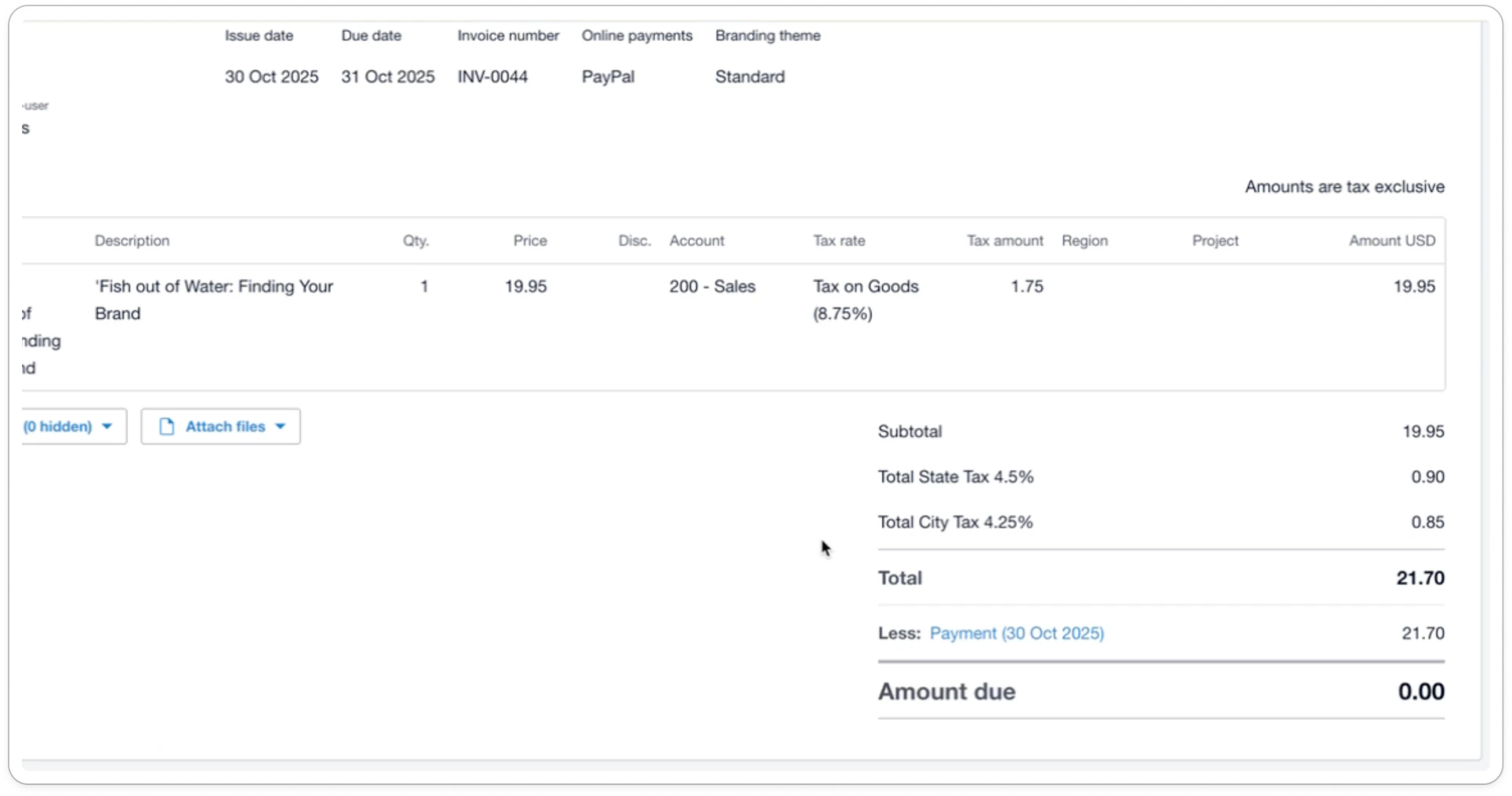
Refunds
Refund of payment applied to an invoice
Payment paying entirely the invoice
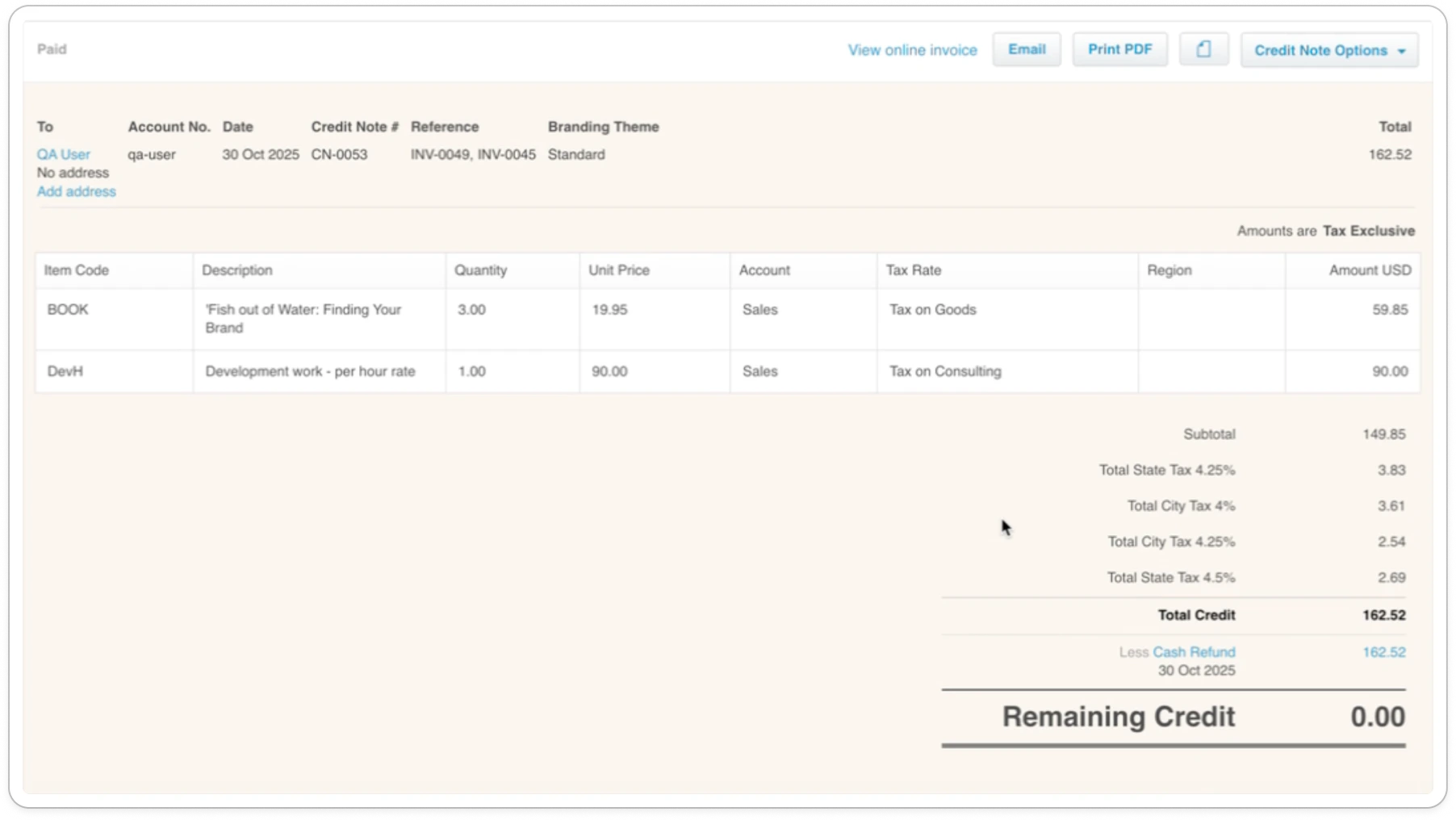
When you refund a payment that has been applied to an invoice, we will automatically refund the payment and create a corresponding credit note to cancel the invoice. The payment will remain linked to the invoice, and the refund will be applied to the credit note. → To generate that credit note, we reuse the invoice line item. In Xero, you will be able to see the Credit note along with the cash refund.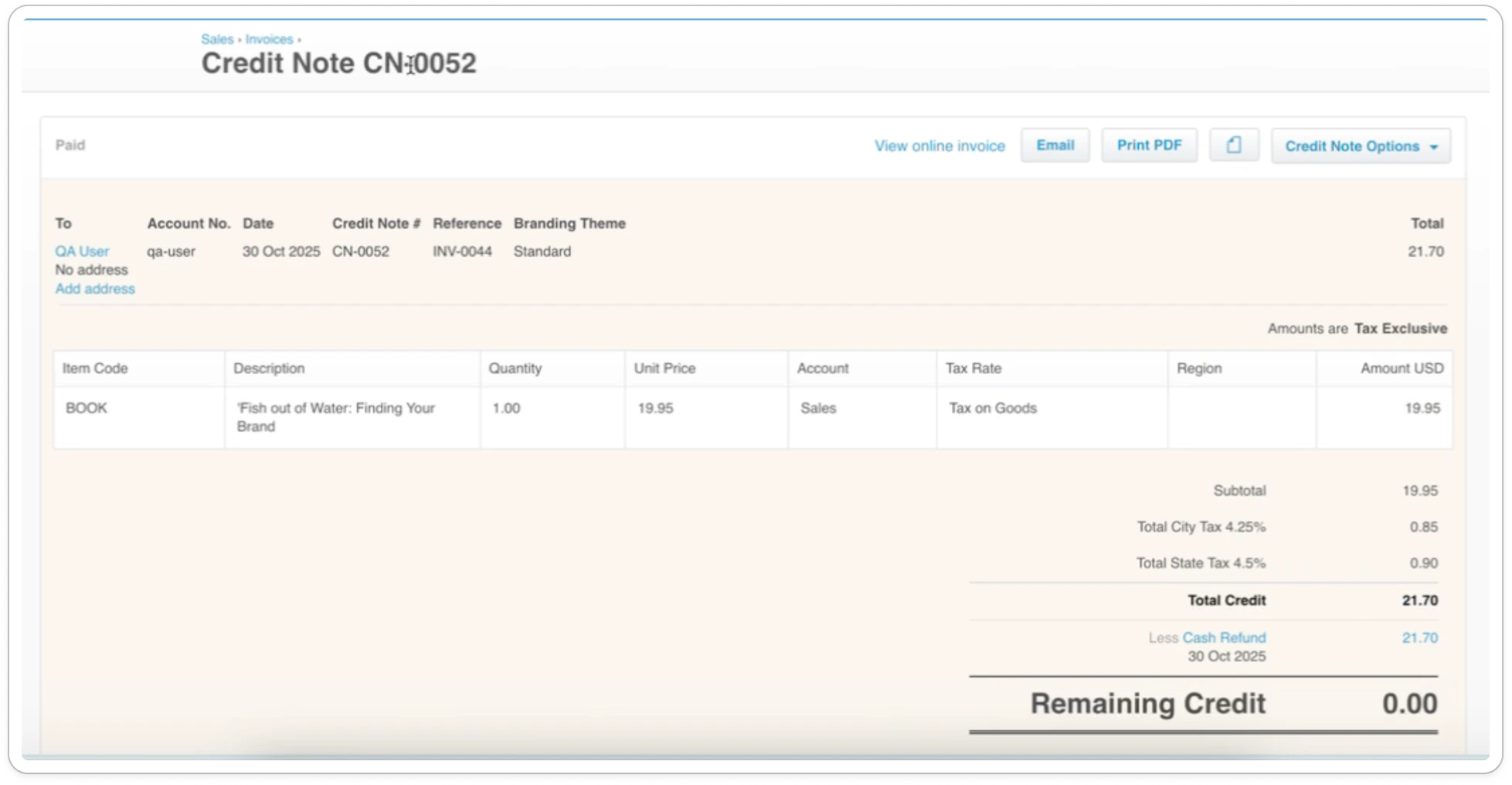
Payment partially paying an invoice
As we don’t know which line item is concerned by this payment, we will create a credit note using the line item you configured in your Xero settings.