> ## Documentation Index
> Fetch the complete documentation index at: https://docs.upflow.io/llms.txt
> Use this file to discover all available pages before exploring further.
# Delete users/team members from my organization
> Remove team members from your Upflow organization in the Settings > Users section when a collaborator leaves or no longer needs collections access.
A collaborator is leaving the company or doesn't need to be involved in your collection process?
You can delete their user profile from your Upflow Settings > Users.
### Delete a user's profile
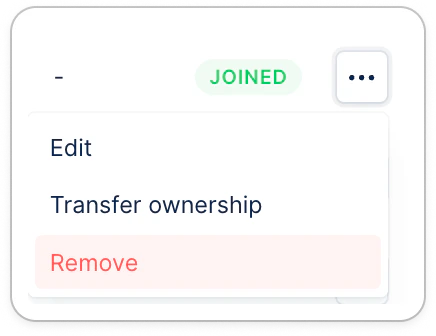
From your Upflow Settings > Users section, click the three dots at the user level, then "Remove":
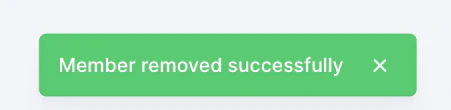
 You should see a green validation at the bottom of the screen.
## I can't delete the user
When trying to delete a user, you might experience diverse errors.
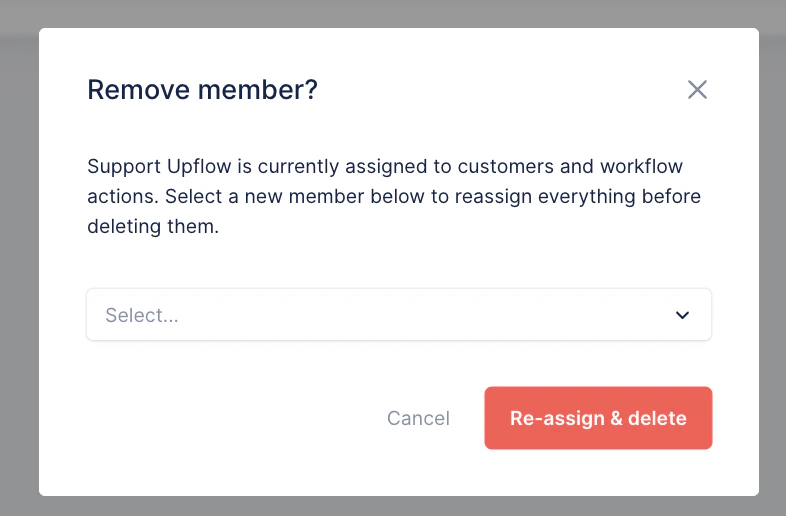
If the user you're trying to delete is still assigned to customers, and/or set in workflow actions, smart rules, the following message will appear, for you to replace them with another user:
You should see a green validation at the bottom of the screen.
## I can't delete the user
When trying to delete a user, you might experience diverse errors.
If the user you're trying to delete is still assigned to customers, and/or set in workflow actions, smart rules, the following message will appear, for you to replace them with another user:
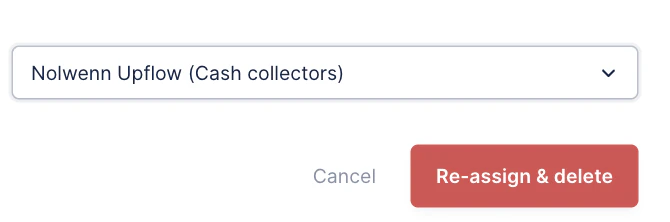
 Once you selected the user of your choice, click Re-assign & delete:
 You will then see the validation at the bottom of your screen: