> ## Documentation Index
> Fetch the complete documentation index at: https://docs.upflow.io/llms.txt
> Use this file to discover all available pages before exploring further.
# Capture a payment method early in the sales cycle
> Secure a card or direct debit before the first invoice — create the customer through the Upflow API on your Sage Intacct or NetSuite integration, then send them a portal link to save a payment method during your sales or onboarding motion.
If you run a native accounting integration ([Sage Intacct](/en-us/integrations/sage-intacct/overview) or [NetSuite](/en-us/integrations/netsuite/connect)), you can create brand-new customers through the Upflow API. Upflow writes the customer back into your accounting system for you and returns its ID, so you can then send them a portal link and **capture a payment method before their first invoice is ever raised**.
This is designed for self-serve and sales-led motions, where you want a card or direct debit mandate on file up front. For example, to secure a payment method as part of closing a smaller account.
This flow is API-driven. It's typically triggered from your CRM (for example Salesforce) or your own application. For a general overview of the API, see [Integrating with the Upflow API](/en-us/technical-documentation/api/integrating-with-the-upflow-api).
## How it works
1. Your CRM or application creates a customer through the Upflow API.
2. Upflow synchronously creates that customer in your accounting system (Sage Intacct or NetSuite) and returns its ID (`externalId`) in the API response.
3. You generate a customer portal link for that customer through the API and send it to them.
4. Your customer saves a payment method on their portal, which Upflow verifies with Stripe.
5. You poll the customer through the API to check whether a payment method has been saved. Once it has, any invoice your accounting system later raises for that customer can be collected — manually or with [Autopay](/en-us/payments/collect-online-payments/collecting-automatically-with-autopay).
## Prerequisites
* A **native accounting integration**: Sage Intacct or NetSuite. This flow is only available on native integrations, because Upflow creates the customer directly in your accounting system.
* **Online payment methods enabled**, so your customers can save a card or direct debit — see [Managing online payment methods](/en-us/payments/accept-online-payments/managing-online-payment-methods).
* Your **API key and secret**, available under **Settings → API** (see [Integrating with the Upflow API](/en-us/technical-documentation/api/integrating-with-the-upflow-api#authentication)).
## Creating the customer
Create the customer with the [Import Customer endpoint](https://developer.upflow.io/#tag/customers/post/customers), the same endpoint used elsewhere in the API.
```json theme={null}
POST https://api.upflow.io/v1/customers
{
"name": "Acme Corp",
"primaryEmail": "billing@acme.com",
"address": {
"address": "25 Passage Dubail",
"zipcode": "75010",
"city": "Paris",
"country": "France"
},
"vatNumber": "FR12345678901"
}
```
Do **not** pass an `externalId` when creating a customer on a native integration. The ID is owned by your accounting system, so Upflow generates it and returns it to you. Sending your own `externalId` will return an error.
A few things to keep in mind:
* **A name and an email are required.** Both Sage Intacct and NetSuite need contact information to create a customer, so provide at least the customer's name and email, plus any other fields your accounting system requires.
* **New customers are created with a *customer* status** (not prospect).
* **Subsidiary:** the customer is created in the subsidiary that corresponds to the organization you call the API on.
## Capturing the payment method
Once the customer exists, generate a portal link for them with the [Create customer portal endpoint](https://developer.upflow.io/#tag/customers/post/customers/%7BcustomerId%7D/portal), then send it to your customer. See [Generate a portal URL via the API](/en-us/customer-portal/branded-portal/generate-portal-url-via-api) for the full details.
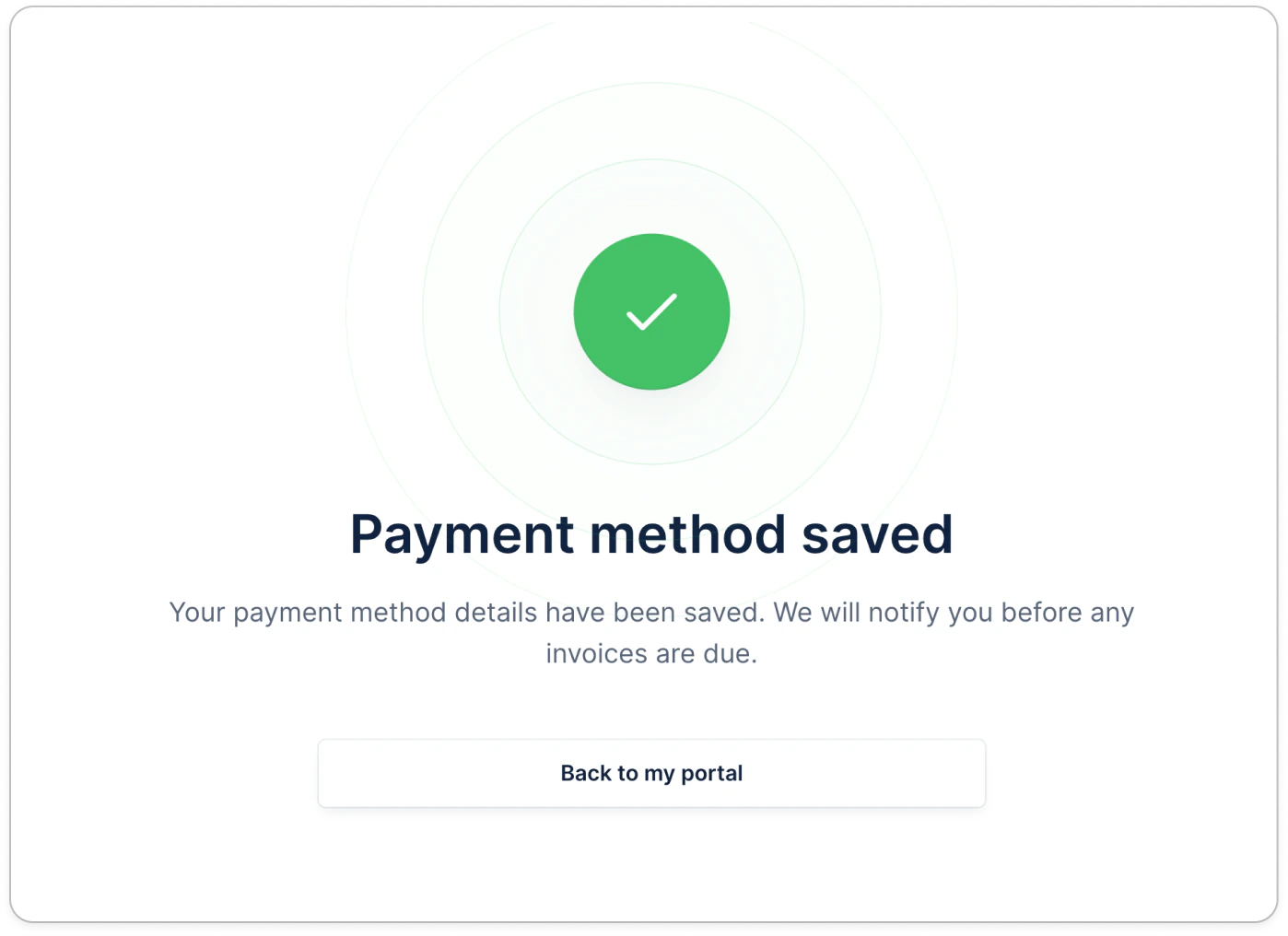
Your customer opens the portal and saves a card or direct debit, exactly as described in [Capturing payment methods without outstanding invoices](/en-us/payments/collect-online-payments/capturing-payment-methods-without-outstanding-invoices). Upflow verifies the method with Stripe, and the customer sees a confirmation screen once it's saved.
 ### Checking whether a payment method was saved
Poll the customer through the [Get Customer endpoint](https://developer.upflow.io/#tag/customers) to see whether a payment method has been saved. The customer carries the **saved payment method status** and **type**, so you can detect when the method is on file and ready to use.
Once a payment method is saved and verified, any invoice your accounting system later raises for that customer can be paid — manually from the portal, or automatically with [Autopay](/en-us/payments/collect-online-payments/collecting-automatically-with-autopay).
### Checking whether a payment method was saved
Poll the customer through the [Get Customer endpoint](https://developer.upflow.io/#tag/customers) to see whether a payment method has been saved. The customer carries the **saved payment method status** and **type**, so you can detect when the method is on file and ready to use.
Once a payment method is saved and verified, any invoice your accounting system later raises for that customer can be paid — manually from the portal, or automatically with [Autopay](/en-us/payments/collect-online-payments/collecting-automatically-with-autopay).