> ## Documentation Index
> Fetch the complete documentation index at: https://docs.upflow.io/llms.txt
> Use this file to discover all available pages before exploring further.
# Connect Upflow with Slack
> Connect Slack to Upflow to receive collection notifications as direct messages and streamline collaboration with customer-facing teams already on Slack.
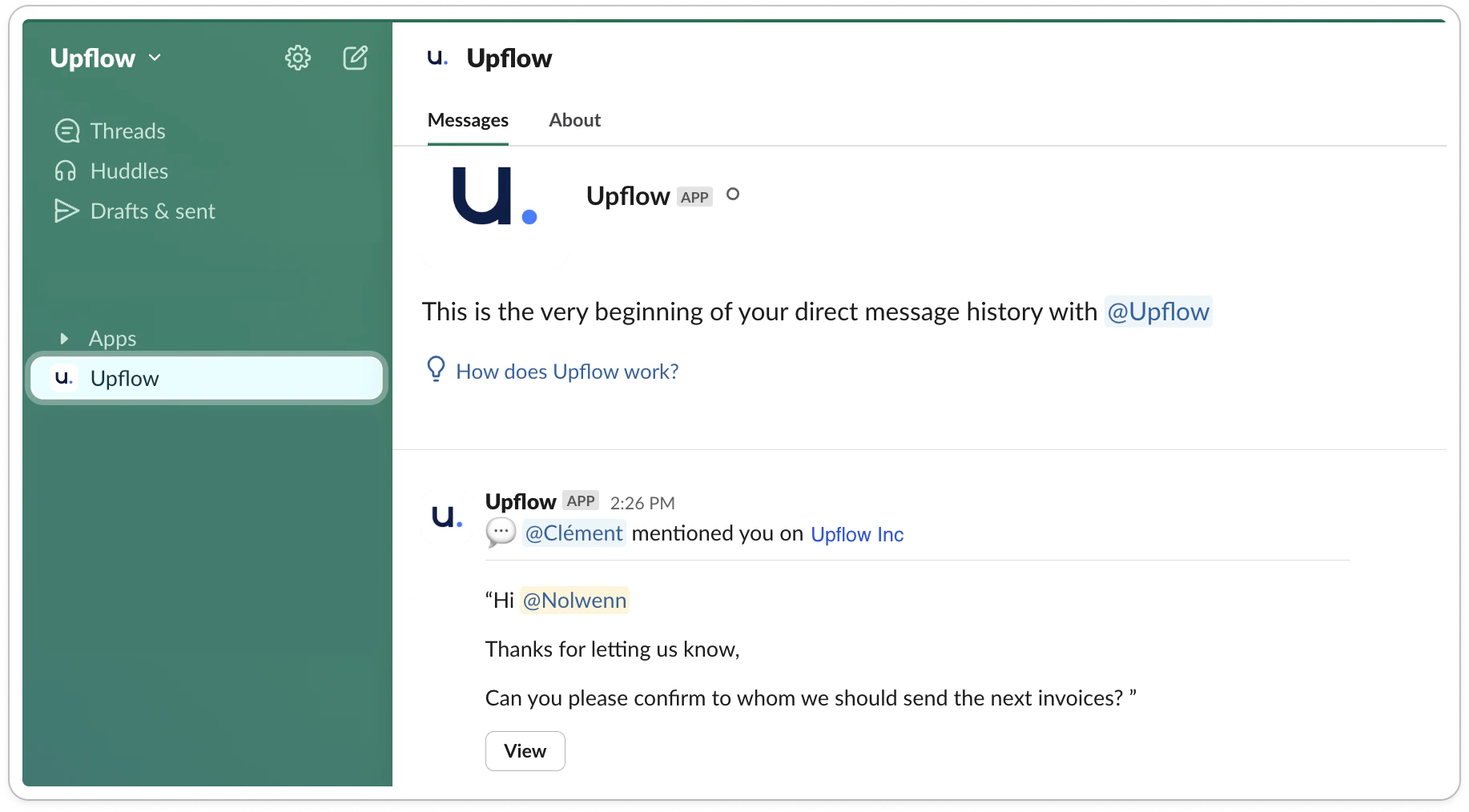
Thanks to our Slack integration, whenever you get notified in Upflow, you can receive the notification in Slack. Use it to streamline collaboration with your customer-facing teams who live in Slack.
# How does it work
Slack notifications are direct message notifications sent to a single user, in a dedicated Apps channel:
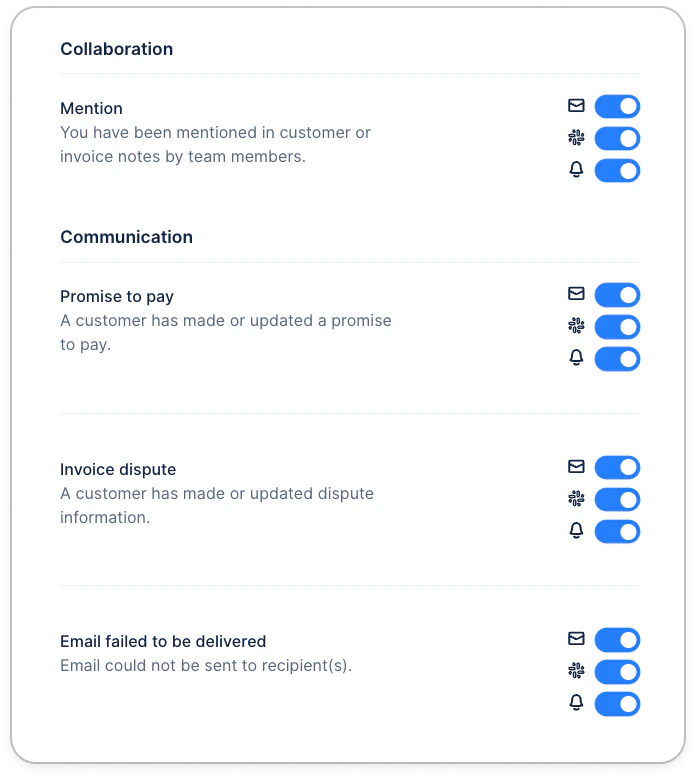
 From your [Upflow Profile > Notifications](https://app.upflow.io/organization/-/profile/notifications), you can configure whether each notification should be delivered in the app, email, or Slack.
 # How to set up the Slack integration
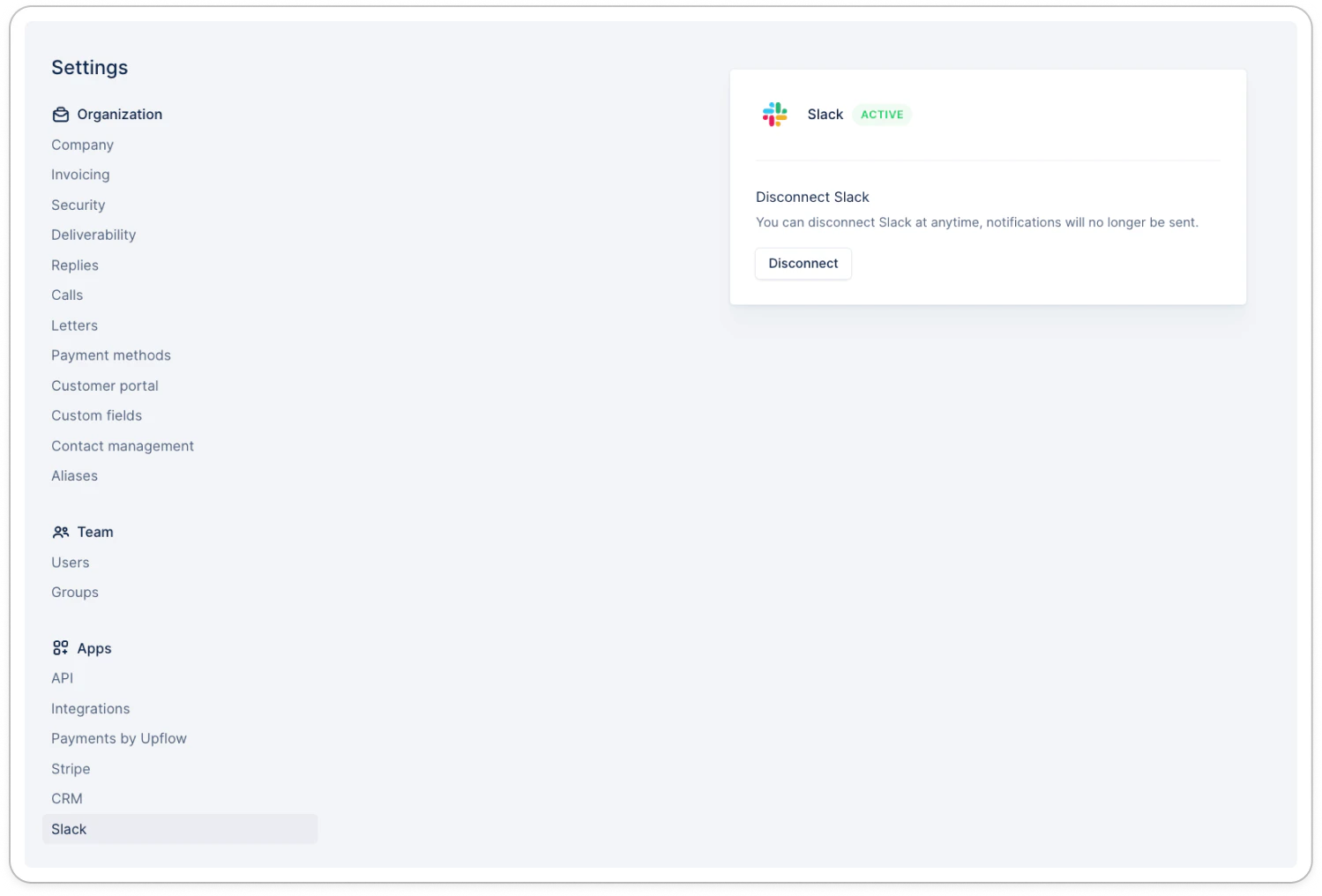
Head over to your settings in the [Slack](https://app.upflow.io/organization/-/settings/slack) section. Click on connect and follow the guidelines.
You don’t need to be the admin of your Slack workspace to complete the required actions on Upflow—the administrators will receive the request and be able to approve the integration.
# How to set up the Slack integration
Head over to your settings in the [Slack](https://app.upflow.io/organization/-/settings/slack) section. Click on connect and follow the guidelines.
You don’t need to be the admin of your Slack workspace to complete the required actions on Upflow—the administrators will receive the request and be able to approve the integration.