> ## Documentation Index
> Fetch the complete documentation index at: https://docs.upflow.io/llms.txt
> Use this file to discover all available pages before exploring further.
# Connect Upflow to QuickBooks Online
> Connect QuickBooks Online to Upflow via OAuth: admin requirements, permissions granted, and what happens during the first sync of your accounting data.
## Before you start
You'll need **admin access** to your QuickBooks Online company. The connection is set up over OAuth from your Upflow account, and only an admin can grant Upflow the required permissions.
## Connect QuickBooks Online to Upflow
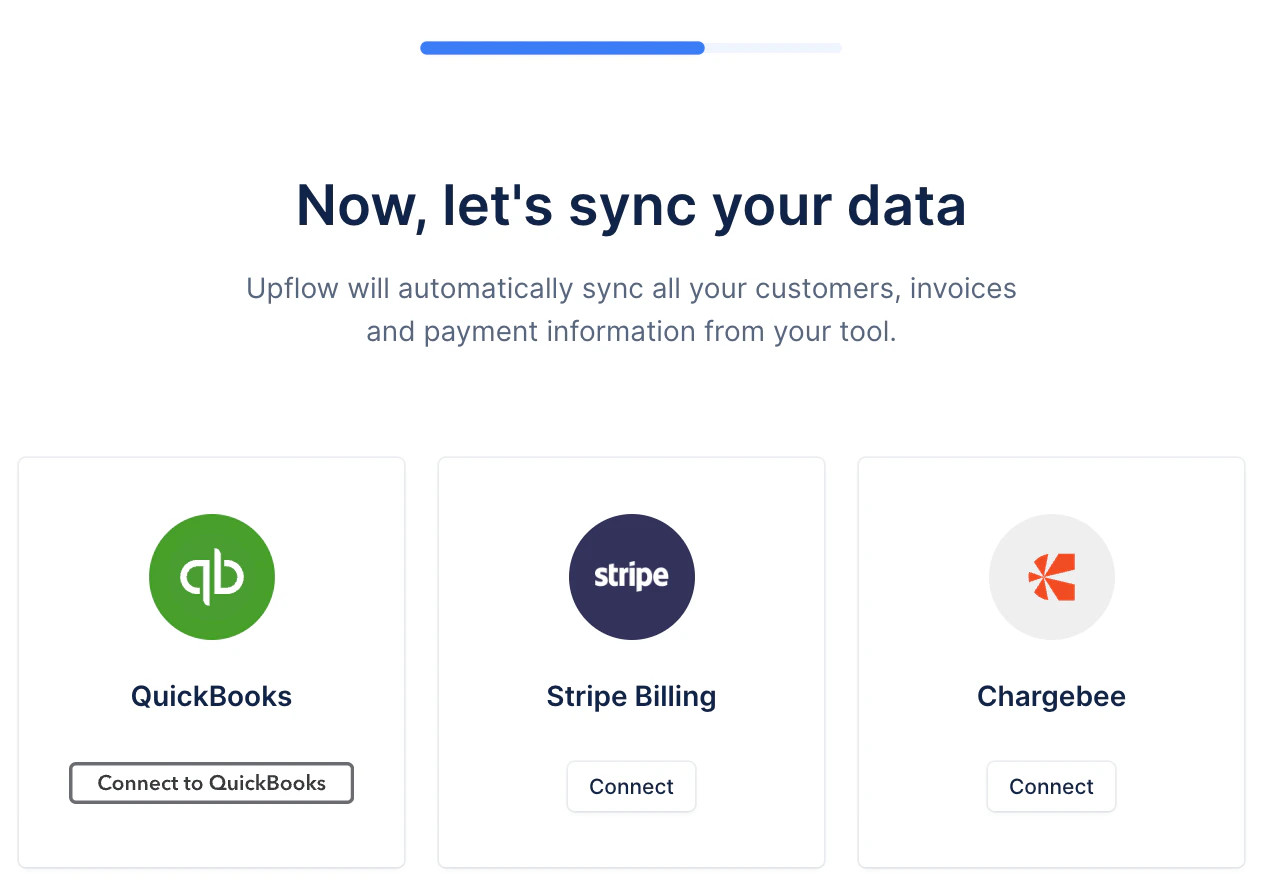
1. **Choose QuickBooks as your data source.** During Upflow onboarding, on the *Now, let's sync your data* step, click **Connect to QuickBooks**.
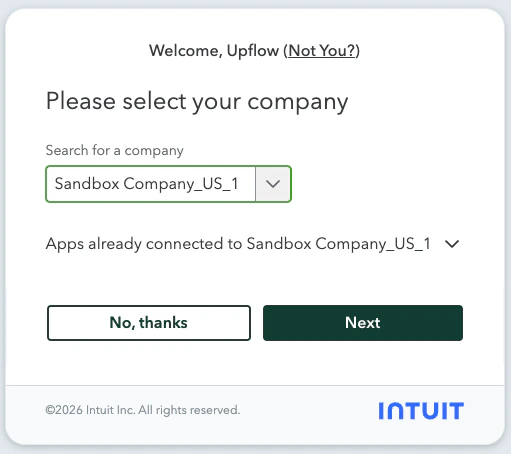
 2. **Authorize Upflow on Intuit.** You'll be redirected to Intuit's OAuth flow. Sign in to QuickBooks if needed, then **select the company** you want Upflow to sync with and click **Next**. After confirming the permissions, you'll be sent back to Upflow.
 Your invoices, customers, and payments will start syncing within a few minutes. See the [integration overview](/en-us/integrations/quickbooks/overview) for what gets imported and how the sync behaves.
If you ever need to reconnect QuickBooks (for example after revoking access in Intuit), follow the [reconnect steps in the integration overview](/en-us/integrations/quickbooks/overview#quickbooks-and-upflow-are-disconnected).
Your invoices, customers, and payments will start syncing within a few minutes. See the [integration overview](/en-us/integrations/quickbooks/overview) for what gets imported and how the sync behaves.
If you ever need to reconnect QuickBooks (for example after revoking access in Intuit), follow the [reconnect steps in the integration overview](/en-us/integrations/quickbooks/overview#quickbooks-and-upflow-are-disconnected).