> ## Documentation Index
> Fetch the complete documentation index at: https://docs.upflow.io/llms.txt
> Use this file to discover all available pages before exploring further.
# Your Upflow Portal
> Access your billing portal from Upflow's Settings to review outstanding and paid invoices, manage payment methods, and download billing details as an admin.
As an Admin user, you can access your Upflow portal from your organization [Settings > Billing section](https://app.upflow.io/organization/-/settings/billing).
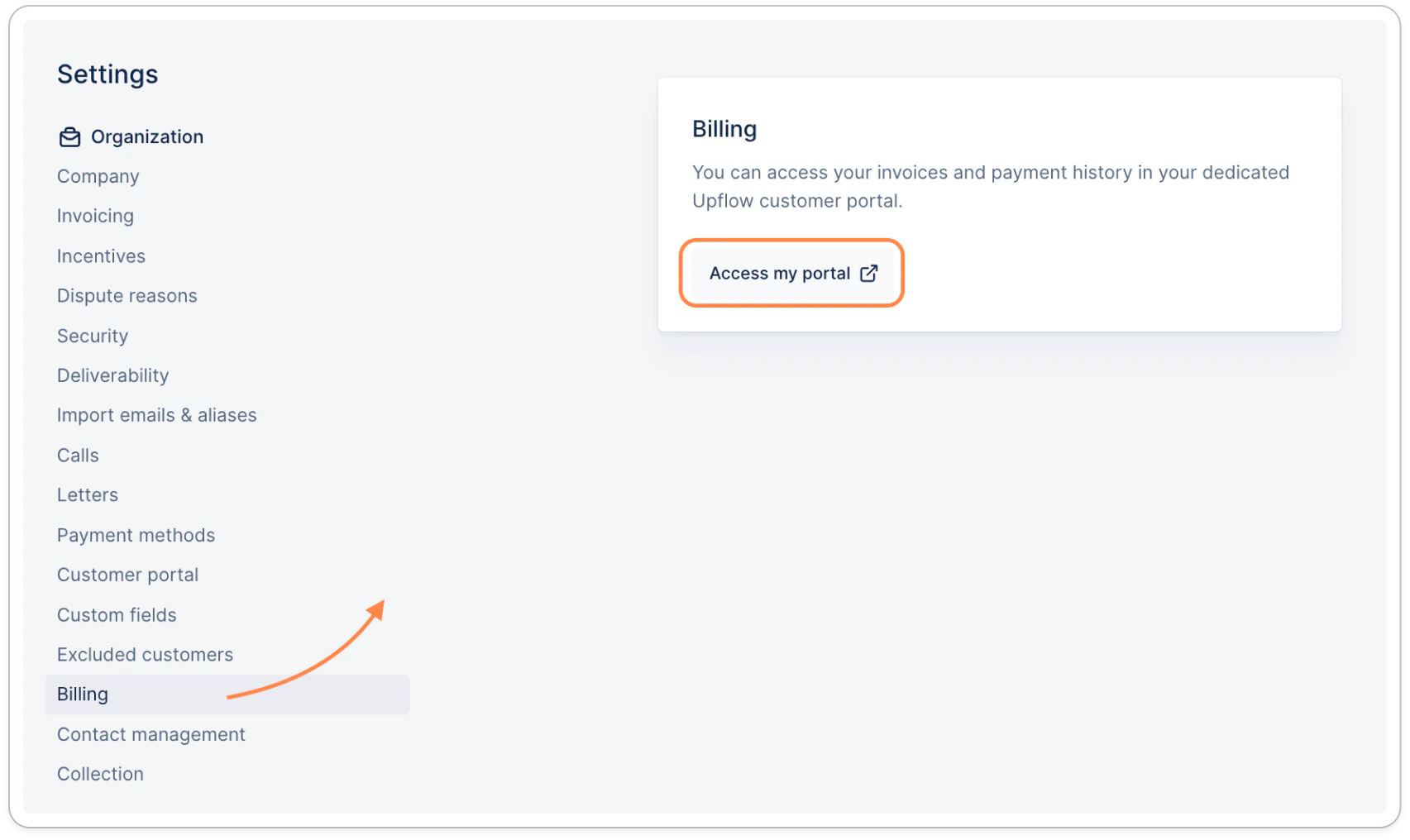 From there, you'll be able to:
* Access all invoices - outstanding or paid
* Unapplied credit notes, if any
* Pay your outstanding invoices
* Save a payment method for future manual or automated debits
As well as access our W9 form, and your account statements:
* [Customer portal](/en-us/customer-portal/customer-portal/overview)
* [Download your Account Statement](/en-us/customer-portal/customer-portal/download-your-account-statement)
Or contact our Billing team for any questions on your invoices, payments, or subscription.
From there, you'll be able to:
* Access all invoices - outstanding or paid
* Unapplied credit notes, if any
* Pay your outstanding invoices
* Save a payment method for future manual or automated debits
As well as access our W9 form, and your account statements:
* [Customer portal](/en-us/customer-portal/customer-portal/overview)
* [Download your Account Statement](/en-us/customer-portal/customer-portal/download-your-account-statement)
Or contact our Billing team for any questions on your invoices, payments, or subscription.