> ## Documentation Index
> Fetch the complete documentation index at: https://docs.upflow.io/llms.txt
> Use this file to discover all available pages before exploring further.
# Contact our Support team
If you can't find the answer to your question and need assistance from our Support team, you can:
* Directly contact [support@upflow.io](mailto:support@upflow.io)
* Submit and track your support requests from your profile\* which we recommend :)
#### \*To do so, click on “Contact Support” at the top right of the page:
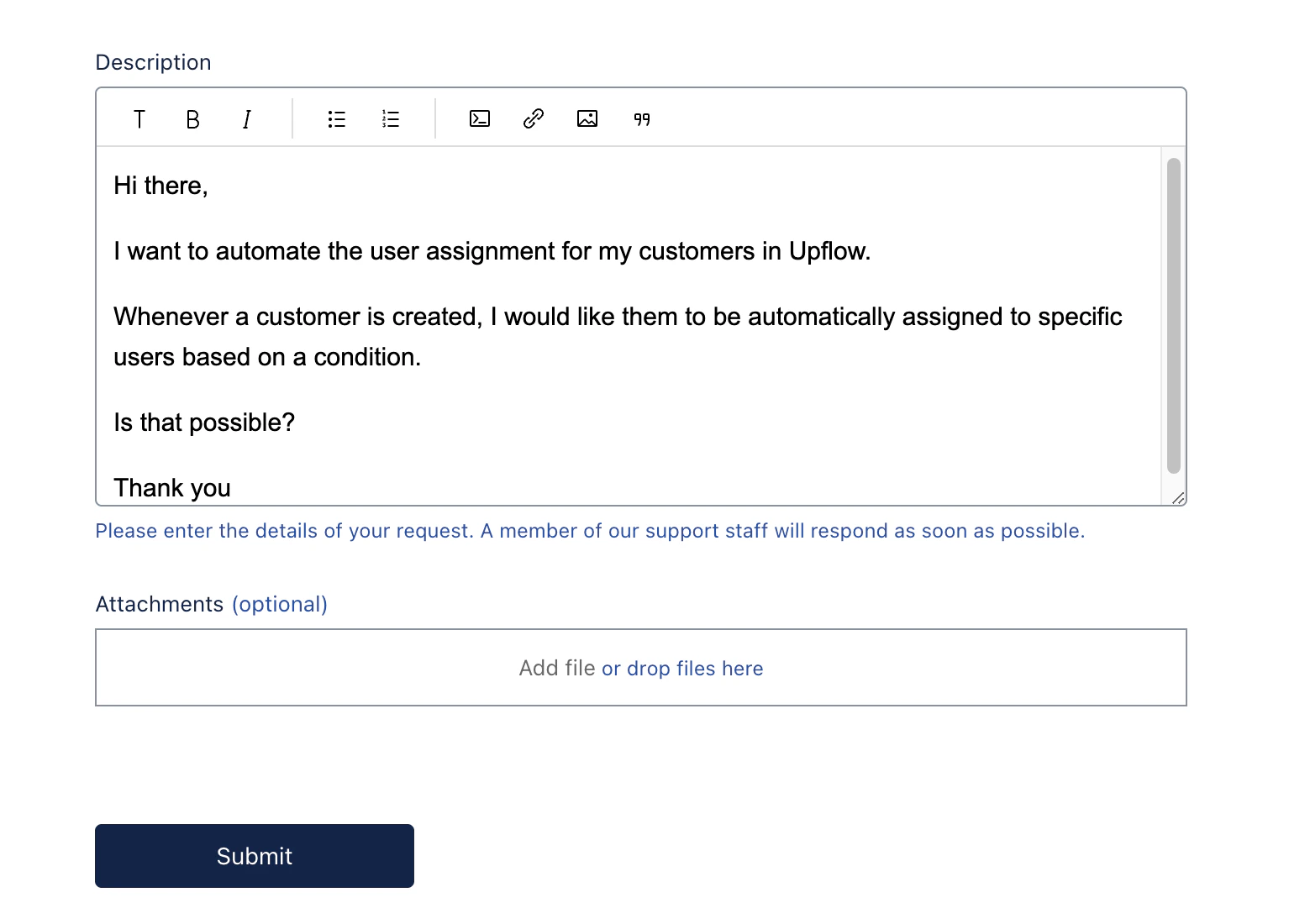
 You will see this page:
 Once on the Request form page, you can simply submit your request, or first create/access your Profile to track all your Support requests.
 Choose an email address and password, or use Google SSO.
Please note that this profile is **independent** from Upflow, and can't be accessed with your usual Upflow credentials.
Now, you can access your Profile or your existing requests by clicking on your name.
If our Documentation [here](https://docs.upflow.io/en-us/essentials/get-started/contact-our-support-team) isn't enough to help answer your question(s), please share as many details in your request as possible, with examples, so our team has as much context as possible and can assist you at best.
Choose an email address and password, or use Google SSO.
Please note that this profile is **independent** from Upflow, and can't be accessed with your usual Upflow credentials.
Now, you can access your Profile or your existing requests by clicking on your name.
If our Documentation [here](https://docs.upflow.io/en-us/essentials/get-started/contact-our-support-team) isn't enough to help answer your question(s), please share as many details in your request as possible, with examples, so our team has as much context as possible and can assist you at best.
 #### When looking at your existing requests, you can see different statuses:
* **Open:** We received your request and are investigating. We are doing our best to get back to you quickly and efficiently.
* **Awaiting your reply:** We replied to you and updated your ticket. We might need more information from you, or confirmation that everything is working as expected.
* **Solved:** Your ticket was resolved.
If you need to continue on a solved request or the issue is happening again, you can reopen it or create a follow-up:
* Solved less than four days ago: you can add comments that will reopen the thread for our team
#### When looking at your existing requests, you can see different statuses:
* **Open:** We received your request and are investigating. We are doing our best to get back to you quickly and efficiently.
* **Awaiting your reply:** We replied to you and updated your ticket. We might need more information from you, or confirmation that everything is working as expected.
* **Solved:** Your ticket was resolved.
If you need to continue on a solved request or the issue is happening again, you can reopen it or create a follow-up:
* Solved less than four days ago: you can add comments that will reopen the thread for our team
 * Solved more than four days ago, you can create a follow-up request
