> ## Documentation Index
> Fetch the complete documentation index at: https://docs.upflow.io/llms.txt
> Use this file to discover all available pages before exploring further.
# Invoice dispute reasons
> Customize the list of invoice dispute reasons available to your team, customers and Upflow AI to better diagnose what is blocking customer payments.
Invoice dispute reasons allow you to better understand what is preventing some of your customers from paying. Having clear data on it will enable you to identify potential problems in your order-to-cash process and improve it.
You can customize the dispute reasons available to your team, your customers, and Upflow AI when disputing invoices. This helps you track disputes in a way that makes sense for your business.
# Default dispute reasons
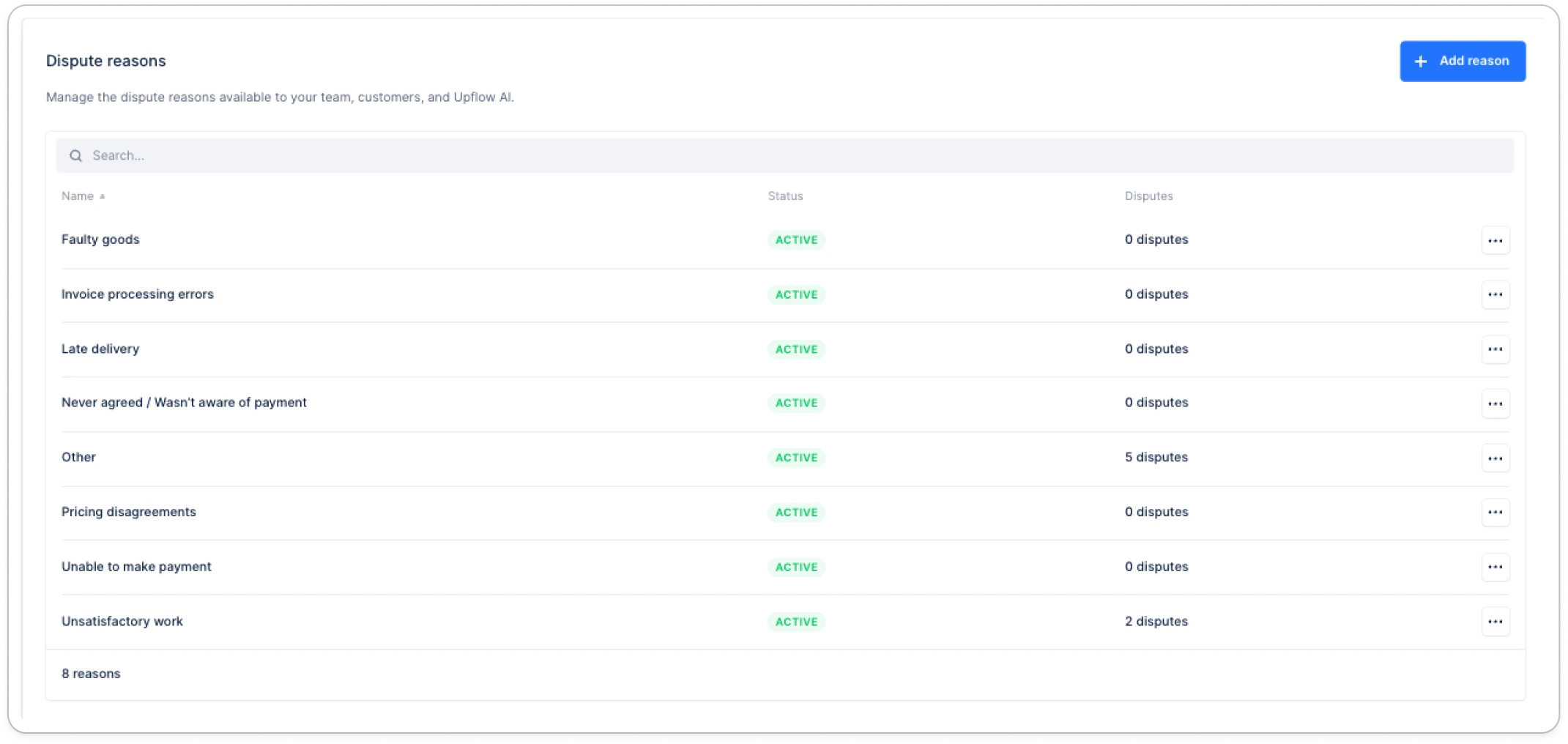
Upflow seeds your account with these standard dispute reasons:
* Unsatisfactory work
* Faulty goods
* Late delivery
* Never agreed / Wasn't aware of payment
* Unable to make payment
* Pricing disagreements
* Invoice processing errors
* Other
You can edit or archive any of these to match your business needs.
# Why customize dispute reasons?
By default, Upflow provides standard dispute reasons like "Faulty goods," "Late delivery," and "Pricing disagreements." However, every business is different. Customizing your dispute reasons allows you to:
* **Track disputes that matter to your business** - Create reasons specific to your products, services, or common customer issues
* **Streamline resolution** - Help your team quickly understand and prioritize disputes based on relevant categories
# Accessing dispute settings
1. Navigate to [**Settings > Dispute reasons**](https://app.upflow.io/organization/-/settings/disputes) in Upflow
2. Here you'll see all your active and archived dispute reasons
 # Managing dispute reasons
## Adding a new dispute reason
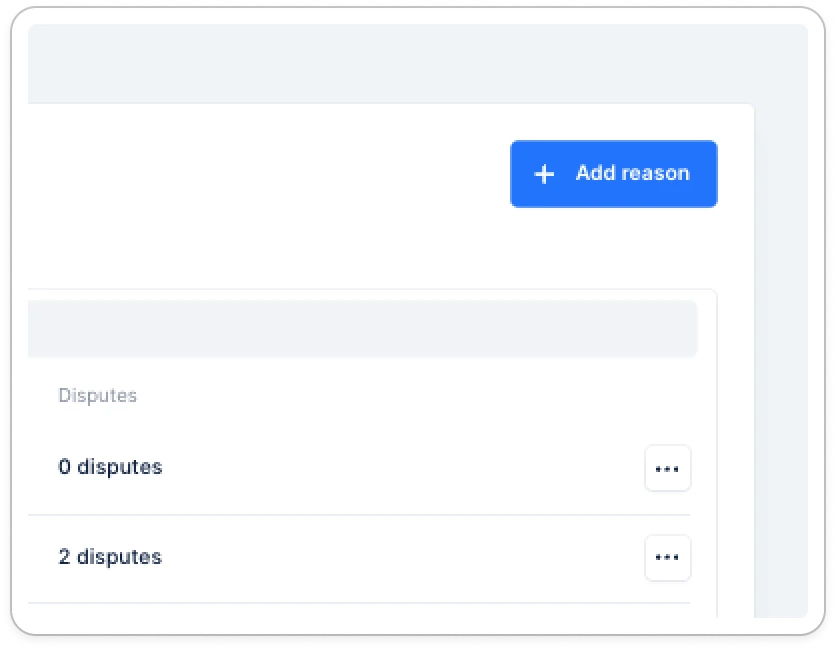
1. In the Disputes settings, click **Add reason**
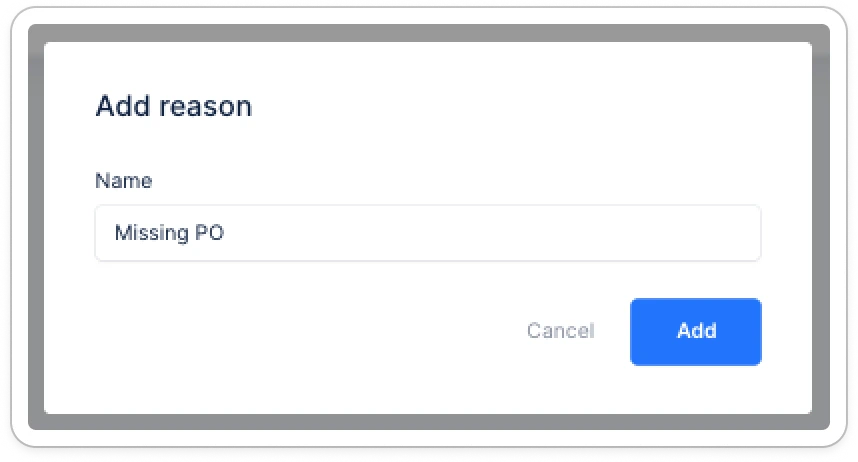
2. Enter a unique label for your dispute reason
3. Click **Save**
The new reason will immediately be available for selection when creating disputes.
# Managing dispute reasons
## Adding a new dispute reason
1. In the Disputes settings, click **Add reason**
2. Enter a unique label for your dispute reason
3. Click **Save**
The new reason will immediately be available for selection when creating disputes.
 **Note:** Each dispute reason label must be unique across both active and archived reasons.
## Editing a dispute reason
1. Find the dispute reason you want to edit
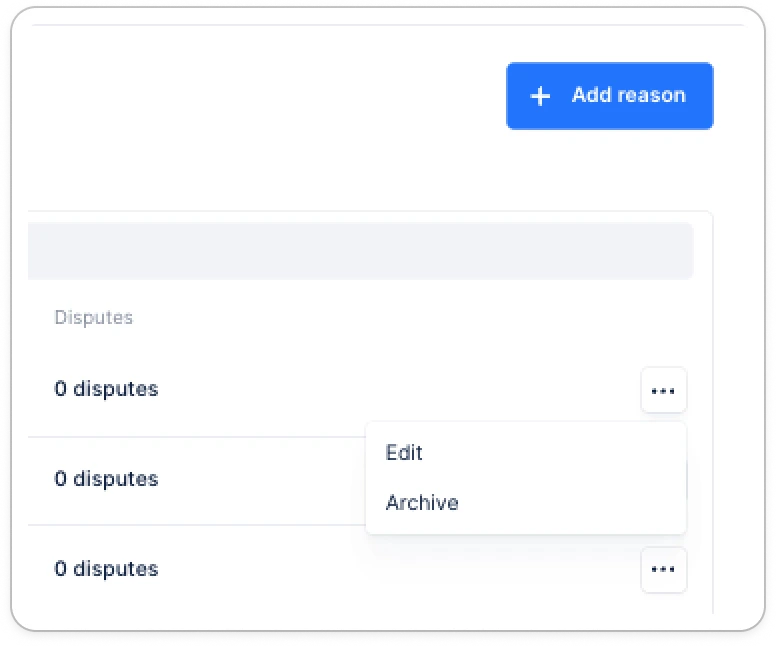
2. Click Edit
3. Update the label
4. Click **Save**
**Note:** Each dispute reason label must be unique across both active and archived reasons.
## Editing a dispute reason
1. Find the dispute reason you want to edit
2. Click Edit
3. Update the label
4. Click **Save**
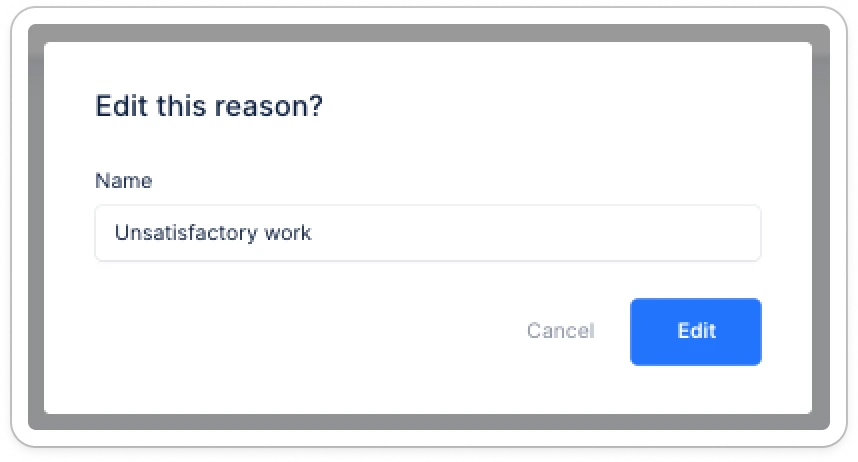 **Important:** When you edit a dispute reason, it updates the value for all historical disputes that used this reason. This ensures your analytics remain consistent.
## Archiving a dispute reason
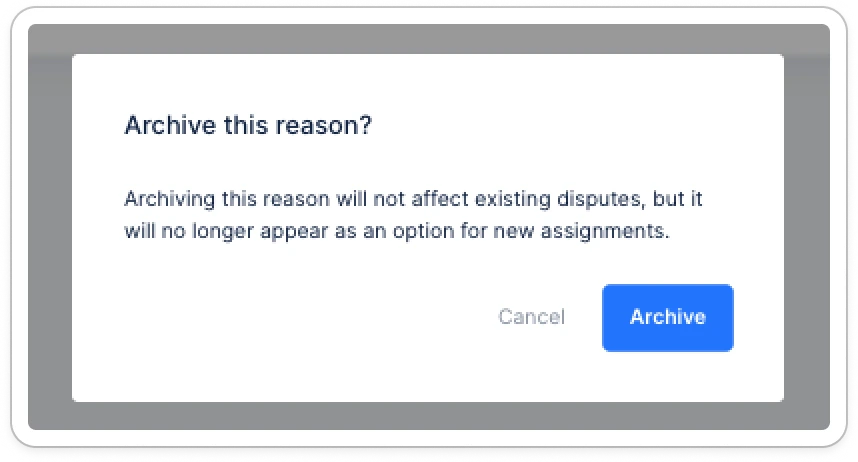
If you no longer want to use a specific dispute reason but need to preserve it for historical analysis:
1. Find the dispute reason you want to archive
2. Click Archive
3. Confirm the action
**What happens when you archive a reason:**
* It can no longer be selected for new disputes
* It remains visible in historical disputes and analytics
* It can be restored at any time
**Important:** When you edit a dispute reason, it updates the value for all historical disputes that used this reason. This ensures your analytics remain consistent.
## Archiving a dispute reason
If you no longer want to use a specific dispute reason but need to preserve it for historical analysis:
1. Find the dispute reason you want to archive
2. Click Archive
3. Confirm the action
**What happens when you archive a reason:**
* It can no longer be selected for new disputes
* It remains visible in historical disputes and analytics
* It can be restored at any time
 **Restoring an archived reason:**
1. Filter or navigate to archived reasons
2. Find the reason you want to restore
3. Click the restore icon
4. The reason will be available again for new disputes
**Restoring an archived reason:**
1. Filter or navigate to archived reasons
2. Find the reason you want to restore
3. Click the restore icon
4. The reason will be available again for new disputes