> ## Documentation Index
> Fetch the complete documentation index at: https://docs.upflow.io/llms.txt
> Use this file to discover all available pages before exploring further.
# Ignore or skip a step in my workflow
> Skip pending dunning actions for a customer or invoice in Upflow to jump to the next reminder earlier when the standard workflow timing no longer fits the case.
Even if every customer is assigned to a specific workflow, we are aware that each case is different and that it may be necessary to skip to the next reminder earlier than expected.
## Ignore a pending manual action
From your *[Actions](https://app.upflow.io/organization/-/actions) To do* section, click on the reminder you'd like to ignore, and click on the *Ignore* button at the bottom of the action:
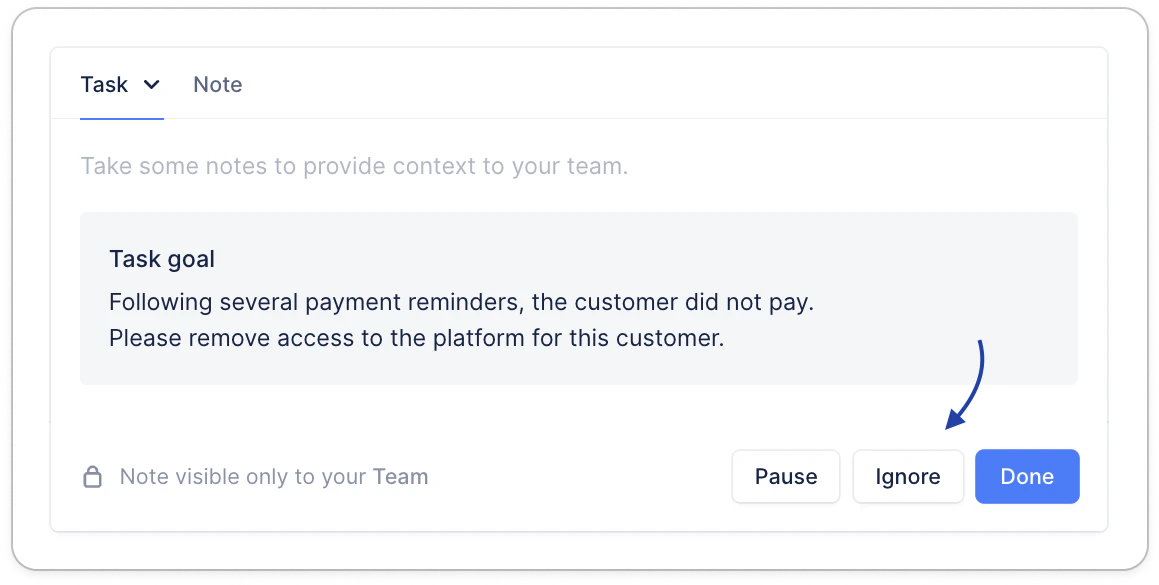 Once you clicked on it, you'll see this message displayed:
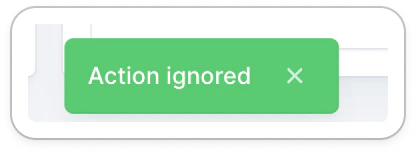 Don't forget to refresh the *[Actions](https://app.upflow.io/organization/-/actions)* to do to see the next action (if there is one following immediately for this customer).
## Bulk ignore actions
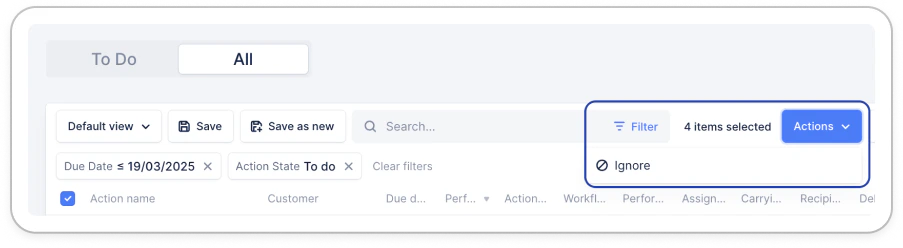
Still from your Actions list view, "All" section, search for or filter your actions (on a specific customer, the action due date, etc.), select them, click Actions > Ignore.
Don't forget to refresh the *[Actions](https://app.upflow.io/organization/-/actions)* to do to see the next action (if there is one following immediately for this customer).
## Bulk ignore actions
Still from your Actions list view, "All" section, search for or filter your actions (on a specific customer, the action due date, etc.), select them, click Actions > Ignore.
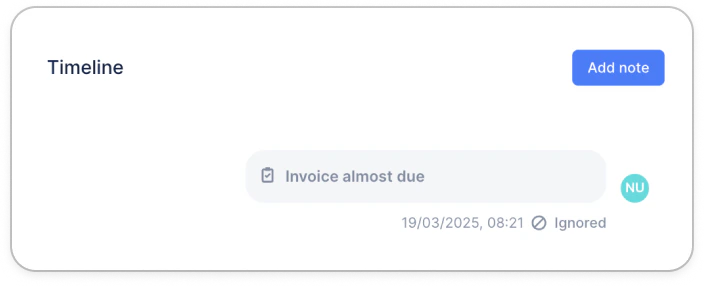
 ## Identify an ignored action
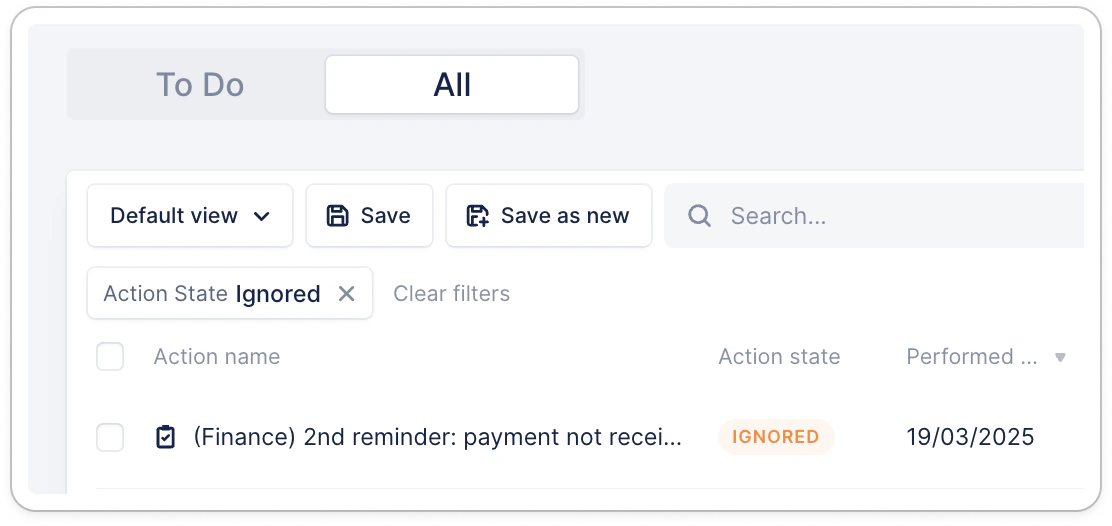
From the same list view, you can filter actions on the "Ignored" status, and narrow your search on the filters "Due date" or "Performed date".
## Identify an ignored action
From the same list view, you can filter actions on the "Ignored" status, and narrow your search on the filters "Due date" or "Performed date".
 From the Customer's timeline:
 Do you still have a question? [Submit a Support request](https://support.upflow.io/hc/en-us/requests/new)!